# example.com — 10-second product intro
The HyperFrames docs **Reference Project**. One real project, built end to end from one
real request:
> Using `/hyperframes`, make a 10-second product intro for `https://example.com`.
**1920×1080 · 10.000s · 30 fps · 300 frames · one scene · one caption overlay.**
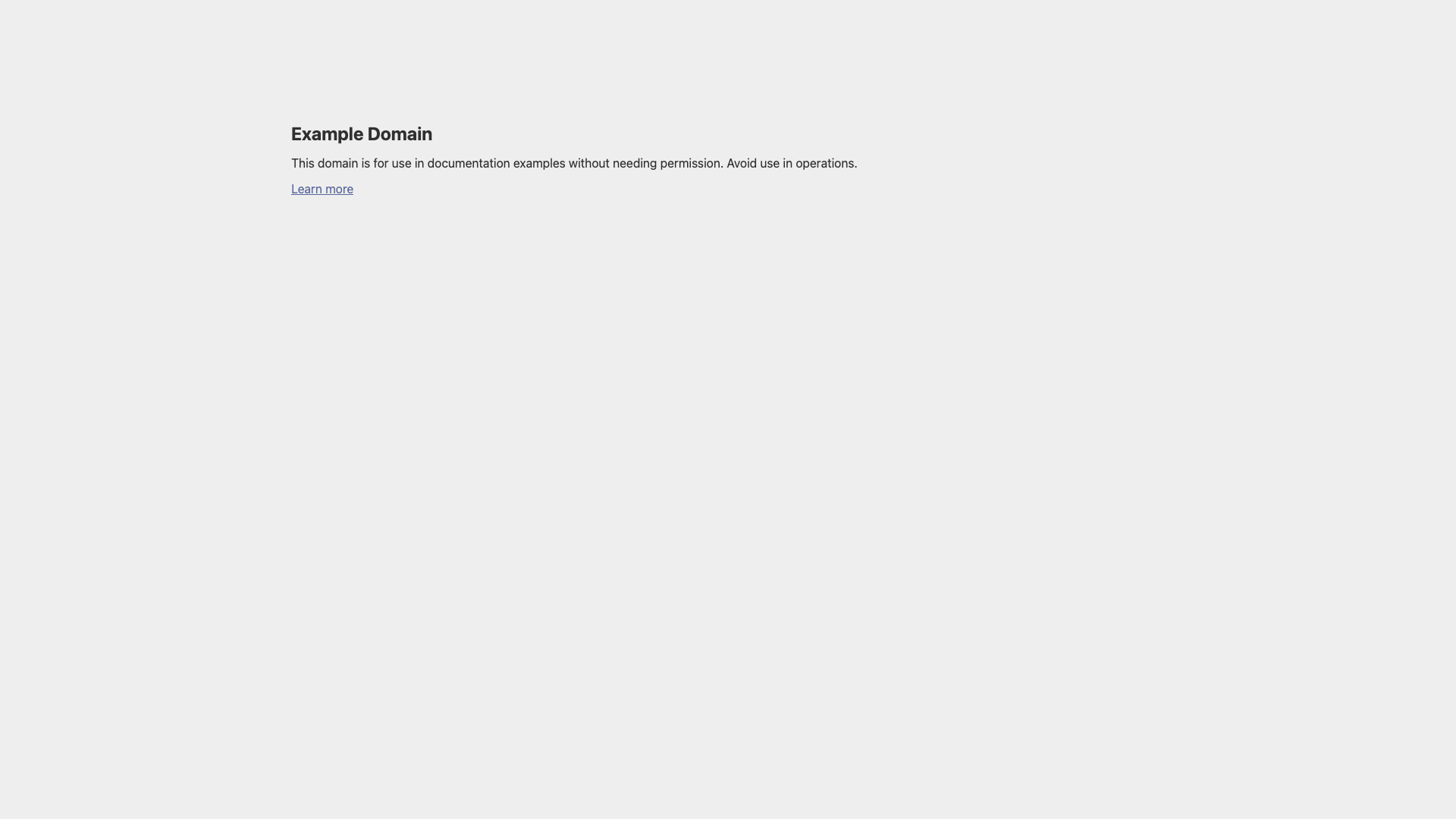
Everything in here is real: the plate is a live capture of `example.com`, the copy is
the page's own wording, the narration is synthesised speech, and the caption timings are
measured word timings from that narration. Nothing is mocked, and no command output in
these files is invented.
---
## Run it
```bash
bun run dev # Studio preview (long-running — keep it in the background)
bun run check # lint + runtime + layout + motion + contrast, one command
bun run render # → renders/video.mp4
```
The scripts pin an exact CLI version so this project re-renders identically over time.
To move the pin up: `npx hyperframes@latest upgrade --project . --check`, then drop
`--check` to apply, then re-run `bun run check`.
## Files
| File | What it is |
| ---------------------------- | --------------------------------------------------------------------------------- |
| `index.html` | the composition — root timeline, the whole scene, all four audio tracks |
| `compositions/captions.html` | the caption overlay, wired as a sub-composition on track 2 |
| `BRIEF.md` | the confirmed intent the workflow was handed |
| `frame.md` | the design spec — palette, type, the plate rule, the caption skin |
| `STORYBOARD.md` | the plan: `## Video direction` plus one time-coded shot sequence |
| `SCRIPT.md` | locked narration, the voice, and the exact commands that regenerate it |
| `VERIFICATION.md` | what passed, what changed from v1, and the two framework bugs found on the way |
| `transcript.json` | Whisper word timings for `assets/narration.wav` — the source of every caption cue |
## The five variables
Declared on `` as `data-composition-variables`, so the same composition can front
another site without touching the HTML:
| id | type | default |
| ---------------- | ------ | --------------------------------------------------------------- |
| `title` | string | `Example Domain` |
| `accent` | color | `#334488` |
| `supportingLine` | string | `For use in documentation examples without needing permission.` |
| `siteUrl` | string | `example.com` |
| `pageImage` | string | `assets/example-com.png` |
They are wired **declaratively** — no `getVariables()` call anywhere in this project:
```html
Example Domain
```
```css
background: var(--accent, #334488); /* the runtime publishes every scalar variable
as a -- custom property on the root */
```
Override at render time:
```bash
npx hyperframes render --variables '{"title":"Acme Docs","accent":"#0f766e"}'
npx hyperframes render --variables-file rows.json --strict-variables
```
Two gotchas worth knowing, both learned here:
1. **Keep the `data-composition-variables` JSON pure ASCII.** It sits on ``, which
is consumed before `` takes effect, so a literal em dash in a `default`
renders as `â€"`. Use the JSON escape `\u2014` instead — verified by snapshot. Body text
and sub-composition text are unaffected.
2. **Put `data-var-src` before `src`.** `lint`'s `missing_local_asset` scan matches the
last `src=` in the tag, and `data-var-src` also ends in `src`, so the reverse order
makes it read the variable id as a filename and fail.
## Audio
Four tracks, each a plain `
 ```
```css
background: var(--accent, #334488); /* the runtime publishes every scalar variable
as a --