 ukimsanov
1315a0616c
Real-AI-test heygen-showcase build self-critique (excerpt):

  "Mine peaks early, then flattens. Beat 1 (the real Orb) and beat 2
  (the avatar reveal) are strong — but they're strong because I
  dropped in HeyGen's own captured production video and framed it.
  The moment I ran out of impressive captured footage, beats 3–5 fell
  back to generic motion-graphics tropes: an abstract 'chips → beam →
  output' diagram, a stat board, a logo-on-glass card. Those are
  competent but they're the default shapes — the very ones the
  skill's own step-3 warns against."

The agent's own root-cause analysis identified three skill-doc gaps
that amplified the flattening — encoded here as concrete rule changes:

1. Per-beat product-moment test (step-3, near the single-sentence
   test): every beat in a product/SaaS reel must name a specific
   product interaction or interface element it demonstrates, NOT just
   a mood/material. "Beat 3: dark cinematic atmosphere with abstract
   beam" fails; "Beat 3: user types an idea into the Video Agent
   prompt box, hits Generate, the player slides up with a finished
   video" passes. Applies regardless of arc choice — even Reveal/Vibe
   beats need product moments.

2. THREE beat content types, not two (step-3, asset-vs-composition
   section). The skill previously listed two content sources:
   captured assets, and composed atmospheric visuals. Adding a third,
   load-bearing one:

     a. Captured asset
     b. Composed visual (atmospheric / motion-graphics)
     c. DESIGNED PRODUCT MOMENT — a believable product interface
        that demonstrates a real capability, INVENTED to show what
        the product does (NOT a screenshot of the source site).
        Examples: a "type → Generate → render" Video Agent UI; a
        live language switcher; a kanban card sliding through real
        columns with brand product copy.

   This is the type heygen-com used heavily and heygen-showcase
   under-used. Each new feature → a new designed interface → variety
   is automatic. The fail mode this rule names is explicit:
   captured-video-rich openers but composed-atmosphere middles. If a
   beat lacks a captured anchor, ask "what product moment could I
   design here?" BEFORE reaching for abstract atmosphere.

3. "VIDEO not webpage" rule clarification (SKILL.md Step -1). The
   existing rule has been over-corrected into "kill all UI moments,"
   producing atmospheric middle beats. The clarification:

     - Kills: static 1920×1080 page-layout reproduction with 2px
       breathing animation.
     - Does NOT kill: animated UI demonstrating what the product
       does, framed cinematically (close framing, camera motion,
       depth, light). Designed product UI IS legitimate cinematic
       content when shot well.

   Frame product UI as a shot, don't replicate a screenshot — but
   DO compose it. Cross-references step-3's three-content-types
   block.

4. Archetype gate hardened for product/SaaS brands (step-3,
   archetype section). Was "Optional — secondary to the Arc field."
   Now: "Strongly recommended for product/SaaS brands (the typical
   w2h source URL) — not optional." The named archetypes (PAS, BAB,
   Future-Pacing, Demo-Loop, Feature-Benefit-Cascade) all generate
   per-beat product moments by construction; skipping them lets
   mood/atmosphere fill the gap.

   The carve-out is unchanged but narrowed: skip the archetype only
   for true brand reels (NOT product demos), pure atmospheric pieces,
   and "show what it is" mood-led videos where the brand sells
   feeling rather than capability.

The three rules compose: archetype forces per-beat structure, the
product-moment test forces per-beat subject, the three-content-types
block gives the agent the right toolkit. Without any one of these,
the agent can still ship a great hook with a flat middle (which is
what the heygen-showcase run did).

Zero code change. Doc-only — the rules apply at write time, in step-3
and the SKILL.md entry point.

Followups (not in this commit — surface for separate decisions):
  - If a future test still ships mood-middle videos despite these
    rules, consider adding a hard gate in the dispatch packet template
    requiring a "product_moment" field per beat.
  - The "captured video as crutch" diagnosis is fully addressed by
    rule #2 (designed-UI as third content type) — no separate fix
    needed for that.


Write HTML. Render video. Built for agents.
Quickstart | Showcase | Playground | Catalog | Docs | Discord

HyperFrames is an open-source framework for turning HTML, CSS, media, and seekable animations into deterministic MP4 videos. Use it locally with the CLI, from AI coding agents with skills, or as the rendering core behind hosted authoring workflows.
Quick Start
With an AI coding agent
Install the HyperFrames skills, then describe the video you want:
npx skills add heygen-com/hyperframes
Try a prompt like:
Using
/hyperframes, create a 10-second product intro with a fade-in title, a background video, and subtle background music.
The skills teach agents the HyperFrames production loop: plan the video, write valid HTML, wire seekable animations, add media, lint, preview, and render. They work with Claude Code, Cursor, Gemini CLI, Codex, and other coding agents that support skills.
For visual design handoff workflows, see the Claude Design guide and Open Design guide.
Manually with the CLI
npx hyperframes init my-video
cd my-video
npx hyperframes preview      # preview in browser with live reload
npx hyperframes render       # render to MP4
Requirements: Node.js 22+, FFmpeg
What You Can Build
Need ideas? Browse the Showcase for finished videos you can watch, read, run, and remix.
- Product launch videos and feature announcements
- PR walkthroughs with animated code diffs, narration, and captions
- Data visualizations, chart races, and map animations
- Social videos with kinetic captions, overlays, and music
- Docs-to-video, PDF-to-video, and website-to-video explainers
- Reusable motion graphics for automated content pipelines
Frame.md
frame.md — your design system, ready for video.
Every brand has a design.md. None of them were written for a camera. frame.md is the missing translation layer: it takes your web-context design spec and inverts it for the frame — the same tokens, the same rules, but rewritten so an AI agent can compose a promo video without guessing at scale or reaching for web chrome.
The output is a DESIGN.md superset your whole toolchain can read. Atoms stay sacred. Composition stays free. Numbers come from the script.

Biennale Yellow |

BlockFrame |
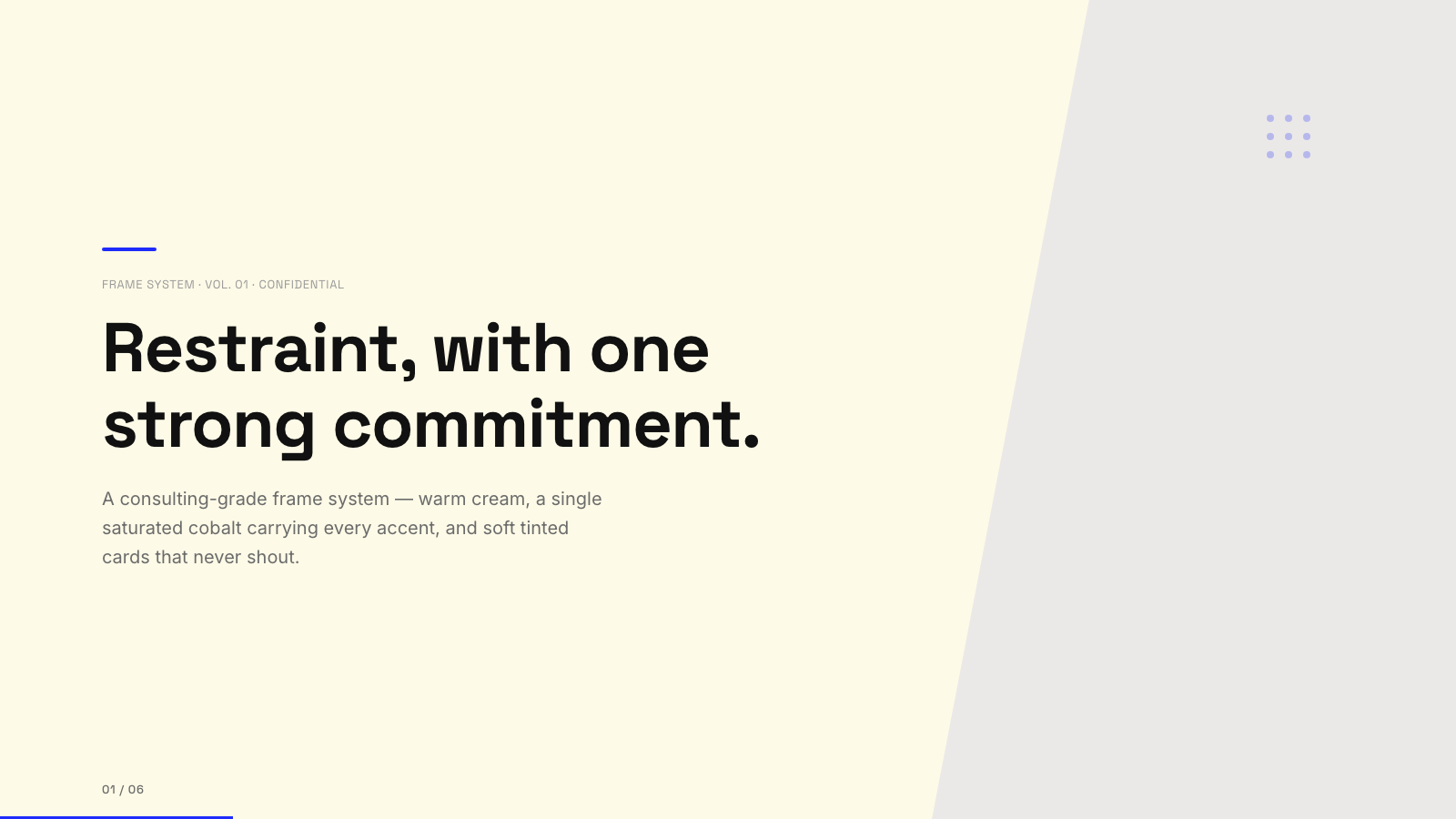
Blue Professional |

Bold Poster |
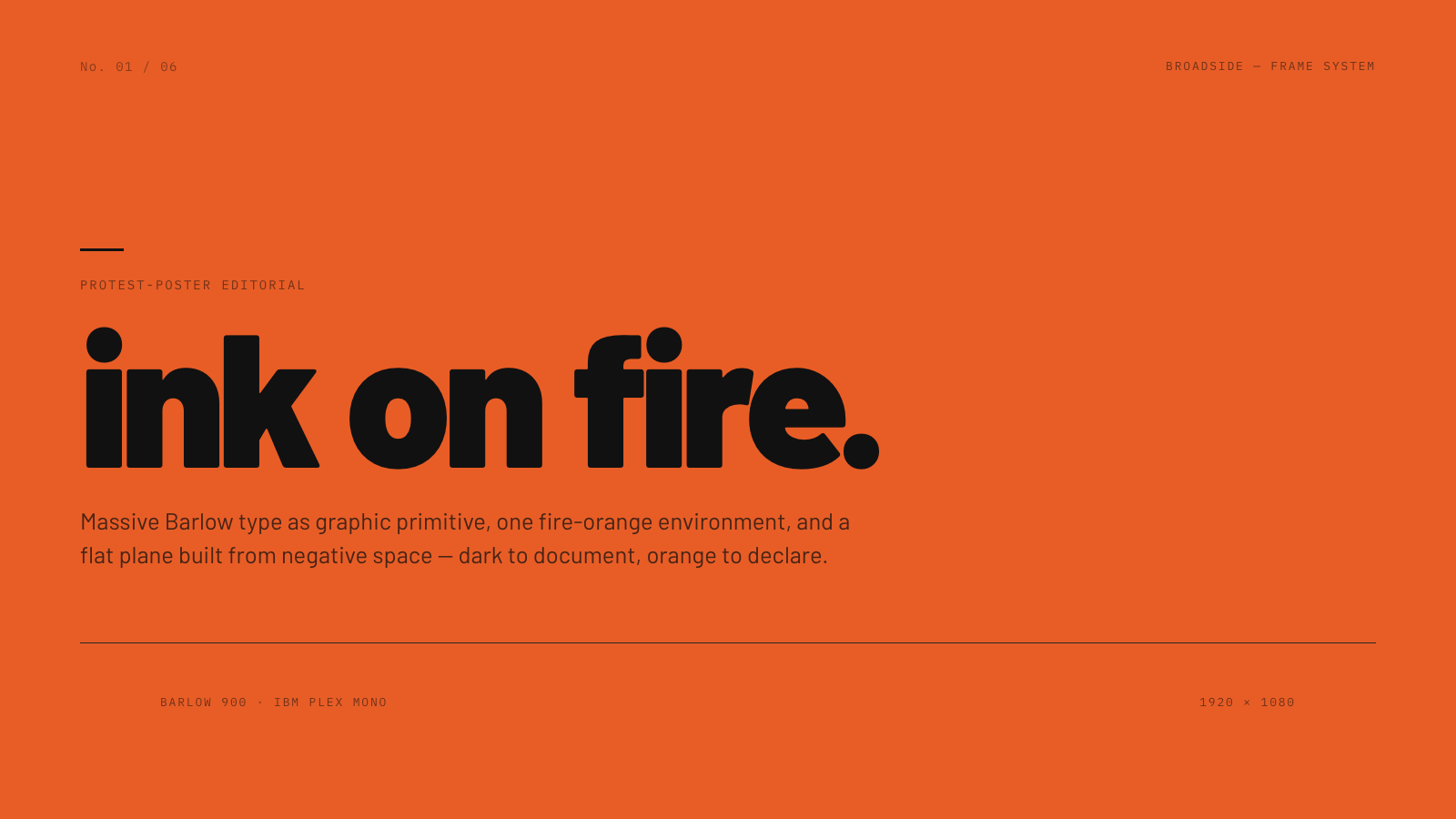
Broadside |
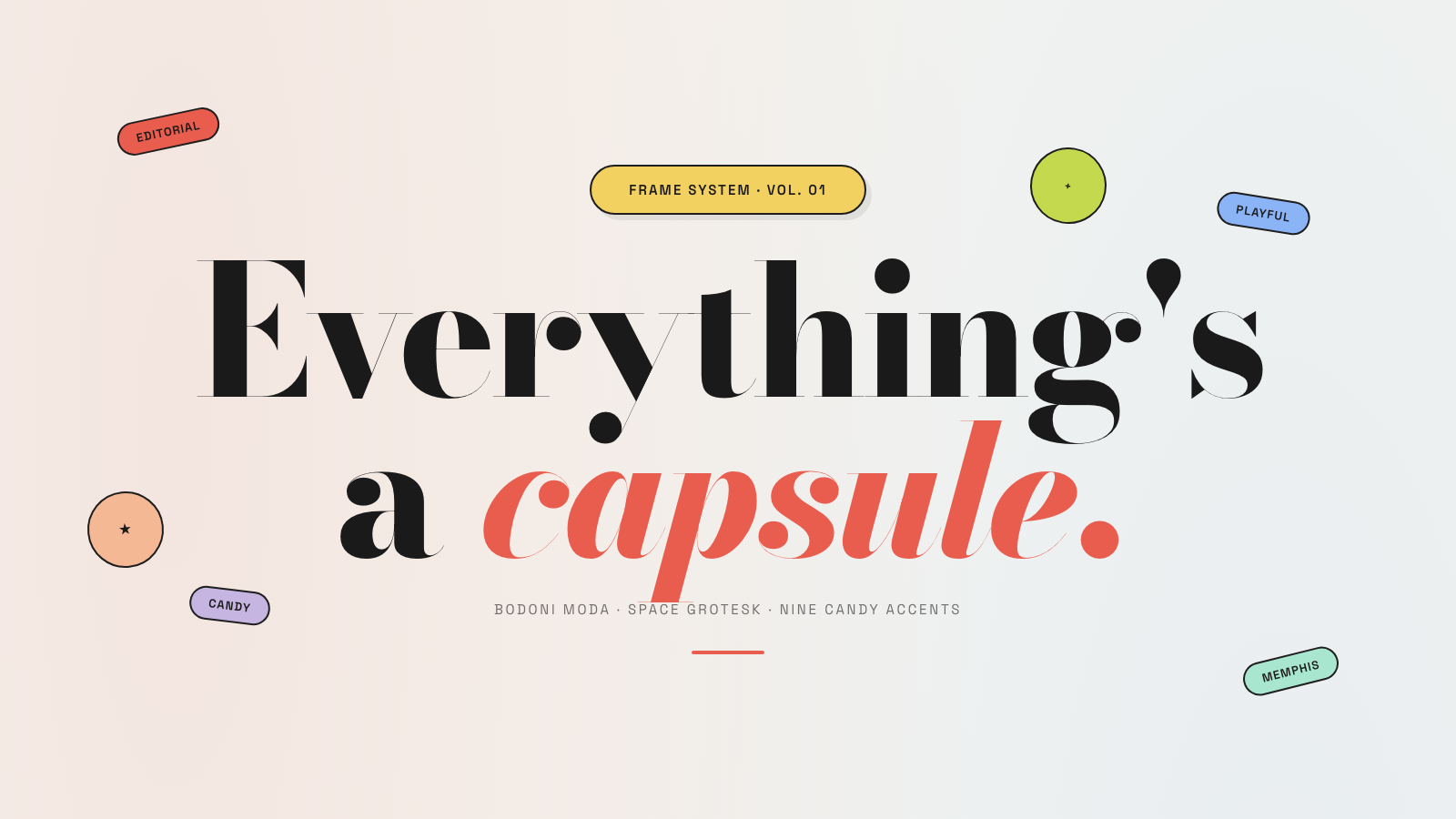
Capsule |
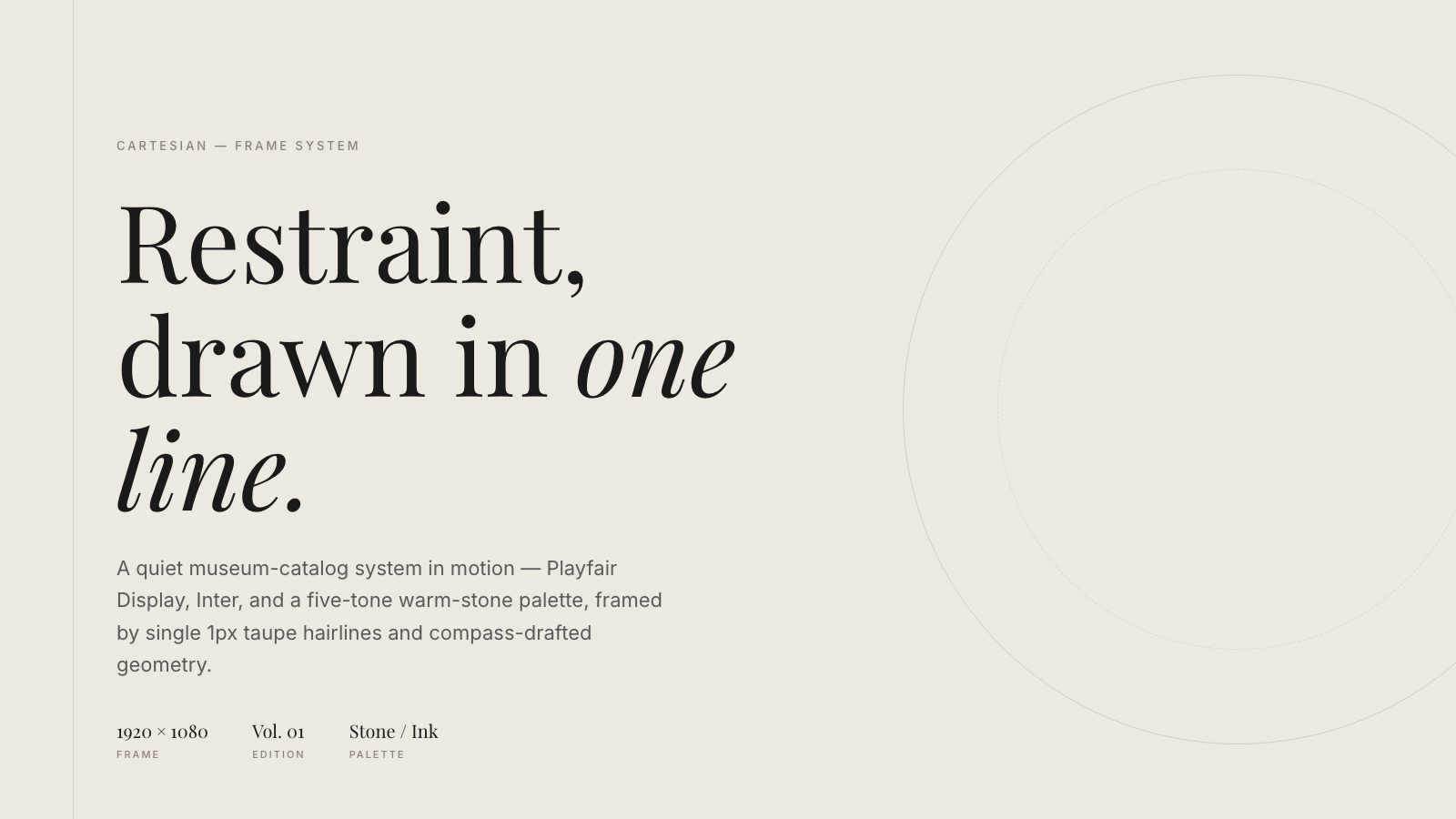
Cartesian |
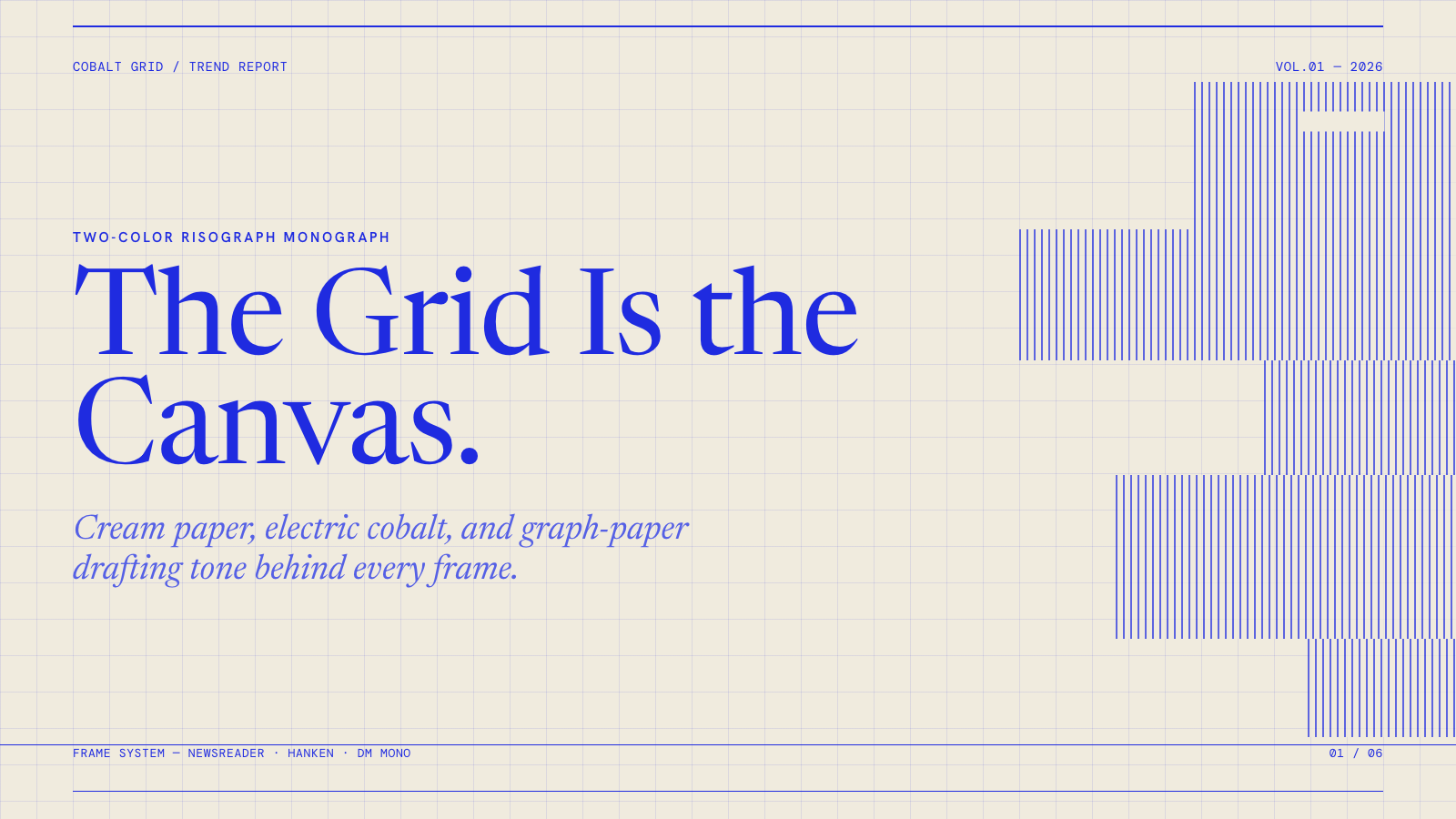
Cobalt Grid |

Coral |
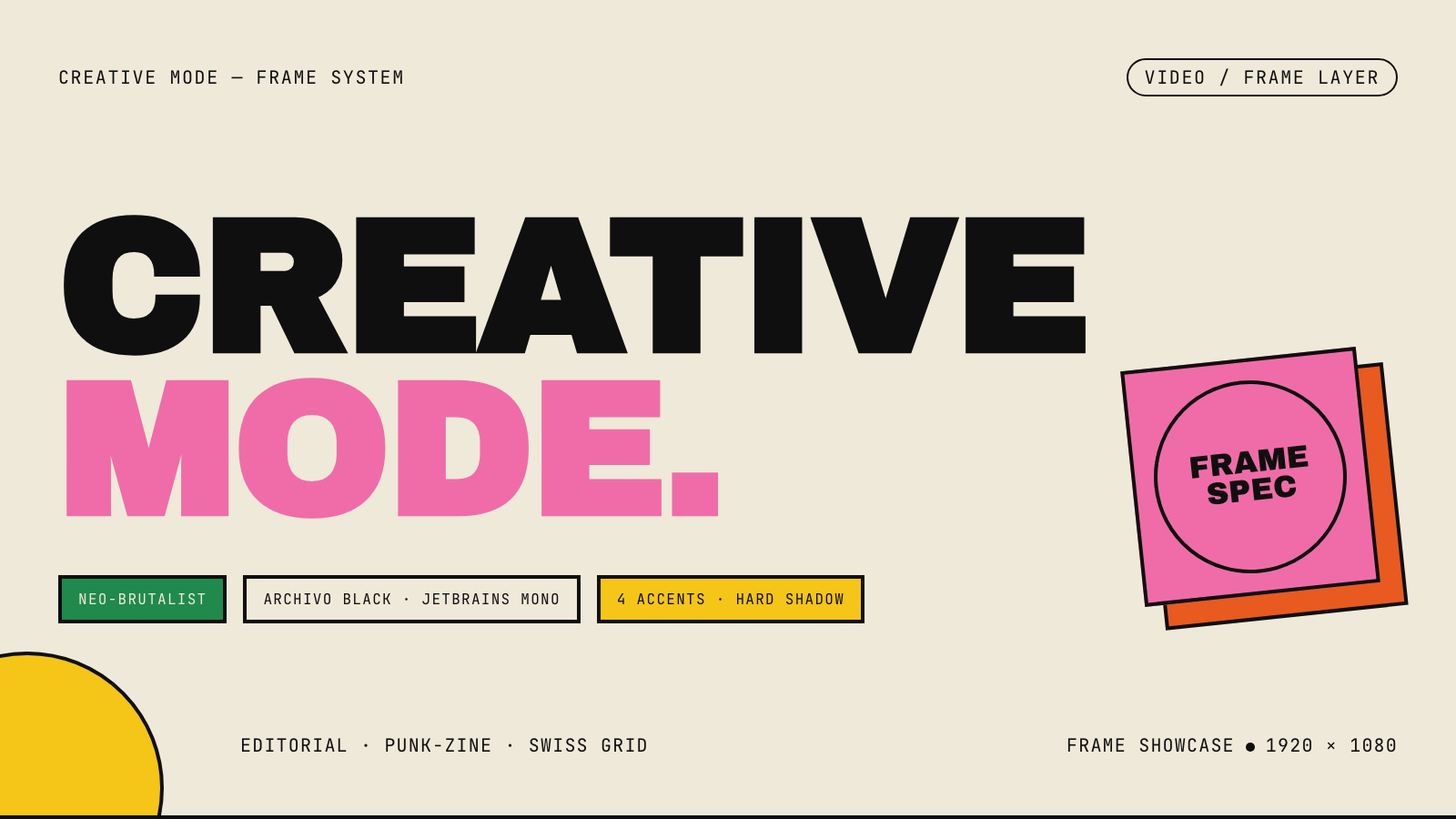
Creative Mode |
Browse and remix them all at hyperframes.dev/design.
How It Works
Define a video as HTML. Add data attributes for timing and tracks. Use GSAP, CSS, Lottie, Three.js, Anime.js, WAAPI, or your own frame adapter for seekable animation.
<div id="stage" data-composition-id="launch" data-start="0" data-width="1920" data-height="1080">
  <video
    class="clip"
    data-start="0"
    data-duration="6"
    data-track-index="0"
    src="intro.mp4"
    muted
    playsinline
  ></video>

  <h1 id="title" class="clip" data-start="1" data-duration="4" data-track-index="1">Launch day</h1>

  <audio
    data-start="0"
    data-duration="6"
    data-track-index="2"
    data-volume="0.5"
    src="music.wav"
  ></audio>

  <script src="https://cdn.jsdelivr.net/npm/gsap@3/dist/gsap.min.js"></script>
  <script>
    const tl = gsap.timeline({ paused: true });
    tl.from("#title", { opacity: 0, y: 40, duration: 0.8 }, 1);
    window.__timelines = window.__timelines || {};
    window.__timelines.launch = tl;
  </script>
</div>
Preview instantly in the browser. Render locally or in Docker. The renderer seeks each frame in headless Chrome and encodes the result with FFmpeg, so the same input produces the same video.
HyperFrames Stack
HyperFrames is the open-source rendering engine, plus a growing set of tools around HTML-native video creation.
| Piece | Status | What it does |
|---|---|---|
| CLI | Available | Scaffold, preview, lint, inspect, and render local video projects |
| Core / Engine / Producer | Available | Parse compositions, drive headless Chrome, encode video, and mix audio |
| Catalog | Available | Reusable blocks and components for transitions, overlays, captions, charts, maps, and effects |
| Agent skills | Available | Teach coding agents the video-production patterns that generic web docs miss |
| Studio | Available, evolving | Browser surface for previewing and editing compositions |
| AWS Lambda rendering | Available | Deploy a distributed render stack and drive renders from your laptop or CI |
| hyperframes.dev | Available | Community playground for previewing, iterating, sharing, and rendering HTML-native video projects |
| frame.md | Available | Invert your design system for the camera — a DESIGN.md superset an agent can compose video from |
Catalog
Install ready-to-use blocks and components:
npx hyperframes add flash-through-white   # shader transition
npx hyperframes add instagram-follow      # social overlay
npx hyperframes add data-chart            # animated chart
Browse the catalog at hyperframes.heygen.com/catalog.
Why HyperFrames?
- HTML-native: compositions are HTML files with data attributes. No React requirement, no proprietary timeline format.
- Agent-friendly: agents already write HTML, and the CLI is non-interactive by default.
- Deterministic: same input, same frames, same output. Built for CI, regression tests, and automated rendering.
- No build step: an
index.htmlcomposition plays as-is and can be previewed directly in the browser. - Adapter-based animation: bring GSAP, CSS animations, Lottie, Three.js, Anime.js, WAAPI, or a custom runtime.
- Open source: Apache 2.0 license, with no per-render fees or commercial-use thresholds.
HyperFrames vs Remotion
HyperFrames is inspired by Remotion. Both tools render video with headless Chrome and FFmpeg. The main difference is the authoring model: Remotion's bet is React components; HyperFrames' bet is plain HTML that humans and agents can both write easily.
| HyperFrames | Remotion | |
|---|---|---|
| Authoring | HTML + CSS + seekable animation | React components |
| Build step | None; index.html plays as-is |
Bundler required |
| Agent handoff | Plain HTML files | JSX / React project |
| Library-clock animations | Seekable, frame-accurate via adapters | Wall-clock animation patterns need care |
| Distributed rendering | Local and AWS Lambda render paths | Remotion Lambda, mature cloud renderer |
| License | Apache 2.0 | Source-available Remotion License |
Read the full comparison in the HyperFrames vs Remotion guide.
Documentation
Full documentation: hyperframes.heygen.com/introduction
Packages
| Package | Description |
|---|---|
hyperframes |
CLI for creating, previewing, linting, and rendering compositions |
@hyperframes/core |
Types, parsers, generators, linter, runtime, and frame adapters |
@hyperframes/engine |
Seekable page-to-video capture engine using Puppeteer and FFmpeg |
@hyperframes/producer |
Full rendering pipeline for capture, encode, and audio mix |
@hyperframes/studio |
Browser-based composition editor UI |
@hyperframes/player |
Embeddable <hyperframes-player> web component |
@hyperframes/shader-transitions |
WebGL shader transitions for compositions |
@hyperframes/aws-lambda |
AWS Lambda SDK and deployment surface for distributed renders |
Community
HyperFrames is used in production at HeyGen, with community examples from teams like tldraw, TanStack, and others in ADOPTERS.md. Open a PR if your team is using HyperFrames.
- Questions and ideas: Discord
- Bugs and feature requests: GitHub Issues
- Security reports: SECURITY.md
- Contributions: CONTRIBUTING.md
Development Note
The repo uses Git LFS for golden regression-test baselines under packages/producer/tests/**/output.mp4 (about 240 MB of .mp4 files). If you're cloning the full repo for development, install Git LFS first:
# macOS
brew install git-lfs

# Ubuntu / Debian
sudo apt install git-lfs

# Windows
winget install GitHub.GitLFS

# Then, once per machine
git lfs install
If you only need source files, you can skip LFS content:
GIT_LFS_SKIP_SMUDGE=1 git clone https://github.com/heygen-com/hyperframes.git