 Miguel Ángel
17ac986bfe
Miguel Ángel
17ac986bfe
* fix(studio): size the selection box by the transform the element actually paints under

The box around a text layer inside the playground card stopped mid-word. The
layer is 260px wide and paints 313, because its parent carries `scale(1.2)`,
and the chrome read only the element's OWN transform. The top-left looked
right, since the corners are anchored to the real bounding rect, so only the
right and bottom edges fell short, by exactly 1/1.2.

The same read decides whether to draw the box rotated at all, so an element
whose parent is rotated got an upright box over a rotated one.

The transform is now accumulated from the element up to the composition root.
Only the linear part matters: each transform's origin contributes translation,
and translation is already discarded by matching the corners to the element's
bounding rect, so composing the matrices is enough and no per-ancestor origin
has to be unpicked. The walk stops inside the composition document, because the
canvas zoom lives on the iframe in Studio's own document and is applied
separately.

The fake DOMMatrix the geometry tests use gained the `multiply` it now needs.

* fix(studio): drag by the movement the element actually makes, not the one assumed

An element that had never been dragged skipped the movement measurement and took
the canvas zoom as the whole screen mapping. Nothing above the element was
considered, so any parent transform broke the drag: a card at rotationY 180 with
scale 1.2 maps a rightward drag to -1.2x the zoom, meaning the text walked LEFT
while the overlay followed the pointer, and the overlay only snapped onto the
text at drop, when it re-measured.

Measured on the live element in that card: one unit of drag offset moved it
-0.757 px on x and +0.757 on y, where the skipped path assumed +0.631 on both.

The measurement it skipped already handles this — it moves the element, watches
where it lands, and inverts that, which is right for rotation, mirroring, scale
and perspective alike. So the special case is gone and every drag measures. Same
element after: a 120x80 pointer drag moves it 120.3x80.2.

Rewrote the test that asserted the skipped path's identity matrix for an
unmovable element. It now asserts the honest outcome: an element with no
measurable movement is reported unmeasurable whether or not it carries a path
offset, and the caller's existing fallback covers it.

* fix(studio): shift-click adds the element under the pointer, not the last one hovered

Shift-click read the hover cache and used it without checking what it described.
That cache is filled asynchronously as the pointer moves, so passing over one
element on the way to another leaves it naming the element you left. The
shift-click then added THAT element, and because the same branch prevented the
default and set the suppression flags, the mousedown path that would have
resolved the point correctly never ran. Multi-select looked like it grabbed
things at random, or like it did nothing.

Reproduced on the canvas with a trace: hover #card, shift-click #dot-b, and the
group gained #card. Same gesture after: the guard rejects the cache, the
mousedown path resolves the point, and the group gains #dot-b.

The cache is still used when it is provably about the point clicked, including
when it names a clip ancestor of the element there, so the fast path survives for
the common case of clicking straight at something.

Adds `hf-select-debug` (localStorage, off by default) recording which selection
branch ran and what it decided, and pulls the flag/format shared with
`hf-reload-debug` into one place rather than copying it.

* fix(studio): keep every element a marquee caught, not just the first

The marquee built the group correctly and then threw it away. It announced only
the primary to the timeline, and the timeline is the source of truth for what is
selected: the sync back to the canvas saw one selected id against a group of
several, decided the canvas was stale, and replaced the group with that single
element a moment after the drop. Drag a box around four things, get one.

The whole set is announced now, and the primary goes in as its anchor rather
than as a new single selection, so the set it just joined survives. This is the
same reason the single-select path already anchors with preserveSet.

A test drives applyMarqueeSelection with two elements and asserts both reach the
timeline; it fails against the old single-id announce.

* fix(studio): stop a group selection from erasing itself on the timeline

Every canvas selection is mirrored onto the timeline, and the timeline syncs
back — whatever it holds replaces the canvas selection a moment later. The
mirror announced only the primary and anchored it with preserveSet, but
preserving a set that does not contain the id empties the set, and an empty set
syncs back as "nothing is selected". Adding a second element, or re-resolving a
group after moving it, could therefore drop the whole selection rather than keep
it.

One helper now owns the mirror: publish the members, then anchor. A single
selection keeps the previous contract deliberately, so a late async primary
still cannot collapse a live group and a fresh click still collapses a stale
one. The group re-resolve path also gains the ancestor id fallback the other
callers already had — without it a member with no direct timeline row resolved
to null and deselected everything.

Two tests: a second element joining a selection, and a marquee, both assert the
full set reaches the timeline. Both fail against the announce-the-primary-only
version.

* chore(studio): trace what moves a dragged group and when

A drag that jumps is a position that changed without the pointer asking for it,
and nothing on that path says anything today, so the frame it diverges can only
be guessed at. `hf-drag-debug` (localStorage, off by default) records the whole
gesture: the mapping and start position each member got, the pointer delta
against the delta actually applied on every eighth move, what each member was
told to commit, and where they all sit at the drop, once the commit resolves, and
120/400/900ms later.

That last group is the point of it. The source write, the preview reload and the
timeline resume all land within a few frames of the drop, and any of them can put
the elements back where they started before the new position arrives — a
snap-back shows up as a settle sample reverting to the gesture-start reading.
A gap between `pointer` and `applied` instead means snapping pulled the group off
the cursor, which is a different fault with a different fix.

* chore(studio): name the path that clears a selection after a group move

The drag trace showed the group landing exactly where it was dropped and staying
there — no snap-back at any settle sample, and the pointer and the applied delta
never more than 2px apart — but two milliseconds after the drop the selection was
cleared with seven members still in it.

The clear comes from the timeline sync deciding the timeline holds nothing, and
that branch said nothing. It says so now, along with whether it is about to act
on it. The mirror alongside it reports how many members it managed to publish and
whether the anchor was among them, because a member with no timeline row of its
own resolves to null and is dropped silently — publish none and the sync reads it
back as an empty selection.

* fix(studio): losing one member of a group no longer deselects all of it

After a move the preview re-syncs and the selection is re-resolved against the
new document. When the primary could not be found there, both re-resolve paths
cleared the entire selection — so a group of five, all still on screen, was
deselected because one of them failed to resolve. The trace showed the clear
landing 600ms after the drop with five members still held, and the timeline sync
running afterwards on an already-empty canvas, which ruled it out as the cause.

A live group now re-resolves as a group and keeps whoever survived, picking a new
primary from them; it only clears when nobody did. That is what
refreshDomEditGroupSelectionsFromPreview was written for — it existed and was
never called.

Both clears also say which one they are and how many members were held, so if
this is not the last of it the next trace names the path immediately.

* feat(studio): carry a multi-selection in the URL, and name the member that breaks away

A link to a bug hit with several elements selected only reproduced one of them,
so the report read as "works for me". The hash now carries the rest as selGroup
and reopens the whole selection; members whose element is gone are dropped rather
than failing the others. Verified end to end in a real browser: select three,
copy the hash, open it fresh, the same three come back.

The drag trace also gains a rigidity check. A group moves as one object, so every
member travels the same distance; one that does not IS the fault. Drift was being
computed but only printed on every eighth frame, which is exactly how a
single-frame divergence hides — it now prints on the frame it happens.

The frame handler moves to its own module on the way past. It had grown a snap
block and a trace block inside a function already juggling four gesture kinds,
and it was over both the complexity and file-size gates.

Not fixed: the jump itself. Two headful runs driving a real group drag showed the
members staying rigid to the pixel, at the drop and 900ms after, so I have not
reproduced it yet and will not guess at a fix.

* fix(studio): stop snapping from moving a selection you have not dragged yet

Your log caught it on the first frame of the drag: pointer "0,0", applied "4,-3",
and all four members jumped 12,-8 composition px before the pointer had moved at
all. An element resting within the 6px snap threshold of a guide is already
snappable, so the snap computed on frame one closes that gap immediately —
picking the selection up moves it.

Snapping now sits out until the gesture has travelled the same 4px a drag needs
to count as a drag rather than a click, on both the group and single-element
paths. Nothing below that distance moves anything, and a real drag snaps exactly
as before.

The test builds a box resting 4px from a guide and asserts the ungated call still
returns dx 4 — the very displacement from your log — while the gated one returns
0 for a pointer that has not moved.

* fix(studio): a dropped group stays selected

Your Jam confirmed the first-frame jump is gone — pointer "0,0" now reads
applied "0,0" — and caught what was left: two milliseconds after each drop, a
`[hf-select] clear` with the group still holding three, then four members.

Every pointerup trails a click. The group gesture ref is cleared before the
commit runs, so by the time that click arrives the box no longer looks busy and
it reaches the canvas as an ordinary click — landing in the gap between the
members, resolving to nothing, and clearing the selection the drag just moved.
The under-threshold path already ate that click; the committed path never did.

The flag is now set before the two paths diverge, so neither can forget it. The
test drives a real pointerup through the handlers and fails on the committed
path with the flag moved back down.

* feat(studio): marquee from anywhere on the canvas, including outside the frame

An element dragged past the edge sits out in the grey, and the rubber band
refused to start there — it only began when the press landed inside the
composition rect. The one gesture that could reach those elements could not be
begun near them, so the timeline was the only way to select something plainly
visible on screen.

The collecting half never had that limit: it compares rects in overlay space and
never clipped to the frame, so those elements have always been selectable once
the band could begin. Only the start gate had to go.

A press in the grey that never travels still commits an empty selection, which is
the deselect it used to be, so the old behaviour of clicking out there to clear
is unchanged.

* refactor(studio): keep the selection files under the size cap

The selection work above pushed four files past the 600-line gate. Same
split the branch made later, landed with the changes that caused it.

* fix(studio): preserve selector groups in share URLs

* fix(studio): close multi-selection review gaps

* fix(studio): stabilize selection store reads

* fix(studio): preserve canvas-only group anchors

* fix(studio): stop a group drag from jumping one element back

Dragging several elements at once and dropping them made one of them snap
back to where it started for a frame or two, then jump forward again.

Each member of the group is written separately, and every write patched the
live GSAP tween in place and then seeked the player. A seek re-renders the
WHOLE timeline, not the tween that changed, so the members still queued
behind that write got repainted from their un-patched tweens: back to their
pre-drag position, where they sat until their own write landed. Only members
whose tween actually renders at the playhead showed it, which is why a group
of three flashed one element and left the others still.

The group commit now defers the seek for every member but the last, so the
queued members keep the transform the gesture left on them and the whole
group repaints once, from the fully patched timeline.

* perf(studio): commit a group drag in one request

Dragging N elements cost N writes and 9 reads for a three-element group: each
member fetched the composition's parse to preflight, fetched it again to
resolve its tween, then wrote the file on its own round trip. Every one of
those writes re-read, re-parsed and re-serialized the whole composition.

Three changes, same behaviour:

- The parse endpoint shares an in-flight request per file, so callers asking
  for the same composition at the same moment get one request. Only
  overlapping calls share — the entry is dropped as soon as it settles, so a
  read after a write still gets a fresh parse.
- The group preflight runs its members together instead of one at a time. A
  preflight writes nothing, so there is nothing to order.
- Members' mutations are queued and sent as one batch write. Anything that
  re-reads the file flushes the queue first, so a member resolving a shared or
  stale tween never reads a composition missing writes it is about to build
  on. The batch carries each member's runtime patch, and only the last one
  re-renders.

A three-element group drag now issues 2 reads and 1 write, down from 9 and 3.

* fix(studio): harden batched drag commits

* fix(studio): carry deferred preview fallbacks

* chore(studio): name whoever puts the pre-resize size back

Resizing the card commits correctly — the source and a fresh load both read
273x181 — but 200ms after the drop, mid-commit, the element renders at 395x261
with the studio size vars still holding 273x181. Something writes the
pre-gesture size back inline while the reload is still in flight, and every
writer of that size was silent.

Both are traced now under the existing hf-resize-debug flag, each with the size
going in, the size being replaced, and a short stack. Restoring the pre-gesture
size is right on a cancel and wrong after a successful commit, and the function
doing it cannot tell the two apart from the inside — so the caller has to be
named before this can be fixed at the right end.

* fix(studio): hold a resized element's size while the timeline is rebuilt

Your log caught it across two resizes. The first commits 305x202 and the element
is 305x202 at the drop; 200ms later it renders 395x261, its stylesheet size,
while --hf-studio-width still reads 305. The second gesture then starts with
`actual` at 305 against a live box of 395, and its very first move — a pointer
delta of 0.1px — snaps the element back to 305. That snap is the jump.

The gap belongs to the soft reload: it reverts the old timeline before building
the new one, and GSAP hands back each tween's recorded starting width on the way
out. Nothing held the size in between, because the seek reapply that exists for
exactly this stands aside for elements GSAP animates.

Standing aside is right for the offset — those channels compose, and applying
both doubles the move — and wrong for size, where both channels write width and
height so the later write simply wins on the same committed number. It applies
now. Only an element mid-edit carries the vars, so nothing else is touched.

A test seeks an element whose size GSAP owns after the revert put the stylesheet
size back, and fails with the skip restored.

* refactor(studio): keep the resize files under the size cap

* docs(studio): fold the resize note into the size-reapply comment

* fix(studio): rotate the child outlines with the element they outline

Selecting a rotated element drew upright dashed boxes across its children:
the chrome co-rotated with the element and the child outlines did not, so a
text layer inside a rotated card got a square outline lying across the
rotated glyphs.

The chrome already measures an oriented box; the child outlines were still
measured axis-aligned. They now use the same oriented measurement and render
with the same rotation. An unrotated element measures identically to before,
since the oriented rect returns the plain bounding box at angle 0.






Write HTML. Render video. Built for agents.
Quickstart | Showcase | Playground | Catalog | Docs | Discord

HyperFrames is an open-source framework for turning HTML, CSS, media, and seekable animations into deterministic MP4 videos. Use it locally with the CLI, from AI coding agents with skills, or as the rendering core behind hosted authoring workflows.
Quick Start
With an AI coding agent
Install the HyperFrames skills, then describe the video you want:
npx skills add heygen-com/hyperframes --full-depth
The picker opens with nothing pre-selected — the Core Skills group is all you need: the
/hyperframesrouter installs each creation workflow on demand. Agents and non-interactive runs should usenpx hyperframes skills updateinstead — it installs exactly the core set, whereas a non-interactiveskills addwithout--skillinstalls all 19.
--full-depthdoes a full clone of the repo's currentmain. Without it,skills addfetches the skills.sh registry blob, which lagsmainby hours — you'd get an older copy of a skill. (hyperframes skills updatealready installs full-depth.)
Try a prompt like:
Using
/hyperframes, create a 10-second product intro with a fade-in title, a background video, and subtle background music.
The skills teach agents the HyperFrames production loop: plan the video, write valid HTML, wire seekable animations, add media, lint, preview, and render. They work with Claude Code, Cursor, Gemini CLI, Codex, and other coding agents that support skills.
Skills
HyperFrames ships 19 skills agents load on demand. Read /hyperframes first — it's the router and capability map; it picks a workflow for any "make me a…" request — video, deck, or composition port — and points to the domain skills below.
Default to the core set — the router installs each creation workflow on demand. npx hyperframes skills update installs exactly that from anywhere; the interactive picker (npx skills add heygen-com/hyperframes --full-depth) lists it as the "Core Skills" group, nothing pre-selected. The picker is interactive-only — a non-interactive or agent run without --skill installs all 19. Use npx skills add heygen-com/hyperframes --all --full-depth to install all 19 deliberately (skips the picker), or npx skills add heygen-com/hyperframes --skill <name> --full-depth for just one (bare name, no leading /). Keep --full-depth — it installs the current main; without it skills add fetches the skills.sh blob, which lags by hours.
Installs stay lean after that: npx hyperframes init keeps the core set fresh (the router, the hyperframes-* domain skills, and media-use — plus whatever is already installed; /figma stays on demand) and never expands a partial install; the creation workflows install on demand — the router runs npx hyperframes skills update <workflow> before entering one. Nothing re-pulls the full set behind your back.
Upload to Codex
Build the upload-ready Codex plugin archive from the committed HEAD version of the manifest, brand assets, and skills:
bun run package:codex-plugin
This writes dist/hyperframes-plugin.zip with a hyperframes/ root folder and fails if the archive exceeds Codex's 100 MB upload limit.
Router
| Skill | Use when |
|---|---|
/hyperframes |
Read first for any request to make / create / edit / animate / render a video, animation, or motion graphic. Capability map for the domain skills, the intent layer that confirms every creation brief up front, and intent router for the creation workflows below. |
Creation workflows
| Skill | Use when |
|---|---|
/product-launch-video |
Any website — marketing / launching / promoting a product (from its URL, a brief, or a script), or a site tour / showcase / social clip featuring the site's own visuals. Up to ~3 min (sweet spot 30-90s). |
/faceless-explainer |
Explaining a topic / concept from arbitrary text — no product, no URL, no website capture; every visual is LLM-invented (typography / abstract / diagram / data-viz). |
/pr-to-video |
A GitHub pull request (PR URL, owner/repo#N ref, or "this PR") → changelog / feature-reveal / fix / refactor explainer, read via the gh CLI. |
/embedded-captions |
Adding captions / subtitles to an existing talking-head video (footage untouched) — verbatim rail, embedded climax behind the subject, or pure-cinematic embed. |
/talking-head-recut |
Packaging an existing talking-head / interview / podcast video with designed graphic overlays — lower-thirds, data callouts, kinetic titles, pull-quotes, side panels, PiP. |
/motion-graphics |
A short, unnarrated, design-led motion graphic (~under 10s) — kinetic type, stat / chart hit, logo sting, lower-third, animated tweet / headline. MP4 or transparent overlay. |
/music-to-video |
A music track (audio file, video to pull audio from, or one generated from a mood brief) → a beat-synced video — lyric, slideshow, or kinetic promo; music drives pacing. |
/slideshow |
A presentation / pitch deck / interactive deck — discrete slides, fragment reveals, branching, hotspot navigation, presenter mode. Output is a navigable deck, not a rendered video. |
/general-video |
Anything else — longer or multi-scene pieces, brand / sizzle reel, title card, static loop, freeform composition. Input- and length-agnostic fallback, and the home of companion mode (co-create with the full toolbox). |
/remotion-to-hyperframes |
Porting an existing Remotion (React) composition's source to HyperFrames HTML. One-way migration, not creation. |
Domain skills (loaded on demand)
Atomic capabilities the creation workflows compose against — pull one when you need that specific layer.
| Skill | Covers |
|---|---|
/hyperframes-core |
The composition contract — data-* timing attributes, class="clip", tracks, sub-compositions, variables, framework-owned media playback, determinism rules. |
/hyperframes-animation |
All animation knowledge — atomic motion rules, scene blueprints, transitions, runtime adapters (GSAP / Lottie / Three.js / Anime.js / CSS / WAAPI / TypeGPU). |
/hyperframes-keyframes |
Seek-safe keyframe authoring across runtimes — GSAP timelines, CSS keyframes, Anime.js, WAAPI, FLIP, paths, masks, SVG morph/draw, 3D depth — plus hyperframes keyframes diagnostics for rendered motion. |
/hyperframes-creative |
Non-animation creative direction — frame.md / design.md, palettes, typography, narration, beat planning, audio-reactive visuals, composition patterns. |
/media-use |
The media OS — resolve any media need (BGM, SFX, image, icon, logo, voice, color grade, LUT) into a frozen local file or paste-ready block + ledger record, generate via TTS/music/image models when the catalog misses, transcribe, caption, remove backgrounds, and reuse assets across projects. One shared audio engine + manifest tracking. |
/hyperframes-cli |
CLI dev loop — init, lint, check, snapshot, preview, render, publish, doctor, plus HeyGen-hosted cloud rendering (cloud render) and AWS Lambda rendering (lambda deploy / render / progress). |
/hyperframes-registry |
Install and wire registry blocks and components into compositions via hyperframes add. Authoring a new block or component to contribute upstream. |
/figma |
Import Figma assets, tokens, components, and storyboard sections → reconstructed motion (frames read as states, not slides) (REST/CLI) plus Motion animations (MCP) and shaders (MCP source / native export) into a composition. |
For visual design handoff workflows, see the Claude Design guide and Open Design guide.
Manually with the CLI
npx hyperframes init my-video
cd my-video
npx hyperframes preview      # preview in browser with live reload
npx hyperframes render       # render to MP4
Requirements: Node.js 22+, FFmpeg
What You Can Build
Need ideas? Browse the Showcase for finished videos you can watch, read, run, and remix.
- Product launch videos and feature announcements
- PR walkthroughs with animated code diffs, narration, and captions
- Data visualizations, chart races, and map animations
- Social videos with kinetic captions, overlays, and music
- Docs-to-video, PDF-to-video, and site-tour explainers
- Reusable motion graphics for automated content pipelines
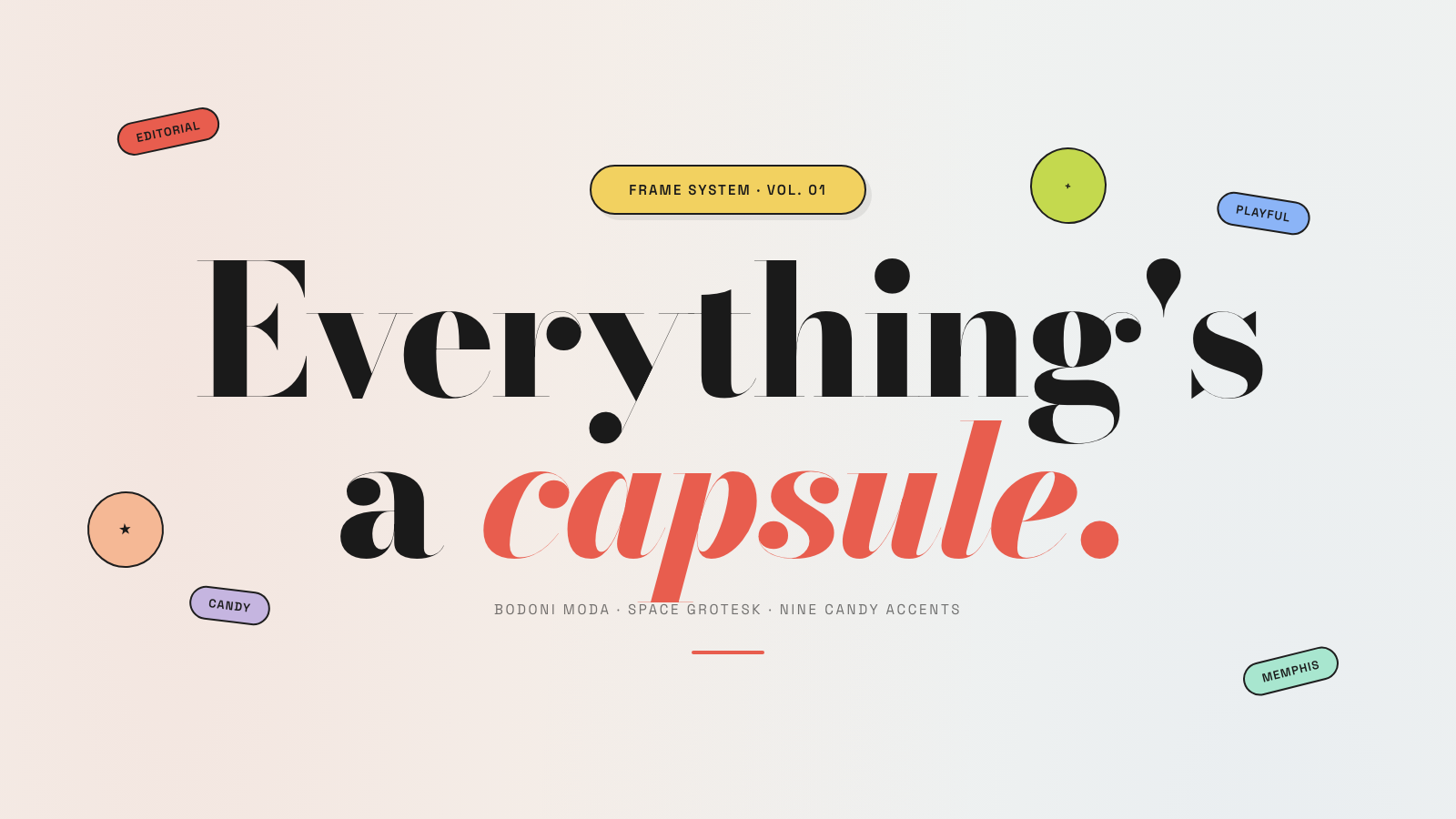
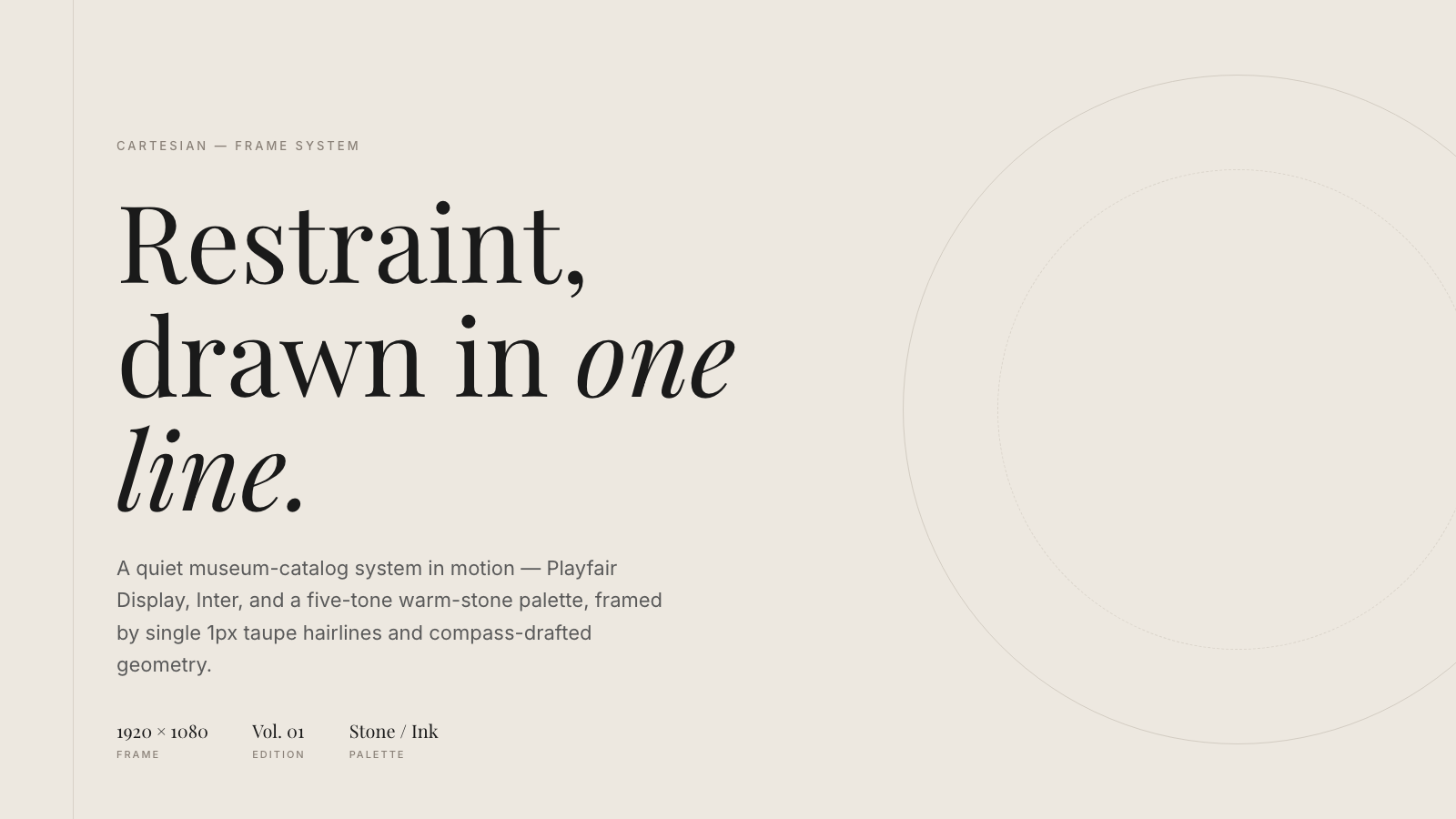
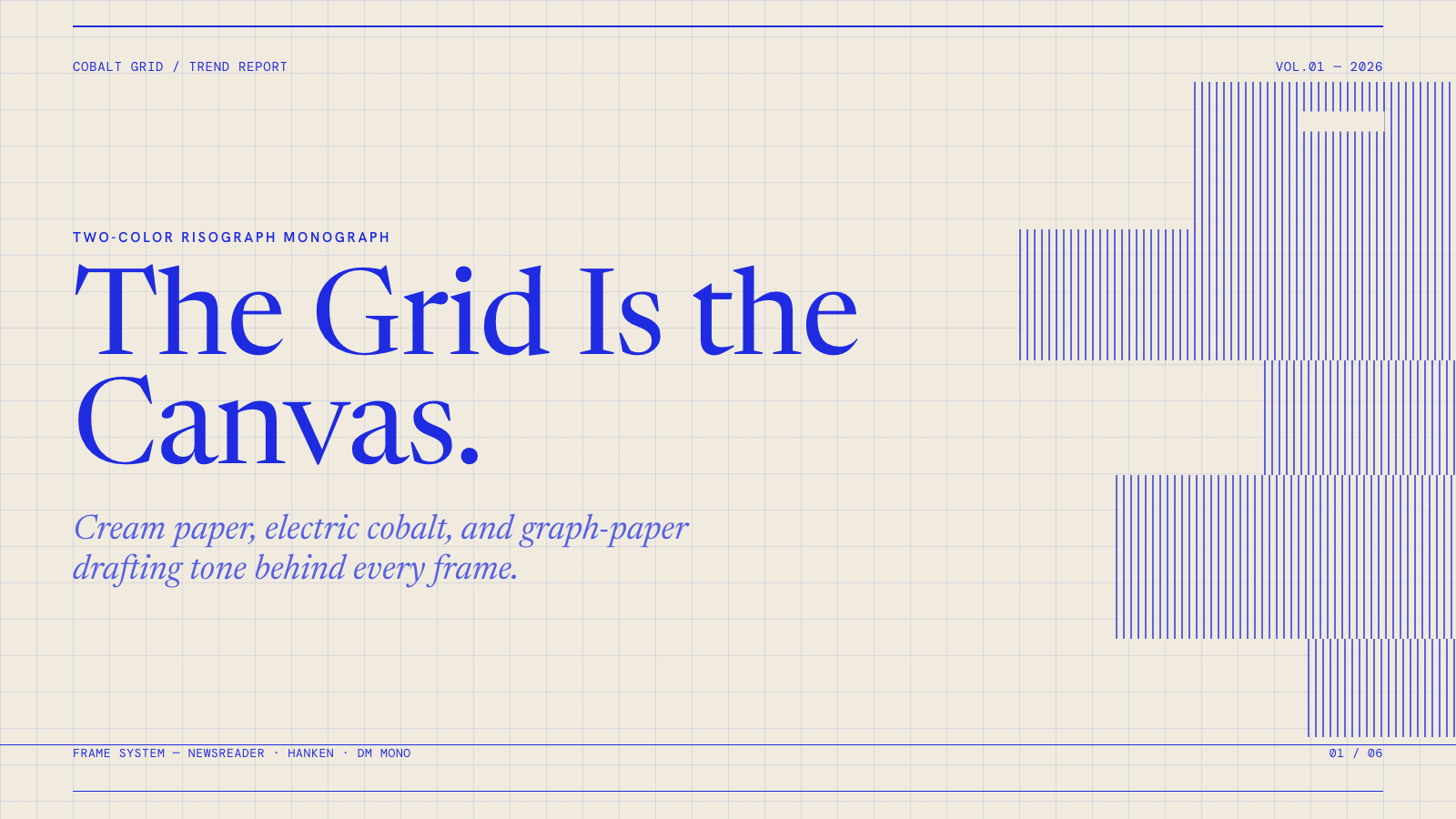
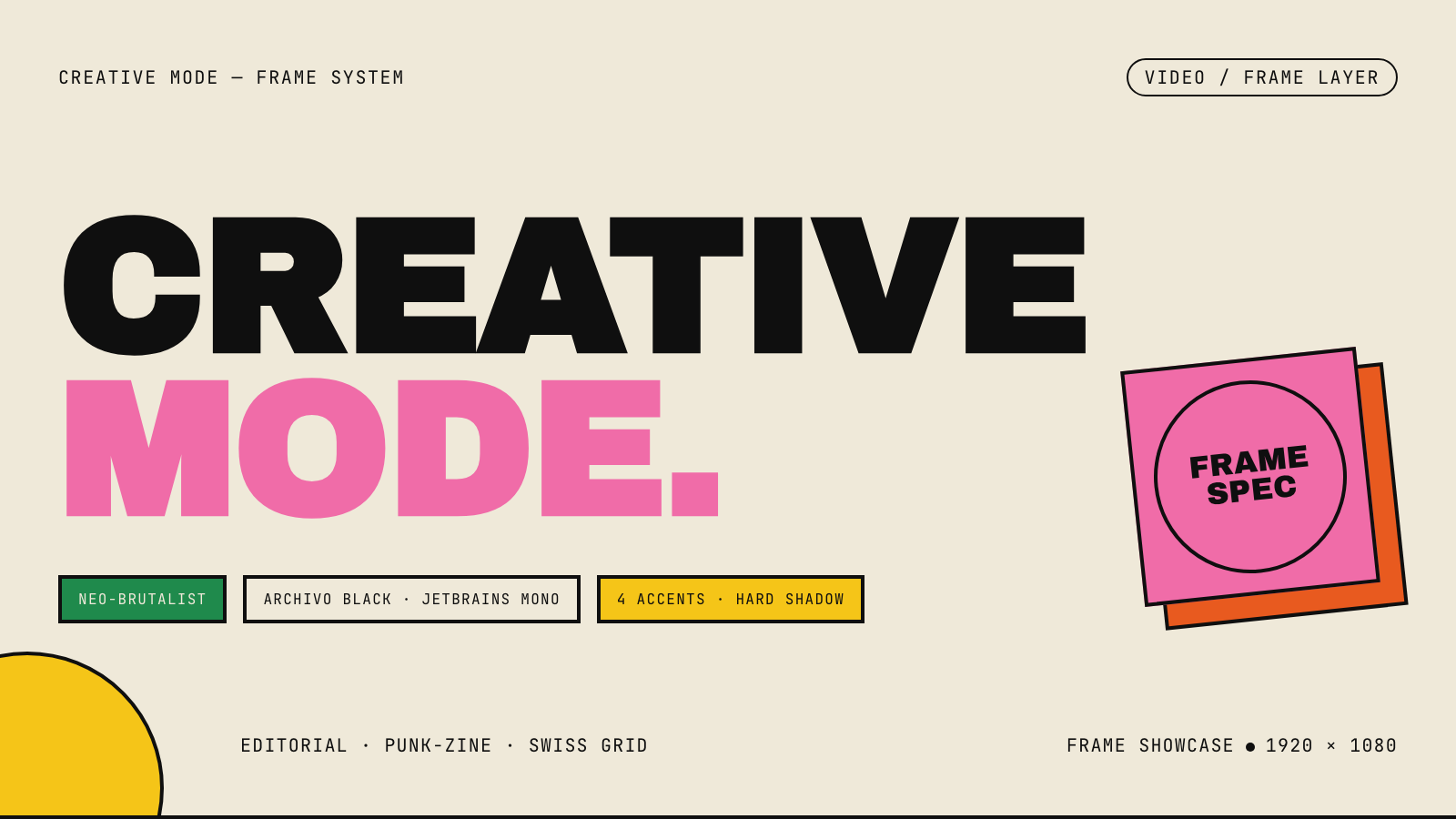
Frame.md
frame.md — your design system, ready for video.
Every brand has a design.md. None of them were written for a camera. frame.md is the missing translation layer: it takes your web-context design spec and inverts it for the frame — the same tokens, the same rules, but rewritten so an AI agent can compose a promo video without guessing at scale or reaching for web chrome.
The output is a DESIGN.md superset your whole toolchain can read. Atoms stay sacred. Composition stays free. Numbers come from the script.

Biennale Yellow |
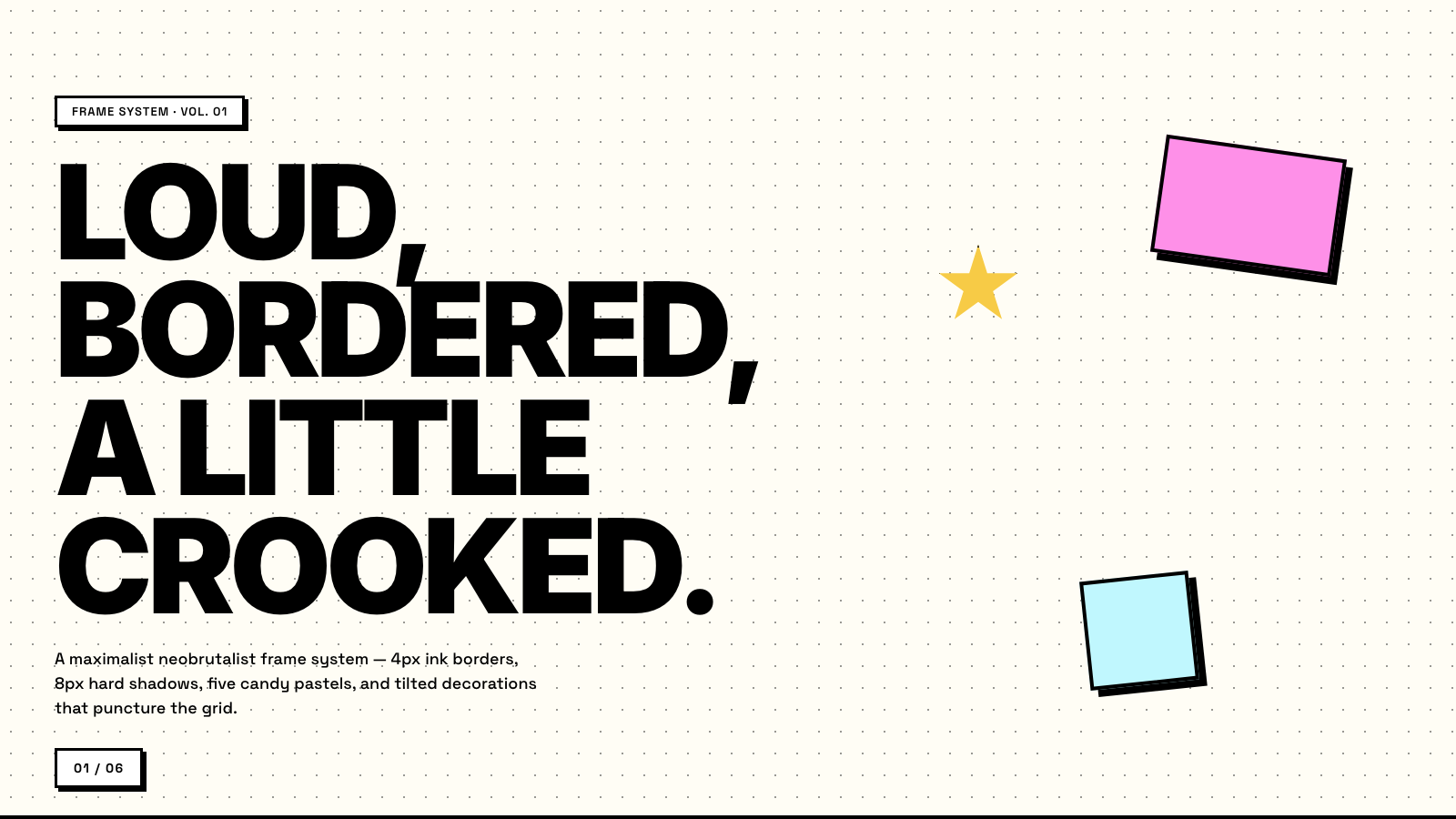
BlockFrame |
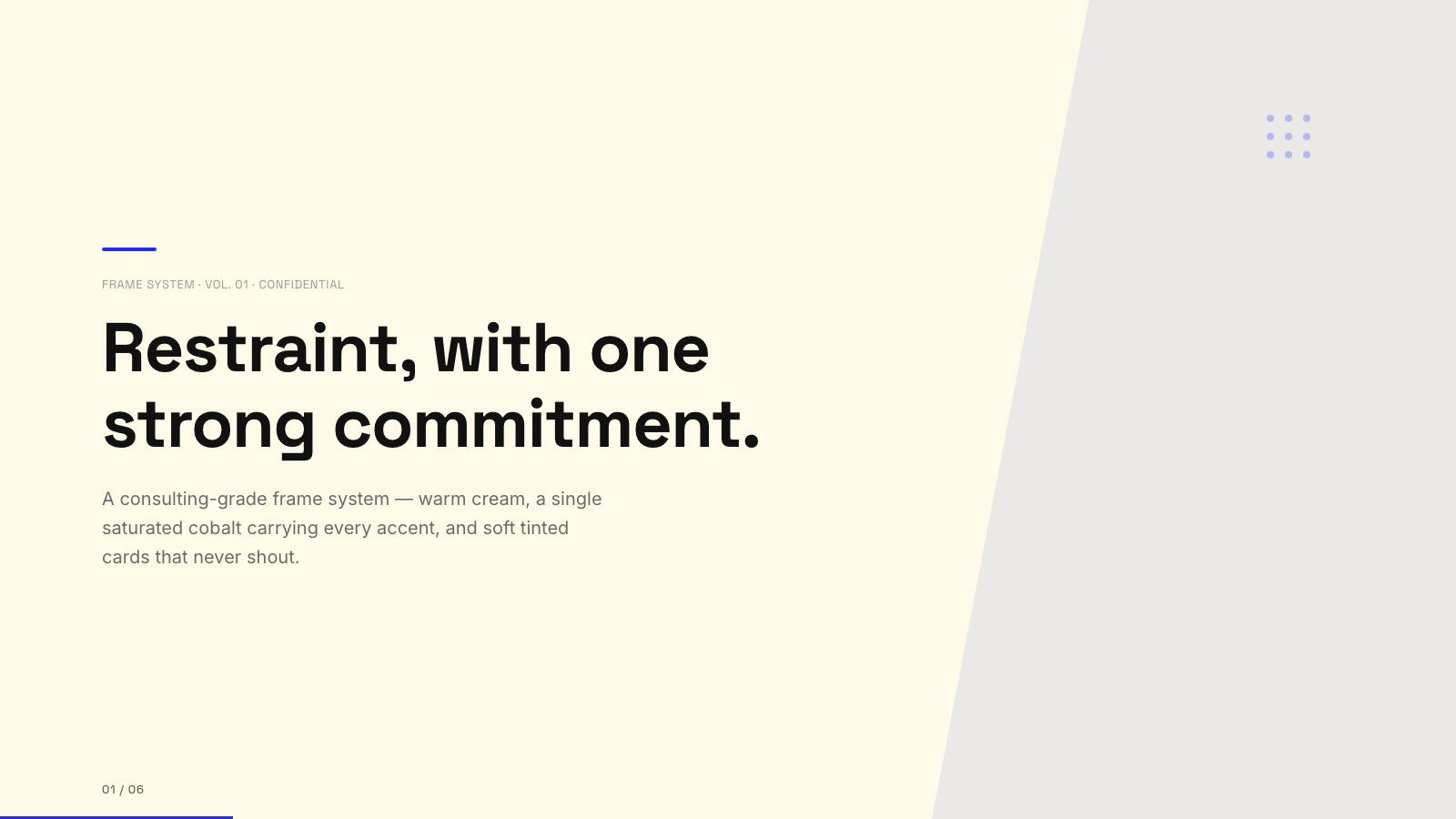
Blue Professional |
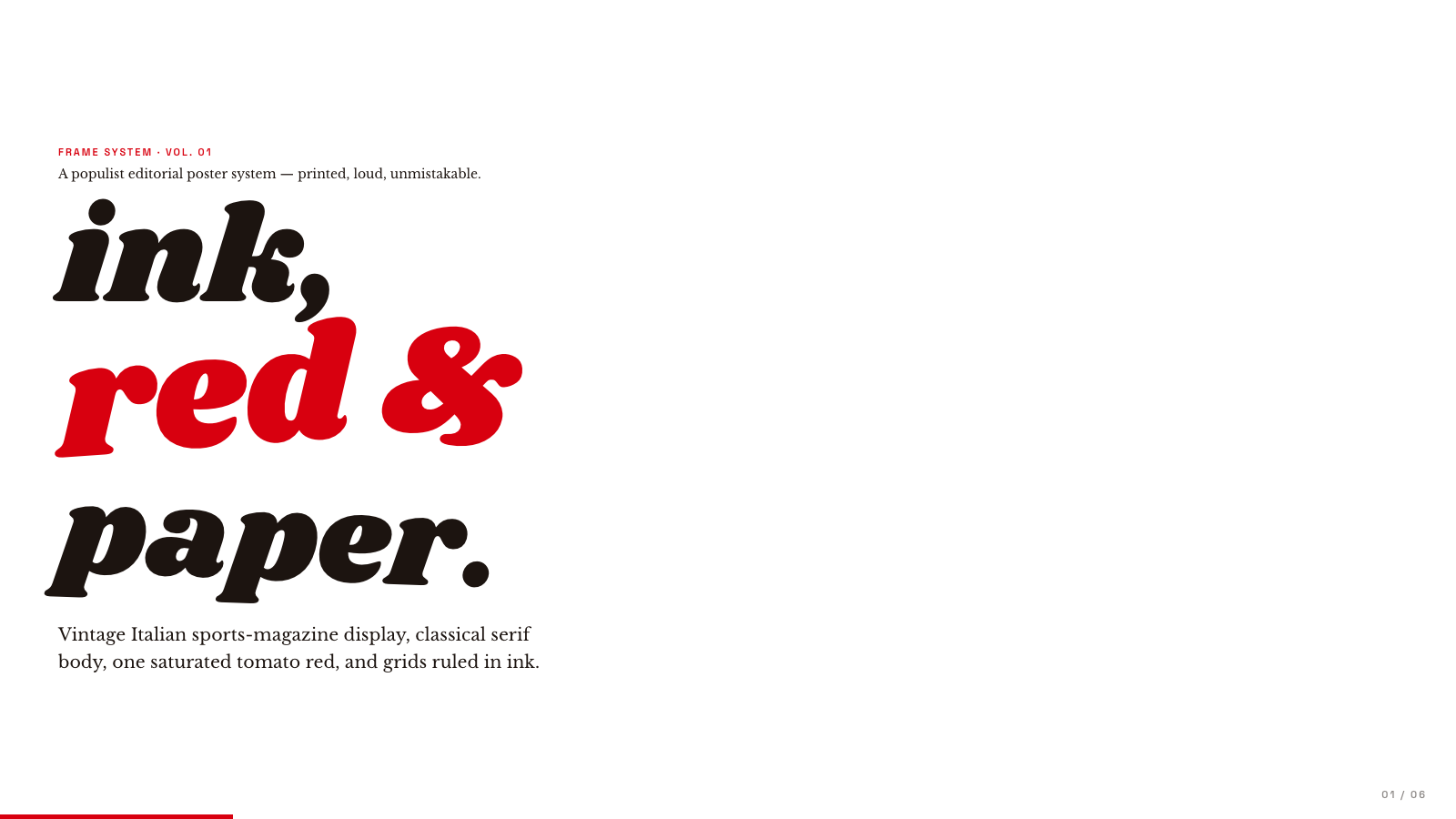
Bold Poster |
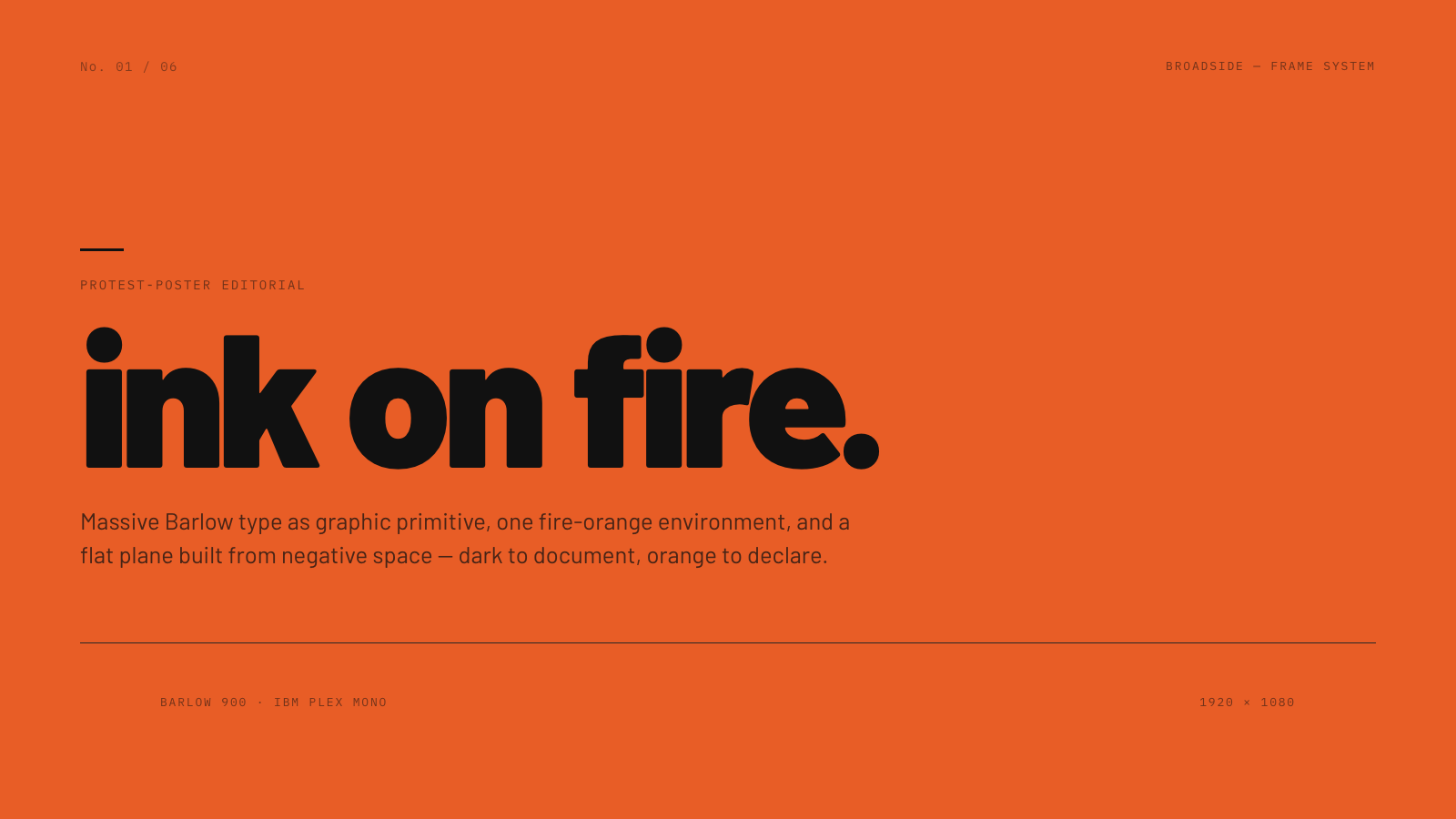
Broadside |
Capsule |
Cartesian |
Cobalt Grid |

Coral |
Creative Mode |
Browse and remix them all at hyperframes.dev/design.
How It Works
Define a video as HTML. Add data attributes for timing and tracks. Use GSAP, CSS, Lottie, Three.js, Anime.js, WAAPI, or your own frame adapter for seekable animation.
<div id="stage" data-composition-id="launch" data-start="0" data-width="1920" data-height="1080">
  <video
    class="clip"
    data-start="0"
    data-duration="6"
    data-track-index="0"
    src="intro.mp4"
    muted
    playsinline
  ></video>

  <h1 id="title" class="clip" data-start="1" data-duration="4" data-track-index="1">Launch day</h1>

  <audio
    data-start="0"
    data-duration="6"
    data-track-index="2"
    data-volume="0.5"
    src="music.wav"
  ></audio>

  <script src="https://cdn.jsdelivr.net/npm/gsap@3/dist/gsap.min.js"></script>
  <script>
    const tl = gsap.timeline({ paused: true });
    tl.from("#title", { opacity: 0, y: 40, duration: 0.8 }, 1);
    window.__timelines = window.__timelines || {};
    window.__timelines.launch = tl;
  </script>
</div>
Preview instantly in the browser. Render locally or in Docker. The renderer seeks each frame in headless Chrome and encodes the result with FFmpeg, so the same input produces the same video.
HyperFrames Stack
HyperFrames is the open-source rendering engine, plus a growing set of tools around HTML-native video creation.
| Piece | Status | What it does |
|---|---|---|
| CLI | Available | Scaffold, preview, lint, inspect, and render local video projects |
| Core / Engine / Producer | Available | Parse compositions, drive headless Chrome, encode video, and mix audio |
| Catalog | Available | Reusable blocks and components for transitions, overlays, captions, charts, maps, and effects |
| Agent skills | Available | Teach coding agents the video-production patterns that generic web docs miss |
| Studio | Available, evolving | Browser surface for previewing and editing compositions |
| AWS Lambda rendering | Available | Deploy a distributed render stack and drive renders from your laptop or CI |
| hyperframes.dev | Available | Community playground for previewing, iterating, sharing, and rendering HTML-native video projects |
| frame.md | Available | Invert your design system for the camera — a DESIGN.md superset an agent can compose video from |
Catalog
Install ready-to-use blocks and components:
npx hyperframes add flash-through-white   # shader transition
npx hyperframes add instagram-follow      # social overlay
npx hyperframes add data-chart            # animated chart
Browse the catalog at hyperframes.heygen.com/catalog.
Why HyperFrames?
- HTML-native: compositions are HTML files with data attributes. No React requirement, no proprietary timeline format.
- Agent-friendly: agents already write HTML, and the CLI is non-interactive by default.
- Deterministic: same input, same frames, same output. Built for CI, regression tests, and automated rendering.
- No build step: an
index.htmlcomposition plays as-is and can be previewed directly in the browser. - Adapter-based animation: bring GSAP, CSS animations, Lottie, Three.js, Anime.js, WAAPI, or a custom runtime.
- Open source: Apache 2.0 license, with no per-render fees or commercial-use thresholds.
HyperFrames vs Remotion
HyperFrames is inspired by Remotion. Both tools render video with headless Chrome and FFmpeg. The main difference is the authoring model: Remotion's bet is React components; HyperFrames' bet is plain HTML that humans and agents can both write easily.
| HyperFrames | Remotion | |
|---|---|---|
| Authoring | HTML + CSS + seekable animation | React components |
| Build step | None; index.html plays as-is |
Bundler required |
| Agent handoff | Plain HTML files | JSX / React project |
| Library-clock animations | Seekable, frame-accurate via adapters | Wall-clock animation patterns need care |
| Distributed rendering | Local and AWS Lambda render paths | Remotion Lambda, mature cloud renderer |
| License | Apache 2.0 | Source-available Remotion License |
Read the full comparison in the HyperFrames vs Remotion guide.
Documentation
Full documentation: hyperframes.heygen.com/introduction
Packages
| Package | Description |
|---|---|
hyperframes |
CLI for creating, previewing, linting, and rendering compositions |
@hyperframes/core |
Types, parsers, generators, linter, runtime, and frame adapters |
@hyperframes/engine |
Seekable page-to-video capture engine using Puppeteer and FFmpeg |
@hyperframes/producer |
Full rendering pipeline for capture, encode, and audio mix |
@hyperframes/studio |
Browser-based composition editor UI |
@hyperframes/player |
Embeddable <hyperframes-player> web component |
@hyperframes/shader-transitions |
WebGL shader transitions for compositions |
@hyperframes/aws-lambda |
AWS Lambda SDK and deployment surface for distributed renders |
Community
HyperFrames is used in production at HeyGen, with community examples from teams like tldraw, TanStack, and others in ADOPTERS.md. Open a PR if your team is using HyperFrames.
- Questions and ideas: Discord
- Bugs and feature requests: GitHub Issues
- User research: Book a casual 30-minute conversation with the HyperFrames team — no preparation or sales pitch
- Security reports: SECURITY.md
- Contributions: CONTRIBUTING.md
Development Note
The repo uses Git LFS for golden regression-test baselines under packages/producer/tests/**/output.mp4 (about 240 MB of .mp4 files). If you're cloning the full repo for development, install Git LFS first:
# macOS
brew install git-lfs

# Ubuntu / Debian
sudo apt install git-lfs

# Windows
winget install GitHub.GitLFS

# Then, once per machine
git lfs install
If you only need source files, you can skip LFS content:
GIT_LFS_SKIP_SMUDGE=1 git clone https://github.com/heygen-com/hyperframes.git