 WaterrrForeverandClaude Opus 4.8
1967901b57
* refactor(product-launch-video): restructure onto script-driven architecture

Move product-launch-video onto the shared script-driven authoring flow:
build-frame remixes a hyperframes-creative preset onto brand tokens, audio
routes through the shared hyperframes-media engine, per-preset caption skins,
and every frame is authored as a directed shot. Removes the old bespoke
scripts (captions/validate/prep/hoist/…) in favour of the shared lib.

assemble-index.mjs keeps upstream #1629's blank/partial scene-file guard
(reject an empty or markup-less scene file at assembly, before emitting
data-composition-src, and re-dispatch) carried onto the restructured reader.

Co-Authored-By: Claude Opus 4.8 (1M context) <noreply@anthropic.com>

* refactor(pr-to-video): restructure onto script-driven architecture

Move pr-to-video onto the shared script-driven authoring flow: ingest.mjs
folds the gh PR artifacts into the synthetic capture package the shared
backend (build-frame / captions / assemble-index) reads, add the mechanism
beat, route audio through hyperframes-media, and remix a hyperframes-creative
preset onto brand tokens via the shared lib.

- Fix skill name: pr-to-video-refactor -> pr-to-video (match directory).
- Drop a stale faceless-explainer-refactor reference in an ingest.mjs comment.
- assemble-index.mjs keeps upstream #1629's blank/partial scene-file guard.

Co-Authored-By: Claude Opus 4.8 (1M context) <noreply@anthropic.com>

* refactor(faceless-explainer): restructure onto script-driven architecture

Move faceless-explainer onto the shared script-driven authoring flow:
every visual is invented (typography / abstract graphics / diagram / data-viz)
and authored through the shared backend (build-frame remixes a
hyperframes-creative preset onto tokens, audio via hyperframes-media,
assemble-index builds the standalone index.html) using the shared lib.

- Fix skill name: faceless-explainer-refactor -> faceless-explainer (match directory).
- assemble-index.mjs keeps upstream #1629's blank/partial scene-file guard.

Co-Authored-By: Claude Opus 4.8 (1M context) <noreply@anthropic.com>

* chore(skills): refresh test-skills-fresh.sh workflow roster

Update the install-and-verify harness to the current surface: 10 workflows
(adds website-to-video, embedded-captions, graphic-overlays, slideshow;
drops the removed footage-recut) and refreshed example prompts.

Co-Authored-By: Claude Opus 4.8 (1M context) <noreply@anthropic.com>

* style(product-launch-video): oxfmt storyboard.mjs

Run oxfmt over lib/storyboard.mjs — formatting only, no logic change.
Fixes the Format / Preflight CI check.

Co-Authored-By: Claude Opus 4.8 (1M context) <noreply@anthropic.com>

* test(studio): import commitGsapPositionFromDrag from its actual module

The function was split out into gsapDragPositionCommit.ts in #1605, but the
test kept importing it from ./gsapDragCommit, which no longer exports it —
yielding 'is not a function' at runtime. Import from the correct module.

Inherited main breakage (same fix as #1631); fixes the Test CI check on this
branch independently of merge order.

Co-Authored-By: Claude Opus 4.8 (1M context) <noreply@anthropic.com>

* chore(hyperframes): refine router skill metadata tags

Update the entry router's metadata tags (video / animation / router focus);
oxfmt collapses the now-shorter metadata to a single line.

Co-Authored-By: Claude Opus 4.8 (1M context) <noreply@anthropic.com>

* fix(skills): tighten caption comment-strip + document audio --only merge

Review follow-ups (#1635):

- captions.mjs (x3): the HTML-comment strip used a single global replace, which
  CodeQL flags as incomplete multi-character sanitization (a nested/partial pair
  can re-form a marker the single pass misses). Strip in a fixpoint loop instead.
  Input is preset-library content, not user-controlled, so this is lint-
  cleanliness, not XSS defense.
- audio.mjs (x3): document that fetch-sfx (--only sfx) MERGES into the neutral
  audio_engine_meta.json sidecar — the engine reads prev and recomputes only the
  sfx section, so voices/bgm from the generate pass are preserved (review Q).

Co-Authored-By: Claude Opus 4.8 (1M context) <noreply@anthropic.com>

* fix(skills): remove existsSync->write TOCTOU in workflow scripts

Clears the 9 js/file-system-race CodeQL alerts (captions/audio/transitions x3).
Each was an existsSync precheck followed by a later write of the same path:

- captions.mjs: caption-overrides shim -> atomic writeFileSync({ flag: 'wx' }).
- audio.mjs (sync-durations) + transitions.mjs (inject): drop the existsSync
  precheck and read directly, surfacing the same friendly error from a try/catch
  on readFileSync — no check->write gap.

Behavior is unchanged (same error messages); these are local single-process
deterministic scripts so the race was never a real risk, but this clears the gate.

Co-Authored-By: Claude Opus 4.8 (1M context) <noreply@anthropic.com>

* fix(skills): paint root composition ground color in assemble-index

Per-frame roots carry data-start/data-duration and get clip-gated against the
global timeline at render, so only the first frame's window overlaps global 0 —
a frame's own full-bleed background can't serve as the video ground, and every
frame after the first renders on the bare body color (black). Paint the ground
on the always-present root composition using the project's frame.md canvas color
(the same role the caption skin maps to --cap-canvas); fall back to the body
letterbox color when frame.md is absent or has no resolvable ground.

Co-Authored-By: Claude Opus 4.8 (1M context) <noreply@anthropic.com>

* chore(hyperframes): drop router-tag edit (moved to the foundation PR)

The entry SKILL.md is rewritten wholesale by the frame-presets/media foundation
PR (#1632); editing it here too guaranteed a merge conflict. Restore this file
to main and let the router-tag tweak live with the rewrite in #1632, so the two
PRs no longer both touch it.

Co-Authored-By: Claude Opus 4.8 (1M context) <noreply@anthropic.com>

---------

Co-authored-by: Claude Opus 4.8 (1M context) <noreply@anthropic.com>






Write HTML. Render video. Built for agents.
Quickstart | Showcase | Playground | Catalog | Docs | Discord

HyperFrames is an open-source framework for turning HTML, CSS, media, and seekable animations into deterministic MP4 videos. Use it locally with the CLI, from AI coding agents with skills, or as the rendering core behind hosted authoring workflows.
Quick Start
With an AI coding agent
Install the HyperFrames skills, then describe the video you want:
npx skills add heygen-com/hyperframes
Try a prompt like:
Using
/hyperframes, create a 10-second product intro with a fade-in title, a background video, and subtle background music.
The skills teach agents the HyperFrames production loop: plan the video, write valid HTML, wire seekable animations, add media, lint, preview, and render. They work with Claude Code, Cursor, Gemini CLI, Codex, and other coding agents that support skills.
For visual design handoff workflows, see the Claude Design guide and Open Design guide.
Manually with the CLI
npx hyperframes init my-video
cd my-video
npx hyperframes preview      # preview in browser with live reload
npx hyperframes render       # render to MP4
Requirements: Node.js 22+, FFmpeg
What You Can Build
Need ideas? Browse the Showcase for finished videos you can watch, read, run, and remix.
- Product launch videos and feature announcements
- PR walkthroughs with animated code diffs, narration, and captions
- Data visualizations, chart races, and map animations
- Social videos with kinetic captions, overlays, and music
- Docs-to-video, PDF-to-video, and website-to-video explainers
- Reusable motion graphics for automated content pipelines
Frame.md
frame.md — your design system, ready for video.
Every brand has a design.md. None of them were written for a camera. frame.md is the missing translation layer: it takes your web-context design spec and inverts it for the frame — the same tokens, the same rules, but rewritten so an AI agent can compose a promo video without guessing at scale or reaching for web chrome.
The output is a DESIGN.md superset your whole toolchain can read. Atoms stay sacred. Composition stays free. Numbers come from the script.

Biennale Yellow |

BlockFrame |
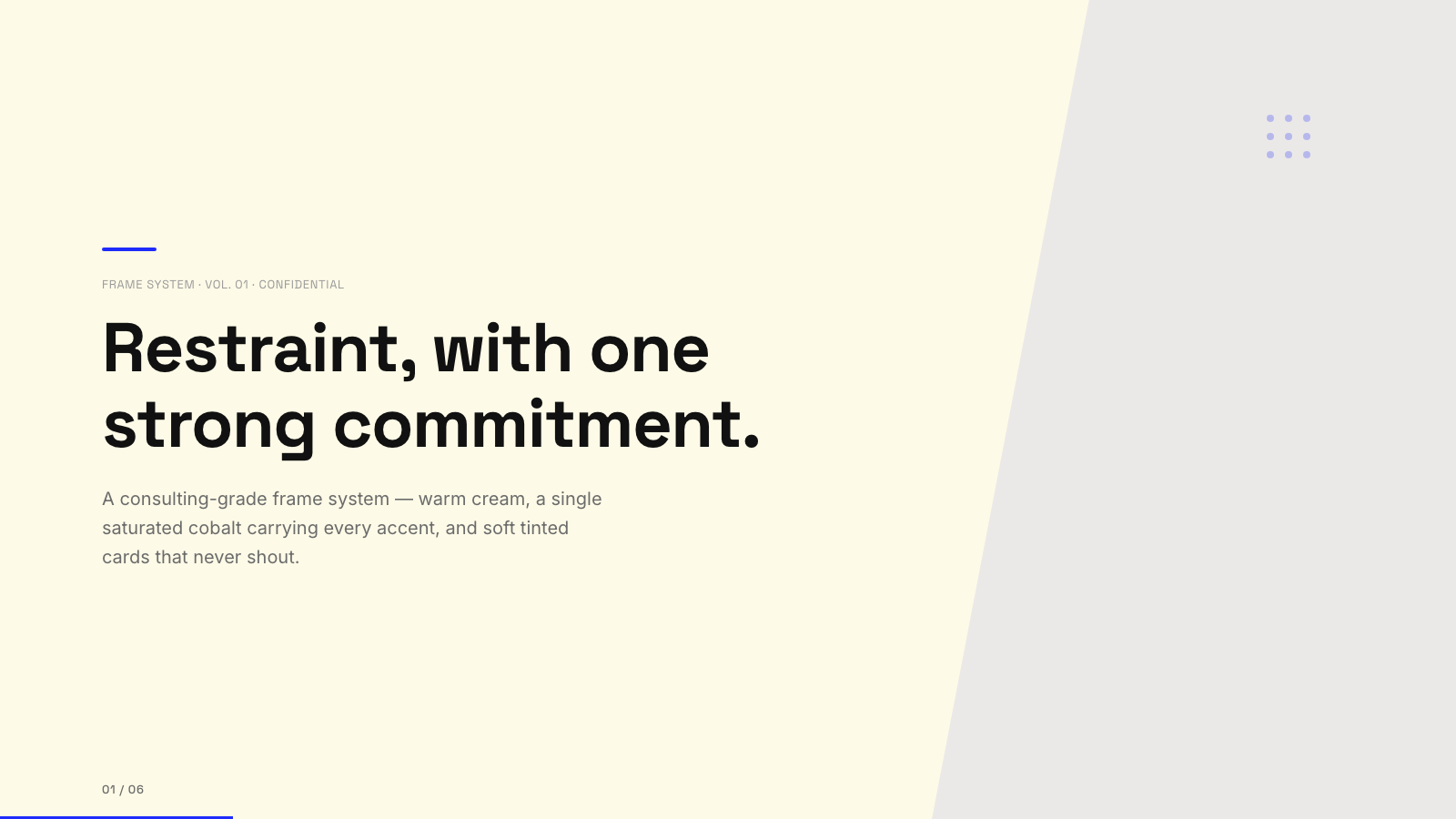
Blue Professional |

Bold Poster |
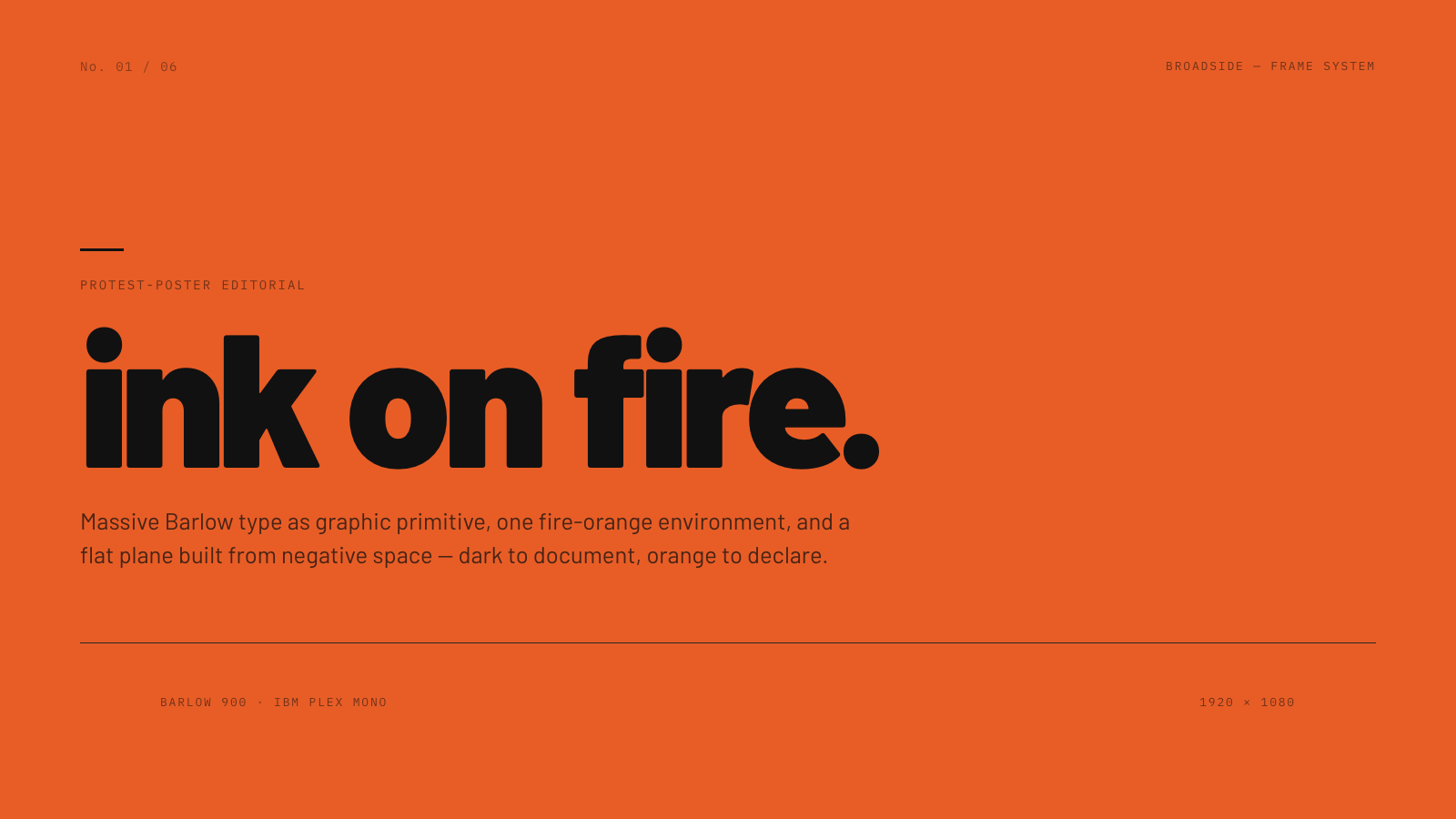
Broadside |
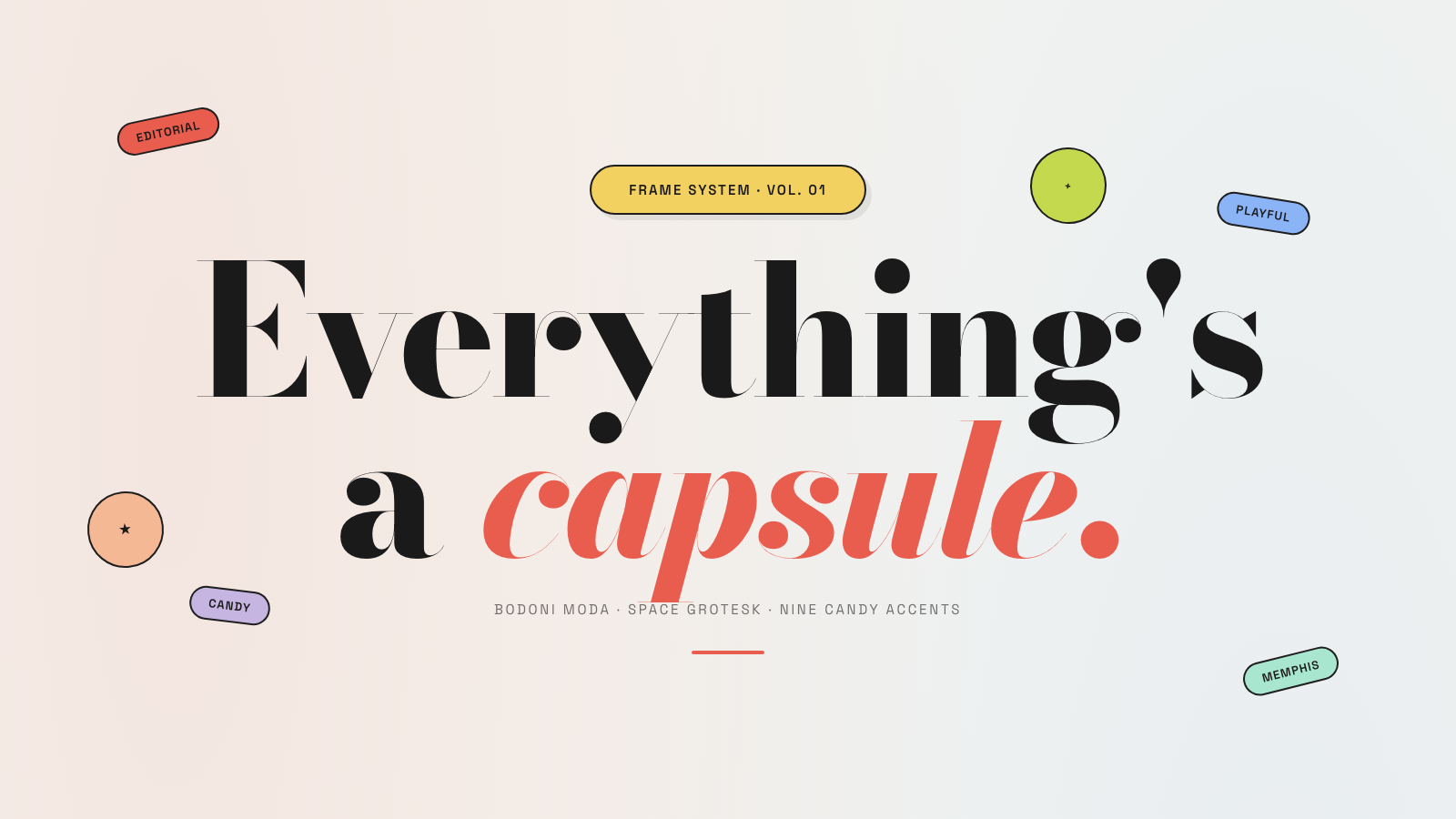
Capsule |
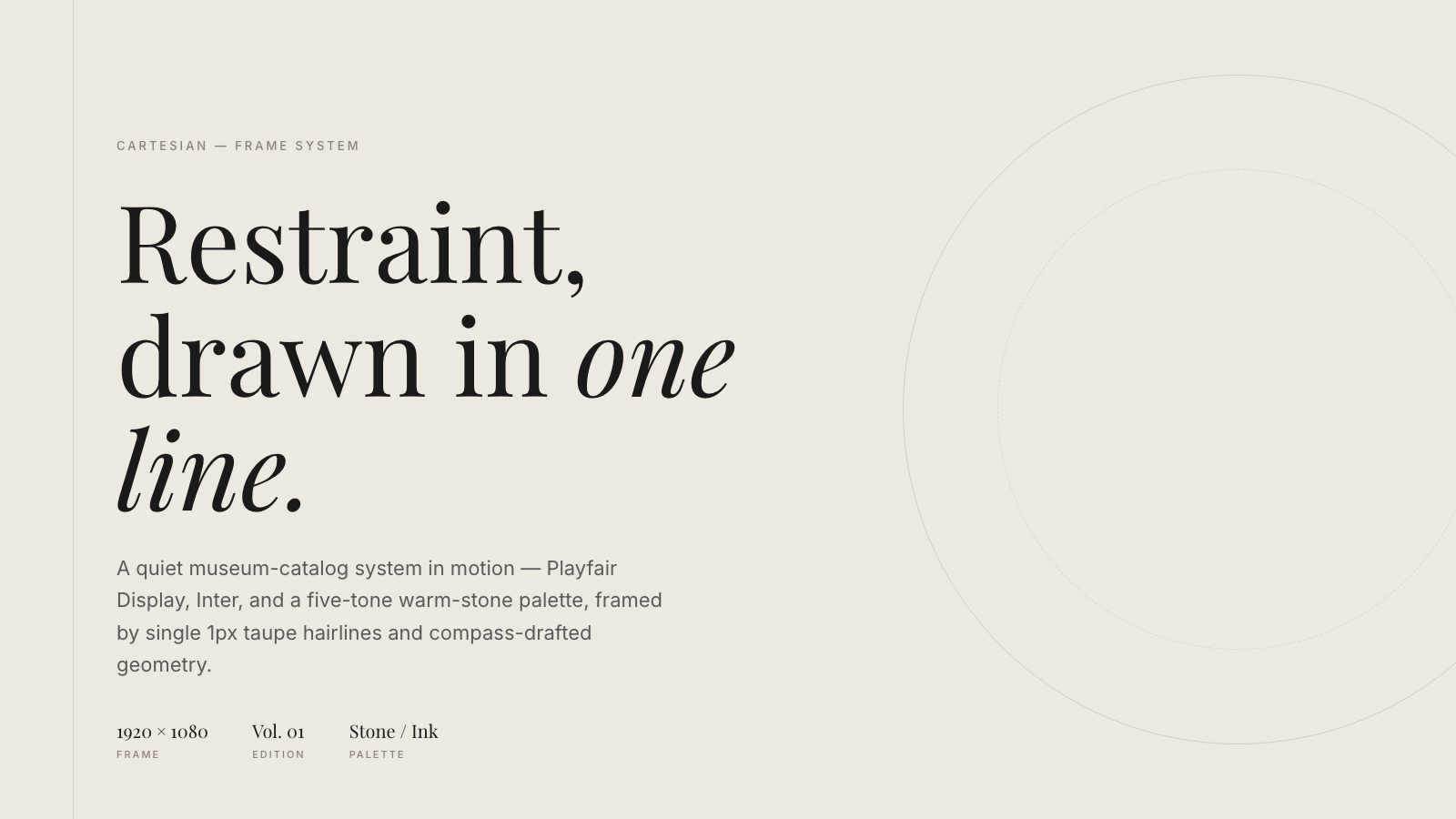
Cartesian |
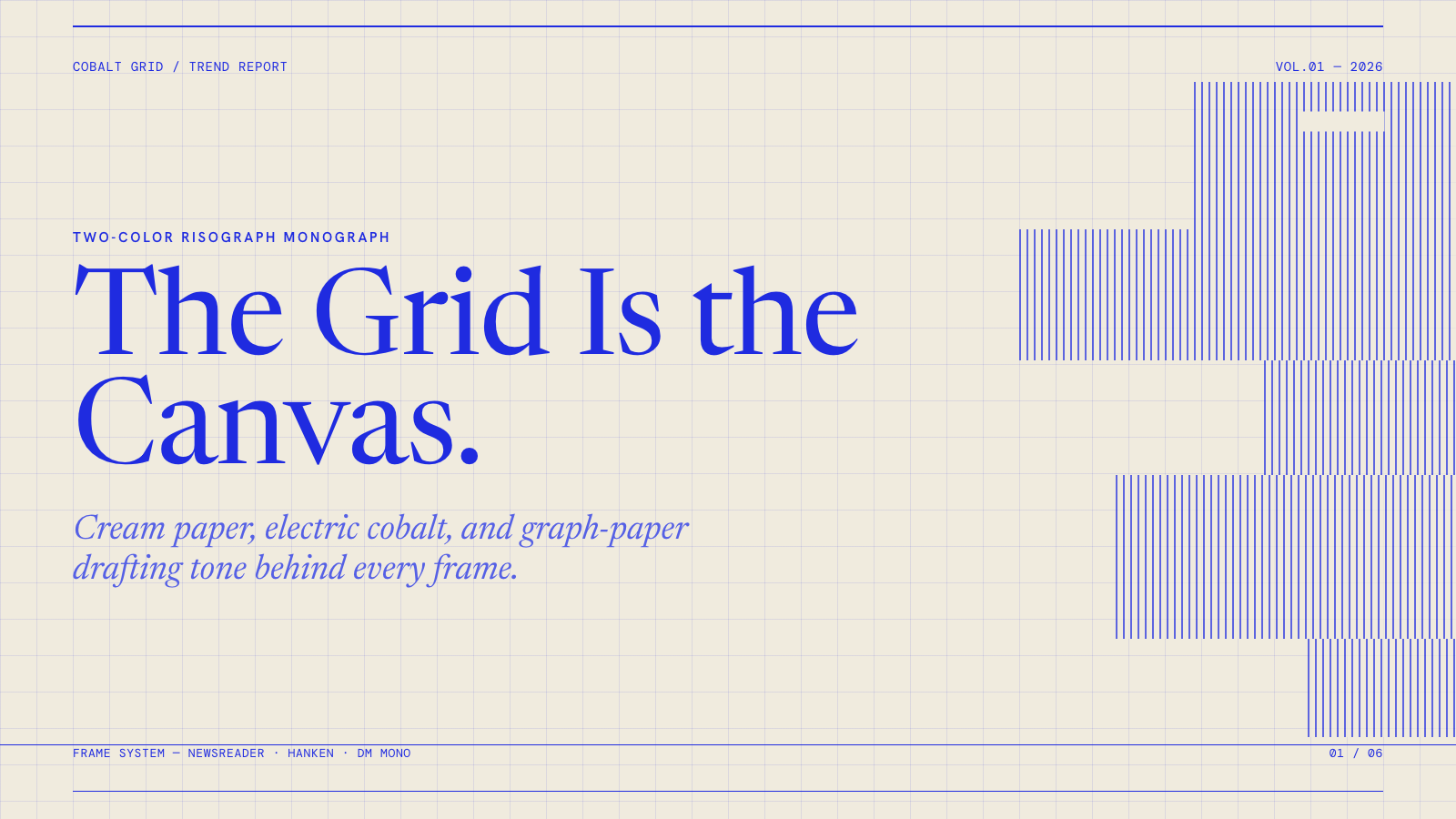
Cobalt Grid |

Coral |
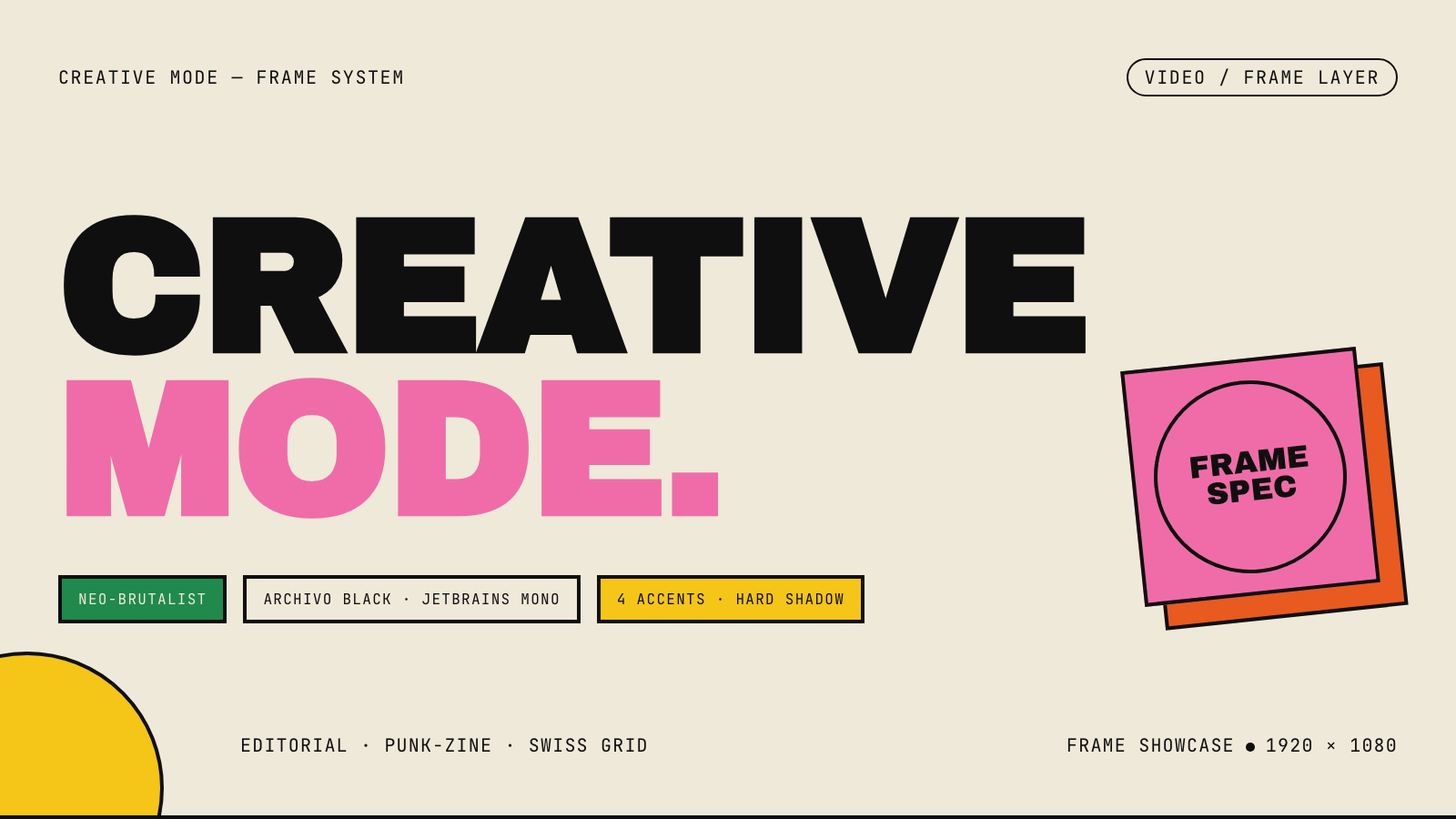
Creative Mode |
Browse and remix them all at hyperframes.dev/design.
How It Works
Define a video as HTML. Add data attributes for timing and tracks. Use GSAP, CSS, Lottie, Three.js, Anime.js, WAAPI, or your own frame adapter for seekable animation.
<div id="stage" data-composition-id="launch" data-start="0" data-width="1920" data-height="1080">
  <video
    class="clip"
    data-start="0"
    data-duration="6"
    data-track-index="0"
    src="intro.mp4"
    muted
    playsinline
  ></video>

  <h1 id="title" class="clip" data-start="1" data-duration="4" data-track-index="1">Launch day</h1>

  <audio
    data-start="0"
    data-duration="6"
    data-track-index="2"
    data-volume="0.5"
    src="music.wav"
  ></audio>

  <script src="https://cdn.jsdelivr.net/npm/gsap@3/dist/gsap.min.js"></script>
  <script>
    const tl = gsap.timeline({ paused: true });
    tl.from("#title", { opacity: 0, y: 40, duration: 0.8 }, 1);
    window.__timelines = window.__timelines || {};
    window.__timelines.launch = tl;
  </script>
</div>
Preview instantly in the browser. Render locally or in Docker. The renderer seeks each frame in headless Chrome and encodes the result with FFmpeg, so the same input produces the same video.
HyperFrames Stack
HyperFrames is the open-source rendering engine, plus a growing set of tools around HTML-native video creation.
| Piece | Status | What it does |
|---|---|---|
| CLI | Available | Scaffold, preview, lint, inspect, and render local video projects |
| Core / Engine / Producer | Available | Parse compositions, drive headless Chrome, encode video, and mix audio |
| Catalog | Available | Reusable blocks and components for transitions, overlays, captions, charts, maps, and effects |
| Agent skills | Available | Teach coding agents the video-production patterns that generic web docs miss |
| Studio | Available, evolving | Browser surface for previewing and editing compositions |
| AWS Lambda rendering | Available | Deploy a distributed render stack and drive renders from your laptop or CI |
| hyperframes.dev | Available | Community playground for previewing, iterating, sharing, and rendering HTML-native video projects |
| frame.md | Available | Invert your design system for the camera — a DESIGN.md superset an agent can compose video from |
Catalog
Install ready-to-use blocks and components:
npx hyperframes add flash-through-white   # shader transition
npx hyperframes add instagram-follow      # social overlay
npx hyperframes add data-chart            # animated chart
Browse the catalog at hyperframes.heygen.com/catalog.
Why HyperFrames?
- HTML-native: compositions are HTML files with data attributes. No React requirement, no proprietary timeline format.
- Agent-friendly: agents already write HTML, and the CLI is non-interactive by default.
- Deterministic: same input, same frames, same output. Built for CI, regression tests, and automated rendering.
- No build step: an
index.htmlcomposition plays as-is and can be previewed directly in the browser. - Adapter-based animation: bring GSAP, CSS animations, Lottie, Three.js, Anime.js, WAAPI, or a custom runtime.
- Open source: Apache 2.0 license, with no per-render fees or commercial-use thresholds.
HyperFrames vs Remotion
HyperFrames is inspired by Remotion. Both tools render video with headless Chrome and FFmpeg. The main difference is the authoring model: Remotion's bet is React components; HyperFrames' bet is plain HTML that humans and agents can both write easily.
| HyperFrames | Remotion | |
|---|---|---|
| Authoring | HTML + CSS + seekable animation | React components |
| Build step | None; index.html plays as-is |
Bundler required |
| Agent handoff | Plain HTML files | JSX / React project |
| Library-clock animations | Seekable, frame-accurate via adapters | Wall-clock animation patterns need care |
| Distributed rendering | Local and AWS Lambda render paths | Remotion Lambda, mature cloud renderer |
| License | Apache 2.0 | Source-available Remotion License |
Read the full comparison in the HyperFrames vs Remotion guide.
Documentation
Full documentation: hyperframes.heygen.com/introduction
Packages
| Package | Description |
|---|---|
hyperframes |
CLI for creating, previewing, linting, and rendering compositions |
@hyperframes/core |
Types, parsers, generators, linter, runtime, and frame adapters |
@hyperframes/engine |
Seekable page-to-video capture engine using Puppeteer and FFmpeg |
@hyperframes/producer |
Full rendering pipeline for capture, encode, and audio mix |
@hyperframes/studio |
Browser-based composition editor UI |
@hyperframes/player |
Embeddable <hyperframes-player> web component |
@hyperframes/shader-transitions |
WebGL shader transitions for compositions |
@hyperframes/aws-lambda |
AWS Lambda SDK and deployment surface for distributed renders |
Community
HyperFrames is used in production at HeyGen, with community examples from teams like tldraw, TanStack, and others in ADOPTERS.md. Open a PR if your team is using HyperFrames.
- Questions and ideas: Discord
- Bugs and feature requests: GitHub Issues
- Security reports: SECURITY.md
- Contributions: CONTRIBUTING.md
Development Note
The repo uses Git LFS for golden regression-test baselines under packages/producer/tests/**/output.mp4 (about 240 MB of .mp4 files). If you're cloning the full repo for development, install Git LFS first:
# macOS
brew install git-lfs

# Ubuntu / Debian
sudo apt install git-lfs

# Windows
winget install GitHub.GitLFS

# Then, once per machine
git lfs install
If you only need source files, you can skip LFS content:
GIT_LFS_SKIP_SMUDGE=1 git clone https://github.com/heygen-com/hyperframes.git