 Miguel Ángel
267ffc46c9
* fix(studio-server): a file the drive never answers no longer holds a project's first history copy

* fix(studio-server): keep history's comment share at or below its base

* fix(studio-server): a first copy that lands past its deadline is kept as the file's start

* fix(studio-server): a late first copy is adopted and kept while another file's read is stalled

* fix(studio-server): a waiting late first copy counts as baseline and rereads a few at a time

* fix(studio-server): every reread of an owed file takes a copy slot and is kept until adopted

* fix(studio-server): history pins a copy as it is filed and keeps a reference-only copy as such

* fix(studio-server): a history pin is taken and released by its owner, never across a delete

* fix(studio-server): an agent step waits at most a deadline for a file the drive never answers

* fix(studio-server): undo refuses a file whose first copy landed after an agent step rewrote it

* chore(studio-server): give the packed size budget its usual 5% headroom

Main packs to 190,094 bytes, already 0.65% over the 188,871 budget; this branch adds 1,264 bytes of its own code (no new import: dist/index.js is unchanged). The budget file's rule is 5% above measured: ceil(191,358 x 1.05) = 200,926.

* fix(studio-server): an agent step that goes ahead of a first copy owns that file's undo

* fix(studio-server): undo of a step that went ahead of a pending first copy is all or nothing

* fix(studio-server): an undo after a step that rewrote a pending file in place still refuses

A went-ahead file now clears from a step's list only when the first read after its copy lands finds the original
bytes, not when its size and times look unchanged. The list of went-ahead files is kept on disk, so a restart
before the step closes, or after it deleted the file, keeps the refusal. Parts a Studio claim cuts from a step
keep the list too.

* fix(studio-server): a step ahead of a pending file refuses undo after Cmd+Z, restarts, in older apps

Cmd+Z stops at an open step whose only write so far is a pending file. A step recovered after the process died
keeps its list of pending files. A later Studio save's receipt no longer sets the start of a file a step went ahead
of. Every earlier point names a pending file as not kept, so no restore deletes it in any app version.

* fix(studio-server): a step that went ahead of a pending file never undoes, whatever bytes land

Bytes cannot tell steps apart: a file written A, B, then A again by two steps looked untouched and cleared both. A
step's list of files it went ahead of is now never cleared, so its undo refuses after a stalled read.

* fix(studio-server): a recovered step keeps its guard through a second crash; saves keep the start

The closed window is recovered before the reopen rewrites went-ahead.json, so a crash during recovery no longer
erases its list of pending files. A copy read before a step went ahead is the file's start whatever a later save's
receipt says it replaced.

* fix(studio-server): a start keeps receipts heard before its read; reopen writes all pending files

A copy read before a step went ahead follows only the save receipts heard by the moment of its read, so an early
save's original stays the start and a later save naming the step's bytes cannot replace it. The reopen rebuilds
the list of pending files in memory and writes it once, so a crash midway keeps every file on it.

* fix(studio-server): a first copy's start follows only receipts heard by its read and keeps them

Every adopted copy follows the save receipts heard by the moment of its read, with or without a step, so a later
save writing the original back cannot move the start. A small file's read is reported before its close, which a slow
drive can hold. Bytes a save replaced in a file history has no copy of yet stay through pruning until it does.

* fix(studio-server): bytes kept for a pending first copy count as start, not undo history

The bytes a save replaced are kept only for a file still owed its first copy, and they count as start rather than
undo history, so they never fold an unrelated edit out of the budget or stay for a file that never needed them.







Write HTML. Render video. Built for agents.
Studio | Quickstart | Showcase | Playground | Catalog | Docs | Discord
Download the desktop app: macOS · Windows · Linux (.deb)
HyperFrames is a free, open-source framework for turning HTML, CSS, media, and seekable animations into deterministic MP4 videos. Use it locally with the CLI, from AI coding agents with skills, or as the rendering core behind hosted authoring workflows.
The HyperFrames Studio app is free to use as well; its Pro plan adds HeyGen's top video, image, voice and music models.
Using Claude Code, Codex, Cursor, or another coding agent? Run npx hyperframes skills update once, then ask your agent to make a video.
Quick Start
With an AI coding agent
For Claude Code, install the versioned plugin:
claude plugin marketplace add heygen-com/hyperframes
claude plugin install hyperframes@hyperframes
To enable auto-update for the hyperframes marketplace, run claude in a
terminal in your project. In Claude Code's terminal UI, run /plugin, then select
Marketplaces → hyperframes → Enable auto-update. Afterward, use
/hyperframes:hyperframes. See the plugin guide
for Copilot, VS Code, Cursor, Gemini CLI, updates, and migration.
For standalone skills (including OpenCode), use:
npx skills add heygen-com/hyperframes
The picker opens with nothing pre-selected — the Core Skills group is all you need;
/slideshow,/remotion-to-hyperframesand/figmainstall on demand. Without the picker (a script or a CI job),npx hyperframes skills updateinstalls exactly the core set, whereasskills add --allinstalls all 9 published skills. The six repo-internal skills under.claude/skills/.agents/skillsare excluded by default. For the full published set usenpx hyperframes skills.
skills addresolves the skills.sh registry blob, which can lagmainby hours.npx hyperframes skills updateinstalls the skills from the release tag that matches your CLI version, so they match the CLI that runs them.
Run project-local installs from your video project's directory. From a HyperFrames
checkout, use npx hyperframes skills update for a global install instead: a
project-local installer target can overlap the tracked skills/ source and
overwrite uncommitted edits. See contributor setup.
Try a prompt like:
Using
/hyperframes, create a 10-second product intro with a fade-in title, a background video, and subtle background music.
The skills teach agents the HyperFrames production loop: plan the video, write valid HTML, wire seekable animations, add media, lint, preview, and render. They work with Claude Code, Codex, Cursor, Gemini CLI, IBM Bob, and other coding agents that support skills.
Skills
HyperFrames ships 9 skills. Make any video by asking for it; the /hyperframes skill carries the contract and the references (film, captions, overlays, motion, look). Read it first.
For standalone installation, default to the core set (/hyperframes, /hyperframes-cli, /hyperframes-registry, /media-use, /reverse-any-video, /style-sampling). npx hyperframes skills update installs exactly that from anywhere; the interactive picker (npx skills add heygen-com/hyperframes) lists it as the "Core Skills" group, nothing pre-selected. The picker is interactive-only — a non-interactive or agent run without --skill installs all 9. Use npx skills add heygen-com/hyperframes --all to install the complete published set deliberately (skips the picker), or npx skills add heygen-com/hyperframes --skill <name> for just one (bare name, no leading /).
Standalone installs stay lean after that: npx hyperframes init installs the core set only when it is missing and never touches a skill you already have (npx hyperframes skills update refreshes them, and never removes one); /figma, /slideshow and /remotion-to-hyperframes install on demand with npx hyperframes skills update <name>. Nothing re-pulls the full set behind your back.
Plugin packages
Plugins bundle the full skill catalog and use their agent's update manager.
bun run package:agent-plugin builds the committed portable ZIP, source metadata,
and SHA-256 checksum. See the maintainer checklist.
Upload to Codex
Build the upload-ready Codex plugin archive from the committed HEAD version of the manifest, brand assets, and skills:
bun run package:codex-plugin
This writes dist/hyperframes-plugin.zip with a hyperframes/ root folder and fails if the archive exceeds Codex's 100 MB upload limit.
Core set
| Skill | Use when |
|---|---|
/hyperframes |
Read first for any request to make, edit, animate or render a video, motion graphic, captions or overlays with HyperFrames (HTML rendered to video). Holds the render contract and the work loop, and points to the references for format, motion, look, captions, whole films and storyboards. |
/hyperframes-cli |
The HyperFrames CLI by job — scaffold, check, look at frames, edit the timeline, preview, render locally or in the cloud, share, project history — plus reading its JSON and recovering from build or render failures. |
/hyperframes-registry |
About 450 ready-made blocks and components installed as editable source — transitions, overlays, titles, kinetic type, captions, charts, maps, 3D, camera moves. Use before hand-building any named visual; also for hyperframes add and catalog. |
/media-use |
Get or make any media for a video — music, sound effects, images, icons, logos, voiceover, avatar and generated video, transcripts, cutouts, colour grades and looks — with HeyGen or free local tools, and mix placed audio. Also for footage that looks dark, flat or dull. |
/reverse-any-video |
Rebuilding any video file as an editable HyperFrames project (motion graphics, talking heads, live action, AI-generated footage), checked frame by frame against the original. HyperFrames Pro. |
/style-sampling |
Making a new episode on your topic in one of five proven styles: Collage Explainer, Finance Explainer, Animated Science Explainer, 3D Brand Explainer, 3D True Crime. HyperFrames Pro. |
On demand
| Skill | Use when |
|---|---|
/figma |
Bring Figma into a video — rendered assets, brand tokens, components, storyboard frames as reconstructed motion, shaders and connector-assisted motion. Use when you paste a figma.com link. |
/slideshow |
A presentation, pitch deck or interactive deck — discrete slides, fragment reveals, branching, hotspot navigation, presenter mode with speaker notes. Output is a navigable deck, not a rendered MP4. |
/remotion-to-hyperframes |
Bringing existing video code or footage into HyperFrames (Remotion first; also Motion Canvas, Lottie, Three.js, canvas, other tools' renders), verified frame by frame. |
For visual design handoff workflows, see the Claude Design guide and Open Design guide.
Manually with the CLI
npx hyperframes init my-video
cd my-video
npx hyperframes preview      # preview in browser with live reload
npx hyperframes render       # render to MP4
Requirements: Node.js 22+, FFmpeg
What You Can Build
Need ideas? Browse the Showcase for finished videos you can watch, read, run, and remix.
- Product launch videos and feature announcements
- PR walkthroughs with animated code diffs, narration, and captions
- Data visualizations, chart races, and map animations
- Social videos with kinetic captions, overlays, and music
- Docs-to-video, PDF-to-video, and site-tour explainers
- Reusable motion graphics for automated content pipelines
Frame.md
frame.md — your design system, ready for video.
Every brand has a design.md. None of them were written for a camera. frame.md is the missing translation layer: it takes your web-context design spec and inverts it for the frame — the same tokens, the same rules, but rewritten so an AI agent can compose a promo video without guessing at scale or reaching for web chrome.
The output is a DESIGN.md superset your whole toolchain can read. Atoms stay sacred. Composition stays free. Numbers come from the script.

Biennale Yellow |

BlockFrame |
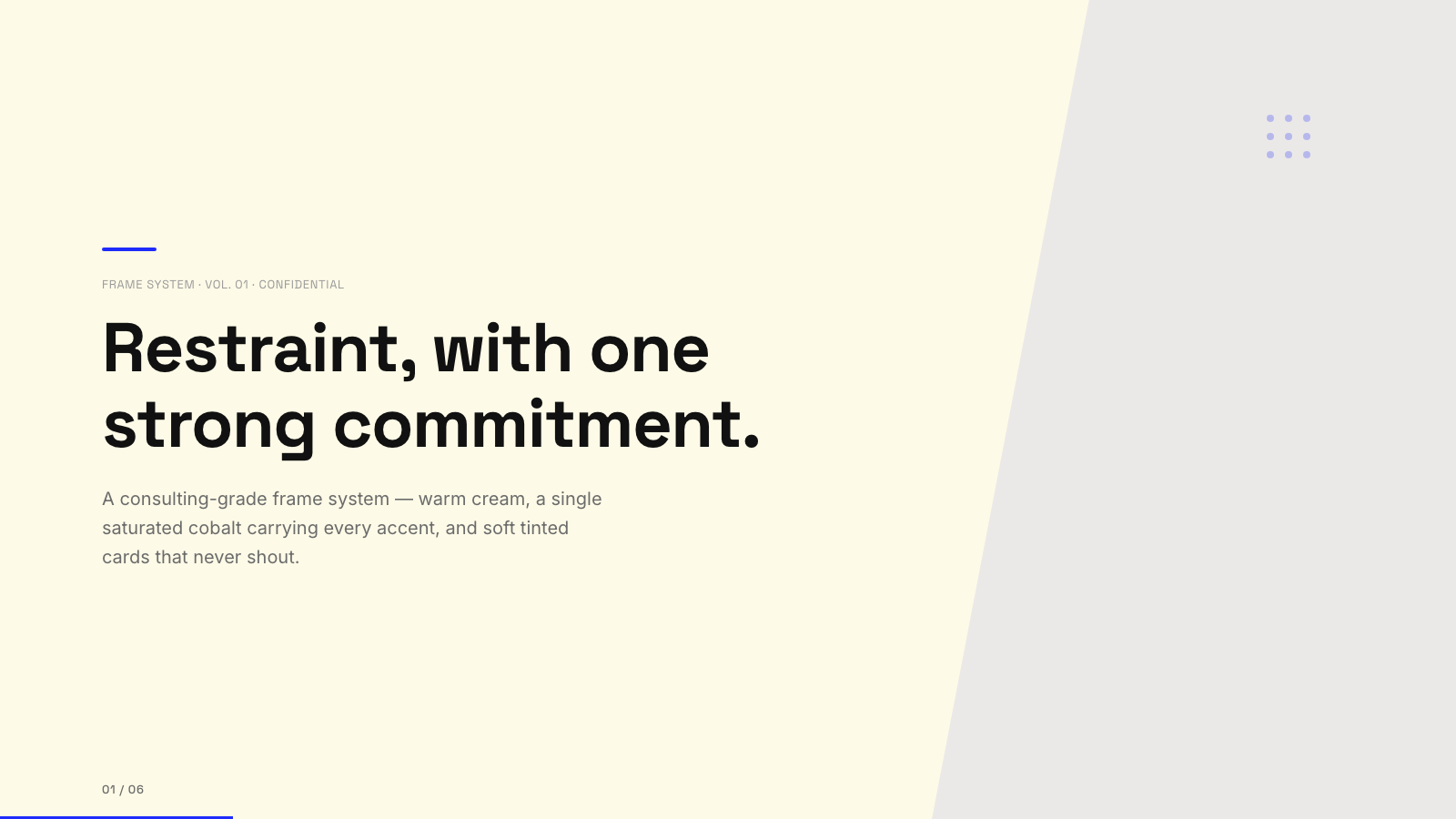
Blue Professional |

Bold Poster |
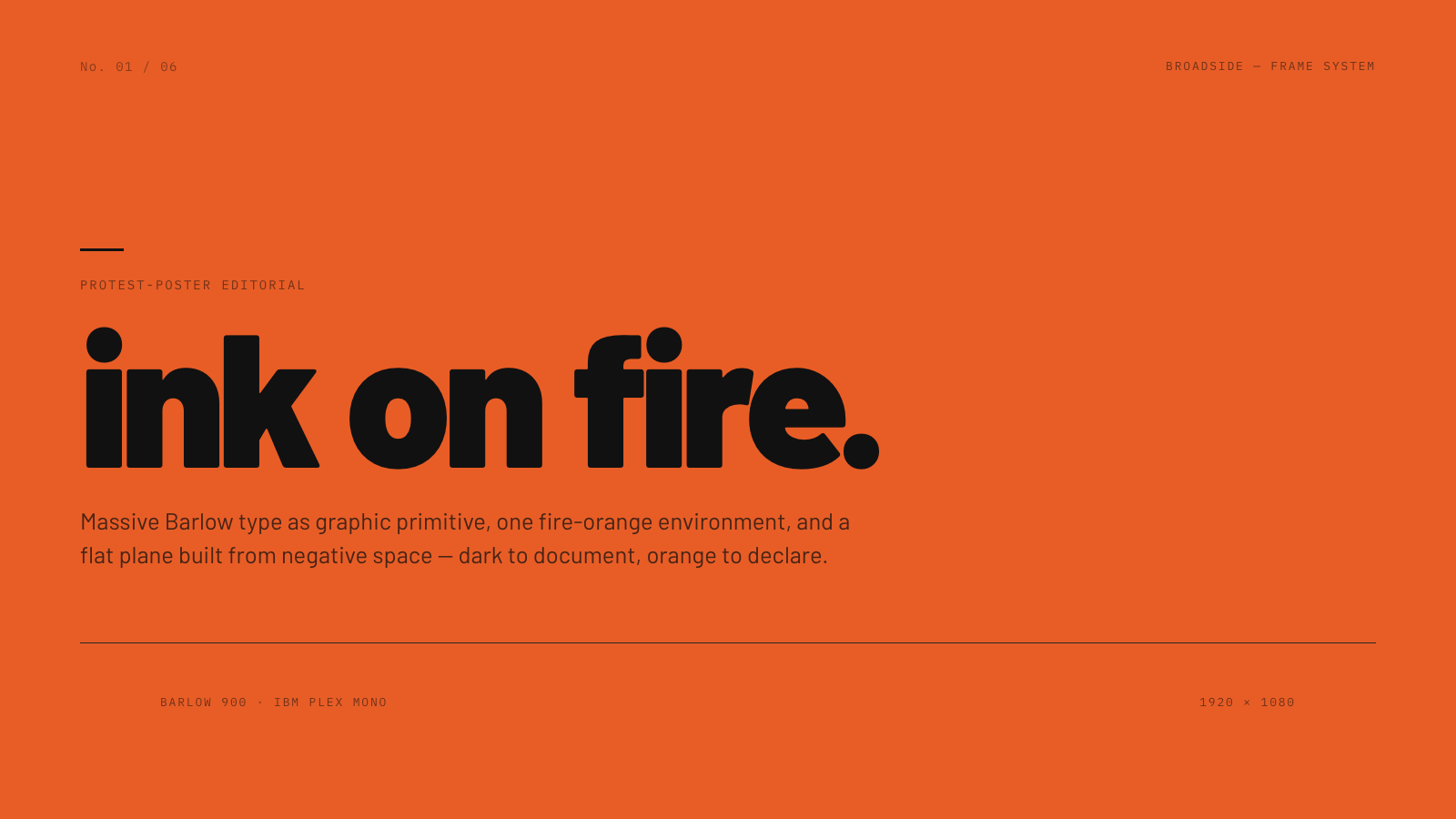
Broadside |
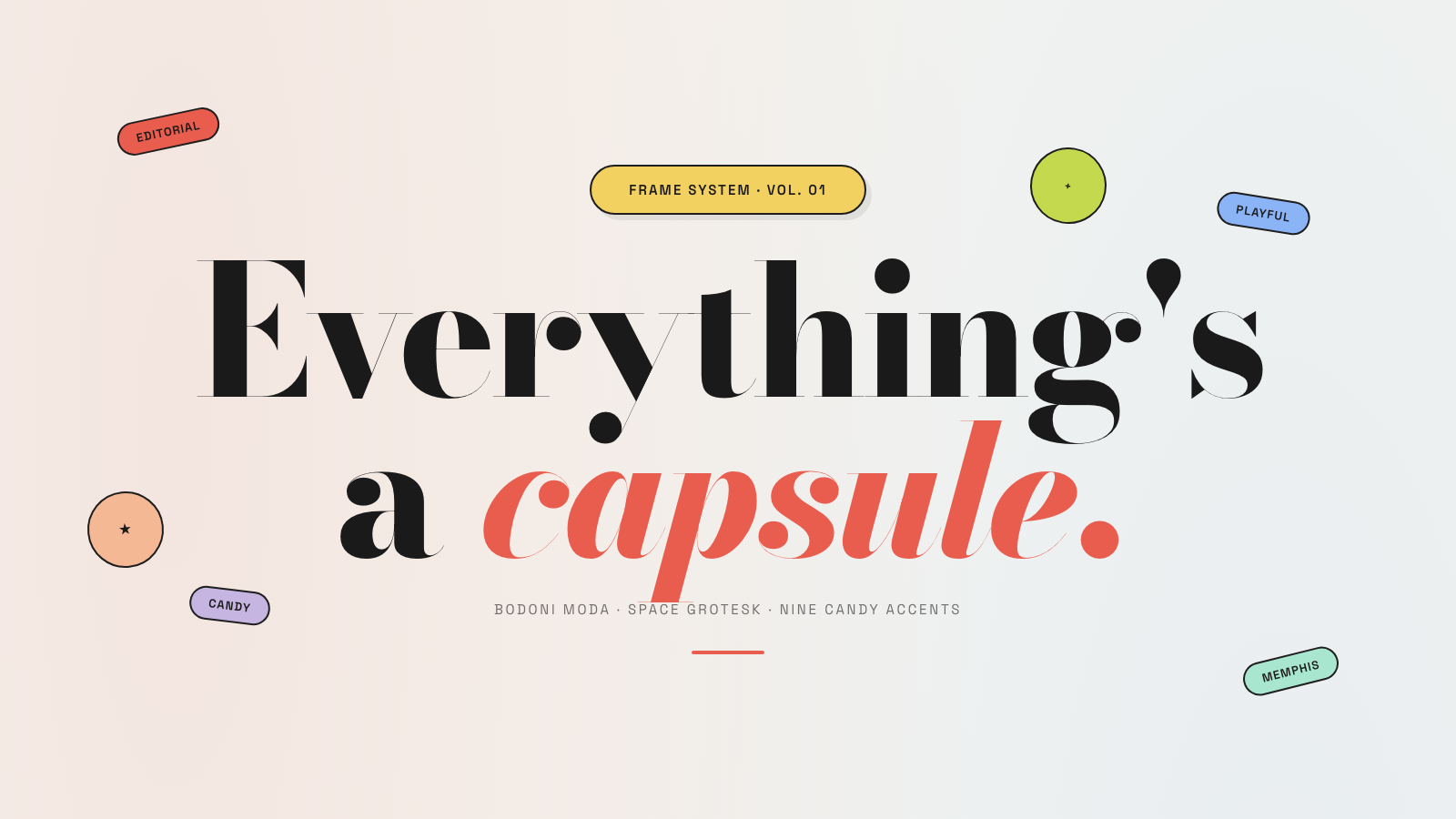
Capsule |
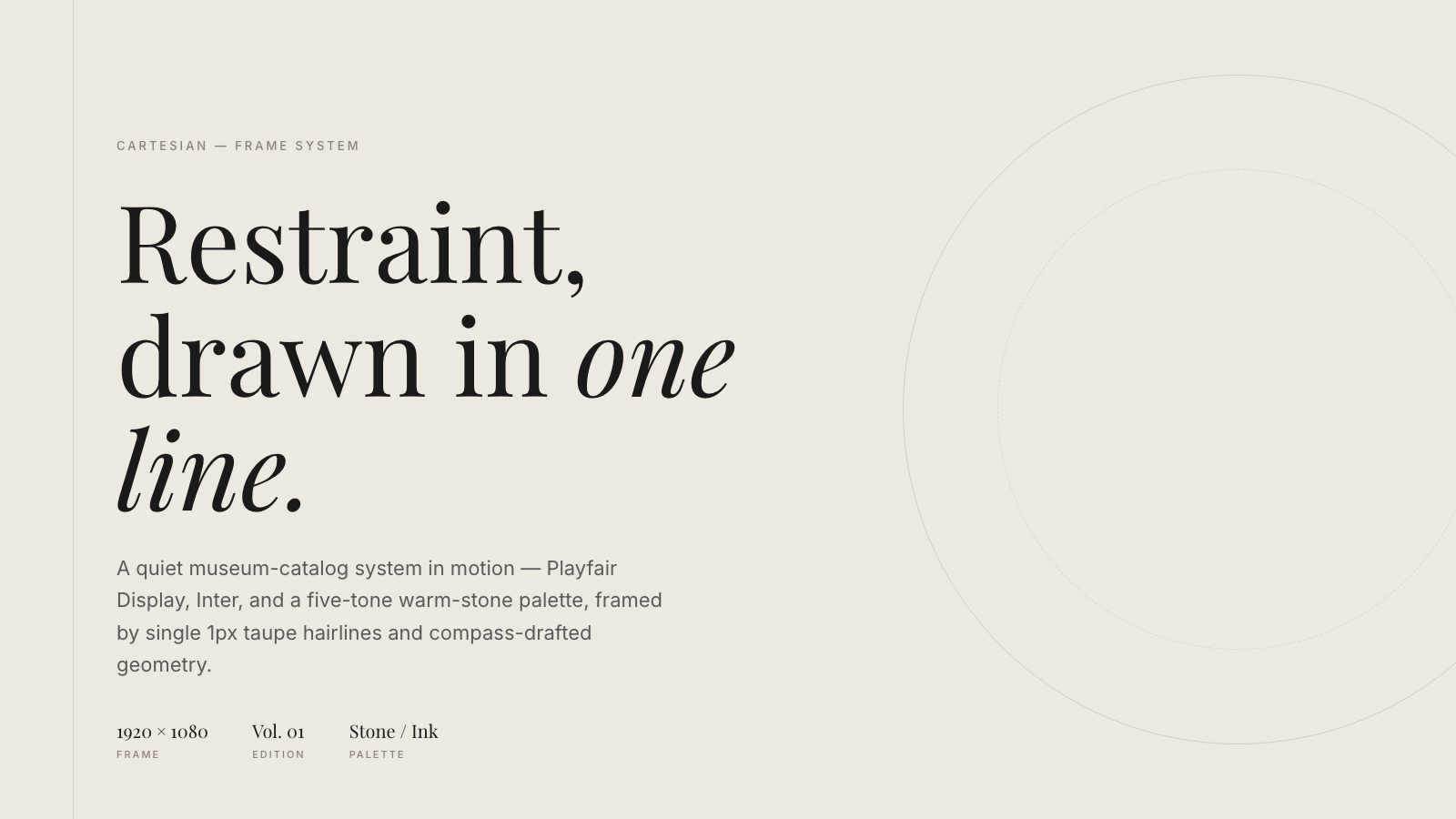
Cartesian |
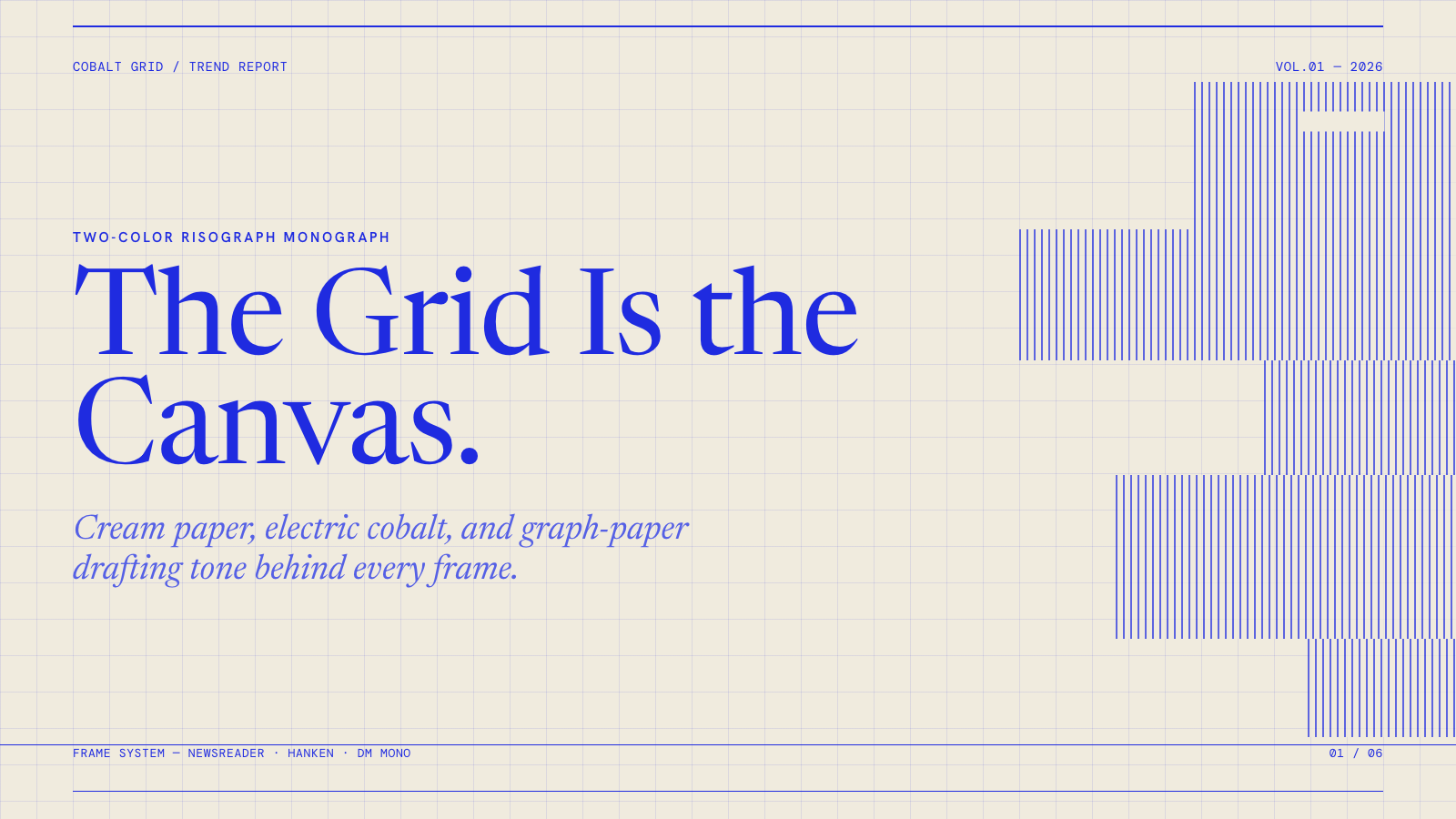
Cobalt Grid |

Coral |
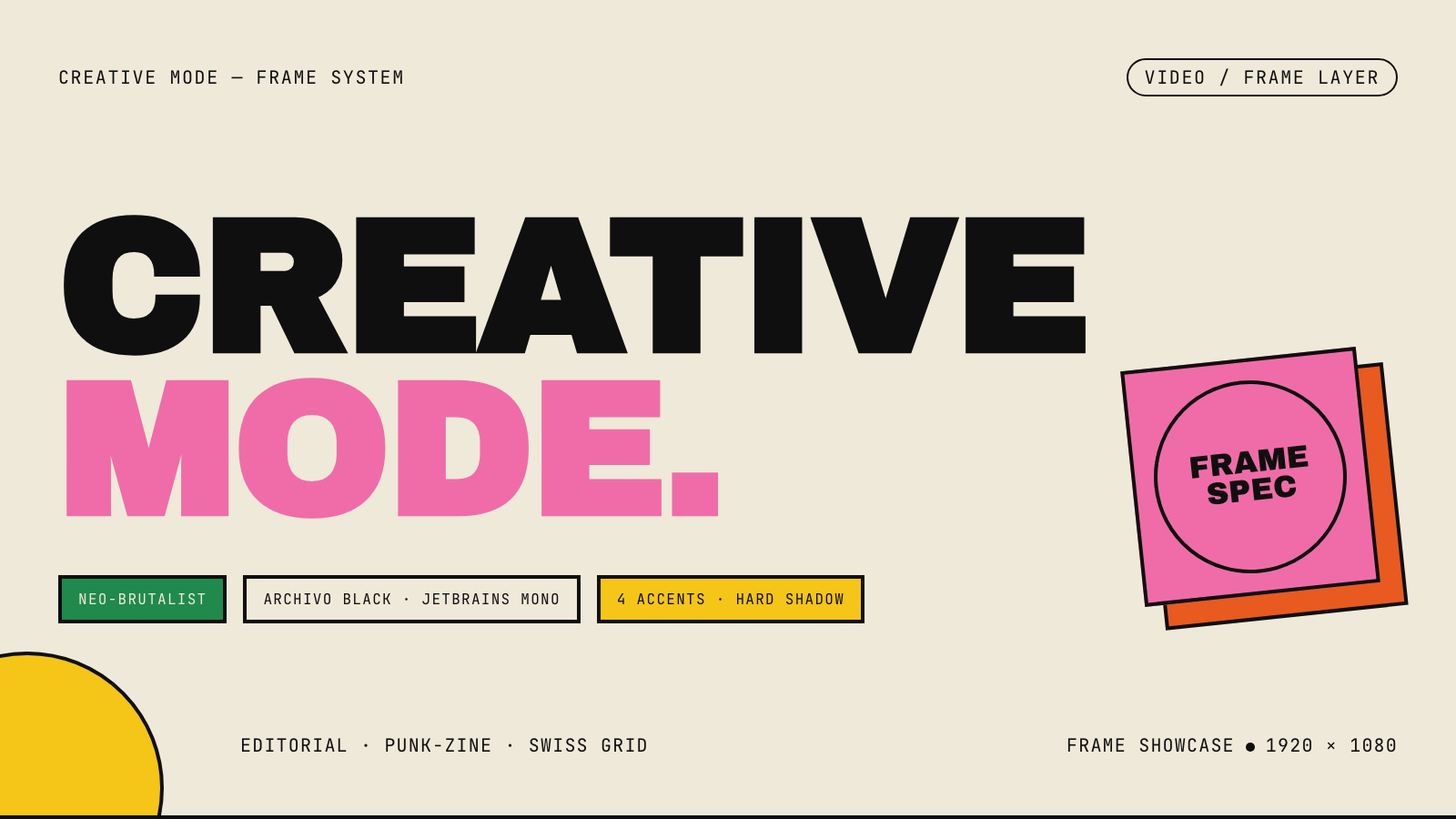
Creative Mode |
Browse and remix them all at hyperframes.studio/design.
How It Works
Define a video as HTML. Add data attributes for timing and tracks. Use GSAP, CSS, Lottie, Three.js, Anime.js, WAAPI, or your own frame adapter for seekable animation.
<div id="stage" data-composition-id="launch" data-start="0" data-width="1920" data-height="1080">
  <video
    class="clip"
    data-start="0"
    data-duration="6"
    data-track-index="0"
    src="intro.mp4"
    muted
    playsinline
  ></video>

  <h1 id="title" class="clip" data-start="1" data-duration="4" data-track-index="1">Launch day</h1>

  <audio
    data-start="0"
    data-duration="6"
    data-track-index="2"
    data-volume="0.5"
    src="music.wav"
  ></audio>

  <script src="https://cdn.jsdelivr.net/npm/gsap@3/dist/gsap.min.js"></script>
  <script>
    const tl = gsap.timeline({ paused: true });
    tl.from("#title", { opacity: 0, y: 40, duration: 0.8 }, 1);
    window.__timelines = window.__timelines || {};
    window.__timelines.launch = tl;
  </script>
</div>
Preview instantly in the browser. Render locally or in Docker. The renderer seeks each frame in headless Chrome and encodes the result with FFmpeg, so the same input produces the same video.
HyperFrames Stack
HyperFrames is the open-source rendering engine, plus a growing set of tools around HTML-native video creation.
| Piece | Status | What it does |
|---|---|---|
| CLI | Available | Scaffold, preview, lint, inspect, and render local video projects |
| Core / Engine / Producer | Available | Parse compositions, drive headless Chrome, encode video, and mix audio |
| Catalog | Available | Reusable blocks and components for transitions, overlays, captions, charts, maps, and effects |
| Agent skills | Available | Teach coding agents the video-production patterns that generic web docs miss |
| Studio | Available, evolving | Browser surface for previewing and editing compositions |
| AWS Lambda rendering | Available | Deploy a distributed render stack and drive renders from your laptop or CI |
| hyperframes.studio | Available | Community playground for previewing, iterating, sharing, and rendering HTML-native video projects |
| frame.md | Available | Invert your design system for the camera — a DESIGN.md superset an agent can compose video from |
Catalog
Install ready-to-use blocks and components:
npx hyperframes add flash-through-white   # shader transition
npx hyperframes add instagram-follow      # social overlay
npx hyperframes add data-chart            # animated chart
Browse the catalog at hyperframes.heygen.com/catalog.
Why HyperFrames?
- HTML-native: compositions are HTML files with data attributes. No React requirement, no proprietary timeline format.
- Agent-friendly: agents already write HTML, and the CLI is non-interactive by default.
- Deterministic: same input, same frames, same output. Built for CI, regression tests, and automated rendering.
- No build step: an
index.htmlcomposition plays as-is and can be previewed directly in the browser. - Adapter-based animation: bring GSAP, CSS animations, Lottie, Three.js, Anime.js, WAAPI, or a custom runtime.
- Open source: Apache 2.0 license, with no per-render fees or commercial-use thresholds.
HyperFrames vs Remotion
HyperFrames is inspired by Remotion. Both tools render video with headless Chrome and FFmpeg. The main difference is the authoring model: Remotion's bet is React components; HyperFrames' bet is plain HTML that humans and agents can both write easily.
| HyperFrames | Remotion | |
|---|---|---|
| Authoring | HTML + CSS + seekable animation | React components |
| Build step | None; index.html plays as-is |
Bundler required |
| Agent handoff | Plain HTML files | JSX / React project |
| Library-clock animations | Seekable, frame-accurate via adapters | Wall-clock animation patterns need care |
| Distributed rendering | Local and AWS Lambda render paths | Remotion Lambda, mature cloud renderer |
| License | Apache 2.0 | Source-available Remotion License |
Read the full comparison in the HyperFrames vs Remotion guide.
Documentation
Full documentation: hyperframes.heygen.com/introduction
Packages
| Package | Description |
|---|---|
hyperframes |
CLI for creating, previewing, linting, and rendering compositions |
@hyperframes/core |
Types, parsers, generators, linter, runtime, and frame adapters |
@hyperframes/engine |
Seekable page-to-video capture engine using Puppeteer and FFmpeg |
@hyperframes/producer |
Full rendering pipeline for capture, encode, and audio mix |
@hyperframes/studio |
Browser-based composition editor UI |
@hyperframes/player |
Embeddable <hyperframes-player> web component |
@hyperframes/shader-transitions |
WebGL shader transitions for compositions |
@hyperframes/aws-lambda |
AWS Lambda SDK and deployment surface for distributed renders |
Community
HyperFrames is used in production at HeyGen, with community examples from teams like tldraw, TanStack, and others in ADOPTERS.md. Open a PR if your team is using HyperFrames.
- Questions and ideas: Discord
- Bugs and feature requests: GitHub Issues
- User research: Book a casual 30-minute conversation with the HyperFrames team — no preparation or sales pitch
- Security reports: SECURITY.md
- Contributions: CONTRIBUTING.md
Development Note
The repo uses Git LFS for golden regression-test baselines under packages/producer/tests/**/output.mp4 (about 240 MB of .mp4 files). If you're cloning the full repo for development, install Git LFS first:
# macOS
brew install git-lfs

# Ubuntu / Debian
sudo apt install git-lfs

# Windows
winget install GitHub.GitLFS

# Then, once per machine
git lfs install
If you only need source files, you can skip LFS content:
GIT_LFS_SKIP_SMUDGE=1 git clone https://github.com/heygen-com/hyperframes.git
License
Share a video for review
Sign in with npx hyperframes auth login, then run npx hyperframes share to
choose who can open the rendered review. Use share --update when edits should
become a new version and share --manage for web settings. CLI and Desktop use
the same sharing system and five free projects per workspace. Existing legacy
published links remain reachable.