 WaterrrForeverandClaude Opus 4.8
54cab331d0
WaterrrForeverandClaude Opus 4.8
54cab331d0
* fix: handle caption skin workflow

* docs(skills): simplify the finalize step across video workflows

- Drop --strict-layout; all skills use plain `hyperframes inspect`
- Add the caption text_box_overflow false-positive note to faceless-explainer
- On a failed check, the orchestrator makes the cheapest safe edit itself
  (no worker re-dispatch / Step 3 backtrack language)
- Snapshot: glance at the stitched contact-sheet.jpg and move on

Co-Authored-By: Claude Opus 4.8 (1M context) <noreply@anthropic.com>

* feat(auth): onboarding-first `auth status` + shared TTS/BGM preflight

When no HeyGen credential is configured, `hyperframes auth status` now
prints registration-first guidance instead of a terse error:

- Interactive / agent-driven sessions get sign-in guidance led by
  `hyperframes auth login` (the OAuth step that also creates an account
  and is shared with heygen-cli), and never steer users to a per-repo
  `.env`. CI / non-interactive runs get a terse note. Exit 1 is kept so
  the "am I logged in?" `$?` contract still holds.
- It probes which local engine voice/music will fall back to (Kokoro /
  MusicGen, mirroring the skill resolution order) and whether their
  Python deps are installed, with a pip hint when missing. `--json`
  exposes `recommended_action` + `offline_engines` for skills to branch.
- `doctor` gains matching "TTS (Kokoro)" / "BGM (MusicGen)" checks via
  the same shared probe (findPython/hasPythonModules extracted to
  tts/python.ts; provider resolution in audio/providers.ts).

Every TTS/BGM workflow now relays this at Step 0 (setup) instead of
improvising its own "missing key" prompt: pr-to-video, product-launch-
video, faceless-explainer, website-to-video, music-to-video. The
canonical behavior + key-priority table live once in hyperframes-media.

Co-Authored-By: Claude Opus 4.8 (1M context) <noreply@anthropic.com>

* feat(pr-to-video): scale recommended video length to PR change size

Step 0 led with a fixed ~60-90s length default. Now the recommended
length is derived from the PR's diff stat (lines added+deleted, nudged
by file count) on a tier scale (trivial ~20-40s → large ~110-180s, hard
cap ~3 min), reusing the same PR peek already done to infer the angle.
The agent states the basis when proposing it, and a huge PR with one
headline change still stays tight. User can always override.

Co-Authored-By: Claude Opus 4.8 (1M context) <noreply@anthropic.com>

* fix(captions): embed brand fonts whose files use separators

brandFontFaces() matched font files by stripping only whitespace, so an
underscore/hyphen-named file (TT_Norms_Pro_Bold.woff2) never matched the
family key "ttnormspro" — captions shipped with no @font-face, the
font_family_without_font_face bug. Now both family and filename normalize
away all non-alphanumerics; families match longest-key-first so a parent
family can't swallow a more specific one's files (TT Norms Pro vs Mono);
each file is claimed once; "demibold" ranks before "bold"; and when
nothing matches it warns loudly at build time instead of returning "".

Also: parseFonts() falls back to h1/h2/title/hero display roles, and the
frame-worker + caption authoring docs spell out that only shipped font
files render — no system CJK/Devanagari families on the headless renderer.

Co-Authored-By: Claude Opus 4.8 (1M context) <noreply@anthropic.com>

* fix(hyperframes-media): enforce sign-in preflight on standalone BGM/TTS

A one-off "generate me a BGM" request went straight to local MusicGen
without recommending sign-in: bgm.md/tts.md framed the no-credential path
as an automatic fallback, so the generation path bypassed the Preflight
stop, and the preflight used a bare `hyperframes auth status` that isn't
on PATH in a fresh `npx skills` project.

- Preflight now applies to one-off generation as well as workflows, uses
  `npx hyperframes auth status`, and says: if the CLI can't run, still
  recommend signing in and STOP — never treat "no credential" as a silent
  green light for local generation.
- bgm.md and tts.md point at the Preflight before generating, reframing
  local generation as the fallback the user opts into, not a default.

Co-Authored-By: Claude Opus 4.8 (1M context) <noreply@anthropic.com>

* docs(auth): add Authentication & API keys guide

Document signing in, the keys each capability (voice, music, capture)
uses, their resolution priority, and the fully local fallback. Add the
guide to the nav and cross-link it from the cloud deploy note and the
CLI env-var reference.

Co-Authored-By: Claude Opus 4.8 (1M context) <noreply@anthropic.com>

* fix(lint): strip HTML comments in a fixpoint loop (CodeQL)

Single-pass <!-- --> removal can re-form a complete comment from
adjacent markers (e.g. `<<!-- -->!-- ... -->`), letting a decoy
<template> survive and hijack the template-boundary match. Loop to a
fixpoint, mirroring the captions.mjs precedent; add a regression test
that fails on single-pass (2 root findings) and passes on the loop.

Also wrap the build-frame.mjs node:fs imports to satisfy oxfmt — the
new copyFileSync import pushed the line past the width limit, which
was the sole cause of the Format / Preflight CI failures.

Co-Authored-By: Claude Opus 4.8 (1M context) <noreply@anthropic.com>

* fix(lint): strip HTML comments with a linear scan (CodeQL ReDoS)

The fixpoint loop still ran a /<!--[\s\S]*?-->/ regex per pass, which
backtracks O(n^2) on inputs with many unterminated "<!--" — CodeQL
js/polynomial-redos (high). Looping the same regex (the prescribed
fix) never addressed this; only the regex itself does.

Replace it with an indexOf-based linear strip in utils.ts
(stripHtmlComments), kept in a fixpoint loop so markers that re-form
when a comment is removed are still stripped. 200k unterminated
"<!--" now strips in ~3ms instead of quadratic time; behavior is
otherwise unchanged — unterminated comments are kept verbatim, as the
old regex left them. The re-forming regression test still guards it.

Co-Authored-By: Claude Opus 4.8 (1M context) <noreply@anthropic.com>

* fix(auth): make TTS/BGM sign-in guidance accurate and runnable

From team review of the not-signed-in onboarding:

- OAuth is a `hyperframes auth login` feature only. The separate `heygen`
  CLI is API-key-only — `heygen auth login` stores a pasted key, it is not
  OAuth and does not create an account. Stop presenting the two CLIs as the
  same OAuth/sign-up step.
- Use `npx hyperframes` in every imperative and runtime hint. Bare
  `hyperframes` is not on PATH on a fresh machine (command not found); only
  `npx hyperframes` is guaranteed. Also updates the JSON recommended_action.
- Drop `heygen auth login` from the terminal/skill onboarding: it needs its
  own install and there is no `npx heygen`, so it was a command-not-found
  trap. The shared-credential fact stays in the reference docs.

Covers the `auth status` guidance + tests, the Authentication docs, the
shared hyperframes-media preflight (SKILL, requirements, tts, error hints),
and the `npx hyperframes auth status` preflight in every TTS/BGM workflow
(pr-to-video, product-launch-video, faceless-explainer, website-to-video,
music-to-video).

Co-Authored-By: Claude Opus 4.8 (1M context) <noreply@anthropic.com>

---------

Co-authored-by: Claude Opus 4.8 (1M context) <noreply@anthropic.com>






Write HTML. Render video. Built for agents.
Quickstart | Showcase | Playground | Catalog | Docs | Discord

HyperFrames is an open-source framework for turning HTML, CSS, media, and seekable animations into deterministic MP4 videos. Use it locally with the CLI, from AI coding agents with skills, or as the rendering core behind hosted authoring workflows.
Quick Start
With an AI coding agent
Install the HyperFrames skills, then describe the video you want:
npx skills add heygen-com/hyperframes
Try a prompt like:
Using
/hyperframes, create a 10-second product intro with a fade-in title, a background video, and subtle background music.
The skills teach agents the HyperFrames production loop: plan the video, write valid HTML, wire seekable animations, add media, lint, preview, and render. They work with Claude Code, Cursor, Gemini CLI, Codex, and other coding agents that support skills.
For visual design handoff workflows, see the Claude Design guide and Open Design guide.
Manually with the CLI
npx hyperframes init my-video
cd my-video
npx hyperframes preview      # preview in browser with live reload
npx hyperframes render       # render to MP4
Requirements: Node.js 22+, FFmpeg
What You Can Build
Need ideas? Browse the Showcase for finished videos you can watch, read, run, and remix.
- Product launch videos and feature announcements
- PR walkthroughs with animated code diffs, narration, and captions
- Data visualizations, chart races, and map animations
- Social videos with kinetic captions, overlays, and music
- Docs-to-video, PDF-to-video, and website-to-video explainers
- Reusable motion graphics for automated content pipelines
Frame.md
frame.md — your design system, ready for video.
Every brand has a design.md. None of them were written for a camera. frame.md is the missing translation layer: it takes your web-context design spec and inverts it for the frame — the same tokens, the same rules, but rewritten so an AI agent can compose a promo video without guessing at scale or reaching for web chrome.
The output is a DESIGN.md superset your whole toolchain can read. Atoms stay sacred. Composition stays free. Numbers come from the script.

Biennale Yellow |

BlockFrame |
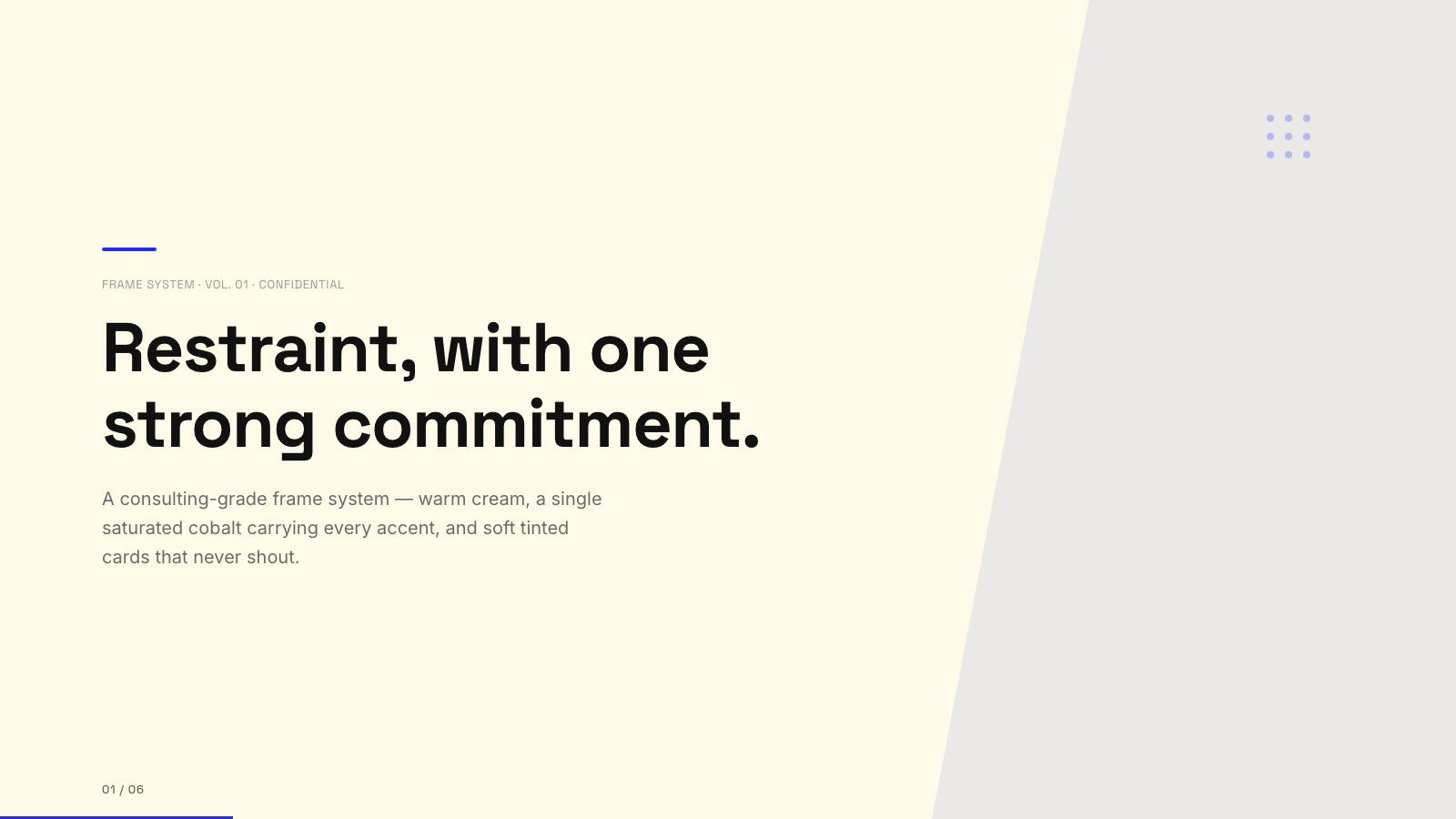
Blue Professional |

Bold Poster |
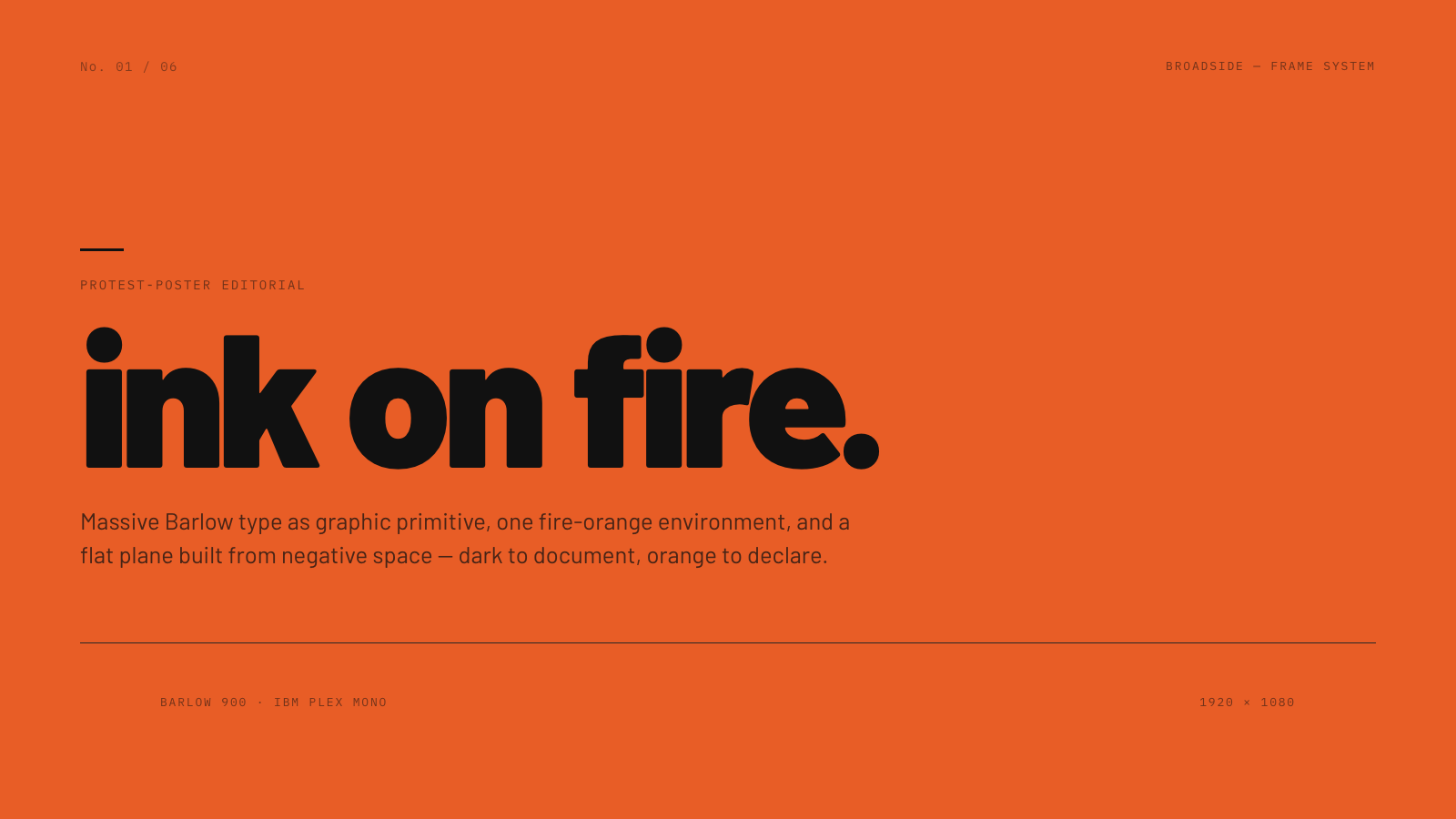
Broadside |
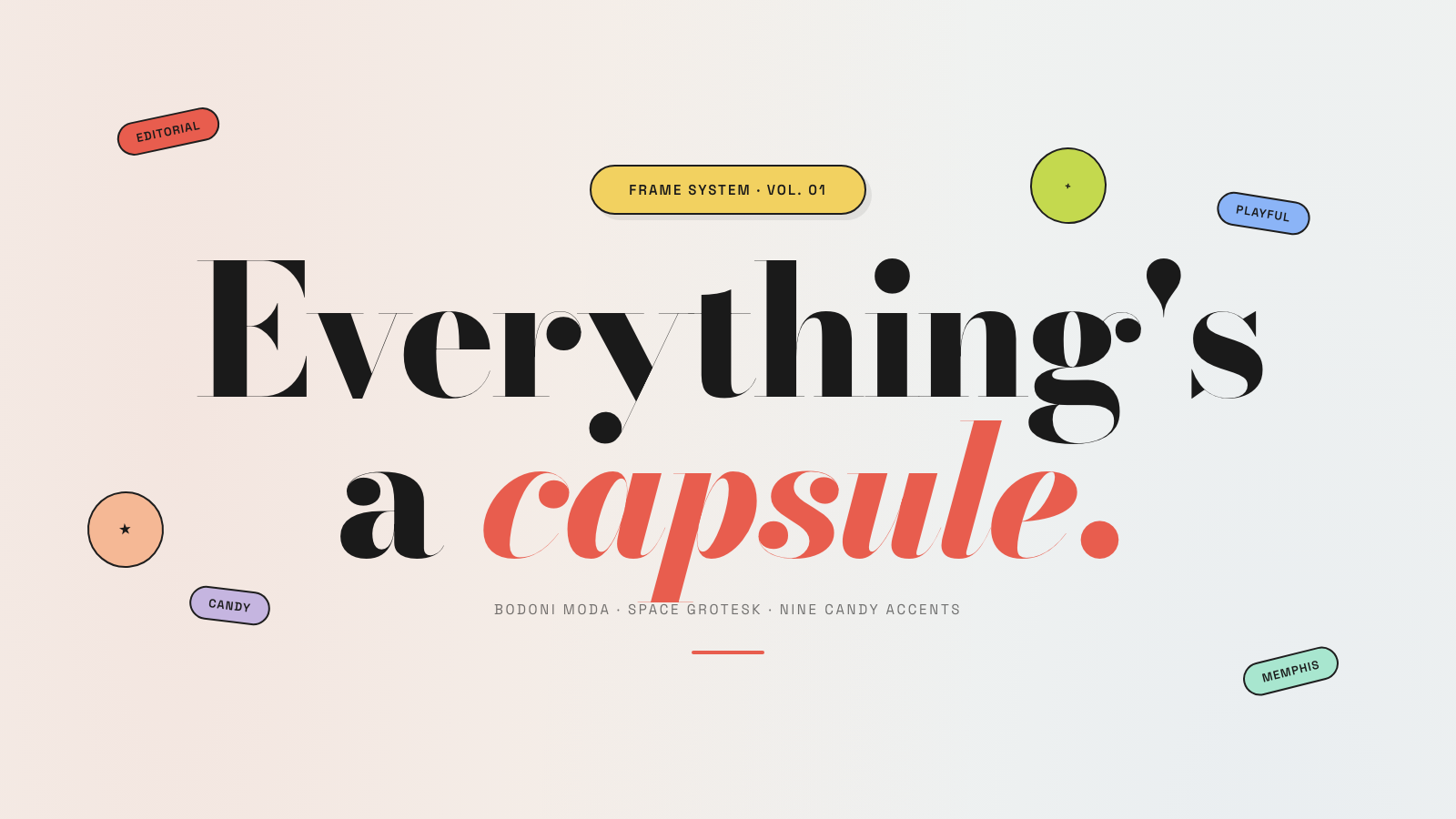
Capsule |
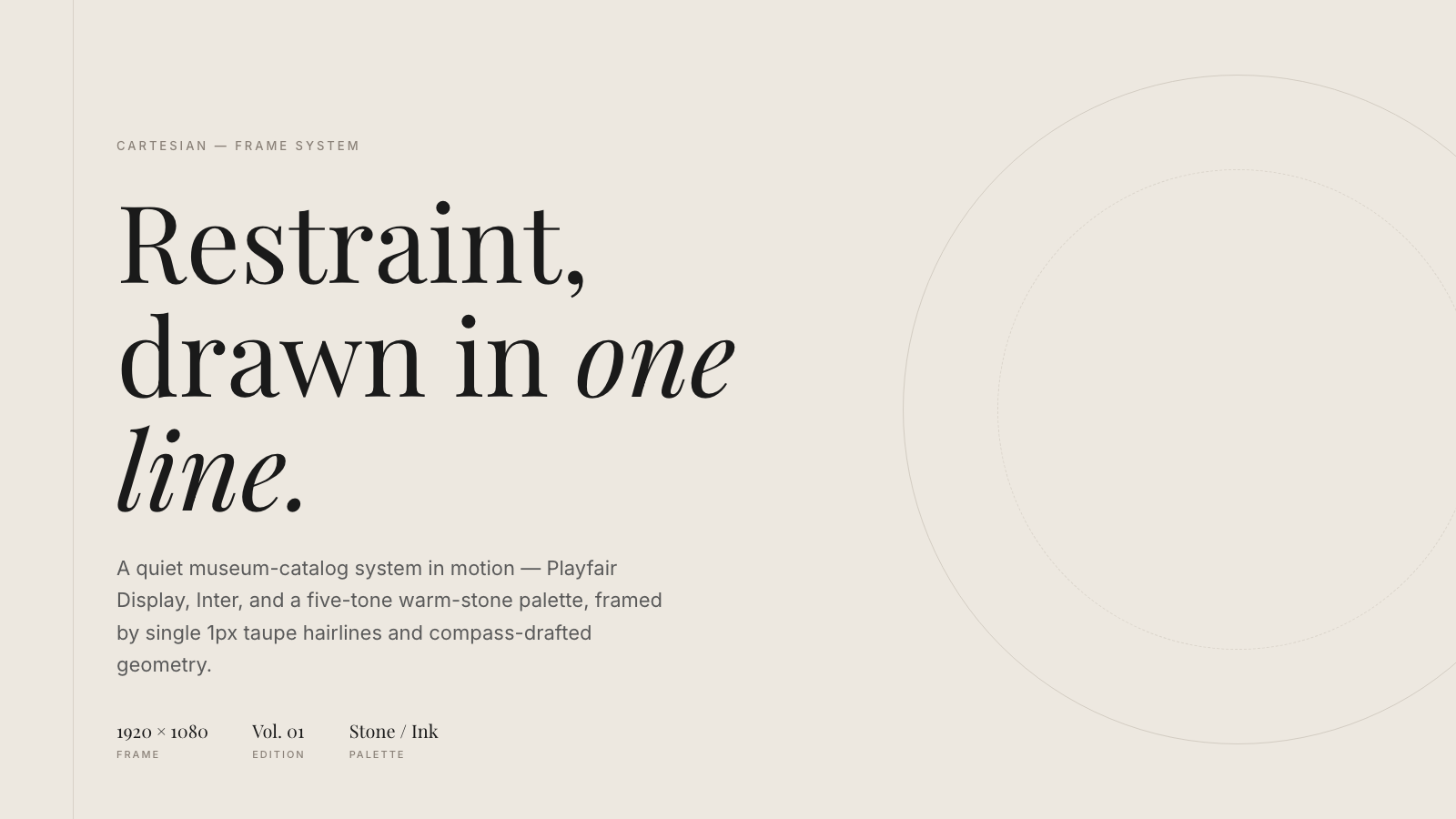
Cartesian |
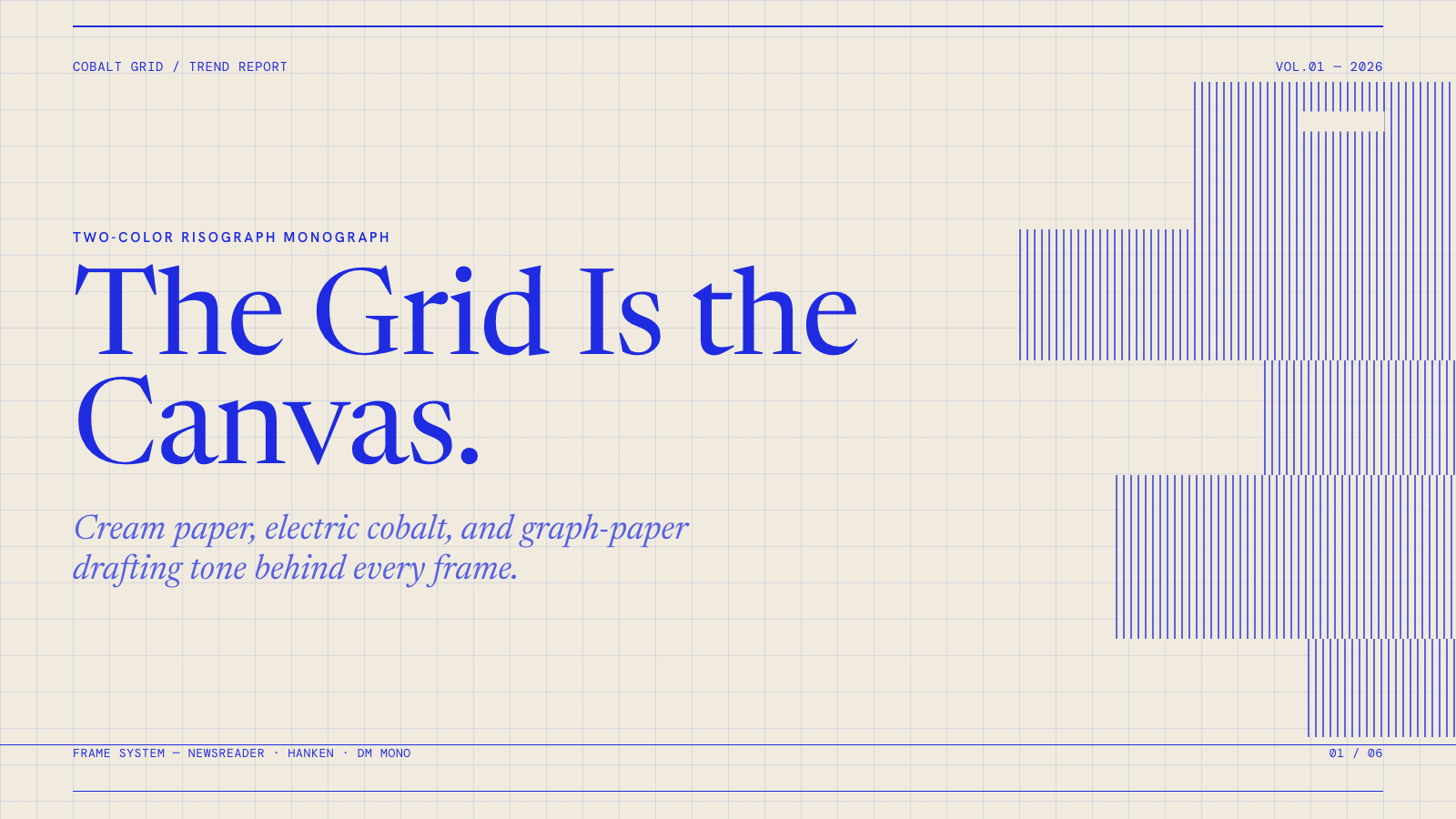
Cobalt Grid |

Coral |
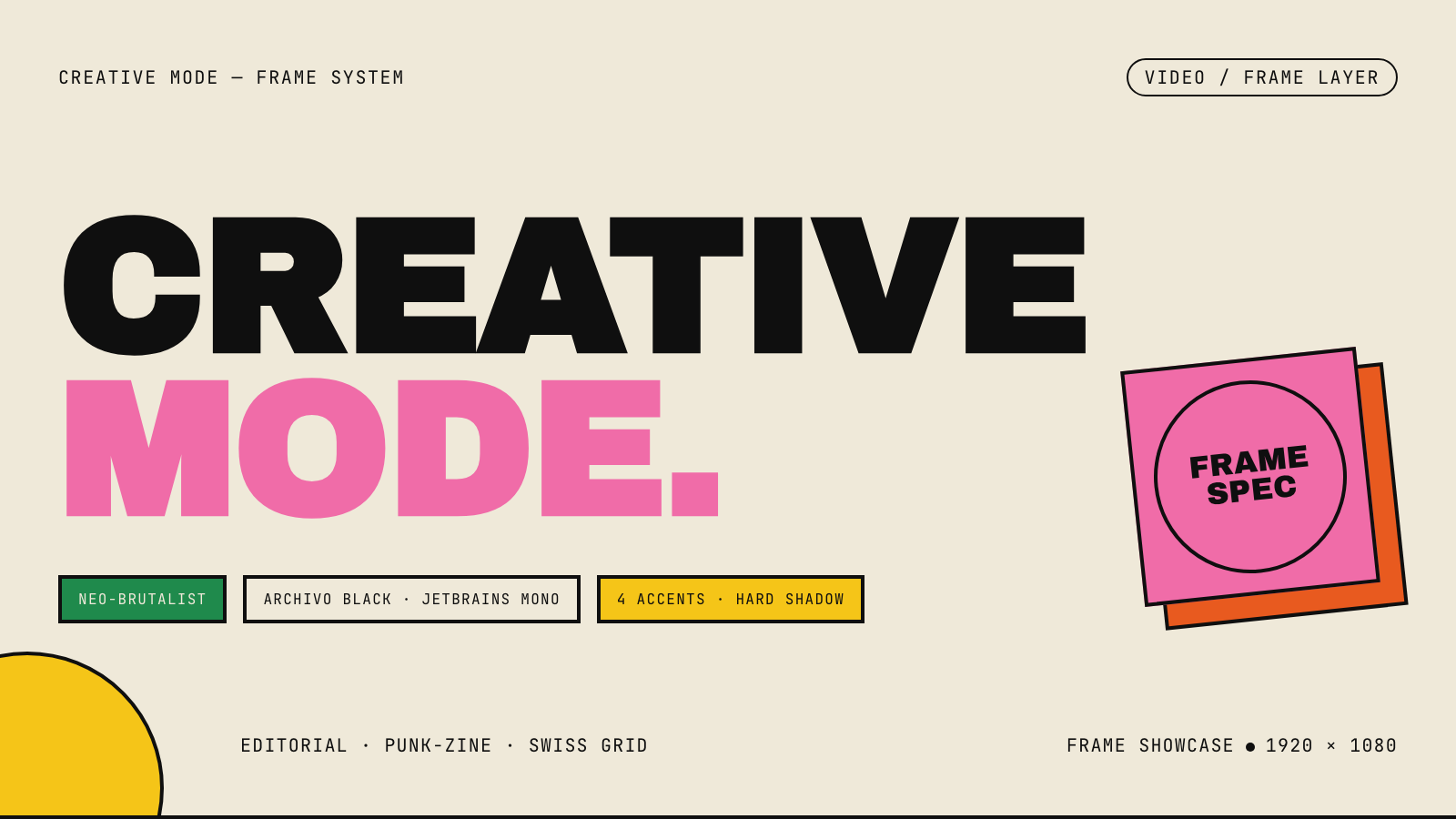
Creative Mode |
Browse and remix them all at hyperframes.dev/design.
How It Works
Define a video as HTML. Add data attributes for timing and tracks. Use GSAP, CSS, Lottie, Three.js, Anime.js, WAAPI, or your own frame adapter for seekable animation.
<div id="stage" data-composition-id="launch" data-start="0" data-width="1920" data-height="1080">
  <video
    class="clip"
    data-start="0"
    data-duration="6"
    data-track-index="0"
    src="intro.mp4"
    muted
    playsinline
  ></video>

  <h1 id="title" class="clip" data-start="1" data-duration="4" data-track-index="1">Launch day</h1>

  <audio
    data-start="0"
    data-duration="6"
    data-track-index="2"
    data-volume="0.5"
    src="music.wav"
  ></audio>

  <script src="https://cdn.jsdelivr.net/npm/gsap@3/dist/gsap.min.js"></script>
  <script>
    const tl = gsap.timeline({ paused: true });
    tl.from("#title", { opacity: 0, y: 40, duration: 0.8 }, 1);
    window.__timelines = window.__timelines || {};
    window.__timelines.launch = tl;
  </script>
</div>
Preview instantly in the browser. Render locally or in Docker. The renderer seeks each frame in headless Chrome and encodes the result with FFmpeg, so the same input produces the same video.
HyperFrames Stack
HyperFrames is the open-source rendering engine, plus a growing set of tools around HTML-native video creation.
| Piece | Status | What it does |
|---|---|---|
| CLI | Available | Scaffold, preview, lint, inspect, and render local video projects |
| Core / Engine / Producer | Available | Parse compositions, drive headless Chrome, encode video, and mix audio |
| Catalog | Available | Reusable blocks and components for transitions, overlays, captions, charts, maps, and effects |
| Agent skills | Available | Teach coding agents the video-production patterns that generic web docs miss |
| Studio | Available, evolving | Browser surface for previewing and editing compositions |
| AWS Lambda rendering | Available | Deploy a distributed render stack and drive renders from your laptop or CI |
| hyperframes.dev | Available | Community playground for previewing, iterating, sharing, and rendering HTML-native video projects |
| frame.md | Available | Invert your design system for the camera — a DESIGN.md superset an agent can compose video from |
Catalog
Install ready-to-use blocks and components:
npx hyperframes add flash-through-white   # shader transition
npx hyperframes add instagram-follow      # social overlay
npx hyperframes add data-chart            # animated chart
Browse the catalog at hyperframes.heygen.com/catalog.
Why HyperFrames?
- HTML-native: compositions are HTML files with data attributes. No React requirement, no proprietary timeline format.
- Agent-friendly: agents already write HTML, and the CLI is non-interactive by default.
- Deterministic: same input, same frames, same output. Built for CI, regression tests, and automated rendering.
- No build step: an
index.htmlcomposition plays as-is and can be previewed directly in the browser. - Adapter-based animation: bring GSAP, CSS animations, Lottie, Three.js, Anime.js, WAAPI, or a custom runtime.
- Open source: Apache 2.0 license, with no per-render fees or commercial-use thresholds.
HyperFrames vs Remotion
HyperFrames is inspired by Remotion. Both tools render video with headless Chrome and FFmpeg. The main difference is the authoring model: Remotion's bet is React components; HyperFrames' bet is plain HTML that humans and agents can both write easily.
| HyperFrames | Remotion | |
|---|---|---|
| Authoring | HTML + CSS + seekable animation | React components |
| Build step | None; index.html plays as-is |
Bundler required |
| Agent handoff | Plain HTML files | JSX / React project |
| Library-clock animations | Seekable, frame-accurate via adapters | Wall-clock animation patterns need care |
| Distributed rendering | Local and AWS Lambda render paths | Remotion Lambda, mature cloud renderer |
| License | Apache 2.0 | Source-available Remotion License |
Read the full comparison in the HyperFrames vs Remotion guide.
Documentation
Full documentation: hyperframes.heygen.com/introduction
Packages
| Package | Description |
|---|---|
hyperframes |
CLI for creating, previewing, linting, and rendering compositions |
@hyperframes/core |
Types, parsers, generators, linter, runtime, and frame adapters |
@hyperframes/engine |
Seekable page-to-video capture engine using Puppeteer and FFmpeg |
@hyperframes/producer |
Full rendering pipeline for capture, encode, and audio mix |
@hyperframes/studio |
Browser-based composition editor UI |
@hyperframes/player |
Embeddable <hyperframes-player> web component |
@hyperframes/shader-transitions |
WebGL shader transitions for compositions |
@hyperframes/aws-lambda |
AWS Lambda SDK and deployment surface for distributed renders |
Community
HyperFrames is used in production at HeyGen, with community examples from teams like tldraw, TanStack, and others in ADOPTERS.md. Open a PR if your team is using HyperFrames.
- Questions and ideas: Discord
- Bugs and feature requests: GitHub Issues
- Security reports: SECURITY.md
- Contributions: CONTRIBUTING.md
Development Note
The repo uses Git LFS for golden regression-test baselines under packages/producer/tests/**/output.mp4 (about 240 MB of .mp4 files). If you're cloning the full repo for development, install Git LFS first:
# macOS
brew install git-lfs

# Ubuntu / Debian
sudo apt install git-lfs

# Windows
winget install GitHub.GitLFS

# Then, once per machine
git lfs install
If you only need source files, you can skip LFS content:
GIT_LFS_SKIP_SMUDGE=1 git clone https://github.com/heygen-com/hyperframes.git