 Miguel Ángel
68205dbbc1
Miguel Ángel
68205dbbc1
* feat(cli): search the catalog by meaning, in three named tiers

Browsing the registry means matching names and tags, which fails whenever the
author's wording differs from yours. "make the pace feel faster" finds nothing
when the move is described as "velocity-driven blur". This ranks by meaning
instead.

Three tiers, and the command always says which one answered:

  words       shared vocabulary, free, offline, no account
  on-device   bge-small, free, offline, one opt-in download
  hosted      Gemini, free for signed-in HeyGen users

The tier is stated because a quietly worse answer looks exactly like a good
one. --json carries it as a token alongside dropped, shown, total and
top_score, so an agent reads provenance as data rather than matching English
that is written to be reworded.

Two consents, asked once each, and never conflated. Sending a query is a
privacy question, so the prompt says the query is sent. Downloading a model is
a disk and bandwidth question, so that prompt talks about size. Neither fires
without a terminal: an unattended run sends nothing and downloads nothing
unless a flag records that a person agreed.

The catalog is derived from registry-item.json rather than from a separate
document, so the set that is ranked and the set that can be installed are the
same object by construction. Only the on-device vectors are committed; the
hosted vectors are nine megabytes and belong on the server.

top_score is reported and never acted on. A "nothing matched" threshold looked
clean on long briefs and collapsed on the short queries people type: "a logo
appears" scores 0.6181 and keyboard mash scores 0.6417, so any cut that catches
the noise rejects the real query. The measurement is in the evals directory
rather than in this branch.

Not covered here. The published recall figures were measured against a separate
hand-written document, not against registry text, so they should not be quoted
for this catalog until re-measured. The offline tier needs a normal install: a
single-file build cannot load the native ONNX runtime, which the command now
reports instead of silently degrading. And the drop-detection path has never
been observed firing outside its author's tests.

* fix(cli): make this branch pass the repo's own gates

Three things `bun run lint` and `fallow audit --base origin/main` rejected.
CI runs both, so none of this branch would have gone green. Found by running
them, not by reading the diff.

process.exit in catalog.ts, twice: an invalid --type and a cancelled picker.
check:cli-process-ownership reserves that for cli.ts, and the rule is not
cosmetic — process.exit tears the process down where it stands, so anything
cli.ts has queued to run on the way out is dropped. finishCommand throws a
CliResultSignal that cli.ts turns into the exit code, which is what init.ts
already does for a cancelled prompt.

Three exports with no consumers. normalize keeps its body and loses its export;
localEmbedder is the only caller. modelsDirectory goes entirely, having no
caller inside its file or out. The WordPieceConfig re-export goes, and with it
the import it existed to forward: the type is exported from wordpiece.ts, where
its consumers already take it from.

Complexity. prepareOnDeviceTier is lifted out of run(), which took run from 64
cyclomatic and CRAP 948 to 54 and 684. That block is one decision — can the
offline tier run, and if not, why not — and its only product is a list of
warnings, so it reads and tests as a unit, which it could not do inline.

The rest is suppressed rather than refactored, each with its reason on the line
above. Finishing run() means extracting its three output paths, and that is a
refactor of a command this branch already changes for other reasons: a separate
initiative, not something to absorb here. Every suppression says what shape the
function has and why; a bare marker on a function nobody can justify is how a
threshold stops meaning anything.

Verified: `bun run lint` exits 0, fallow reports no issues across 27 changed
files, and 2540 CLI tests pass.

* feat(cli): ship the local search tiers only, drop the hosted one

Search now has two tiers, both local: shared-vocabulary word matching, and the
opt-in on-device model. The hosted tier, which sent the query to a HeyGen
endpoint and ranked it with a hosted model, is removed.

This is a scope decision, not a defect. The endpoint works and its own change is
reviewed and green; it is simply not what we want to ship first. Landing local
only means the feature has no backend dependency, no auth requirement, and
nothing leaves the machine unless someone opts into downloading a model.

Gone: registry/smartSearch.ts and its test, the --smart and --no-smart flags,
the outcome plumbing through the command, the remote branch of applySearch, the
remote tier, and the hosted-only JSON fields (ranking, catalog_version,
top_score). Also the smartSearchEnabled consent field in telemetry config, which
was the persisted storage behind the hosted consent and would otherwise have
been left as dead configuration surface.

Kept exactly as they were: both local tiers, the --on-device and --yes flags,
the download consent prompt, and the runtime check that happens before the
download rather than after it. The --json envelope still reports query, tier,
tier_detail, shown, total, dropped, warnings and results, so an agent can still
tell which tier answered and why. tierToken now distinguishes on-device from
words.

Verified: lint exits 0, fallow reports no issues, 2522 CLI tests pass, and the
command was exercised directly. A query answers on the on-device tier where the
model is installed and falls back to word matching where it is not, reporting
that fallback in warnings rather than silently. An unknown --type still exits 1
with a readable message, and --smart is now rejected as an unknown flag.

* fix(cli): count only moves this registry cannot install as dropped

The dropped count was computed against the list left after the user's own
--type and --tag filters, so every move the user excluded was reported as one
the registry is missing. Filtering made the number go up: the same query
reported 277 unfiltered and 302 with --type block.

The count exists so a caller can tell "nothing matched your words" apart from
"the ranker suggested things this project cannot install". Conflating it with
user filtering destroys exactly that signal, and worse, genuine index skew and a
self-inflicted filter printed a byte-identical line with opposite remedies --
one means refresh the shelf, the other means drop a flag, and refreshing does
nothing.

Now counted against the registry rather than the filtered view. The manifest is
already fetched whole and narrowed in memory, so keeping the unnarrowed name set
costs no extra request, and item loading still runs only on the filtered subset.

Verified against ground truth rather than by eye: the vector artifact holds 411
names, the registry holds 168 installable items, and 134 of those names exist in
both, so 277 are genuinely uninstallable. The count now reads 277 unfiltered,
277 under --type block, 277 under --type component and 277 under --tag, and the
skew it reports is real -- the artifact predates dropping the UI primitives and
still ranks moves that are no longer on the shelf.

Reported by Vance Ingalls, who also noted this closes an item the status doc
listed as unverified. Two earlier sweeps could not make the count fire because
neither combined a filter with a query.

Tests pin the three cases: a genuinely absent name counts, a filter-excluded
name does not, and a fully installable ranking reports zero.

* fix(cli): tell the user when meaning search cannot see the catalog

The on-device index was fetched once and never revalidated: the only
freshness check was two existsSync calls. A move added after that fetch was
invisible to meaning search permanently, not down-ranked but absent from the
candidate set. The registry manifest on the same command carries a 24h TTL,
so the two halves of one feature disagreed about staleness.

The dropped count reported over-coverage only, names the index has that the
registry lacks. Under-coverage was never computed, so the harmless direction
was instrumented and the costly one was silent. Reproduced with an index
truncated to 120 of 168 moves: dropped read 0, perfect health, while 48
moves were unreachable.

Counts under-coverage from the name list the artifact already carries, so no
extra request. Warns only when non-zero, and names the remedy.

The remedy had to be made true: --on-device could not refresh a stale index
because hasLocalVectors short-circuited the fetch. That flag now refetches
when the index is absent or no longer covering.

Two defects the reproduction surfaced. A failed refresh reported the tier
unavailable while the old vectors were still on disk and still ranking. And
the fetch wrote its two files one at a time, so failing between them paired
a new name list with an old matrix, a hard load error rather than stale
data. It now writes both or neither, which matters more once refresh runs on
staleness.

top_score returns, scoped to the on-device tier and set to the score of the
best result actually shown rather than the ranking head, which can describe
a row the caller never received.

Also: scripts/ is now typechecked. It never was, which is how a build script
that crashes after the paid embedding call, and two scripts whose imports do
not resolve at all, went unnoticed. 43 errors fixed, no suppressions.

And the docs stop describing a --smart hosted tier that was deleted, an
item that does not exist, and a registry refresh that cannot fix a stale
vector index.

* ci: fail when the search index stops covering the registry

The catalog vector artifact is regenerated by hand. Nothing in CI, in
package.json or in a hook rebuilds it, because embedding needs the 32 MB
model. So adding a registry item silently makes it invisible to meaning
search until someone remembers to regenerate.

The failure is asymmetric, which is what makes it easy to miss. Removing an
item is self-healing: the ranker still scores the dead vector, then filters
the name before display, so a user is never offered something they cannot
install. Adding one is not: the item is absent from the candidate set
entirely, not ranked low.

Comparing the two name lists needs neither the model nor a network call, so
the gate runs in seconds. CI checks rather than fixes, for the same reason
it cannot regenerate.

Scoped to blocks and components. Examples are starter projects a user
scaffolds, never something catalog ranks, and the artifact carries no vector
for them, so demanding one would keep this gate permanently red and it would
be ignored within a week.

Verified in both directions rather than assumed: adding an unindexed item
exits 1 and names it, restoring the registry exits 0.

* fix(catalog): rebuild the search index from the registry

build-local-vectors.ts read registry/catalog-artifact/catalog.json, a file no script in this repo writes and which is not committed, so the documented regeneration command failed on a missing path. That is why the index could drift from the registry with nothing to run to fix it.

It now reads registry/blocks/* and registry/components/* through catalogFromRegistry, the existing helper that already produced the right shape but had no caller. Rebuilding reproduces the shipped 168 rows byte for byte.

A lefthook catalog-index command regenerates and re-stages both artifact files whenever a staged registry-item.json changes, mirroring the skills-manifest pattern, so adding or removing an item keeps the index in sync without anyone remembering to. Verified end to end: staging a new item took the artifact 168 to 169 rows and staged it in 0.80s.

* fix(cli): refuse a half-downloaded vector cache

The two artifact files have to agree on how many rows there are, and until now nothing checked that before writing them. A truncated or wrong-model response landed in the cache and only failed at load, on every later search, until someone cleared it by hand. The pair is now checked first and refused as a unit, and the cache is created 0o700 with 0o600 files rather than inheriting the umask of a directory the caller may have pointed anywhere.

Also lifts the capture setup the two preview generators had drifted into sharing into scripts/preview-capture.ts, and splits the vector builders batching and packing out of main. Both were findings the audit attributed to this branch.

* fix(cli): keep the catalog vitest run with the tests it runs

Restacking took the base package.json wholesale, which dropped the vitest dependency and the scripts/catalog run this PR adds. Both belong here rather than under it.

* fix(cli): stop the declined model download from happening anyway

Answering no to the on-device download offer recorded no and warned, then carried on. The guard below it is localModelConsent() !== false, which the decline had just made false, so it was skipped rather than taken: control reached recordLocalModelConsent(true), overwrote the answer with yes, and fetched the 32 MB model the user had refused. Next run it never asked again.

No test could catch it. The stub pinned localModelStatus to ready, so the prompt never fired, and recordLocalModelConsent was a no-op that recorded nothing.

Two tests now cover the offer, and they need three things the old stubs did not model: the run has to look like a terminal, because off one the command treats --on-device as the consent and never asks; the ONNX probe has to answer true, or an accepted offer returns at the runtime guard before it can download; and the status has to follow the recorded answer, or the second offer later in the run fires as well. Removing the return makes the decline test fail.

* fix(catalog): let someone without the model still add a component

The pre-commit hook rebuilds the search index, and rebuilding needs the 32 MB embedding model. An outside contributor adding a registry item does not have it, so their commit died inside the ONNX loader on an ENOENT naming a path they never set, and the CI gate then told them to run the command that had just crashed.

The model is an opt-in for search, not a build dependency, so nobody is charged for it to contribute. The builder checks first and explains itself, exiting 3 for cannot as distinct from 1 for failed. The hook treats 3 as skip and lets the commit through. The gate now names both paths: regenerate if you have the model, leave it if you do not and a maintainer will.

Verified both ways: with no model the builder explains and the hook exits 0; with the model it still regenerates byte-identically.

* docs: say that anyone can add a registry item, and stop hand-editing a generated file

Two defects, one of them the reason 64 stale entries survived in registry.json.

The checklist told contributors to add their item to registry/registry.json. That file is generated from the item directories, so an entry added by hand survives until the next regeneration and then vanishes, and one left behind for a directory that no longer exists is worse: hyperframes add resolves the name and then fails on missing files. Both CONTRIBUTING.md and the agent-facing skill reference now run the generator instead.

Nothing said contribution was maintainer-only, but nothing said it was not either, and two steps do need assets an outside contributor has no reason to install. Those are now named in a table with what happens if you do not have them, matching how the preview image was already handled. The search index is the new one: the model behind it is a 32 MB opt-in for search, not a build dependency.

* fix(cli): harden on-device catalog search

* fix(cli): refresh stale catalog vectors

* test: create catalog vector temp dirs securely






Write HTML. Render video. Built for agents.
Quickstart | Showcase | Playground | Catalog | Docs | Discord

HyperFrames is an open-source framework for turning HTML, CSS, media, and seekable animations into deterministic MP4 videos. Use it locally with the CLI, from AI coding agents with skills, or as the rendering core behind hosted authoring workflows.
Quick Start
With an AI coding agent
Install the HyperFrames skills, then describe the video you want:
npx skills add heygen-com/hyperframes --full-depth
The picker opens with nothing pre-selected — the Core Skills group is all you need: the
/hyperframesrouter installs each creation workflow on demand. Agents and non-interactive runs should usenpx hyperframes skills updateinstead — it installs exactly the core set, whereas a non-interactiveskills addwithout--skillinstalls all 19.
--full-depthdoes a full clone of the repo's currentmain. Without it,skills addfetches the skills.sh registry blob, which lagsmainby hours — you'd get an older copy of a skill. (hyperframes skills updatealready installs full-depth.)
Try a prompt like:
Using
/hyperframes, create a 10-second product intro with a fade-in title, a background video, and subtle background music.
The skills teach agents the HyperFrames production loop: plan the video, write valid HTML, wire seekable animations, add media, lint, preview, and render. They work with Claude Code, Cursor, Gemini CLI, Codex, and other coding agents that support skills.
Skills
HyperFrames ships 19 skills agents load on demand. Read /hyperframes first — it's the router and capability map; it picks a workflow for any "make me a…" request — video, deck, or composition port — and points to the domain skills below.
Default to the core set — the router installs each creation workflow on demand. npx hyperframes skills update installs exactly that from anywhere; the interactive picker (npx skills add heygen-com/hyperframes --full-depth) lists it as the "Core Skills" group, nothing pre-selected. The picker is interactive-only — a non-interactive or agent run without --skill installs all 19. Use npx skills add heygen-com/hyperframes --all --full-depth to install all 19 deliberately (skips the picker), or npx skills add heygen-com/hyperframes --skill <name> --full-depth for just one (bare name, no leading /). Keep --full-depth — it installs the current main; without it skills add fetches the skills.sh blob, which lags by hours.
Installs stay lean after that: npx hyperframes init keeps the core set fresh (the router, the hyperframes-* domain skills, and media-use — plus whatever is already installed; /figma stays on demand) and never expands a partial install; the creation workflows install on demand — the router runs npx hyperframes skills update <workflow> before entering one. Nothing re-pulls the full set behind your back.
Upload to Codex
Build the upload-ready Codex plugin archive from the committed HEAD version of the manifest, brand assets, and skills:
bun run package:codex-plugin
This writes dist/hyperframes-plugin.zip with a hyperframes/ root folder and fails if the archive exceeds Codex's 100 MB upload limit.
Router
| Skill | Use when |
|---|---|
/hyperframes |
Read first for any request to make / create / edit / animate / render a video, animation, or motion graphic. Capability map for the domain skills, the intent layer that confirms every creation brief up front, and intent router for the creation workflows below. |
Creation workflows
| Skill | Use when |
|---|---|
/product-launch-video |
Any website — marketing / launching / promoting a product (from its URL, a brief, or a script), or a site tour / showcase / social clip featuring the site's own visuals. Up to ~3 min (sweet spot 30-90s). |
/faceless-explainer |
Explaining a topic / concept from arbitrary text — no product, no URL, no website capture; every visual is LLM-invented (typography / abstract / diagram / data-viz). |
/pr-to-video |
A GitHub pull request (PR URL, owner/repo#N ref, or "this PR") → changelog / feature-reveal / fix / refactor explainer, read via the gh CLI. |
/embedded-captions |
Adding captions / subtitles to an existing talking-head video (footage untouched) — verbatim rail, embedded climax behind the subject, or pure-cinematic embed. |
/talking-head-recut |
Packaging an existing talking-head / interview / podcast video with designed graphic overlays — lower-thirds, data callouts, kinetic titles, pull-quotes, side panels, PiP. |
/motion-graphics |
A short, unnarrated, design-led motion graphic (~under 10s) — kinetic type, stat / chart hit, logo sting, lower-third, animated tweet / headline. MP4 or transparent overlay. |
/music-to-video |
A music track (audio file, video to pull audio from, or one generated from a mood brief) → a beat-synced video — lyric, slideshow, or kinetic promo; music drives pacing. |
/slideshow |
A presentation / pitch deck / interactive deck — discrete slides, fragment reveals, branching, hotspot navigation, presenter mode. Output is a navigable deck, not a rendered video. |
/general-video |
Anything else — longer or multi-scene pieces, brand / sizzle reel, title card, static loop, freeform composition. Input- and length-agnostic fallback, and the home of companion mode (co-create with the full toolbox). |
/remotion-to-hyperframes |
Porting an existing Remotion (React) composition's source to HyperFrames HTML. One-way migration, not creation. |
Domain skills (loaded on demand)
Atomic capabilities the creation workflows compose against — pull one when you need that specific layer.
| Skill | Covers |
|---|---|
/hyperframes-core |
The composition contract — data-* timing attributes, class="clip", tracks, sub-compositions, variables, framework-owned media playback, determinism rules. |
/hyperframes-animation |
All animation knowledge — atomic motion rules, scene blueprints, transitions, runtime adapters (GSAP / Lottie / Three.js / Anime.js / CSS / WAAPI / TypeGPU). |
/hyperframes-keyframes |
Seek-safe keyframe authoring across runtimes — GSAP timelines, CSS keyframes, Anime.js, WAAPI, FLIP, paths, masks, SVG morph/draw, 3D depth — plus hyperframes keyframes diagnostics for rendered motion. |
/hyperframes-creative |
Non-animation creative direction — frame.md / design.md, palettes, typography, narration, beat planning, audio-reactive visuals, composition patterns. |
/media-use |
The media OS — resolve any media need (BGM, SFX, image, icon, logo, voice, color grade, LUT) into a frozen local file or paste-ready block + ledger record, generate via TTS/music/image models when the catalog misses, transcribe, caption, remove backgrounds, and reuse assets across projects. One shared audio engine + manifest tracking. |
/hyperframes-cli |
CLI dev loop — init, lint, check, snapshot, preview, render, publish, doctor, plus HeyGen-hosted cloud rendering (cloud render) and AWS Lambda rendering (lambda deploy / render / progress). |
/hyperframes-registry |
Install and wire registry blocks and components into compositions via hyperframes add. Authoring a new block or component to contribute upstream. |
/figma |
Import Figma assets, tokens, components, and storyboard sections → reconstructed motion (frames read as states, not slides) (REST/CLI) plus Motion animations (MCP) and shaders (MCP source / native export) into a composition. |
For visual design handoff workflows, see the Claude Design guide and Open Design guide.
Manually with the CLI
npx hyperframes init my-video
cd my-video
npx hyperframes preview      # preview in browser with live reload
npx hyperframes render       # render to MP4
Requirements: Node.js 22+, FFmpeg
What You Can Build
Need ideas? Browse the Showcase for finished videos you can watch, read, run, and remix.
- Product launch videos and feature announcements
- PR walkthroughs with animated code diffs, narration, and captions
- Data visualizations, chart races, and map animations
- Social videos with kinetic captions, overlays, and music
- Docs-to-video, PDF-to-video, and site-tour explainers
- Reusable motion graphics for automated content pipelines
Frame.md
frame.md — your design system, ready for video.
Every brand has a design.md. None of them were written for a camera. frame.md is the missing translation layer: it takes your web-context design spec and inverts it for the frame — the same tokens, the same rules, but rewritten so an AI agent can compose a promo video without guessing at scale or reaching for web chrome.
The output is a DESIGN.md superset your whole toolchain can read. Atoms stay sacred. Composition stays free. Numbers come from the script.

Biennale Yellow |

BlockFrame |
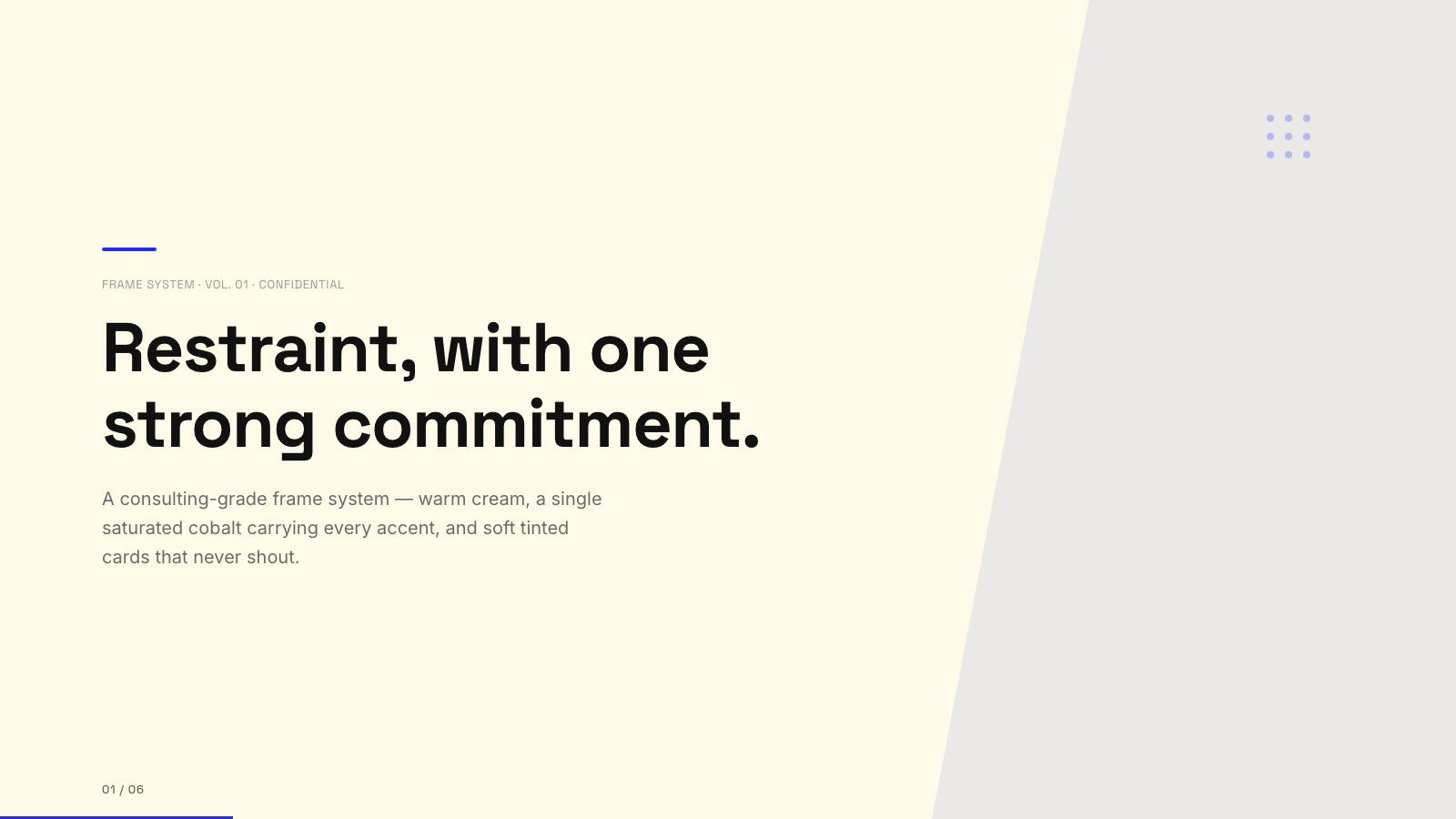
Blue Professional |

Bold Poster |
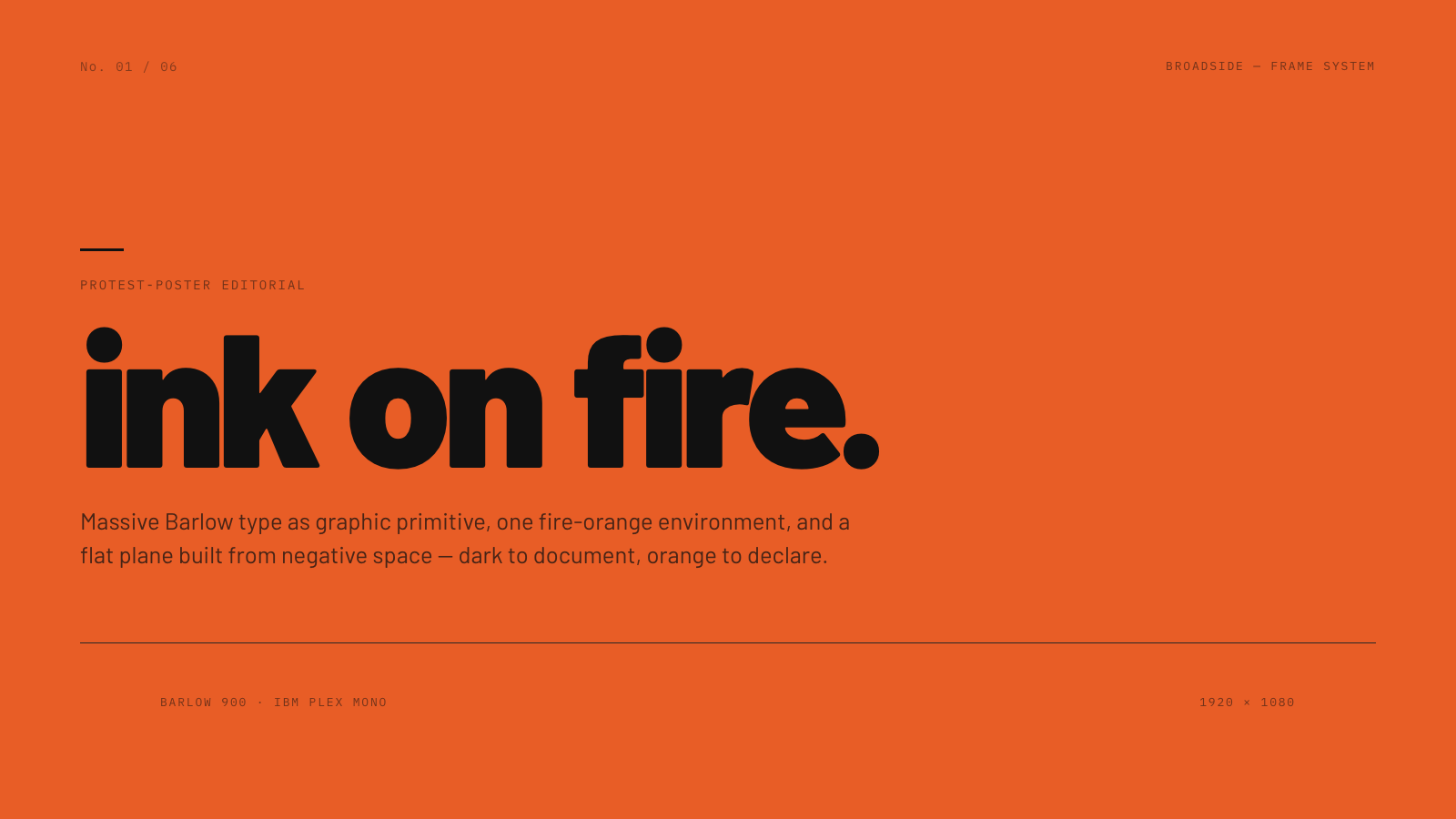
Broadside |
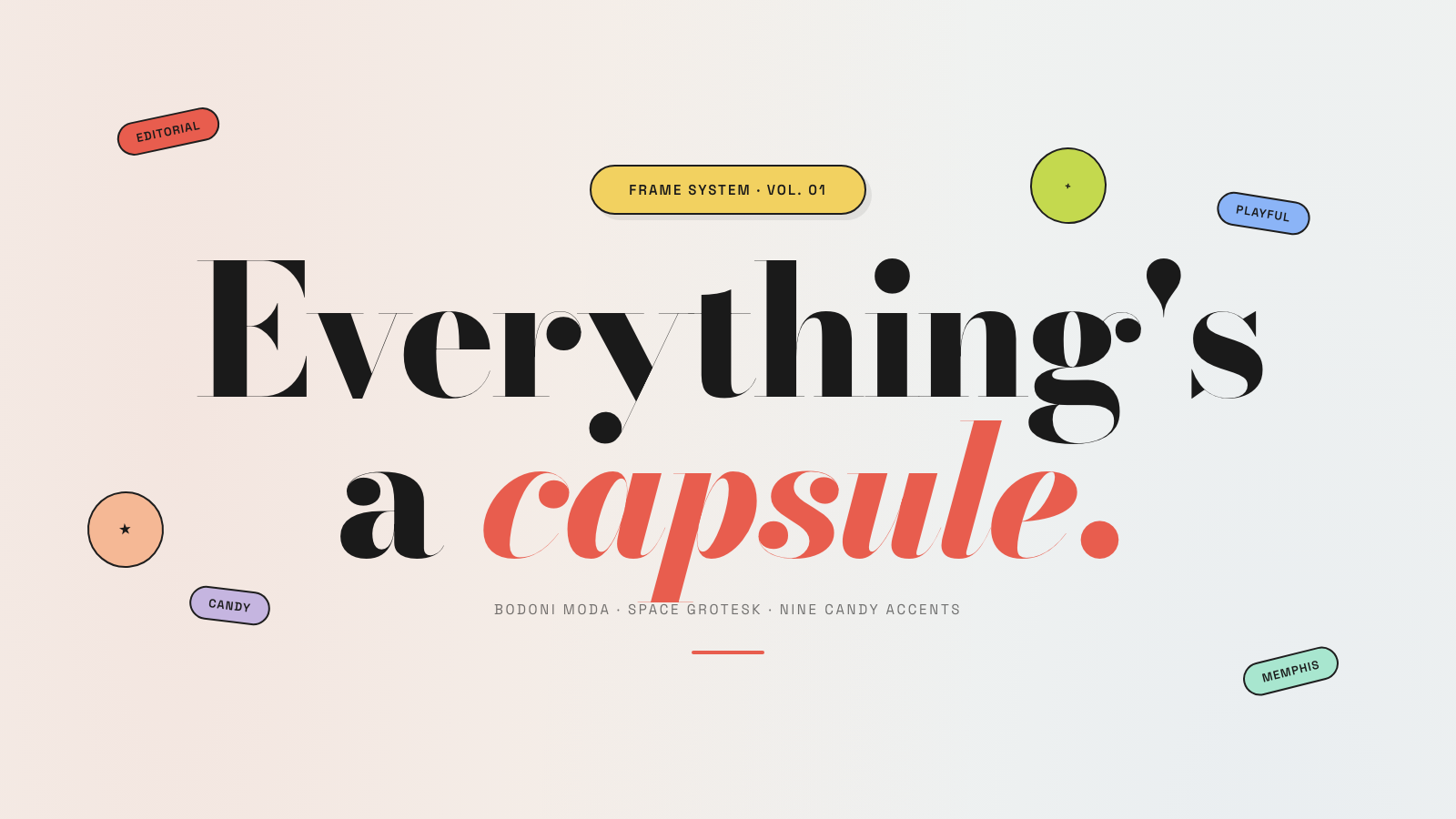
Capsule |
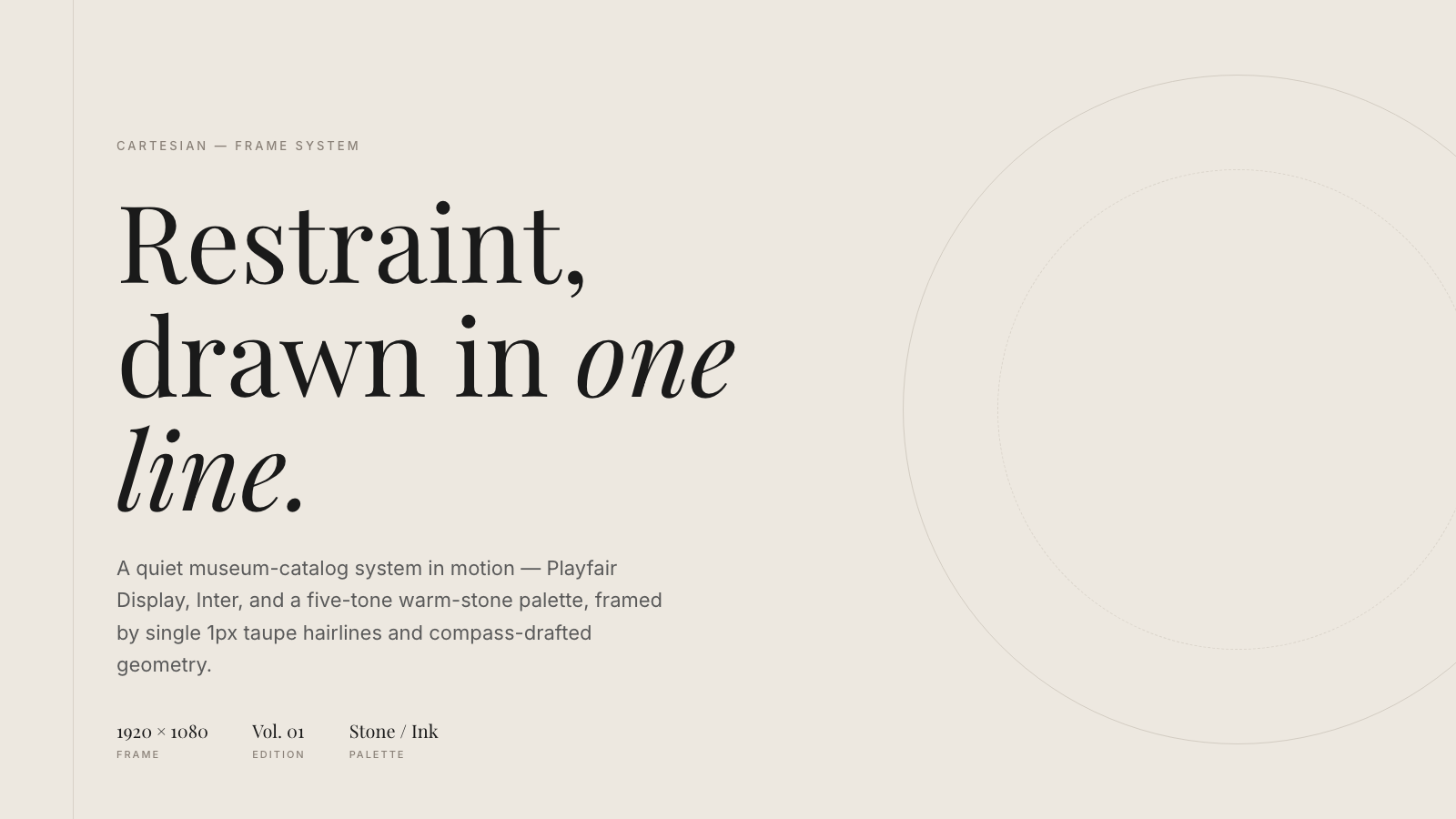
Cartesian |
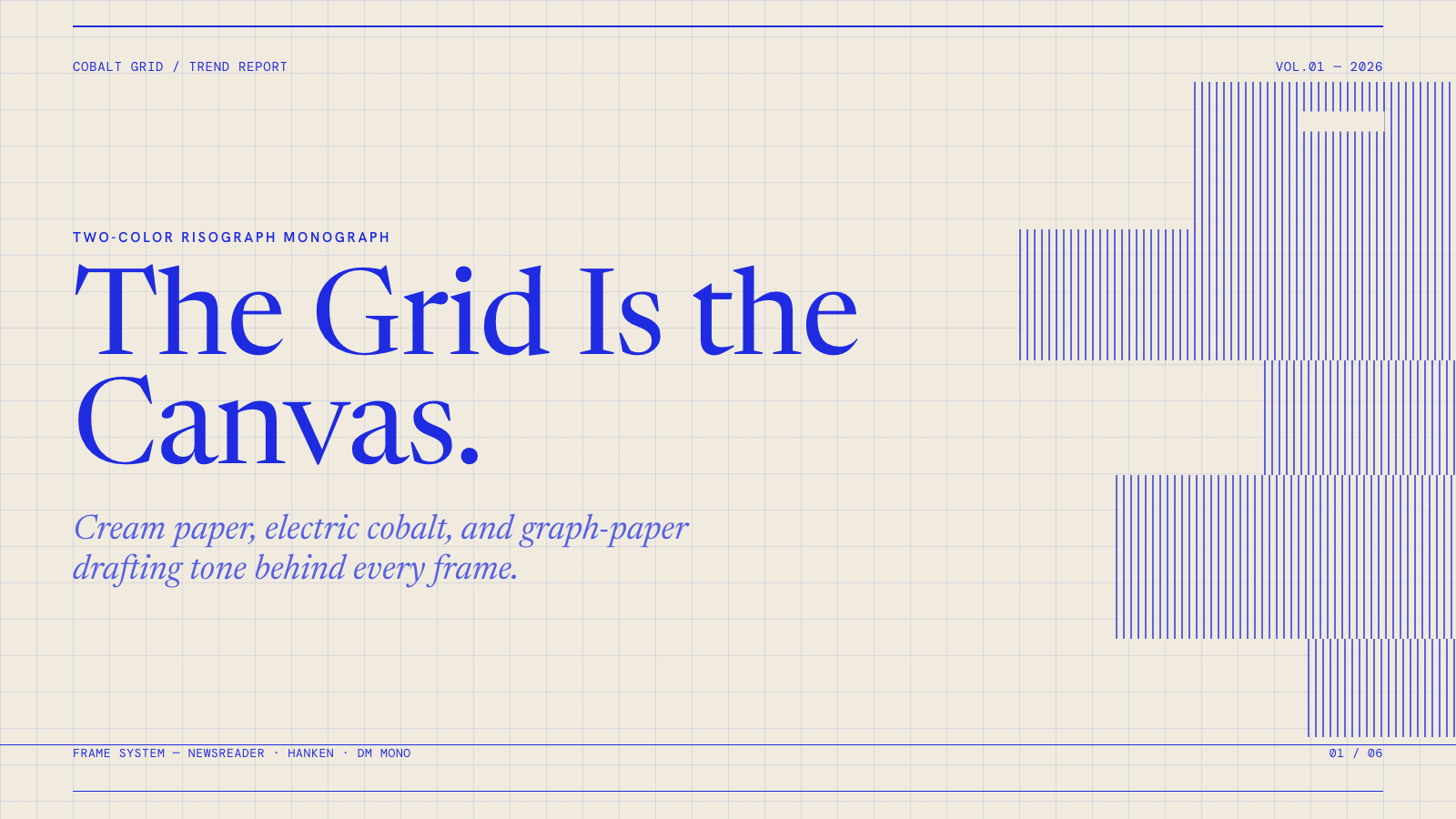
Cobalt Grid |
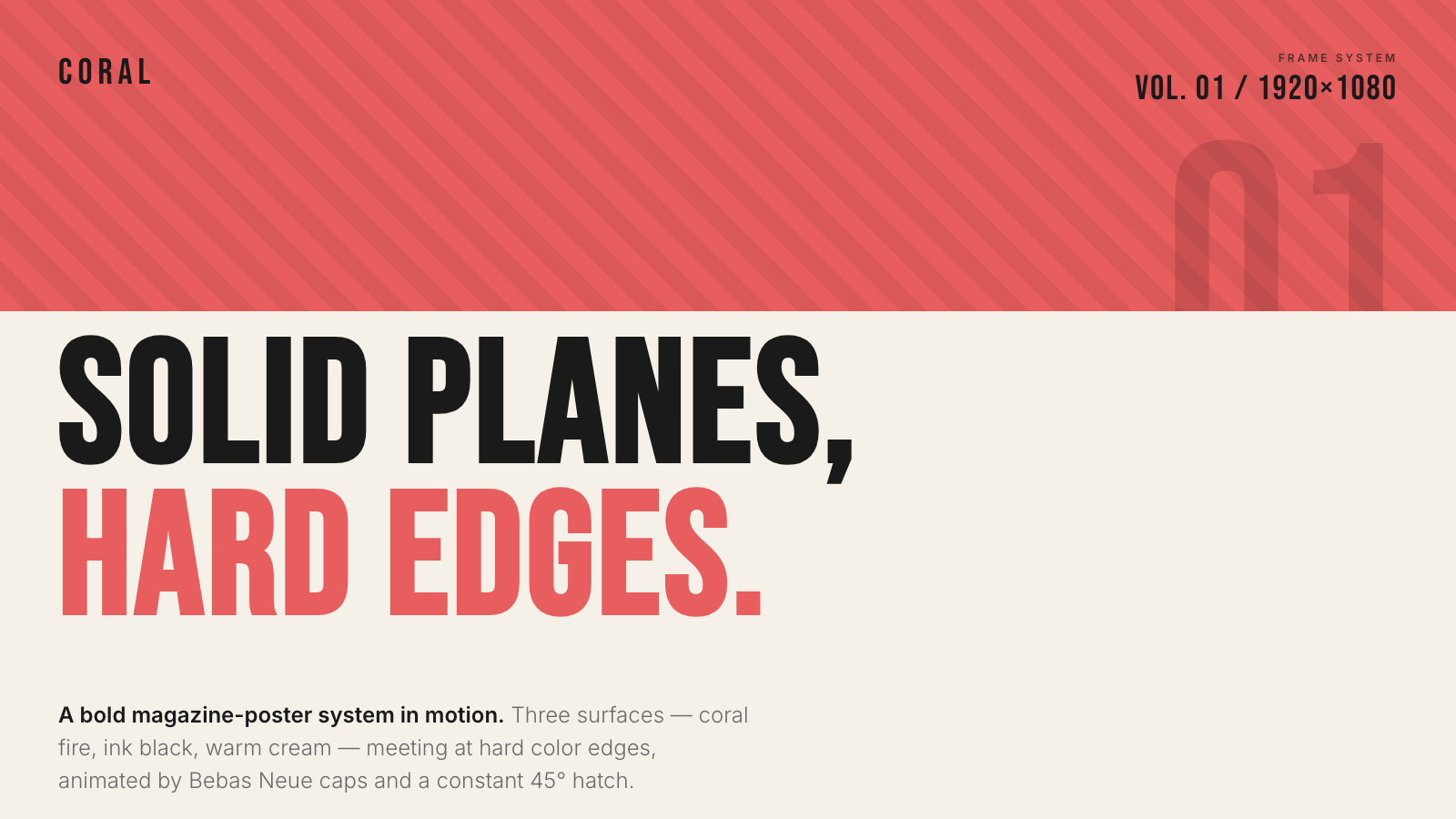
Coral |
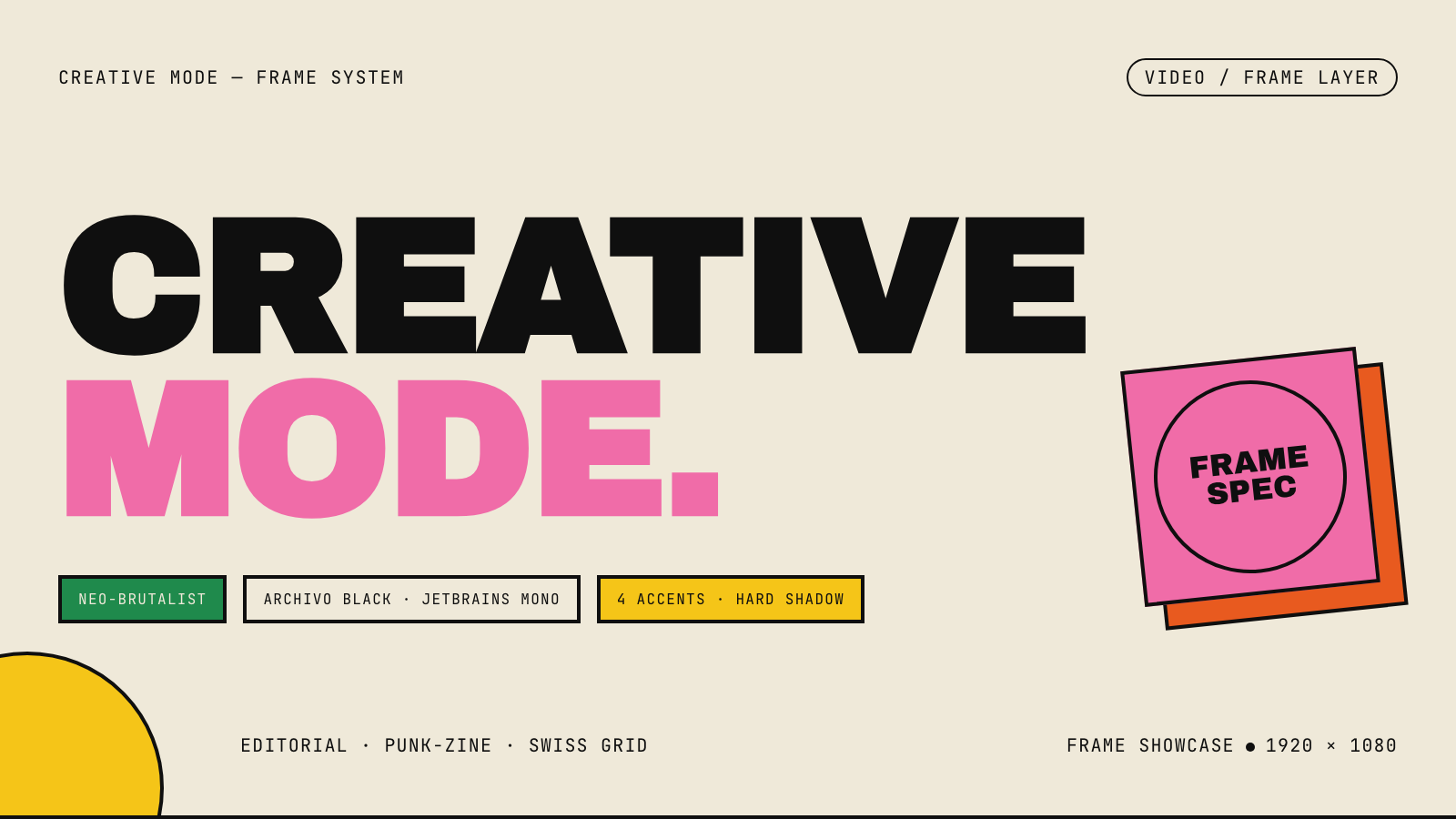
Creative Mode |
Browse and remix them all at hyperframes.dev/design.
How It Works
Define a video as HTML. Add data attributes for timing and tracks. Use GSAP, CSS, Lottie, Three.js, Anime.js, WAAPI, or your own frame adapter for seekable animation.
<div id="stage" data-composition-id="launch" data-start="0" data-width="1920" data-height="1080">
  <video
    class="clip"
    data-start="0"
    data-duration="6"
    data-track-index="0"
    src="intro.mp4"
    muted
    playsinline
  ></video>

  <h1 id="title" class="clip" data-start="1" data-duration="4" data-track-index="1">Launch day</h1>

  <audio
    data-start="0"
    data-duration="6"
    data-track-index="2"
    data-volume="0.5"
    src="music.wav"
  ></audio>

  <script src="https://cdn.jsdelivr.net/npm/gsap@3/dist/gsap.min.js"></script>
  <script>
    const tl = gsap.timeline({ paused: true });
    tl.from("#title", { opacity: 0, y: 40, duration: 0.8 }, 1);
    window.__timelines = window.__timelines || {};
    window.__timelines.launch = tl;
  </script>
</div>
Preview instantly in the browser. Render locally or in Docker. The renderer seeks each frame in headless Chrome and encodes the result with FFmpeg, so the same input produces the same video.
HyperFrames Stack
HyperFrames is the open-source rendering engine, plus a growing set of tools around HTML-native video creation.
| Piece | Status | What it does |
|---|---|---|
| CLI | Available | Scaffold, preview, lint, inspect, and render local video projects |
| Core / Engine / Producer | Available | Parse compositions, drive headless Chrome, encode video, and mix audio |
| Catalog | Available | Reusable blocks and components for transitions, overlays, captions, charts, maps, and effects |
| Agent skills | Available | Teach coding agents the video-production patterns that generic web docs miss |
| Studio | Available, evolving | Browser surface for previewing and editing compositions |
| AWS Lambda rendering | Available | Deploy a distributed render stack and drive renders from your laptop or CI |
| hyperframes.dev | Available | Community playground for previewing, iterating, sharing, and rendering HTML-native video projects |
| frame.md | Available | Invert your design system for the camera — a DESIGN.md superset an agent can compose video from |
Catalog
Install ready-to-use blocks and components:
npx hyperframes add flash-through-white   # shader transition
npx hyperframes add instagram-follow      # social overlay
npx hyperframes add data-chart            # animated chart
Browse the catalog at hyperframes.heygen.com/catalog.
Why HyperFrames?
- HTML-native: compositions are HTML files with data attributes. No React requirement, no proprietary timeline format.
- Agent-friendly: agents already write HTML, and the CLI is non-interactive by default.
- Deterministic: same input, same frames, same output. Built for CI, regression tests, and automated rendering.
- No build step: an
index.htmlcomposition plays as-is and can be previewed directly in the browser. - Adapter-based animation: bring GSAP, CSS animations, Lottie, Three.js, Anime.js, WAAPI, or a custom runtime.
- Open source: Apache 2.0 license, with no per-render fees or commercial-use thresholds.
HyperFrames vs Remotion
HyperFrames is inspired by Remotion. Both tools render video with headless Chrome and FFmpeg. The main difference is the authoring model: Remotion's bet is React components; HyperFrames' bet is plain HTML that humans and agents can both write easily.
| HyperFrames | Remotion | |
|---|---|---|
| Authoring | HTML + CSS + seekable animation | React components |
| Build step | None; index.html plays as-is |
Bundler required |
| Agent handoff | Plain HTML files | JSX / React project |
| Library-clock animations | Seekable, frame-accurate via adapters | Wall-clock animation patterns need care |
| Distributed rendering | Local and AWS Lambda render paths | Remotion Lambda, mature cloud renderer |
| License | Apache 2.0 | Source-available Remotion License |
Read the full comparison in the HyperFrames vs Remotion guide.
Documentation
Full documentation: hyperframes.heygen.com/introduction
Packages
| Package | Description |
|---|---|
hyperframes |
CLI for creating, previewing, linting, and rendering compositions |
@hyperframes/core |
Types, parsers, generators, linter, runtime, and frame adapters |
@hyperframes/engine |
Seekable page-to-video capture engine using Puppeteer and FFmpeg |
@hyperframes/producer |
Full rendering pipeline for capture, encode, and audio mix |
@hyperframes/studio |
Browser-based composition editor UI |
@hyperframes/player |
Embeddable <hyperframes-player> web component |
@hyperframes/shader-transitions |
WebGL shader transitions for compositions |
@hyperframes/aws-lambda |
AWS Lambda SDK and deployment surface for distributed renders |
Community
HyperFrames is used in production at HeyGen, with community examples from teams like tldraw, TanStack, and others in ADOPTERS.md. Open a PR if your team is using HyperFrames.
- Questions and ideas: Discord
- Bugs and feature requests: GitHub Issues
- User research: Book a casual 30-minute conversation with the HyperFrames team — no preparation or sales pitch
- Security reports: SECURITY.md
- Contributions: CONTRIBUTING.md
Development Note
The repo uses Git LFS for golden regression-test baselines under packages/producer/tests/**/output.mp4 (about 240 MB of .mp4 files). If you're cloning the full repo for development, install Git LFS first:
# macOS
brew install git-lfs

# Ubuntu / Debian
sudo apt install git-lfs

# Windows
winget install GitHub.GitLFS

# Then, once per machine
git lfs install
If you only need source files, you can skip LFS content:
GIT_LFS_SKIP_SMUDGE=1 git clone https://github.com/heygen-com/hyperframes.git