 WaterrrForever
7d21cc9b8a
* fix(cli): invalidate the skills nudge cache after a successful install/update/check

The passive "N skills out of date or missing" nudge reads a 24h config
cache that only the background check (on non-skills commands) ever wrote.
The skills commands themselves are excluded from the nudge pipeline, so a
successful `skills update`/install/check never refreshed or dropped the
cached verdict — the pre-install count kept printing on every other
command for up to 24h.

Reconcile commands now drop the cached verdict (counts + timestamp) so
the next command's background check re-runs for real. The offline
presence-only path deliberately keeps the cache: that run learned nothing
about freshness.

* fix(skills): win32-safe npx spawns in media-use + accurate whisper wording

The Whisper transcribe fallback and the Kokoro local-TTS delegation both
spawned a bare "npx" via execFileSync — on Windows npx is npx.cmd, which
spawn cannot exec, so both paths died with `spawnSync npx ENOENT`. Route
them through the skill's existing resolveSpawnCommand (node + npx-cli.js
on win32, no shell:true), same as the audio engine's TTS spawns.

Also corrects the "bundled with the hyperframes CLI" claim about
whisper.cpp: it is resolved from PATH / installed via Homebrew / built
from source with git+cmake on first use, and models download from
HuggingFace — nothing whisper is shipped in the package.

* feat(skills): canonical fully-silent marker + auth status exit-code docs

product-launch's Step 3.1 gate said "or the project is marked silent"
but nothing defined how to mark one, and audio.mjs unconditionally
retrieved BGM. Define the canonical marker — `music: none` in the
storyboard's top YAML block, plus no SCRIPT.md — and honor it:
audio generate produces nothing (removing stale audio_meta.json, since
absence is what assemble treats as silent), and `music: none` with
narration keeps TTS while turning BGM off.

Also documents the `auth status` exit-code contract (exit 1 while
signed out is the normal offline state, not a failure) in the
product-launch Step 0 note and the CLI skill's cloud reference.

* fix(skills): transient-init retry for standalone animation-map and contrast-report

The standalone helpers called initializeSession exactly once, so a valid
modular project — whose sub-composition timelines register asynchronously
— could hit the readiness deadline and die with the transient
"zero duration / Runtime ready: false" diagnostic the render pipeline
retries (probeStage). Add initializeSessionWithRetry to the shared
package-loader (both byte-identical copies): close the crashed session
and retry once with a fresh browser, gated by the engine's canonical
isTransientBrowserError — now re-exported from @hyperframes/producer,
with a frozen fallback pattern list for older published packages. The
"Runtime ready: true" fast-fail (a genuine authoring bug) still fails
without a retry.

* feat(skills): extend the fully-silent marker to faceless-explainer and pr-to-video

Both workflows reuse product-launch's audio model — their Step 3.1 gates
carried the same undefined "marked silent" phrase, and their (intentionally
identical) audio.mjs copies had the same unconditional BGM retrieve. Port
the `music: none` marker handling into both copies, define the marker in
their SKILL.md Step 3.1 and story-design references, and turn the
copies' "intentionally identical" header claim into a byte-identity pin
test so the next fix can't silently miss one of them.

* test(cli): reset the prune mock explicitly instead of relying on restoreAllMocks

The converge test's toHaveBeenCalledTimes(1) held only because vitest 3's
vi.restoreAllMocks() clears vi.fn() call state; vitest 4 restores spies
only, so the count would accumulate across tests and fail. Reset
pruneOrphanedLockEntries in beforeEach like the other manifest mocks —
passes under both vitest 3.2.4 (pinned) and vitest 4.

* test(skills): close review findings — package-loader pin, whisper win32 parity, quoted-none

Review follow-ups on #2476:

- package-loader.mjs byte-identity pin (the elevated concern): the two
  copies now carry initializeSessionWithRetry + FALLBACK_TRANSIENT_PATTERNS,
  exactly the shared-logic shape a future fix could land in one copy and
  miss in the other — same enforcement as the audio.mjs pin.
- whisper win32 call-site parity: runWhisper's npx resolution lifted into
  lib/npx-sync.mjs (resolveNpxInvocation, injectable params matching the
  localTtsGenerate idiom) with the same three-branch coverage as the
  Kokoro site — plus the hard-fail contract (throws actionably, since the
  whisper fallback has no next provider to fall through to).
- quoted music: "none" pin: the vendored storyboard parser strips matching
  quotes at parse time (stripQuotes), so the silent marker already accepts
  the quoted spelling — pinned so that stays true.






Write HTML. Render video. Built for agents.
Quickstart | Showcase | Playground | Catalog | Docs | Discord

HyperFrames is an open-source framework for turning HTML, CSS, media, and seekable animations into deterministic MP4 videos. Use it locally with the CLI, from AI coding agents with skills, or as the rendering core behind hosted authoring workflows.
Quick Start
With an AI coding agent
Install the HyperFrames skills, then describe the video you want:
npx skills add heygen-com/hyperframes --full-depth --yes
--full-depthdoes a full clone of the repo's currentmain. Without it,skills addfetches the skills.sh registry blob, which lagsmainby hours — you'd get an older copy of a skill. (hyperframes skills updatealready installs full-depth.)
Try a prompt like:
Using
/hyperframes, create a 10-second product intro with a fade-in title, a background video, and subtle background music.
The skills teach agents the HyperFrames production loop: plan the video, write valid HTML, wire seekable animations, add media, lint, preview, and render. They work with Claude Code, Cursor, Gemini CLI, Codex, and other coding agents that support skills.
Skills
HyperFrames ships 19 skills agents load on demand. Read /hyperframes first — it's the router and capability map; it picks a workflow for any "make me a…" request — video, deck, or composition port — and points to the domain skills below.
Run npx skills add heygen-com/hyperframes --full-depth for the interactive picker — it lists the core set under the "Core Skills" group and the on-demand creation workflows under "Other". Use npx skills add heygen-com/hyperframes --all --full-depth to install all 19 at once (skips the picker), or npx skills add heygen-com/hyperframes --skill <name> --full-depth for just one (bare name, no leading /). Keep --full-depth — it installs the current main; without it skills add fetches the skills.sh blob, which lags by hours.
Installs stay lean after that: npx hyperframes init keeps the core set fresh (the router, the hyperframes-* domain skills, and media-use — plus whatever is already installed; /figma stays on demand) and never expands a partial install; the creation workflows install on demand — the router runs npx hyperframes skills update <workflow> before entering one. Nothing re-pulls the full set behind your back.
Router
| Skill | Use when |
|---|---|
/hyperframes |
Read first for any request to make / create / edit / animate / render a video, animation, or motion graphic. Capability map for the domain skills, the intent layer that confirms every creation brief up front, and intent router for the creation workflows below. |
Creation workflows
| Skill | Use when |
|---|---|
/product-launch-video |
Any website — marketing / launching / promoting a product (from its URL, a brief, or a script), or a site tour / showcase / social clip featuring the site's own visuals. Up to ~3 min (sweet spot 30-90s). |
/faceless-explainer |
Explaining a topic / concept from arbitrary text — no product, no URL, no website capture; every visual is LLM-invented (typography / abstract / diagram / data-viz). |
/pr-to-video |
A GitHub pull request (PR URL, owner/repo#N ref, or "this PR") → changelog / feature-reveal / fix / refactor explainer, read via the gh CLI. |
/embedded-captions |
Adding captions / subtitles to an existing talking-head video (footage untouched) — verbatim rail, embedded climax behind the subject, or pure-cinematic embed. |
/talking-head-recut |
Packaging an existing talking-head / interview / podcast video with designed graphic overlays — lower-thirds, data callouts, kinetic titles, pull-quotes, side panels, PiP. |
/motion-graphics |
A short, unnarrated, design-led motion graphic (~under 10s) — kinetic type, stat / chart hit, logo sting, lower-third, animated tweet / headline. MP4 or transparent overlay. |
/music-to-video |
A music track (audio file, or video to pull audio from) → a beat-synced video — lyric, slideshow, or kinetic promo; music drives pacing. |
/slideshow |
A presentation / pitch deck / interactive deck — discrete slides, fragment reveals, branching, hotspot navigation, presenter mode. Output is a navigable deck, not a rendered video. |
/general-video |
Anything else — longer or multi-scene pieces, brand / sizzle reel, title card, static loop, freeform composition. Input- and length-agnostic fallback, and the home of companion mode (co-create with the full toolbox). |
/remotion-to-hyperframes |
Porting an existing Remotion (React) composition's source to HyperFrames HTML. One-way migration, not creation. |
Domain skills (loaded on demand)
Atomic capabilities the creation workflows compose against — pull one when you need that specific layer.
| Skill | Covers |
|---|---|
/hyperframes-core |
The composition contract — data-* timing attributes, class="clip", tracks, sub-compositions, variables, framework-owned media playback, determinism rules. |
/hyperframes-animation |
All animation knowledge — atomic motion rules, scene blueprints, transitions, runtime adapters (GSAP / Lottie / Three.js / Anime.js / CSS / WAAPI / TypeGPU). |
/hyperframes-keyframes |
Seek-safe keyframe authoring across runtimes — GSAP timelines, CSS keyframes, Anime.js, WAAPI, FLIP, paths, masks, SVG morph/draw, 3D depth — plus hyperframes keyframes diagnostics for rendered motion. |
/hyperframes-creative |
Non-animation creative direction — frame.md / design.md, palettes, typography, narration, beat planning, audio-reactive visuals, composition patterns. |
/media-use |
The media OS — resolve any media need (BGM, SFX, image, icon, logo, voice, color grade, LUT) into a frozen local file or paste-ready block + ledger record, generate via TTS/music/image models when the catalog misses, transcribe, caption, remove backgrounds, and reuse assets across projects. One shared audio engine + manifest tracking. |
/hyperframes-cli |
CLI dev loop — init, lint, check, snapshot, preview, render, publish, doctor, plus HeyGen-hosted cloud rendering (cloud render) and AWS Lambda rendering (lambda deploy / render / progress). |
/hyperframes-registry |
Install and wire registry blocks and components into compositions via hyperframes add. Authoring a new block or component to contribute upstream. |
/figma |
Import Figma assets, tokens, components, and storyboard sections → reconstructed motion (frames read as states, not slides) (REST/CLI) plus Motion animations (MCP) and shaders (MCP source / native export) into a composition. |
For visual design handoff workflows, see the Claude Design guide and Open Design guide.
Manually with the CLI
npx hyperframes init my-video
cd my-video
npx hyperframes preview      # preview in browser with live reload
npx hyperframes render       # render to MP4
Requirements: Node.js 22+, FFmpeg
What You Can Build
Need ideas? Browse the Showcase for finished videos you can watch, read, run, and remix.
- Product launch videos and feature announcements
- PR walkthroughs with animated code diffs, narration, and captions
- Data visualizations, chart races, and map animations
- Social videos with kinetic captions, overlays, and music
- Docs-to-video, PDF-to-video, and site-tour explainers
- Reusable motion graphics for automated content pipelines
Frame.md
frame.md — your design system, ready for video.
Every brand has a design.md. None of them were written for a camera. frame.md is the missing translation layer: it takes your web-context design spec and inverts it for the frame — the same tokens, the same rules, but rewritten so an AI agent can compose a promo video without guessing at scale or reaching for web chrome.
The output is a DESIGN.md superset your whole toolchain can read. Atoms stay sacred. Composition stays free. Numbers come from the script.

Biennale Yellow |

BlockFrame |
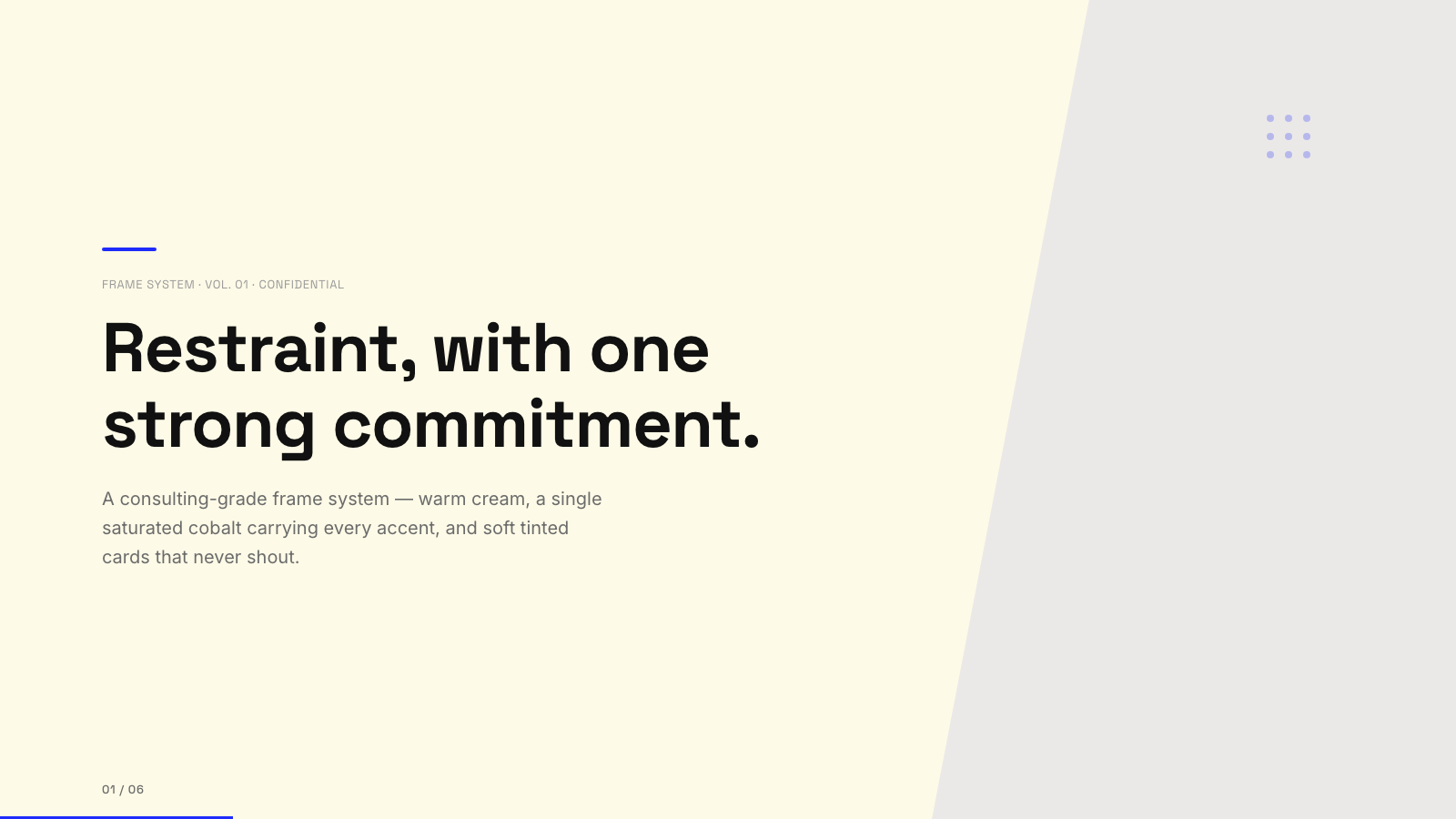
Blue Professional |

Bold Poster |
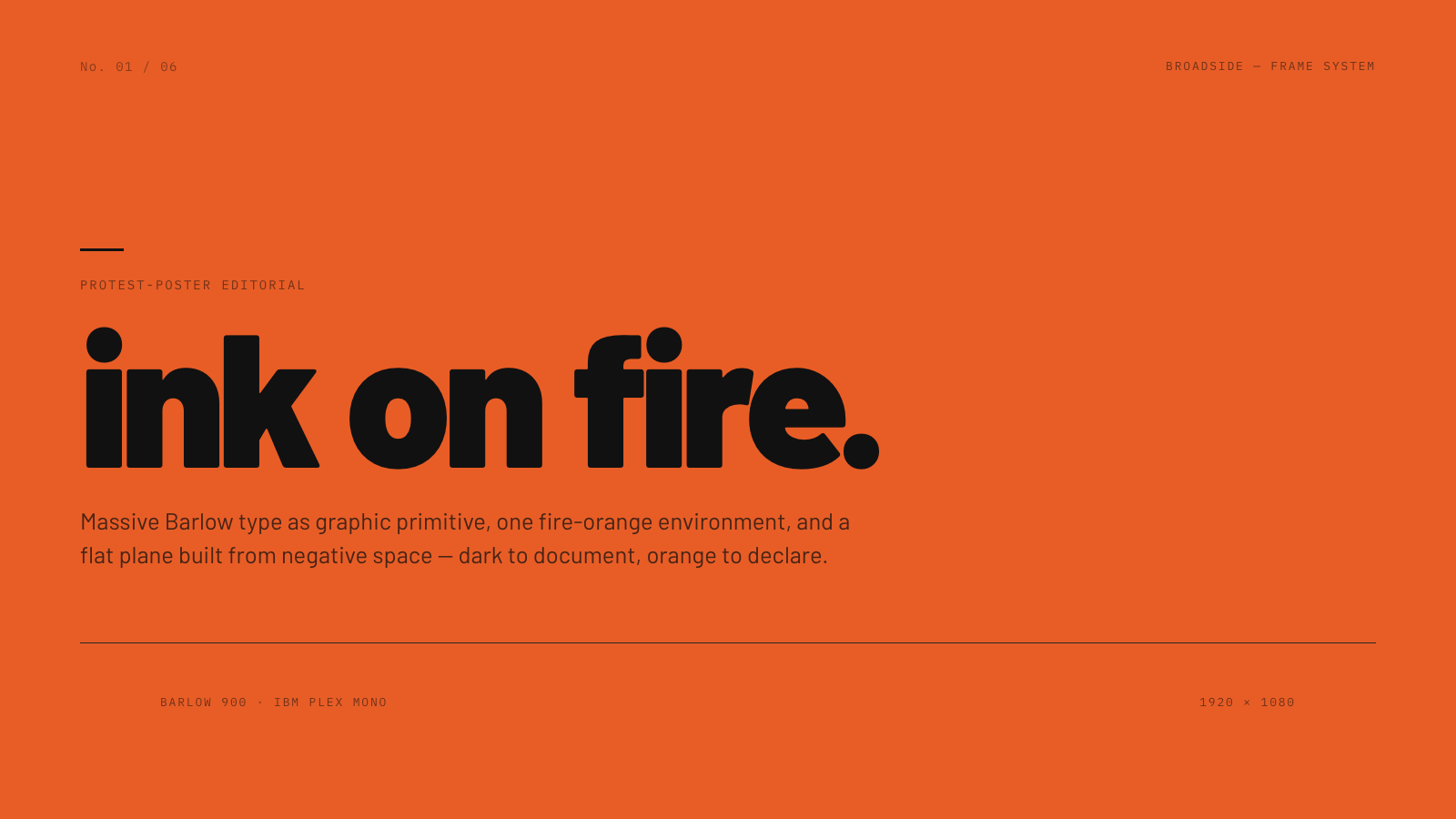
Broadside |
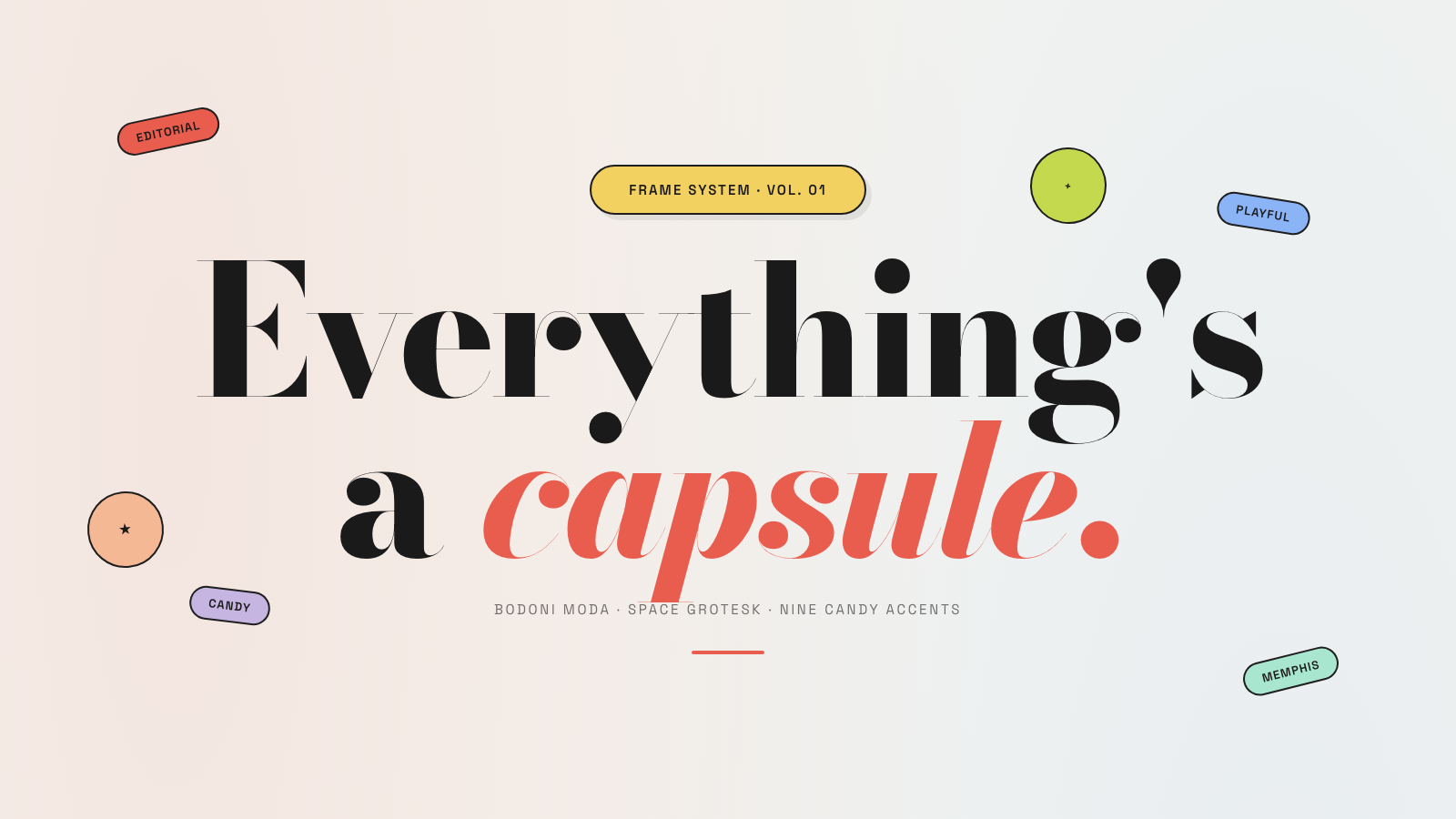
Capsule |
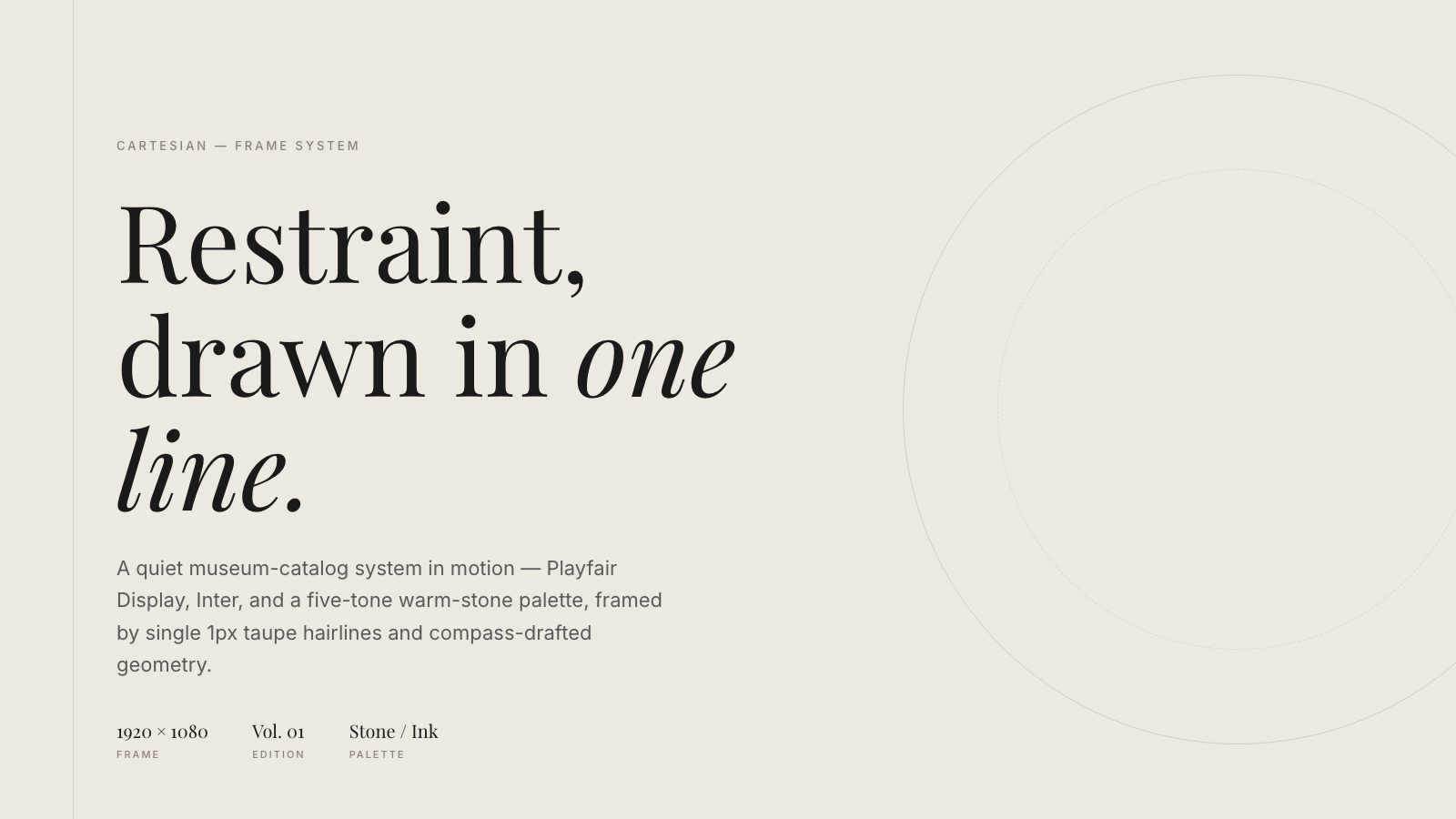
Cartesian |
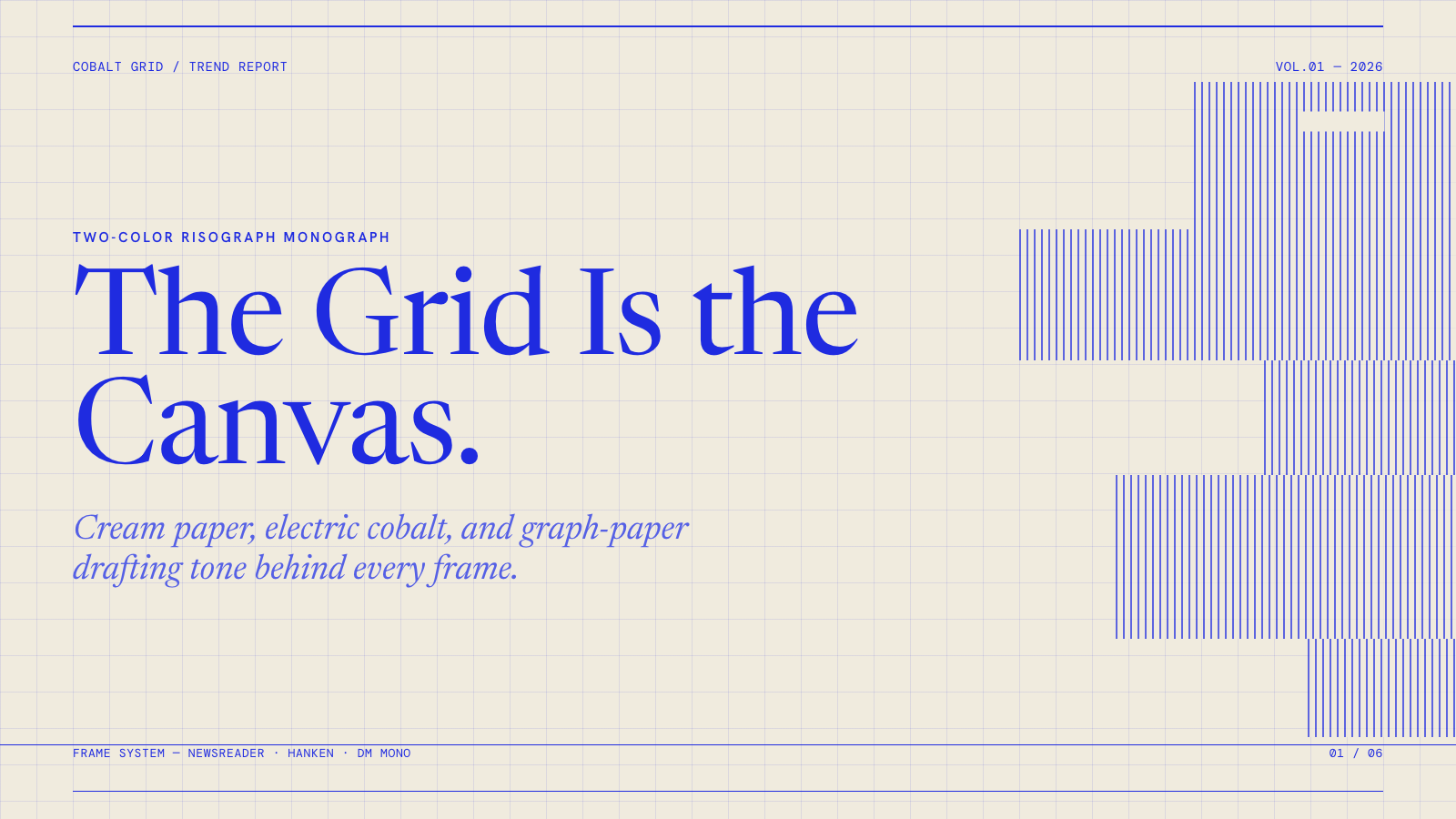
Cobalt Grid |

Coral |
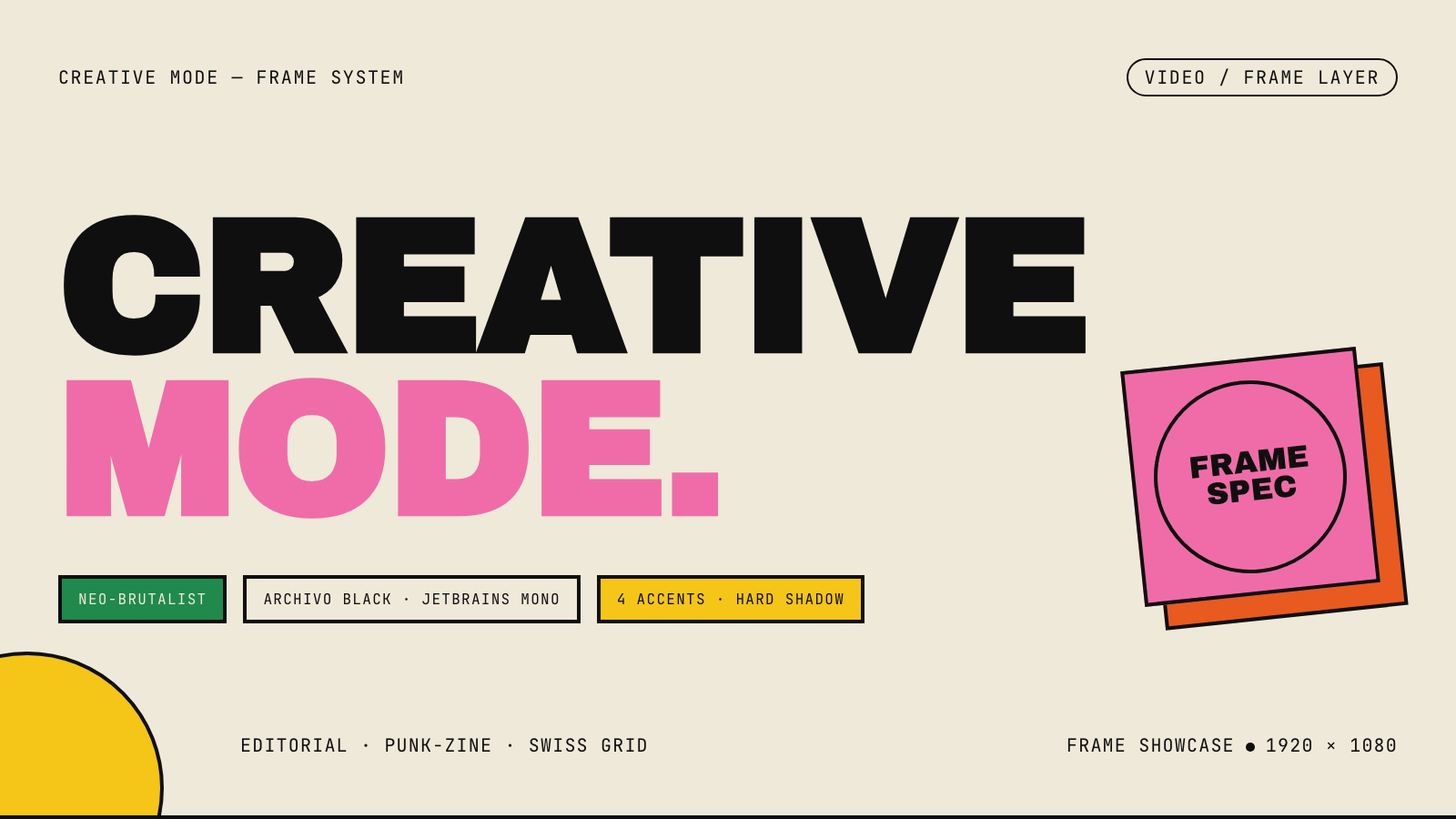
Creative Mode |
Browse and remix them all at hyperframes.dev/design.
How It Works
Define a video as HTML. Add data attributes for timing and tracks. Use GSAP, CSS, Lottie, Three.js, Anime.js, WAAPI, or your own frame adapter for seekable animation.
<div id="stage" data-composition-id="launch" data-start="0" data-width="1920" data-height="1080">
  <video
    class="clip"
    data-start="0"
    data-duration="6"
    data-track-index="0"
    src="intro.mp4"
    muted
    playsinline
  ></video>

  <h1 id="title" class="clip" data-start="1" data-duration="4" data-track-index="1">Launch day</h1>

  <audio
    data-start="0"
    data-duration="6"
    data-track-index="2"
    data-volume="0.5"
    src="music.wav"
  ></audio>

  <script src="https://cdn.jsdelivr.net/npm/gsap@3/dist/gsap.min.js"></script>
  <script>
    const tl = gsap.timeline({ paused: true });
    tl.from("#title", { opacity: 0, y: 40, duration: 0.8 }, 1);
    window.__timelines = window.__timelines || {};
    window.__timelines.launch = tl;
  </script>
</div>
Preview instantly in the browser. Render locally or in Docker. The renderer seeks each frame in headless Chrome and encodes the result with FFmpeg, so the same input produces the same video.
HyperFrames Stack
HyperFrames is the open-source rendering engine, plus a growing set of tools around HTML-native video creation.
| Piece | Status | What it does |
|---|---|---|
| CLI | Available | Scaffold, preview, lint, inspect, and render local video projects |
| Core / Engine / Producer | Available | Parse compositions, drive headless Chrome, encode video, and mix audio |
| Catalog | Available | Reusable blocks and components for transitions, overlays, captions, charts, maps, and effects |
| Agent skills | Available | Teach coding agents the video-production patterns that generic web docs miss |
| Studio | Available, evolving | Browser surface for previewing and editing compositions |
| AWS Lambda rendering | Available | Deploy a distributed render stack and drive renders from your laptop or CI |
| hyperframes.dev | Available | Community playground for previewing, iterating, sharing, and rendering HTML-native video projects |
| frame.md | Available | Invert your design system for the camera — a DESIGN.md superset an agent can compose video from |
Catalog
Install ready-to-use blocks and components:
npx hyperframes add flash-through-white   # shader transition
npx hyperframes add instagram-follow      # social overlay
npx hyperframes add data-chart            # animated chart
Browse the catalog at hyperframes.heygen.com/catalog.
Why HyperFrames?
- HTML-native: compositions are HTML files with data attributes. No React requirement, no proprietary timeline format.
- Agent-friendly: agents already write HTML, and the CLI is non-interactive by default.
- Deterministic: same input, same frames, same output. Built for CI, regression tests, and automated rendering.
- No build step: an
index.htmlcomposition plays as-is and can be previewed directly in the browser. - Adapter-based animation: bring GSAP, CSS animations, Lottie, Three.js, Anime.js, WAAPI, or a custom runtime.
- Open source: Apache 2.0 license, with no per-render fees or commercial-use thresholds.
HyperFrames vs Remotion
HyperFrames is inspired by Remotion. Both tools render video with headless Chrome and FFmpeg. The main difference is the authoring model: Remotion's bet is React components; HyperFrames' bet is plain HTML that humans and agents can both write easily.
| HyperFrames | Remotion | |
|---|---|---|
| Authoring | HTML + CSS + seekable animation | React components |
| Build step | None; index.html plays as-is |
Bundler required |
| Agent handoff | Plain HTML files | JSX / React project |
| Library-clock animations | Seekable, frame-accurate via adapters | Wall-clock animation patterns need care |
| Distributed rendering | Local and AWS Lambda render paths | Remotion Lambda, mature cloud renderer |
| License | Apache 2.0 | Source-available Remotion License |
Read the full comparison in the HyperFrames vs Remotion guide.
Documentation
Full documentation: hyperframes.heygen.com/introduction
Packages
| Package | Description |
|---|---|
hyperframes |
CLI for creating, previewing, linting, and rendering compositions |
@hyperframes/core |
Types, parsers, generators, linter, runtime, and frame adapters |
@hyperframes/engine |
Seekable page-to-video capture engine using Puppeteer and FFmpeg |
@hyperframes/producer |
Full rendering pipeline for capture, encode, and audio mix |
@hyperframes/studio |
Browser-based composition editor UI |
@hyperframes/player |
Embeddable <hyperframes-player> web component |
@hyperframes/shader-transitions |
WebGL shader transitions for compositions |
@hyperframes/aws-lambda |
AWS Lambda SDK and deployment surface for distributed renders |
Community
HyperFrames is used in production at HeyGen, with community examples from teams like tldraw, TanStack, and others in ADOPTERS.md. Open a PR if your team is using HyperFrames.
- Questions and ideas: Discord
- Bugs and feature requests: GitHub Issues
- Security reports: SECURITY.md
- Contributions: CONTRIBUTING.md
Development Note
The repo uses Git LFS for golden regression-test baselines under packages/producer/tests/**/output.mp4 (about 240 MB of .mp4 files). If you're cloning the full repo for development, install Git LFS first:
# macOS
brew install git-lfs

# Ubuntu / Debian
sudo apt install git-lfs

# Windows
winget install GitHub.GitLFS

# Then, once per machine
git lfs install
If you only need source files, you can skip LFS content:
GIT_LFS_SKIP_SMUDGE=1 git clone https://github.com/heygen-com/hyperframes.git