 Michael WangandClaude Opus 5.5
84c7d02a19
* fix(cli): resolve helper programs from PATH, never the working directory

On Windows a bare command name is looked up in the working directory before
PATH. The CLI now sets NoDefaultCurrentDirectoryInExePath at startup, which
Node's spawn and cmd.exe both honor and child processes inherit, so tools
such as powershell.exe, taskkill and npx.cmd always come from PATH.

The shared ffmpeg/ffprobe resolver no longer scans the working directory on
Windows and skips relative PATH entries.

Co-Authored-By: Claude Opus 5.5 <noreply@anthropic.com>

* fix(cli): keep Python helpers from importing files in the working directory

`python -c` and `python -m` put the working directory first on sys.path, so
a file in the project named like a probed module ran instead of the
installed package. Inline helper code now drops that entry before any
import, and `-m` helpers (pip) run through runpy after the same step. Paths
and arguments are unchanged.

On Windows, findPython also skips a `where` match in the working directory.

Co-Authored-By: Claude Opus 5.5 <noreply@anthropic.com>

* fix(cli): run the skills installer and nested CLI calls independent of the project

The global skills install ran `npx skills@<pin>` in the current folder, so
npm could take the package or registry from that project's node_modules or
.npmrc. It now runs from the home folder; the install is global either way.

When the CLI starts the media-use engine it hands over its own entry file.
The local voice fallback and the audio helpers then run that same CLI with
the same Node instead of resolving `npx hyperframes` from the project.
Without a handed-over entry they behave as before.

Co-Authored-By: Claude Opus 5.5 <noreply@anthropic.com>

* fix(media-use): load only provider keys from a project .env

The audio scripts copied every key of a project .env into their environment
except two. They now take the same kind of short allowlist the CLI uses:
HeyGen, ElevenLabs and Gemini API keys plus a few harmless settings. Program
overrides, runtime options, credential files and the credential store path
come only from the person's own environment.

Co-Authored-By: Claude Opus 5.5 <noreply@anthropic.com>

* fix(cli): build whisper.cpp only from a pinned, verified release

The source-build fallback cloned the upstream default branch. It now clones
the v1.9.5 release tag and refuses to build unless the checkout is the
reviewed commit for that tag.

Co-Authored-By: Claude Opus 5.5 <noreply@anthropic.com>

* fix(cli): keep registry caches apart and refuse config install targets

Registry cache file names now include a digest of the exact registry URL,
and each entry records the URL it came from, so one registry's cached
manifest is never read for another. Entries from older versions are
refetched once.

Registry installs refuse targets inside .git or any hidden directory, hidden
configuration files, and package.json, hyperframes.json and
hyperframes.lock.json. An example installed by `init` may still bring its
own package.json and .gitignore.

Co-Authored-By: Claude Opus 5.5 <noreply@anthropic.com>

* fix(capture): keep page text to one line in agent files and validate Vertex keys

Capture writes AGENTS.md, CLAUDE.md and .cursorrules from the page's title,
font names and colours. Page text is now flattened to one short line and
colours must be hex values. Existing agent files that capture did not write
are kept, with a warning.

HYPERFRAMES_VERTEX_SERVICE_ACCOUNT must now be a plain service-account key
with a Google token endpoint; other credential types skip captioning with a
warning.

Co-Authored-By: Claude Opus 5.5 <noreply@anthropic.com>

* test(cli): find the digest-named registry cache and trim a new file's comment

Co-Authored-By: Claude Opus 5.5 <noreply@anthropic.com>

* fix(cli): match registry targets as Windows names them; skills install without HOME

Windows drops trailing dots and spaces from a path segment and reads name:stream as
name, so package.json. or .git./hooks reached the files the target rules refuse.
The global skills install now falls back to the temp folder when HOME does not exist.

Co-Authored-By: Claude Opus 5.5 <noreply@anthropic.com>

* fix(cli): turn off the Windows working-directory lookup in every program entry

The warm-check server and client are their own tsup entries and copied the
environment before cli.js set NoDefaultCurrentDirectoryInExePath, so the server
spawned a bare powershell.exe that Windows could take from the project folder.
Every entry that hides child consoles now also loads windowsExeSearch first.

Co-Authored-By: Claude Opus 5.5 <noreply@anthropic.com>

* fix(cli): refuse Windows short-name registry targets

A segment like CLAUDE~1 or PACKAG~1.JSO opens the long name on NTFS, so it
reached the files the target rules refuse. The trailing-dot and stream-name
normalization is removed: publication already rejects those segments.

Co-Authored-By: Claude Opus 5.5 <noreply@anthropic.com>

---------

Co-authored-by: Claude Opus 5.5 <noreply@anthropic.com>


Write HTML. Render video. Built for agents.
Studio | Quickstart | Showcase | Playground | Catalog | Docs | Discord
Download the desktop app: macOS · Windows · Linux (.deb)
HyperFrames is a free, open-source framework for turning HTML, CSS, media, and seekable animations into deterministic MP4 videos. Use it locally with the CLI, from AI coding agents with skills, or as the rendering core behind hosted authoring workflows.
The HyperFrames Studio app is free to use as well; its Pro plan adds HeyGen's top video, image, voice and music models.
Using Claude Code, Codex, Cursor, or another coding agent? Run npx hyperframes skills update once, then ask your agent to make a video.
Quick Start
With an AI coding agent
For Claude Code, install the versioned plugin:
claude plugin marketplace add heygen-com/hyperframes
claude plugin install hyperframes@hyperframes
To enable auto-update for the hyperframes marketplace, run claude in a
terminal in your project. In Claude Code's terminal UI, run /plugin, then select
Marketplaces → hyperframes → Enable auto-update. Afterward, use
/hyperframes:hyperframes. See the plugin guide
for Copilot, VS Code, Cursor, Gemini CLI, updates, and migration.
For standalone skills (including OpenCode), use:
npx skills add heygen-com/hyperframes
The picker opens with nothing pre-selected — the Core Skills group is all you need;
/slideshow,/remotion-to-hyperframesand/figmainstall on demand. Without the picker (a script or a CI job),npx hyperframes skills updateinstalls exactly the core set, whereasskills add --allinstalls all 9 published skills. The six repo-internal skills under.claude/skills/.agents/skillsare excluded by default. For the full published set usenpx hyperframes skills.
skills addresolves the skills.sh registry blob, which can lagmainby hours.npx hyperframes skills updateinstalls the skills from the release tag that matches your CLI version, so they match the CLI that runs them.
Run project-local installs from your video project's directory. From a HyperFrames
checkout, use npx hyperframes skills update for a global install instead: a
project-local installer target can overlap the tracked skills/ source and
overwrite uncommitted edits. See contributor setup.
Try a prompt like:
Using
/hyperframes, create a 10-second product intro with a fade-in title, a background video, and subtle background music.
The skills teach agents the HyperFrames production loop: plan the video, write valid HTML, wire seekable animations, add media, lint, preview, and render. They work with Claude Code, Codex, Cursor, Gemini CLI, IBM Bob, and other coding agents that support skills.
Skills
HyperFrames ships 9 skills. Make any video by asking for it; the /hyperframes skill carries the contract and the references (film, captions, overlays, motion, look). Read it first.
For standalone installation, default to the core set (/hyperframes, /hyperframes-cli, /hyperframes-registry, /media-use, /reverse-any-video, /style-sampling). npx hyperframes skills update installs exactly that from anywhere; the interactive picker (npx skills add heygen-com/hyperframes) lists it as the "Core Skills" group, nothing pre-selected. The picker is interactive-only — a non-interactive or agent run without --skill installs all 9. Use npx skills add heygen-com/hyperframes --all to install the complete published set deliberately (skips the picker), or npx skills add heygen-com/hyperframes --skill <name> for just one (bare name, no leading /).
Standalone installs stay lean after that: npx hyperframes init installs the core set only when it is missing and never touches a skill you already have (npx hyperframes skills update refreshes them, and never removes one); /figma, /slideshow and /remotion-to-hyperframes install on demand with npx hyperframes skills update <name>. Nothing re-pulls the full set behind your back.
Plugin packages
Plugins bundle the full skill catalog and use their agent's update manager.
bun run package:agent-plugin builds the committed portable ZIP, source metadata,
and SHA-256 checksum. See the maintainer checklist.
Upload to Codex
Build the upload-ready Codex plugin archive from the committed HEAD version of the manifest, brand assets, and skills:
bun run package:codex-plugin
This writes dist/hyperframes-plugin.zip with a hyperframes/ root folder and fails if the archive exceeds Codex's 100 MB upload limit.
Core set
| Skill | Use when |
|---|---|
/hyperframes |
Read first for any request to make, edit, animate or render a video, motion graphic, captions or overlays with HyperFrames (HTML rendered to video). Holds the render contract and the work loop, and points to the references for format, motion, look, captions, whole films and storyboards. |
/hyperframes-cli |
The HyperFrames CLI by job — scaffold, check, look at frames, edit the timeline, preview, render locally or in the cloud, publish, project history — plus reading its JSON and recovering from build or render failures. |
/hyperframes-registry |
About 450 ready-made blocks and components installed as editable source — transitions, overlays, titles, kinetic type, captions, charts, maps, 3D, camera moves. Use before hand-building any named visual; also for hyperframes add and catalog. |
/media-use |
Get or make any media for a video — music, sound effects, images, icons, logos, voiceover, avatar and generated video, transcripts, cutouts, colour grades and looks — with HeyGen or free local tools, and mix placed audio. Also for footage that looks dark, flat or dull. |
/reverse-any-video |
Rebuilding any video file as an editable HyperFrames project (motion graphics, talking heads, live action, AI-generated footage), checked frame by frame against the original. HyperFrames Pro. |
/style-sampling |
Making a new episode on your topic in one of five proven styles: Collage Explainer, Finance Explainer, Animated Science Explainer, 3D Brand Explainer, 3D True Crime. HyperFrames Pro. |
On demand
| Skill | Use when |
|---|---|
/figma |
Bring Figma into a video — rendered assets, brand tokens, components, storyboard frames as reconstructed motion, shaders and connector-assisted motion. Use when you paste a figma.com link. |
/slideshow |
A presentation, pitch deck or interactive deck — discrete slides, fragment reveals, branching, hotspot navigation, presenter mode with speaker notes. Output is a navigable deck, not a rendered MP4. |
/remotion-to-hyperframes |
Bringing existing video code or footage into HyperFrames (Remotion first; also Motion Canvas, Lottie, Three.js, canvas, other tools' renders), verified frame by frame. |
For visual design handoff workflows, see the Claude Design guide and Open Design guide.
Manually with the CLI
npx hyperframes init my-video
cd my-video
npx hyperframes preview      # preview in browser with live reload
npx hyperframes render       # render to MP4
Requirements: Node.js 22+, FFmpeg
What You Can Build
Need ideas? Browse the Showcase for finished videos you can watch, read, run, and remix.
- Product launch videos and feature announcements
- PR walkthroughs with animated code diffs, narration, and captions
- Data visualizations, chart races, and map animations
- Social videos with kinetic captions, overlays, and music
- Docs-to-video, PDF-to-video, and site-tour explainers
- Reusable motion graphics for automated content pipelines
Frame.md
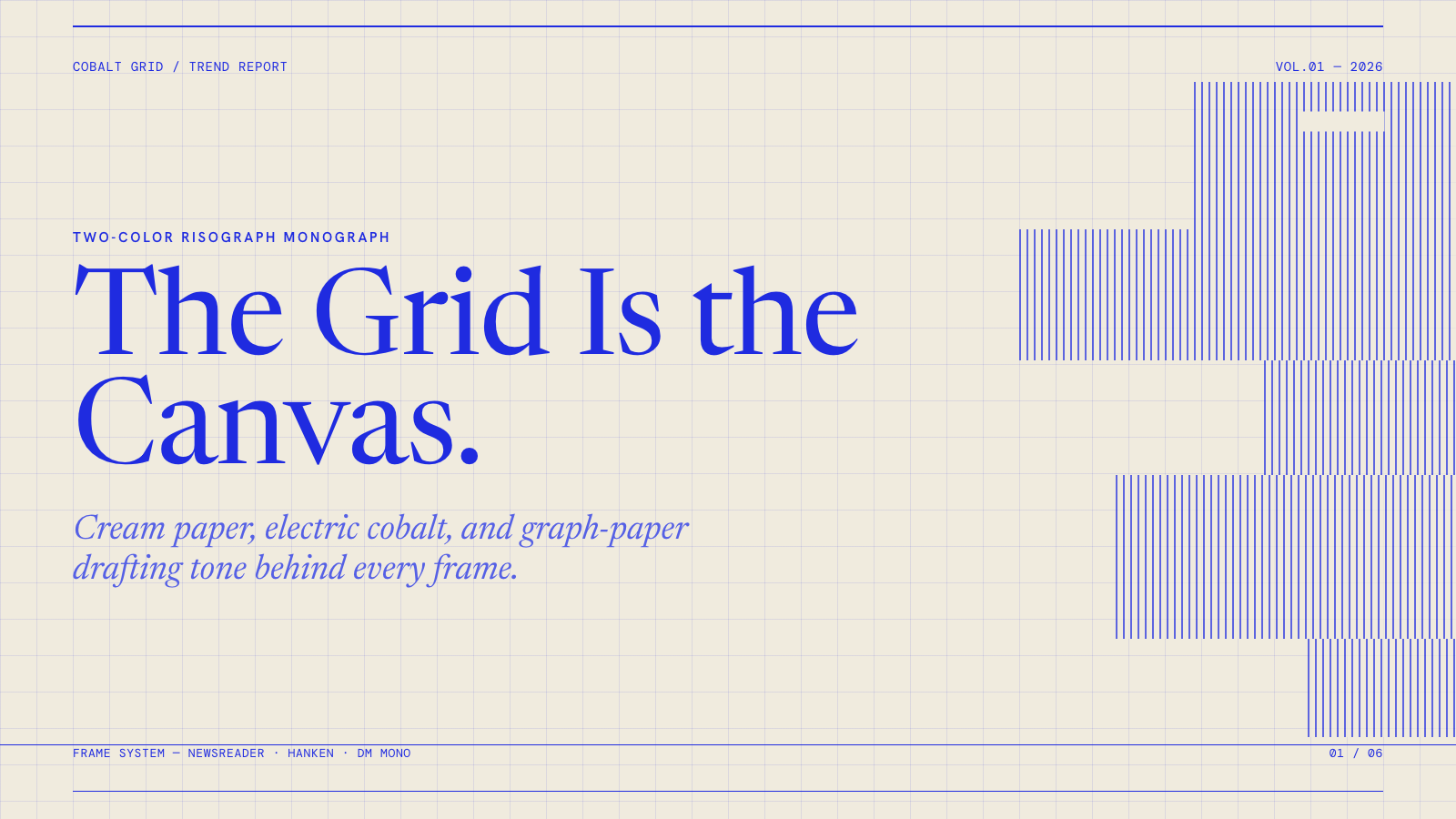
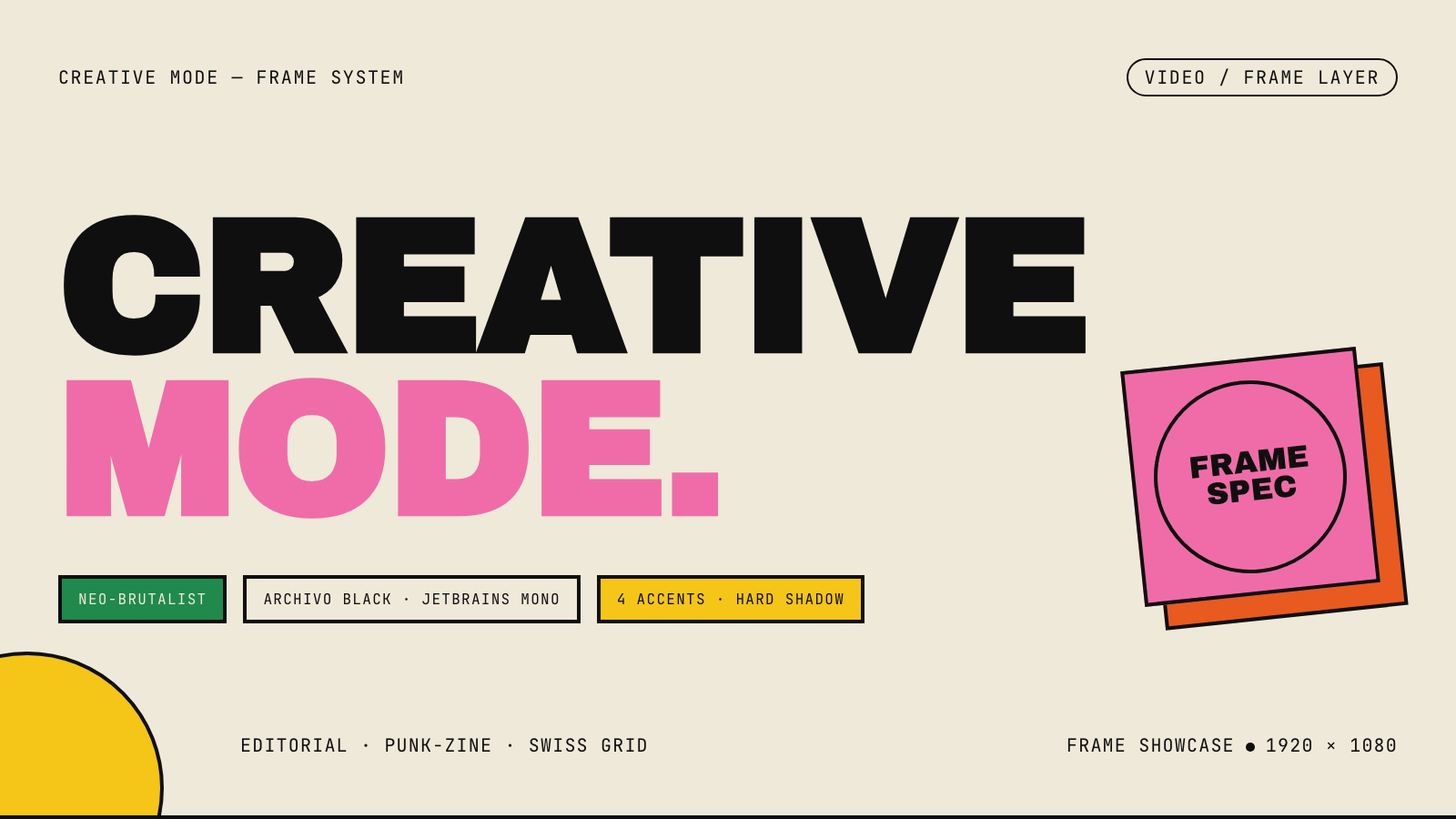
frame.md — your design system, ready for video.
Every brand has a design.md. None of them were written for a camera. frame.md is the missing translation layer: it takes your web-context design spec and inverts it for the frame — the same tokens, the same rules, but rewritten so an AI agent can compose a promo video without guessing at scale or reaching for web chrome.
The output is a DESIGN.md superset your whole toolchain can read. Atoms stay sacred. Composition stays free. Numbers come from the script.

Biennale Yellow |

BlockFrame |
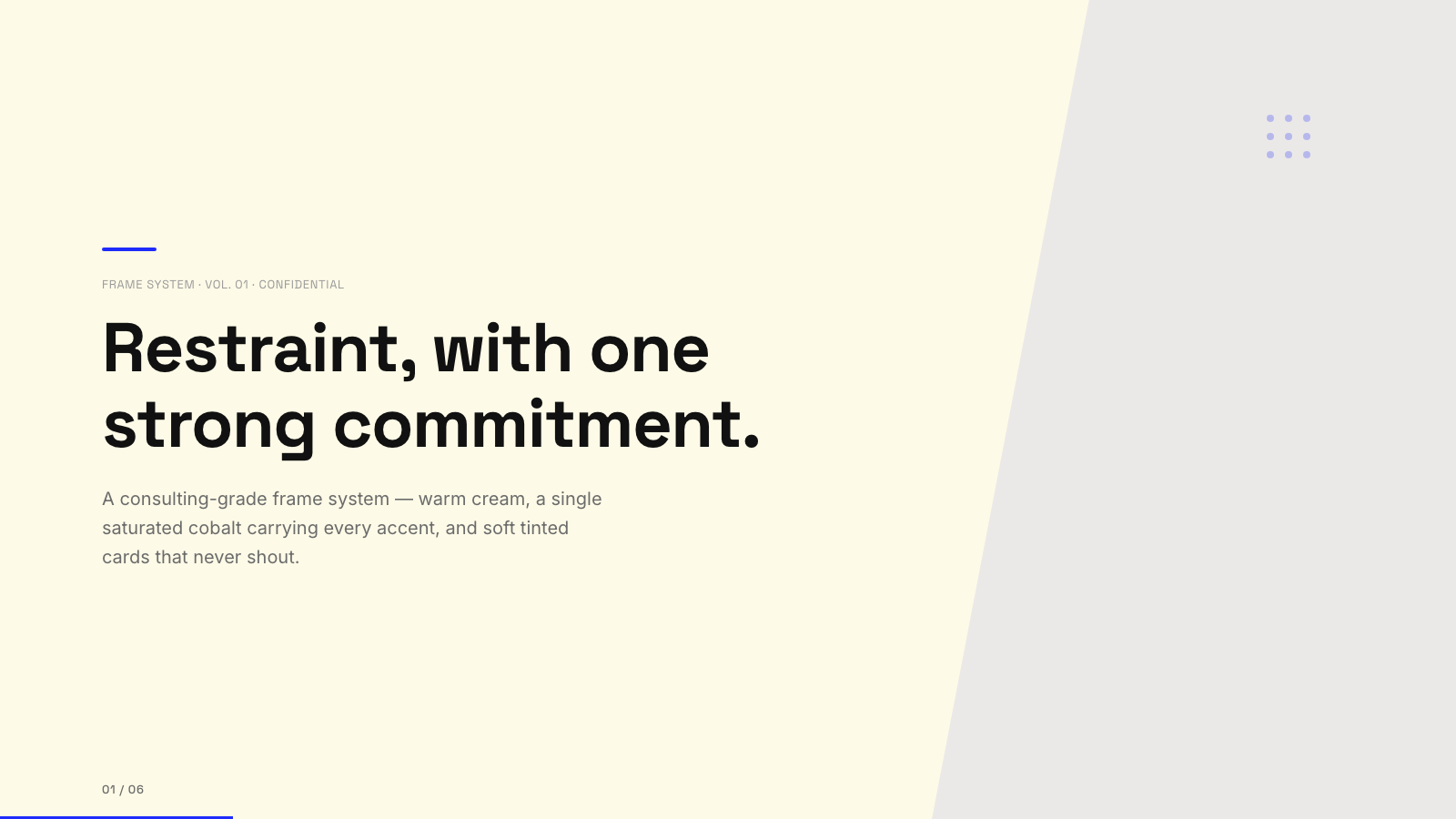
Blue Professional |

Bold Poster |
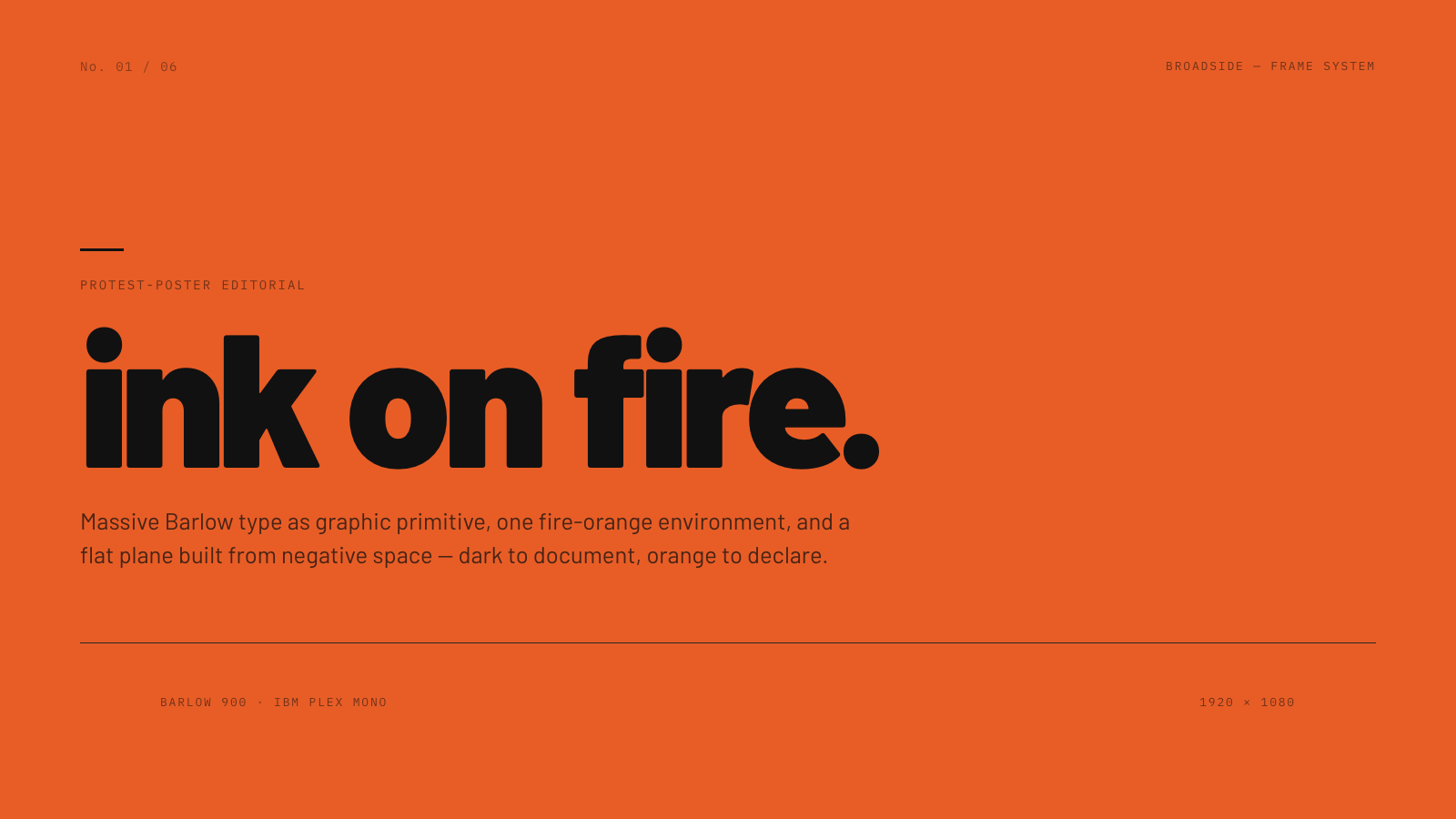
Broadside |
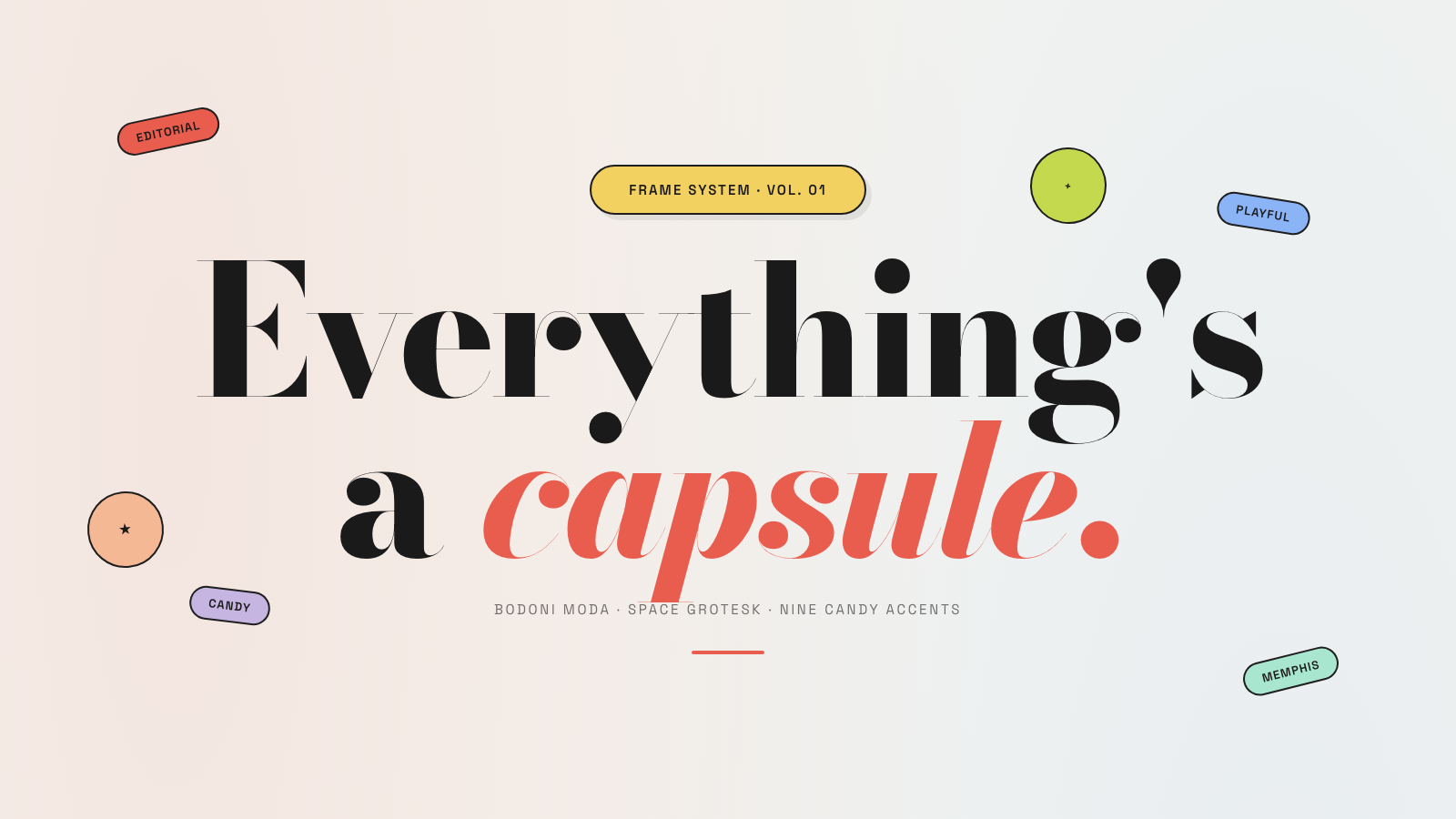
Capsule |
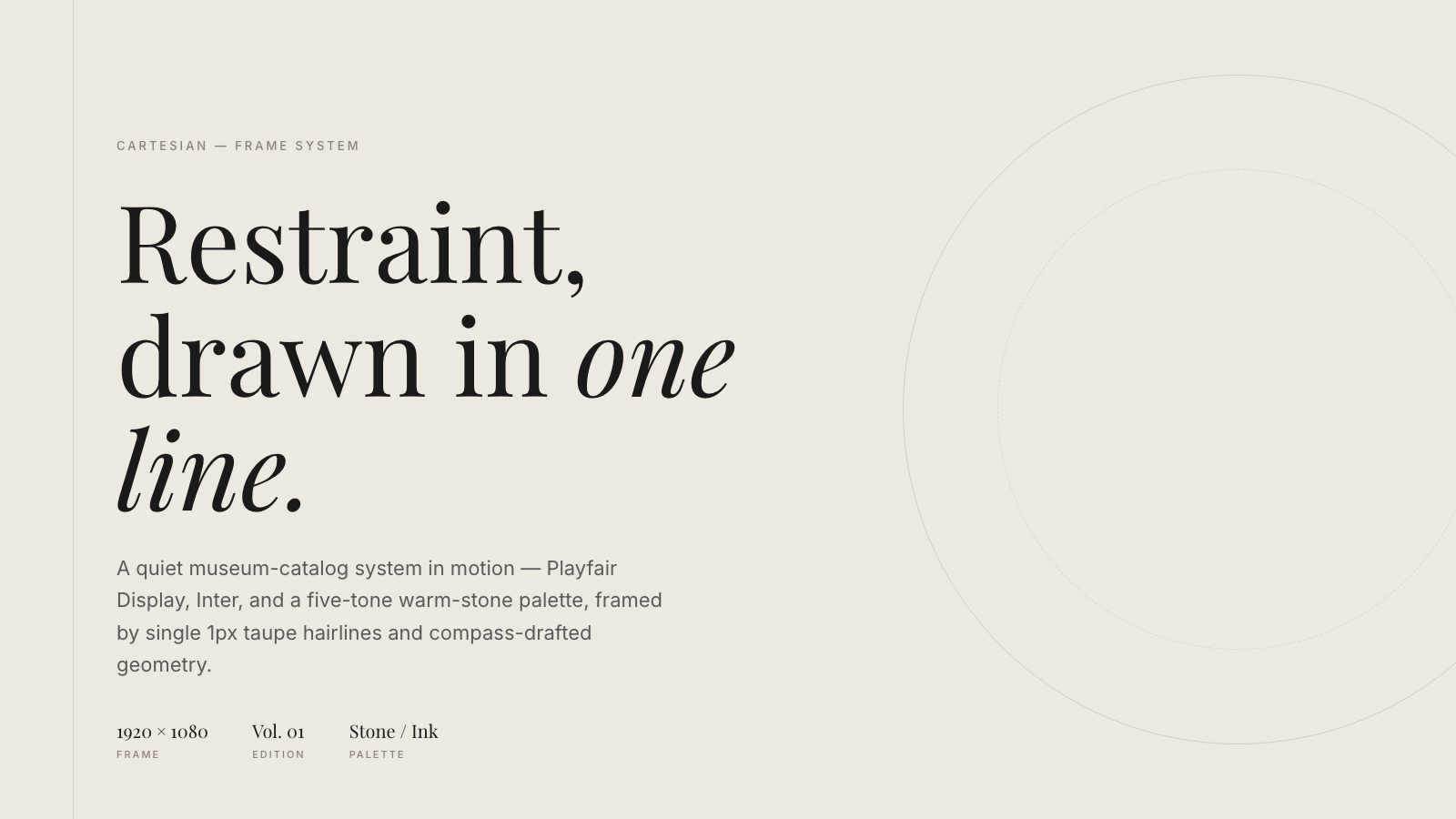
Cartesian |
Cobalt Grid |

Coral |
Creative Mode |
Browse and remix them all at hyperframes.studio/design.
How It Works
Define a video as HTML. Add data attributes for timing and tracks. Use GSAP, CSS, Lottie, Three.js, Anime.js, WAAPI, or your own frame adapter for seekable animation.
<div id="stage" data-composition-id="launch" data-start="0" data-width="1920" data-height="1080">
  <video
    class="clip"
    data-start="0"
    data-duration="6"
    data-track-index="0"
    src="intro.mp4"
    muted
    playsinline
  ></video>

  <h1 id="title" class="clip" data-start="1" data-duration="4" data-track-index="1">Launch day</h1>

  <audio
    data-start="0"
    data-duration="6"
    data-track-index="2"
    data-volume="0.5"
    src="music.wav"
  ></audio>

  <script src="https://cdn.jsdelivr.net/npm/gsap@3/dist/gsap.min.js"></script>
  <script>
    const tl = gsap.timeline({ paused: true });
    tl.from("#title", { opacity: 0, y: 40, duration: 0.8 }, 1);
    window.__timelines = window.__timelines || {};
    window.__timelines.launch = tl;
  </script>
</div>
Preview instantly in the browser. Render locally or in Docker. The renderer seeks each frame in headless Chrome and encodes the result with FFmpeg, so the same input produces the same video.
HyperFrames Stack
HyperFrames is the open-source rendering engine, plus a growing set of tools around HTML-native video creation.
| Piece | Status | What it does |
|---|---|---|
| CLI | Available | Scaffold, preview, lint, inspect, and render local video projects |
| Core / Engine / Producer | Available | Parse compositions, drive headless Chrome, encode video, and mix audio |
| Catalog | Available | Reusable blocks and components for transitions, overlays, captions, charts, maps, and effects |
| Agent skills | Available | Teach coding agents the video-production patterns that generic web docs miss |
| Studio | Available, evolving | Browser surface for previewing and editing compositions |
| AWS Lambda rendering | Available | Deploy a distributed render stack and drive renders from your laptop or CI |
| hyperframes.studio | Available | Community playground for previewing, iterating, sharing, and rendering HTML-native video projects |
| frame.md | Available | Invert your design system for the camera — a DESIGN.md superset an agent can compose video from |
Catalog
Install ready-to-use blocks and components:
npx hyperframes add flash-through-white   # shader transition
npx hyperframes add instagram-follow      # social overlay
npx hyperframes add data-chart            # animated chart
Browse the catalog at hyperframes.heygen.com/catalog.
Why HyperFrames?
- HTML-native: compositions are HTML files with data attributes. No React requirement, no proprietary timeline format.
- Agent-friendly: agents already write HTML, and the CLI is non-interactive by default.
- Deterministic: same input, same frames, same output. Built for CI, regression tests, and automated rendering.
- No build step: an
index.htmlcomposition plays as-is and can be previewed directly in the browser. - Adapter-based animation: bring GSAP, CSS animations, Lottie, Three.js, Anime.js, WAAPI, or a custom runtime.
- Open source: Apache 2.0 license, with no per-render fees or commercial-use thresholds.
HyperFrames vs Remotion
HyperFrames is inspired by Remotion. Both tools render video with headless Chrome and FFmpeg. The main difference is the authoring model: Remotion's bet is React components; HyperFrames' bet is plain HTML that humans and agents can both write easily.
| HyperFrames | Remotion | |
|---|---|---|
| Authoring | HTML + CSS + seekable animation | React components |
| Build step | None; index.html plays as-is |
Bundler required |
| Agent handoff | Plain HTML files | JSX / React project |
| Library-clock animations | Seekable, frame-accurate via adapters | Wall-clock animation patterns need care |
| Distributed rendering | Local and AWS Lambda render paths | Remotion Lambda, mature cloud renderer |
| License | Apache 2.0 | Source-available Remotion License |
Read the full comparison in the HyperFrames vs Remotion guide.
Documentation
Full documentation: hyperframes.heygen.com/introduction
Packages
| Package | Description |
|---|---|
hyperframes |
CLI for creating, previewing, linting, and rendering compositions |
@hyperframes/core |
Types, parsers, generators, linter, runtime, and frame adapters |
@hyperframes/engine |
Seekable page-to-video capture engine using Puppeteer and FFmpeg |
@hyperframes/producer |
Full rendering pipeline for capture, encode, and audio mix |
@hyperframes/studio |
Browser-based composition editor UI |
@hyperframes/player |
Embeddable <hyperframes-player> web component |
@hyperframes/shader-transitions |
WebGL shader transitions for compositions |
@hyperframes/aws-lambda |
AWS Lambda SDK and deployment surface for distributed renders |
Community
HyperFrames is used in production at HeyGen, with community examples from teams like tldraw, TanStack, and others in ADOPTERS.md. Open a PR if your team is using HyperFrames.
- Questions and ideas: Discord
- Bugs and feature requests: GitHub Issues
- User research: Book a casual 30-minute conversation with the HyperFrames team — no preparation or sales pitch
- Security reports: SECURITY.md
- Contributions: CONTRIBUTING.md
Development Note
The repo uses Git LFS for golden regression-test baselines under packages/producer/tests/**/output.mp4 (about 240 MB of .mp4 files). If you're cloning the full repo for development, install Git LFS first:
# macOS
brew install git-lfs

# Ubuntu / Debian
sudo apt install git-lfs

# Windows
winget install GitHub.GitLFS

# Then, once per machine
git lfs install
If you only need source files, you can skip LFS content:
GIT_LFS_SKIP_SMUDGE=1 git clone https://github.com/heygen-com/hyperframes.git