 Ular KimsanovandMiguel Angel Simon Sierra
89db718899
Ular KimsanovandMiguel Angel Simon Sierra
89db718899
* feat(studio): mirror canvas z-order actions into timeline lanes, badge z overrides

Track order = default paint order; authored z = advanced override.

- timelineZMirror.ts: pure resolver mapping a successful z-menu action to a
  timeline lane move — closest track in the action's direction that is free
  over the clip's whole span, else a new lane adjacent to the crossed
  neighbor; temporal-overlap scope (default pending product sign-off, see
  module doc); visual zone only; same-file reference scoping; persistTrack
  via the shared authored-space rules. null for non-clips (menu stays
  z-only) and at-extreme/no-overlap cases.
- useCanvasZOrderTimelineMirror.ts: after the z commit resolves, the mirror
  persists the lane move through the same machinery as a timeline lane drag
  (optimistic store update, authoredTrack refresh, rollback); inserts reuse
  commitTrackInsert's renumber via a shared buildTrackInsertEdits core. Both
  writes share one coalesce key (zReorderCoalesceKey) and fold into ONE undo
  entry (test proves it over the real history reducer). The mirror never
  triggers the lane->z stacking sync, so it cannot fight the z values the
  action just set.
- timelineZOverride.ts + TimelineClip badge: clips whose paint order
  contradicts lane order among temporally-overlapping same-context visual
  neighbors (laneIsAbove XOR paintsAbove, the stacking-sync predicates) show
  a 'z' badge — authored z overrides are surfaced instead of silently
  disagreeing with the timeline.
- Timeline.tsx track derivations extracted to useTimelineTrackDerivations
  (600-line cap).

* fix(studio): fold mirrored z-order gestures into one undo entry across slow persists

Live verification caught the z write and the mirrored lane write splitting
into two undo entries: the mirror runs after the z persist's server round
trip, which exceeds editHistory's default 300ms coalesce window under real
latency (the unit test's deterministic clock sat inside it).

zReorderCoalesceKey now mints a per-gesture-unique key (monotonic seq, the
laneChangeGestureSeq precedent) and both records carry coalesceMs Infinity —
distinct gestures can never merge, and one gesture always folds regardless
of write latency. coalesceMs threaded through the persist chain alongside
coalesceKey. Also hardens the existing lane-drag move->z fold, which had the
same latent split. Fold test now simulates a 400ms gap (failed before the
fix, passes after); a two-separate-gestures test asserts two entries.

* feat(studio): flashless lane mirror, z-order menu icons, close-gap track menu

- Track-only batch moves (the z-mirror's lane hop and the insert renumber)
  skip the GSAP fallback round-trip and the preview reload entirely — the
  renderer never reads data-track-index, and the live DOM patch + optimistic
  store update cover the UI. Mixed batches keep current behavior. Kills the
  canvas blink on mirrored Bring/Send actions (live-verified: an
  iframe-scoped marker survives the whole gesture).
- The four z-order menu items get 16px stroke icons (single layer diamond +
  directional arrow for Forward/Backward; pierced two-layer stack for
  Front/Back); labels unchanged — they are the industry-standard names.
- New track context menu on empty lane space: 'Close gap' (shifts the next
  clip and every clip after it on that lane left by the clicked gap's width;
  leading gaps count, so a single clip with empty space before it compacts
  to 0) and 'Close all gaps' (whole lane contiguous from 0). Pure gap math
  in timelineGaps.ts; persists through the drag path's atomic batch move
  (one undo per action); refuses when a clip that must shift is locked;
  items disable when there is nothing to close.

* fix(studio): rebind-only preview sync for unmutated timing edits, classical z-menu order

Timing edits that rewrote NO GSAP positions (gap closes and moves of
selector-addressed caption clips, zero-delta batches, comps without a
rewritable script) full-reloaded the preview — and the rerun-current-scripts
attempt was wrong for real compositions: re-executing init-style scripts
(three.js scenes, caption engines) is exactly the unsafe case, verified live
by doubled init warnings and a fallback reload anyway.

The correct observation: when mutated === false the existing __timelines are
still valid — only the runtime's clip visibility windows are stale, and the
live DOM timing attributes were already patched. So the no-mutation path now
runs applySoftReloadFinalization only (seek + __hfForceTimelineRebind +
manual-edits reapply), extracted from the soft-reload machinery — zero
script execution. This also un-blinks comps with no GSAP script at all,
which previously always remounted. Rewritten-script soft reloads,
cannot-soft-reload, otherFileChanged, and mutation failures keep their
existing behavior. gsapSoftReload's undo/redo restore section moved verbatim
to gsapUndoRestore.ts for the 600-line cap.

Also: z-order menu items reordered to the classical arrangement (Bring to
Front, Bring Forward, Send Backward, Send to Back).

Live-verified on a three.js-heavy composition: Close-all-gaps shifted 4
caption clips with correct cumulative amounts, the preview iframe was never
remounted (marker survived), and one undo reverted everything.

* fix(studio): bound forward/backward mirror to a one-element step

User-specified semantic: Bring Forward / Send Backward move the clip past
EXACTLY ONE element. The mirror's lane target is now bounded by the next
temporally-overlapping element beyond the crossed neighbor: a free lane
strictly between the two is taken (closest to the neighbor), and when they
are back-to-back a new track is inserted immediately beyond the crossed
element — never past the second one. Previously the resolver took the
closest free lane anywhere beyond the neighbor, which could carry the track
past a second element while the z action only stepped past one — a
track/paint contradiction our own zOverride badge would flag. Front/back
keep whole-set semantics (past everything; back stays above the audio
zone). End-to-end test pins the 3-stacked case through commitZMirrorLaneMove
to the persisted renumbered tracks.

* feat(studio): permanent gap-menu rows with hover and click-select gap highlights

- TrackGapContextMenu always renders both rows; an inapplicable action dims
  with a tooltip ("No gap here" / lock reason / "No gaps on this track")
  instead of vanishing into a one-item menu. Width badge only when a gap
  exists under the pointer.
- Hovering an ACTIONABLE row highlights the strip(s) it would close in the
  timeline: the single gap for Close gap, every current gap (leading included)
  for Close all gaps. New resolveAllGapIntervals in timelineGaps.ts reports
  present-state intervals (epsilon-tolerant, overlap-safe), distinct from
  resolveAllTrackGaps' post-compaction starts.
- Click-selecting a single clip paints a quieter tint over its lane's gaps
  (suppressed for marquee multi-selection and during drags; the gap-menu hover
  wins on its own lane). Derivation lives in useTimelineGapHighlights with the
  pure buildTimelineGapStrips exported and unit-tested.
- Strips render in TimelineCanvas with the drop-placeholder geometry (row top
  + clip inset), dashed accent for hover, faint tint for selection.
- Timeline.tsx stayed under the 600-line cap by extracting the scroll-viewport
  plumbing (ResizeObserver width + shortcut-hint sync) into
  useTimelineScrollViewport, behavior unchanged.

* feat(studio): stronger capcut-style timeline zoom steps

One button press / pinch gesture now moves the zoom meaningfully: step
factors 1.25x/0.8x -> 1.5x/(2/3) (kept reciprocal so in+out round-trips) and
pinch sensitivity 0.0035 -> 0.007. Addresses "zooming several times to get
anywhere" feedback; cursor anchoring unchanged.

* feat(studio): three-way z sync — layers drags mirror timeline lanes, panel tracks live z edits

Completes the layers/canvas/timeline sync triangle: the Layers panel was the
one surface whose reorders never reached the timeline, and the one that went
stale when the other two wrote z flashlessly.

- Layers drag -> minimal z + equal-jump lane mirror. handleReorder now uses
  the canvas menu's realization core via resolveZOrderReposition (one
  between-z write when a strict gap exists, band-safe scoped renumber
  otherwise) instead of computeReorderZValues' all-sibling stamp — that
  helper is deleted, completing the #2347 unification follow-up. The drop
  then mirrors into a timeline lane move through the same machinery as the
  canvas menu (new resolveRepositionLaneMove: the clip lands on a free lane
  strictly between its NEW paint neighbors' lanes — nearest clip siblings in
  the desired render order, decorations skipped — else a track insert at
  that boundary; audio zone never crossed). Both writes share one
  per-gesture zReorderCoalesceKey with an unbounded fold window, so a drag
  is exactly ONE undo entry; useCanvasZOrderTimelineMirror's plumbing is
  factored into useMirrorLaneMoveCommit and reused by the new
  useLayerReorderTimelineMirror. A same-slot drop is a hard no-op (new
  order-equality guard in resolveZOrderReposition).
- Panel staleness fix: flashless z commits (skipReload) reload nothing and
  bump no refreshKey, so the panel's z-sorted order went stale while paused.
  handleDomZIndexReorderCommit now bumps a store zEditVersion on apply AND
  rollback; the panel re-collects on it. Verified live: the panel re-sorts
  the instant a drag commits and again on undo.
- Layer click reveal (useLayerRevealOverride): clicking a layer that stays
  hidden at the current frame (animation-parked opacity, non-clip
  display/visibility hides, hidden ancestors) temporarily forces the chain
  visible with live inline styles — exact priors restored on deselect, on
  another reveal, on play, and on unmount; never persisted (file diff == 0
  verified live). Clips keep the existing seek-into-window behavior; the
  override applies on a short defer so a seek-revealed clip needs none.
- layerOrdering's unused hasExplicitZIndex probe (zero callers) removed.

Live-verified on a bed copy: a 2-position layers drag wrote exactly one
element (z 6->23 + data-track-index 15->2), the timeline lane moved without
a reload, and a single Cmd+Z restored the file byte-identically.

* feat(studio): full-track selection highlight, borderless gap hover strips

- Click-selecting a clip now lights the WHOLE lane minus its clips — leading
  gap, inter-clip gaps, and the open space after the last clip to the rendered
  end (new resolveLaneEmptyIntervals; displayDuration threaded into the strip
  derivation). Still click-only: any drag/resize suppresses the strips, and a
  marquee multi-select never shows them.
- The gap-menu hover strips drop the dashed border (user feedback) — fill only,
  nudged to 0.18 alpha to keep the same visual weight.

* feat(studio): selected layer paints on top via a reader-transparent z lift

Clicking a layer in the Layers tab now shows the element as if it were at the
very top of the stack while selected — whatever its authored z or panel
position — extending the reveal override (which already forced hidden chains
visible) with a temporary inline z lift:

- liftElementToTop parks the TRUE effective z in data-hf-reveal-prior-z and
  writes a far-top inline z; a static element gets a layout-preserving
  position:relative with its prior parked in data-hf-reveal-prior-pos. Only
  the RENDERER sees the lift: all three studio z readers
  (readTimelineElementZIndex, getElementZIndex, readEffectiveZIndex) return
  the parked prior while the attribute is present, so the canvas z-menu, the
  zOverride badge, the lane mirror, the stacking sync, and the panel sort
  keep reasoning on the element's real z.
- Strictly ephemeral: exact priors restored on deselect / another reveal /
  play / unmount, each property only while it still holds the value the
  override wrote (a later real edit is never clobbered). File diff == 0
  verified live across a full lift/restore cycle.
- A z-reorder commit CONSUMES an active lift (handleDomZIndexReorderCommit
  reads the parked position for its persist-position:relative static check,
  then drops the attributes) — the committed z becomes the truth and the
  later restore is a guarded no-op.

* fix(studio): flashless undo/redo — three full-reload causes in the soft-restore path

Cmd+Z blinked the canvas on essentially every undo. Three independent causes
in applyUndoRestoreToPreview, each sufficient on its own:

1. Master-view path gate: activeCompPath is NULL at the master view, so the
   'paths[0] === activeCompPath' eligibility check could never match the
   index.html restore and every default-view undo full-reloaded at the first
   gate. Normalized to the codebase-wide 'activeCompPath ?? "index.html"'.
2. Nested identity innerHTML check: the diff compared each identified
   element's innerHTML, but the composition root wraps every clip — any child
   change re-detected at the root rejected the restore. Change detection now
   compares only each element's OWN attribute surface; structure/text
   integrity is still guaranteed by the normalize-residual whole-doc pass
   (text nodes, added/removed elements, and un-identified attrs all remain
   after normalization and force the full reload).
3. id-only identity: elements addressed by data-hf-id / selector (no DOM id)
   fell outside the diff entirely. Identity is now id OR data-hf-id, with the
   live sync resolving either.

Also stop re-running an UNCHANGED GSAP script: attribute-only restores (z,
lane, timing, style — the overwhelmingly common undo) now use the rebind-only
finalization (seek + __hfForceTimelineRebind + manual reapply, zero script
execution — the same path as flashless timing edits), instead of tearing down
and rebuilding live timelines or full-reloading when the script can't be
scoped. A restore whose script text genuinely changed still re-runs it via
applySoftReload, and structural restores (split/delete) still full-reload.

Live-verified on the bed (iframe marker): gap-close undo AND redo both keep
the iframe mounted, live DOM lands on the restored values, disk restored
byte-identically.

* feat(studio): left breathing pad before t=0, double zoom sensitivity again

TRACKS_LEFT_PAD (48px) — the horizontal sibling of TRACKS_TOP_PAD: empty lane
surface between the sticky gutter and the ruler's 00:00 / the first clips,
scrolling WITH the content.

- The lanes and the ruler realize it as a plain flow spacer between the
  sticky gutter cell and the time-mapped content div, so every
  content-relative computation (clip left = t*pps, beat lines, lane-menu
  time, clip drag deltas) is untouched by construction.
- Canvas-space overlays shift by the pad: playhead (getTimelinePlayheadLeft),
  gap strips, drop placeholder, snap guide, range highlight, marquee clip
  rects, beat SVG; the insert line spans the pad.
- Every pointer->time inverse subtracts it symmetrically: seekFromX, razor,
  range/marquee anchors, asset drops, and the zoom-anchor gutter basis; fit
  pps and the display width account for the consumed viewport width.
- Live-verified: t=0 clip edge, the 00:00 tick, and the playhead line center
  all sit at GUTTER + TRACKS_LEFT_PAD, and a ruler click lands the playhead
  center exactly under the pointer.

Also doubles the timeline zoom sensitivity again (user feedback after
feel-testing the first bump): button steps 1.5x/(2/3) -> 2x/0.5, pinch
0.007 -> 0.014.

* fix(studio): left pad renders as true empty space, not lane surface

The pad before t=0 inherited each row's background and bottom border from the
row wrapper, so it read as track lanes. Lane visuals now live on the cells:
the sticky gutter keeps its own separator (header column stays delineated),
the time-mapped content div carries the row background + separator, and the
pad spacer stays transparent — bare shell background, no lines. The
new-track insertion line also starts at the pad's end instead of crossing it.

* fix(studio): no vertical line in the ruler band before 00:00

The ruler corner's right border drew the header-boundary line through the
ruler strip, so the band didn't read as starting at 00:00. Dropped it — the
boundary line belongs to the track rows below; the ruler stays completely
clean from the panel edge to the first tick, matching the empty left pad.

* refactor(studio): remove the timeline z-override badge

User decision: the "z" chip on clips never earned its place — dropped
entirely (timelineZOverride.ts + test deleted, TimelineClip badge rendering
and the zOverrideKeys derivation/threading removed). This also eliminates the
review's D2 finding at the root: the badge's cross-document comparison
(stackingContextId ?? null collides across source files in the expanded view)
produced false positives, and there is no longer a detector to mis-fire.
overlapsInTime/paintsAbove lose their export (the badge was their only
external consumer); the paint-order predicate itself is unchanged.

* fix(studio): collision-free expanded child lanes and host-window gap floors

Review findings D1 (blocker) and 4.

- D1: buildChildElements assigned expanded children synthetic display rows as
  `host.track + index` — integers that can EQUAL a real clip's lane in another
  file (host on 0 with two children puts child #2 on 1). Lane grouping merges
  purely by track number, so the collision fused clips from different source
  files into one display lane, and lane-scoped actions (the gap menu) then
  batch-persisted a foreign file's clip. Children now take FRACTIONS strictly
  between the host's lane and the next integer — structurally unable to
  collide with any normalized lane, while still rendering as ordered rows
  under the host. Regression test pins the reviewer's exact two-file scenario.
- Finding 4: gap math compacted toward absolute 0, but an expanded child's
  display time is host-anchored — close/compact could drag it before its host
  window and persist a wrong (even negative) local time. All gap functions
  now take a lane FLOOR (laneGapFloor: 0 for ordinary lanes, the children's
  expandedParentStart for child lanes — single-origin per lane post-D1),
  threaded through the menu model, hover highlights, selected-lane strips,
  and both commits. Close-gap shifts clamp at the gap's own left edge.

* fix(studio): scope mirror references, insert writes, and crossed-neighbor identity

Review findings 1, 2, and 3.

- Finding 1: buildTrackInsertEdits normalized the FULL display set and
  persisted every shifted clip — writing host-lane numbers into OTHER
  composition files when expanded children were showing. The renumber write
  set is now the edited element's own source file (the sanctioned multi-write
  converges one FILE to lane space, never neighbors' files); foreign clips
  keep their authored tracks and re-derive display lanes. The locked-clip
  refusal scopes the same way. Expanded-origin elements refuse the insert
  outright (a new lane is a host-space renumber, meaningless in the child's
  file), and the mirrors restrict an expanded child's lane candidates to its
  own siblings' lanes — a sub-comp child still mirrors WITHIN its sub-comp
  (persisting the sibling's authored track) but can never land on a host lane
  with no same-file occupant. authoredTrackForLane's offset fallback rounds:
  fractional synthetic rows must never leak fractions into data-track-index.
- Finding 2: the mirror comparison sets required only sameSourceFile, but a
  file can contain several CSS stacking contexts and leaf z is only
  comparable within one. Both resolvers now scope by samePaintScope — same
  source file AND same stackingContextId (the file check also stops null root
  contexts of different files from comparing equal in the expanded view).
- Finding 3: the crossed-neighbor key was derived without selectorIndex, so
  duplicate class selectors (.sub) resolved to occurrence 0 — a different
  clip. The key now carries getSelectorIndex, matching how z-reorder entries
  derive theirs.

* fix(studio): z-to-lane gestures are one serialized transaction gated on durable persists

Review findings 5 and 7.

- Finding 5: commitDomEditPatchBatches resolved successfully even when the
  server matched NO patch target — the z write never reached disk (the
  preview reloads to reconverge) yet the lane mirror still ran, desyncing
  track order from what actually paints. The commit now resolves a durability
  report ({allMatched, changed}; the save queue and commit types are generic
  over the result), and the mirror phase is skipped on allMatched === false.
- Finding 7: the z persist rides the DOM-edit save queue while the lane move
  rides the timeline/SDK path — two queues, so a second rapid gesture's z
  write could land BETWEEN the first gesture's z and lane phases. Every
  z-to-lane gesture (canvas z-order menu AND Layers-panel drag) now runs
  through runZLaneGesture: a single module-level tail that serializes the
  COMPLETE two-phase transaction, with unit tests for ordering, the
  durability gate, and queue resilience to failed gestures. The timeline
  lane-drag's inverse (move-then-z-sync) shares its phases' await ordering
  already; cross-gesture serialization for that path is noted as follow-up.
- LayersPanel's pure sort helpers moved to layersPanelSort.ts (600-line cap).

* fix(studio): multi-clip GSAP batch mutations roll back on late failure

Review finding 6. finishGroupTimingGsapFallback mutates files sequentially
per clip; a late per-clip failure left the earlier rewrites on disk with no
aggregate history entry — unreachable by undo. foldGsapMutationIntoHistory
already snapshots every touched path before mutating; on a mutation failure
it now restores each path whose disk content changed (all-or-nothing batch),
reports restore errors without masking the original failure, and rethrows.
Regression test drives a two-clip batch whose second rewrite fails and
asserts the first clip's write is restored byte-identically.

* fix(studio): scope mirror inserts to their lane zone

* fix(studio): unify source-scoped clip identity

* fix(studio): isolate track insert topology

* fix(studio): harden timeline paint synchronization

---------

Co-authored-by: Miguel Angel Simon Sierra <miguel.sierra@heygen.com>






Write HTML. Render video. Built for agents.
Quickstart | Showcase | Playground | Catalog | Docs | Discord

HyperFrames is an open-source framework for turning HTML, CSS, media, and seekable animations into deterministic MP4 videos. Use it locally with the CLI, from AI coding agents with skills, or as the rendering core behind hosted authoring workflows.
Quick Start
With an AI coding agent
Install the HyperFrames skills, then describe the video you want:
npx skills add heygen-com/hyperframes --full-depth --yes
--full-depthdoes a full clone of the repo's currentmain. Without it,skills addfetches the skills.sh registry blob, which lagsmainby hours — you'd get an older copy of a skill. (hyperframes skills updatealready installs full-depth.)
Try a prompt like:
Using
/hyperframes, create a 10-second product intro with a fade-in title, a background video, and subtle background music.
The skills teach agents the HyperFrames production loop: plan the video, write valid HTML, wire seekable animations, add media, lint, preview, and render. They work with Claude Code, Cursor, Gemini CLI, Codex, and other coding agents that support skills.
Skills
HyperFrames ships 20 skills agents load on demand. Read /hyperframes first — it's the router and capability map; it picks a workflow for any "make me a…" request — video, deck, or composition port — and points to the domain skills below.
Run npx skills add heygen-com/hyperframes --full-depth for the interactive picker — it lists the core set under the "Core Skills" group and the on-demand creation workflows under "Other". Use npx skills add heygen-com/hyperframes --all --full-depth to install all 20 at once (skips the picker), or npx skills add heygen-com/hyperframes --skill <name> --full-depth for just one (bare name, no leading /). Keep --full-depth — it installs the current main; without it skills add fetches the skills.sh blob, which lags by hours.
Installs stay lean after that: npx hyperframes init keeps the core set fresh (the router, the hyperframes-* domain skills, and media-use — plus whatever is already installed; /figma stays on demand) and never expands a partial install; the creation workflows install on demand — the router runs npx hyperframes skills update <workflow> before entering one. Nothing re-pulls the full set behind your back.
Router
| Skill | Use when |
|---|---|
/hyperframes |
Read first for any request to make / create / edit / animate / render a video, animation, or motion graphic. Capability map for the domain skills and intent router for the creation workflows below. |
Creation workflows
| Skill | Use when |
|---|---|
/product-launch-video |
Marketing / launching / promoting a product — from its URL, a brief, or a script (even if the site is only named). Up to ~3 min (sweet spot 30-90s). |
/website-to-video |
Turning a general website into a video — site tour, portfolio / landing-page showcase, social clip from the site's own visuals. |
/faceless-explainer |
Explaining a topic / concept from arbitrary text — no product, no URL, no website capture; every visual is LLM-invented (typography / abstract / diagram / data-viz). |
/pr-to-video |
A GitHub pull request (PR URL, owner/repo#N ref, or "this PR") → changelog / feature-reveal / fix / refactor explainer, read via the gh CLI. |
/embedded-captions |
Adding captions / subtitles to an existing talking-head video (footage untouched) — verbatim rail, embedded climax behind the subject, or pure-cinematic embed. |
/talking-head-recut |
Packaging an existing talking-head / interview / podcast video with designed graphic overlays — lower-thirds, data callouts, kinetic titles, pull-quotes, side panels, PiP. |
/motion-graphics |
A short, unnarrated, design-led motion graphic (~under 10s) — kinetic type, stat / chart hit, logo sting, lower-third, animated tweet / headline. MP4 or transparent overlay. |
/music-to-video |
A music track (audio file, or video to pull audio from) → a beat-synced video — lyric, slideshow, or kinetic promo; music drives pacing. |
/slideshow |
A presentation / pitch deck / interactive deck — discrete slides, fragment reveals, branching, hotspot navigation, presenter mode. Output is a navigable deck, not a rendered video. |
/general-video |
Anything else — longer or multi-scene pieces, brand / sizzle reel, title card, static loop, freeform composition. Input- and length-agnostic fallback. |
/remotion-to-hyperframes |
Porting an existing Remotion (React) composition's source to HyperFrames HTML. One-way migration, not creation. |
Domain skills (loaded on demand)
Atomic capabilities the creation workflows compose against — pull one when you need that specific layer.
| Skill | Covers |
|---|---|
/hyperframes-core |
The composition contract — data-* timing attributes, class="clip", tracks, sub-compositions, variables, framework-owned media playback, determinism rules. |
/hyperframes-animation |
All animation knowledge — atomic motion rules, scene blueprints, transitions, runtime adapters (GSAP / Lottie / Three.js / Anime.js / CSS / WAAPI / TypeGPU). |
/hyperframes-keyframes |
Seek-safe keyframe authoring across runtimes — GSAP timelines, CSS keyframes, Anime.js, WAAPI, FLIP, paths, masks, SVG morph/draw, 3D depth — plus hyperframes keyframes diagnostics for rendered motion. |
/hyperframes-creative |
Non-animation creative direction — frame.md / design.md, palettes, typography, narration, beat planning, audio-reactive visuals, composition patterns. |
/media-use |
The media OS — resolve any media need (BGM, SFX, image, icon, logo, voice, color grade, LUT) into a frozen local file or paste-ready block + ledger record, generate via TTS/music/image models when the catalog misses, transcribe, caption, remove backgrounds, and reuse assets across projects. One shared audio engine + manifest tracking. |
/hyperframes-cli |
CLI dev loop — init, lint, check, snapshot, preview, render, publish, doctor, plus HeyGen-hosted cloud rendering (cloud render) and AWS Lambda rendering (lambda deploy / render / progress). |
/hyperframes-registry |
Install and wire registry blocks and components into compositions via hyperframes add. Authoring a new block or component to contribute upstream. |
/figma |
Import Figma assets, tokens, components, and storyboard sections → reconstructed motion (frames read as states, not slides) (REST/CLI) plus Motion animations (MCP) and shaders (MCP source / native export) into a composition. |
For visual design handoff workflows, see the Claude Design guide and Open Design guide.
Manually with the CLI
npx hyperframes init my-video
cd my-video
npx hyperframes preview      # preview in browser with live reload
npx hyperframes render       # render to MP4
Requirements: Node.js 22+, FFmpeg
What You Can Build
Need ideas? Browse the Showcase for finished videos you can watch, read, run, and remix.
- Product launch videos and feature announcements
- PR walkthroughs with animated code diffs, narration, and captions
- Data visualizations, chart races, and map animations
- Social videos with kinetic captions, overlays, and music
- Docs-to-video, PDF-to-video, and website-to-video explainers
- Reusable motion graphics for automated content pipelines
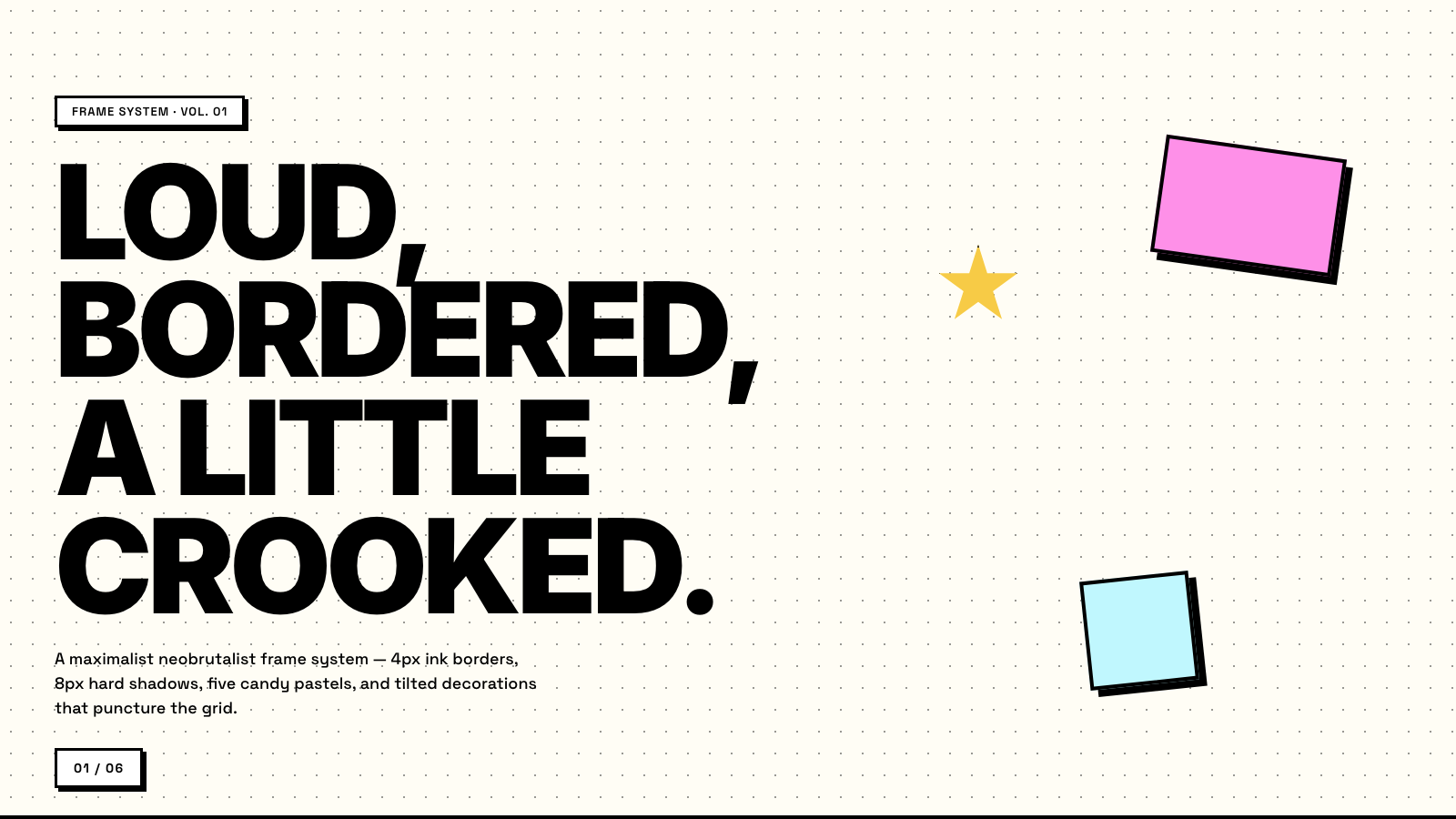
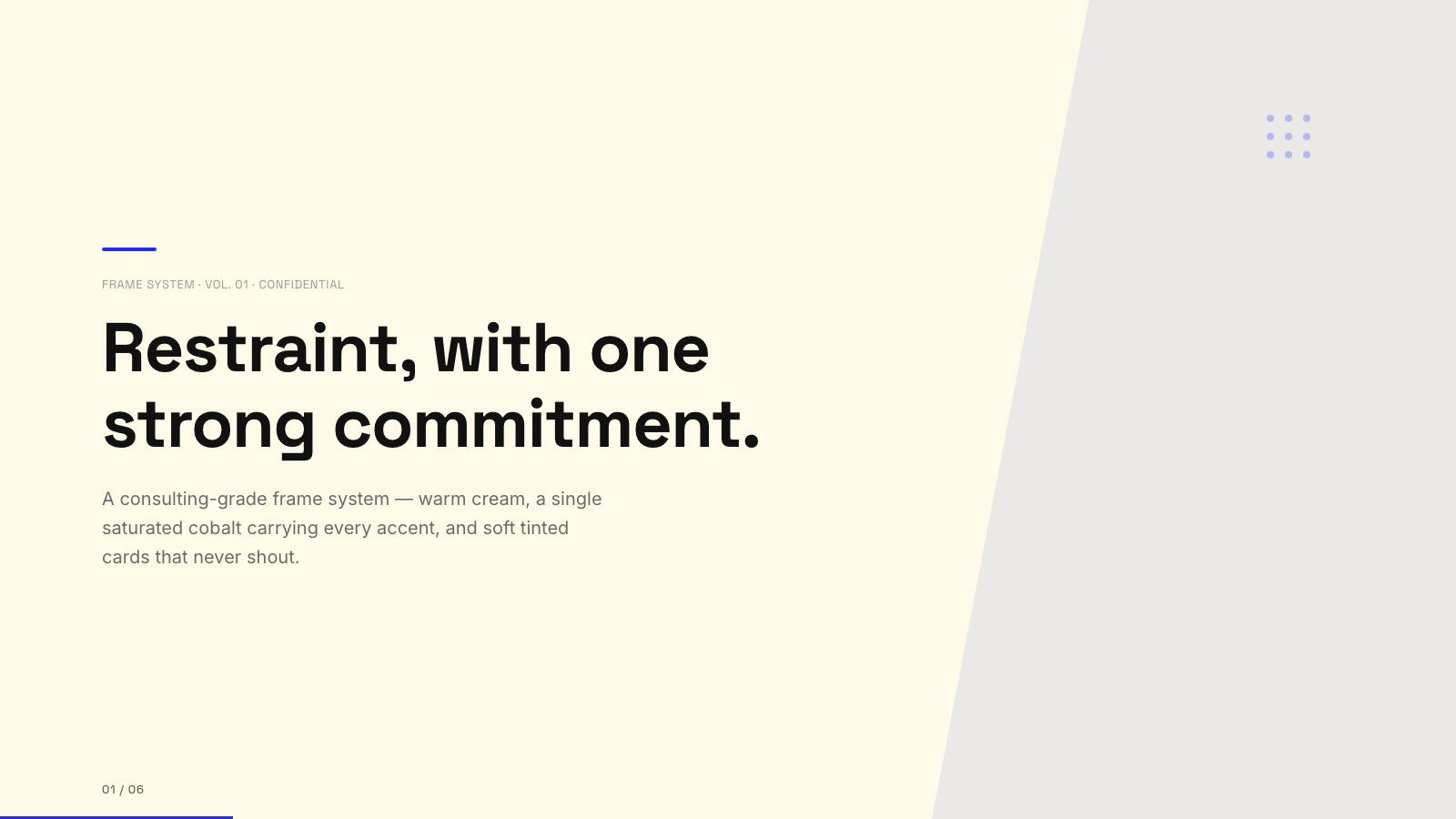
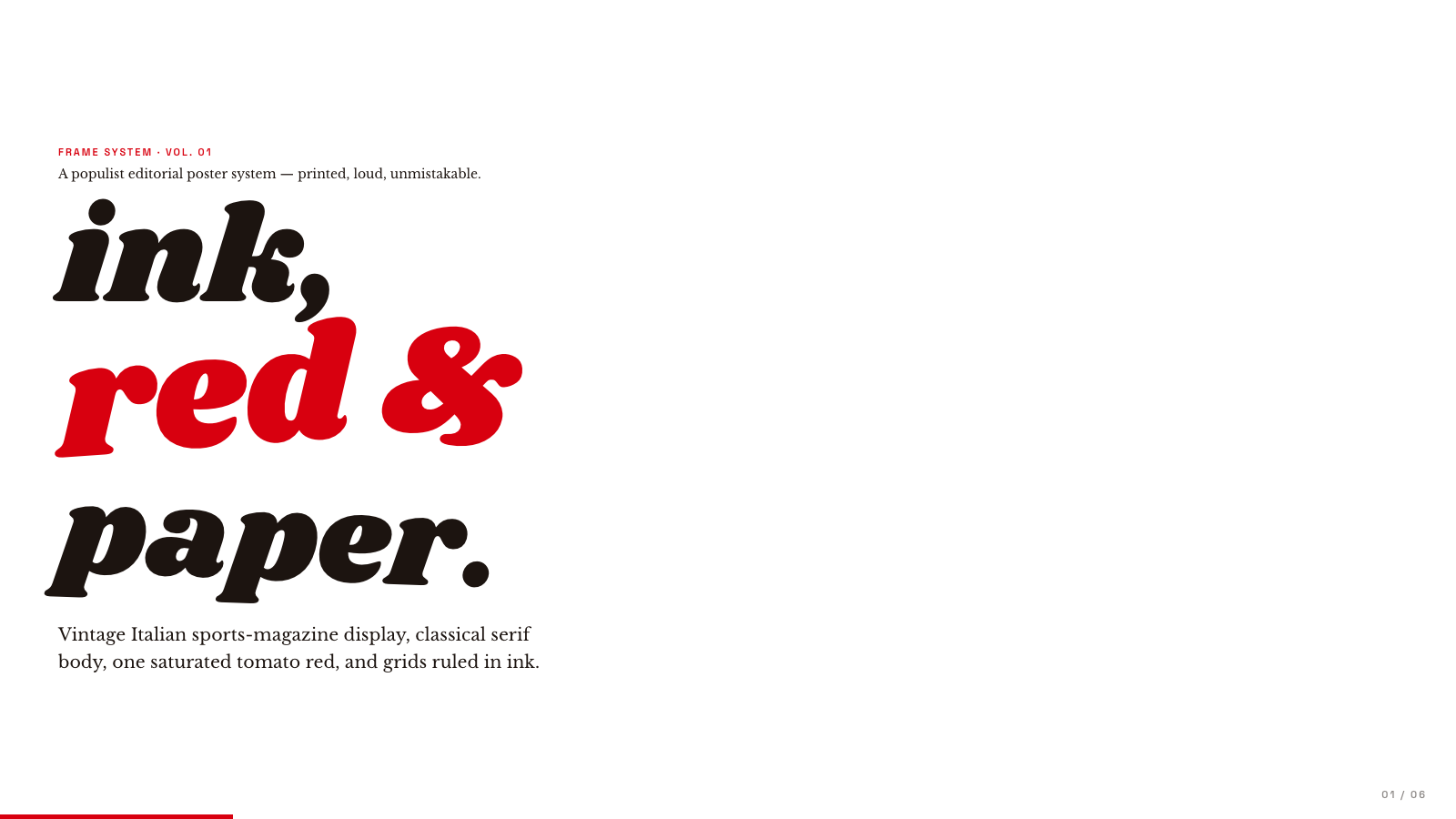
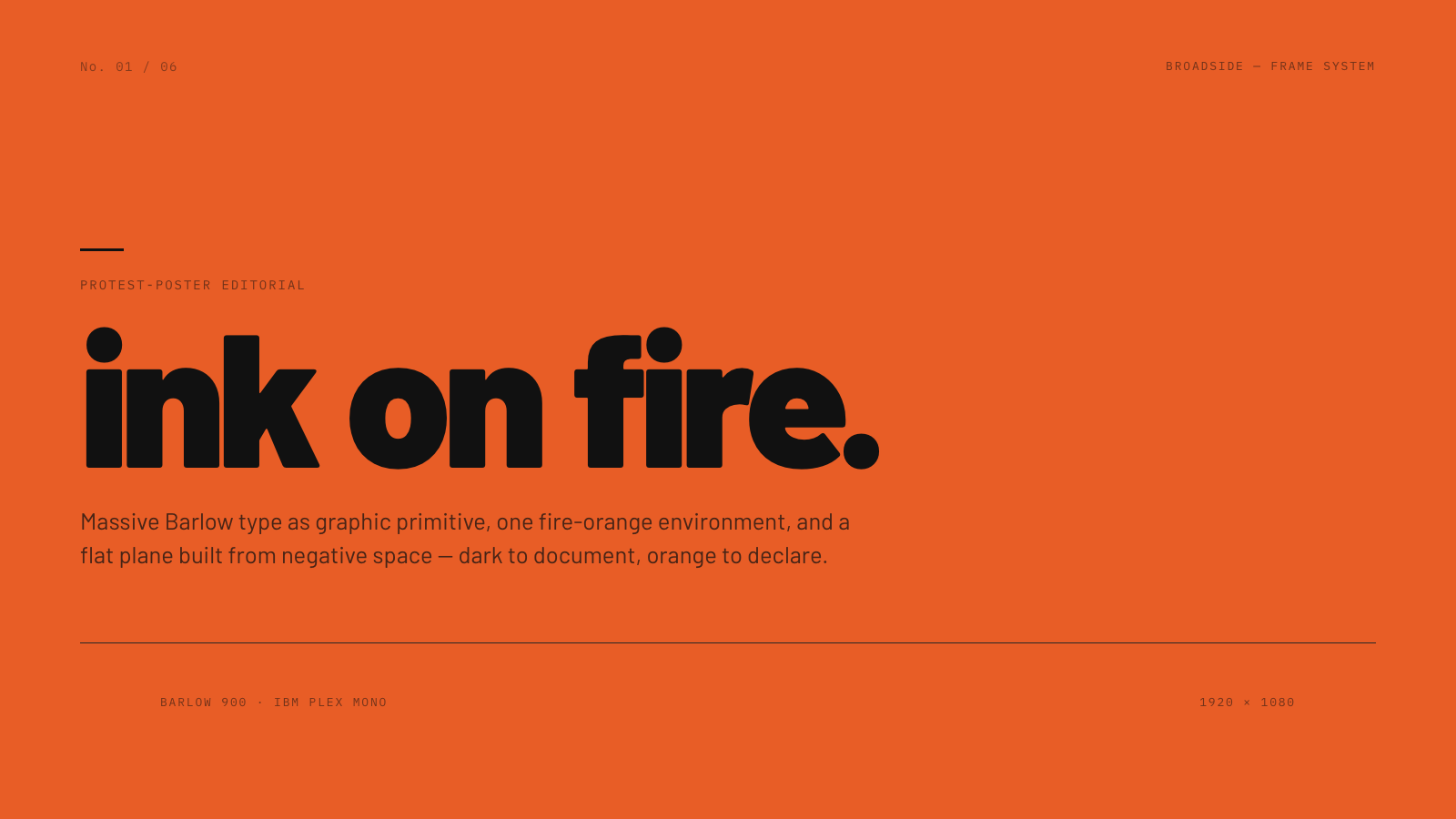
Frame.md
frame.md — your design system, ready for video.
Every brand has a design.md. None of them were written for a camera. frame.md is the missing translation layer: it takes your web-context design spec and inverts it for the frame — the same tokens, the same rules, but rewritten so an AI agent can compose a promo video without guessing at scale or reaching for web chrome.
The output is a DESIGN.md superset your whole toolchain can read. Atoms stay sacred. Composition stays free. Numbers come from the script.

Biennale Yellow |
BlockFrame |
Blue Professional |
Bold Poster |
Broadside |
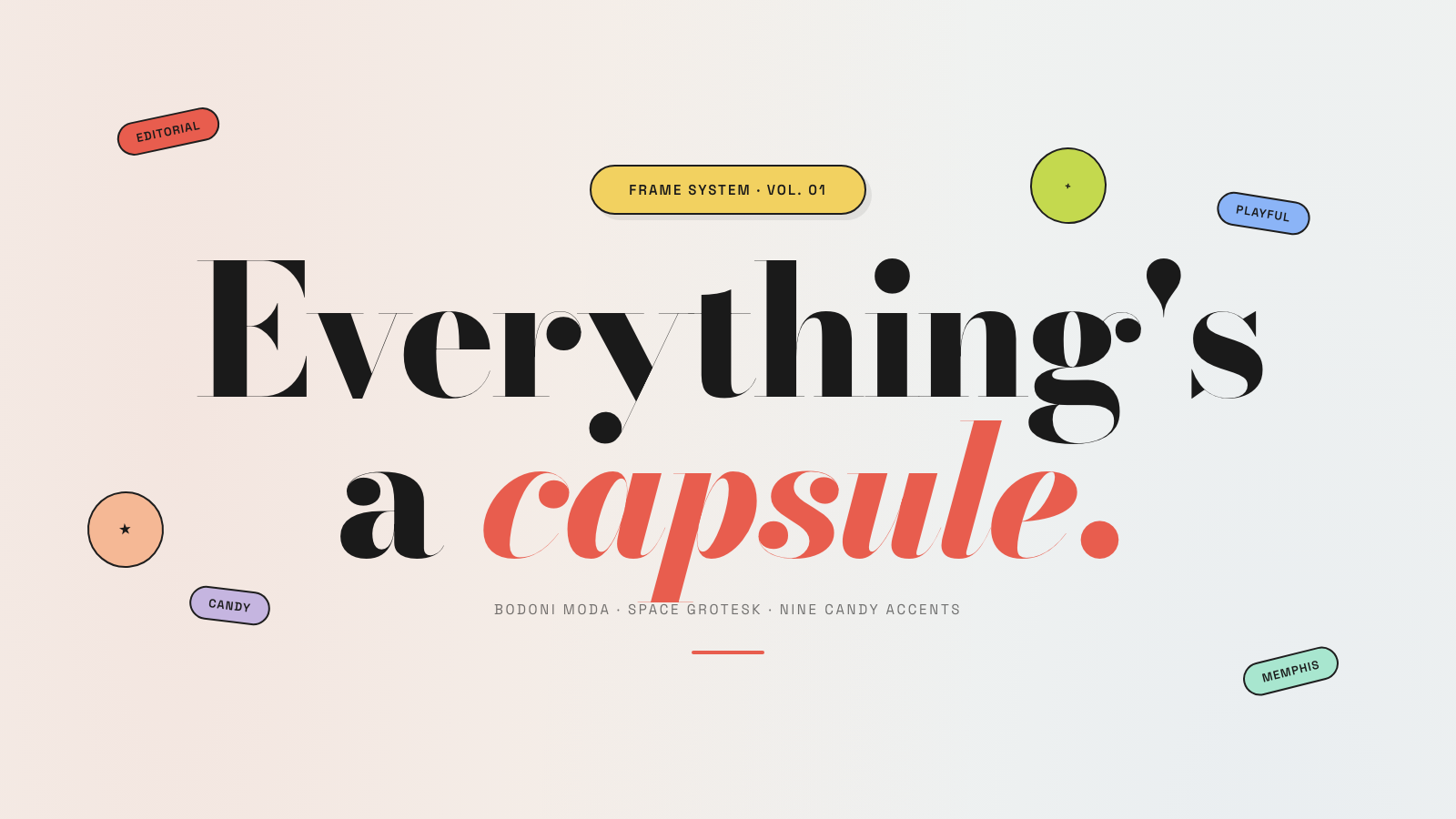
Capsule |
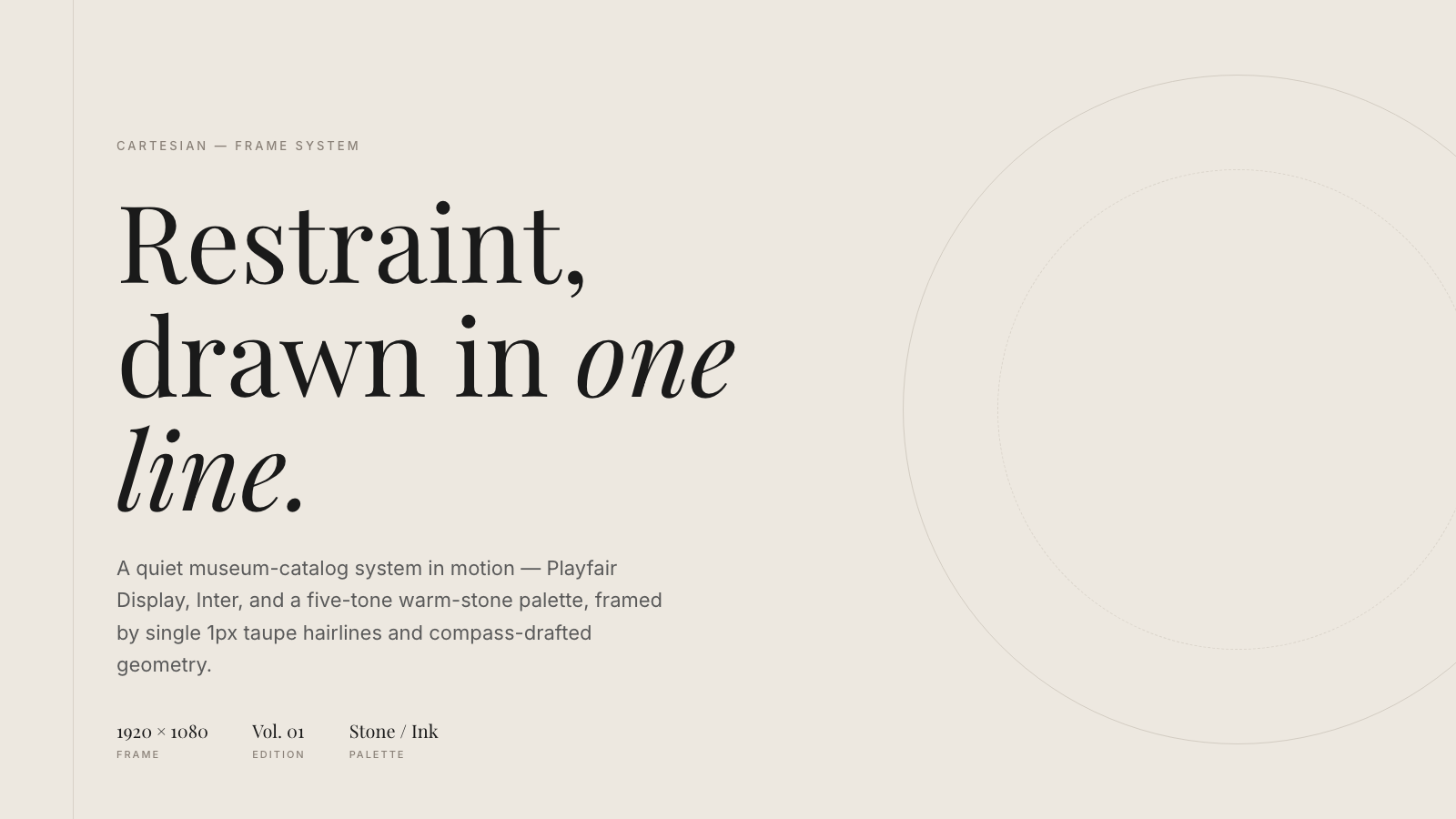
Cartesian |
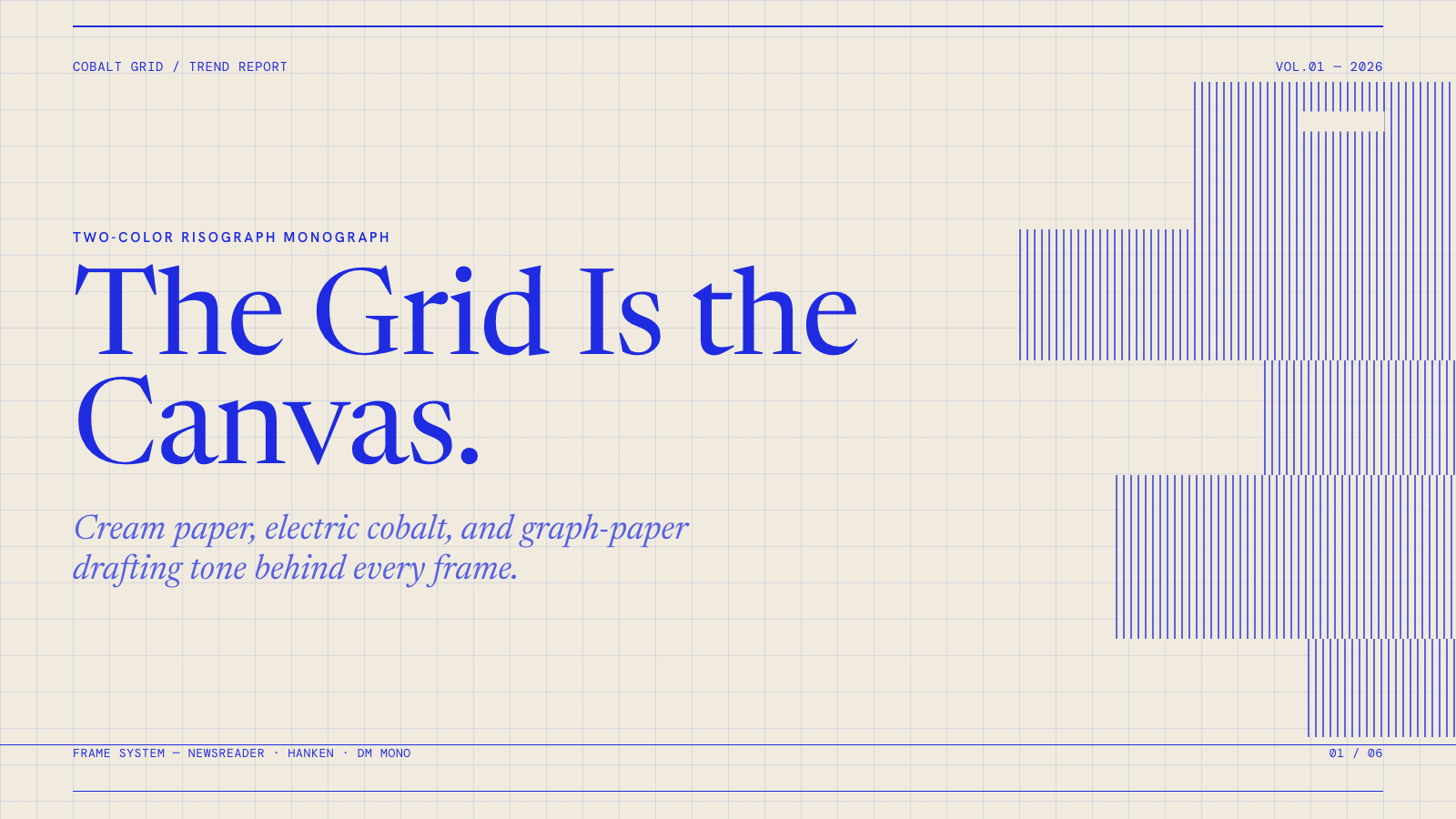
Cobalt Grid |
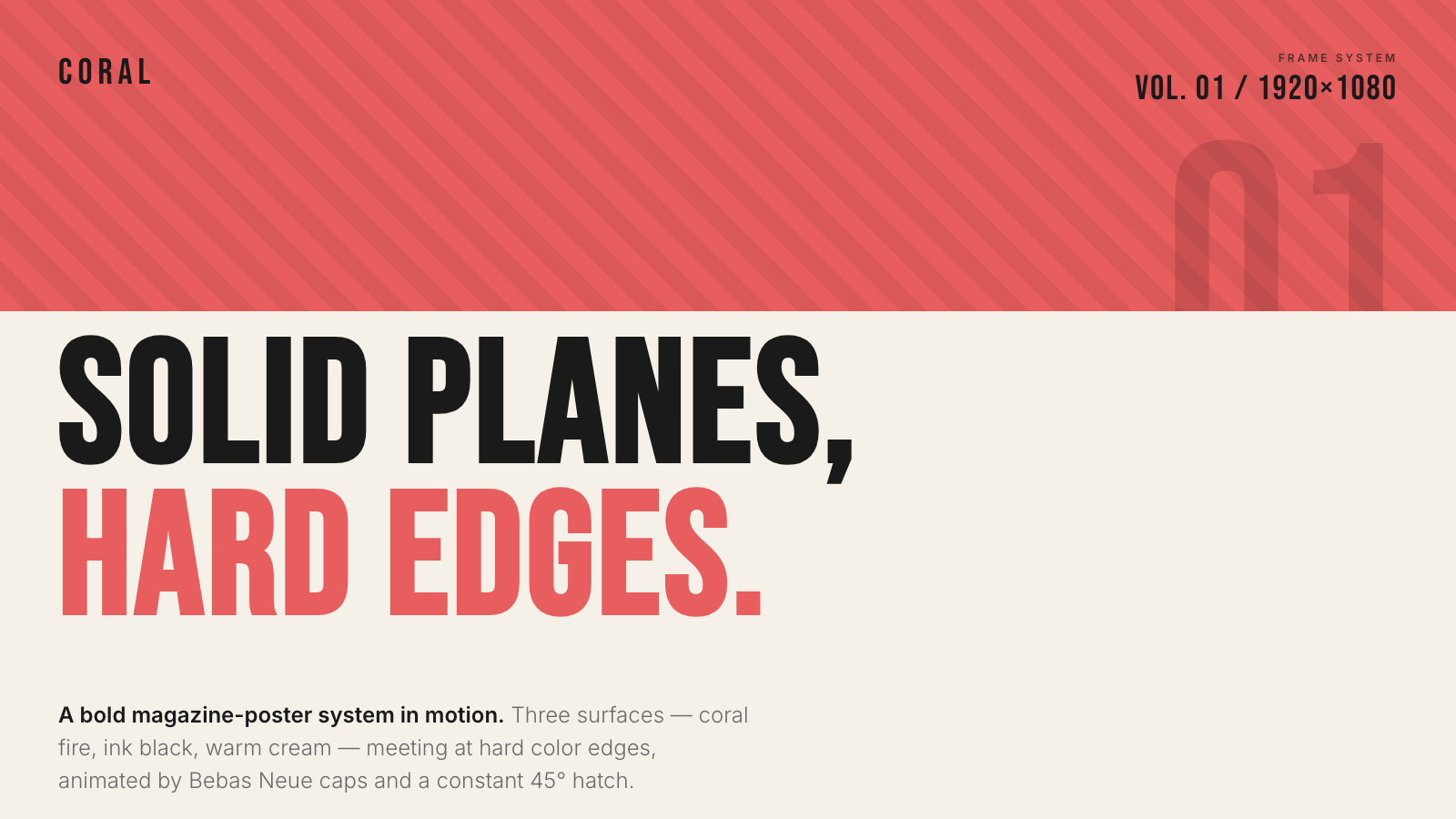
Coral |
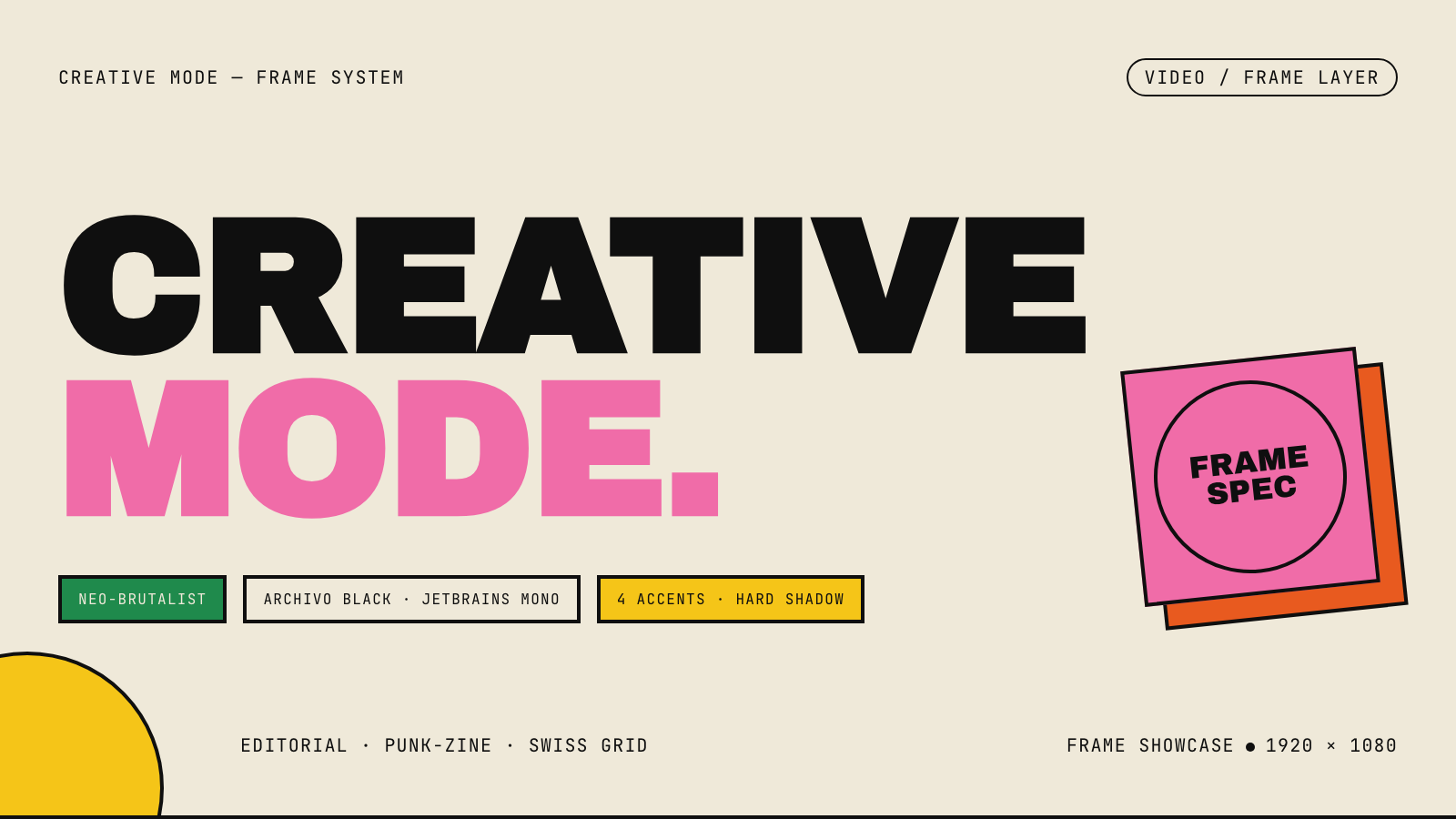
Creative Mode |
Browse and remix them all at hyperframes.dev/design.
How It Works
Define a video as HTML. Add data attributes for timing and tracks. Use GSAP, CSS, Lottie, Three.js, Anime.js, WAAPI, or your own frame adapter for seekable animation.
<div id="stage" data-composition-id="launch" data-start="0" data-width="1920" data-height="1080">
  <video
    class="clip"
    data-start="0"
    data-duration="6"
    data-track-index="0"
    src="intro.mp4"
    muted
    playsinline
  ></video>

  <h1 id="title" class="clip" data-start="1" data-duration="4" data-track-index="1">Launch day</h1>

  <audio
    data-start="0"
    data-duration="6"
    data-track-index="2"
    data-volume="0.5"
    src="music.wav"
  ></audio>

  <script src="https://cdn.jsdelivr.net/npm/gsap@3/dist/gsap.min.js"></script>
  <script>
    const tl = gsap.timeline({ paused: true });
    tl.from("#title", { opacity: 0, y: 40, duration: 0.8 }, 1);
    window.__timelines = window.__timelines || {};
    window.__timelines.launch = tl;
  </script>
</div>
Preview instantly in the browser. Render locally or in Docker. The renderer seeks each frame in headless Chrome and encodes the result with FFmpeg, so the same input produces the same video.
HyperFrames Stack
HyperFrames is the open-source rendering engine, plus a growing set of tools around HTML-native video creation.
| Piece | Status | What it does |
|---|---|---|
| CLI | Available | Scaffold, preview, lint, inspect, and render local video projects |
| Core / Engine / Producer | Available | Parse compositions, drive headless Chrome, encode video, and mix audio |
| Catalog | Available | Reusable blocks and components for transitions, overlays, captions, charts, maps, and effects |
| Agent skills | Available | Teach coding agents the video-production patterns that generic web docs miss |
| Studio | Available, evolving | Browser surface for previewing and editing compositions |
| AWS Lambda rendering | Available | Deploy a distributed render stack and drive renders from your laptop or CI |
| hyperframes.dev | Available | Community playground for previewing, iterating, sharing, and rendering HTML-native video projects |
| frame.md | Available | Invert your design system for the camera — a DESIGN.md superset an agent can compose video from |
Catalog
Install ready-to-use blocks and components:
npx hyperframes add flash-through-white   # shader transition
npx hyperframes add instagram-follow      # social overlay
npx hyperframes add data-chart            # animated chart
Browse the catalog at hyperframes.heygen.com/catalog.
Why HyperFrames?
- HTML-native: compositions are HTML files with data attributes. No React requirement, no proprietary timeline format.
- Agent-friendly: agents already write HTML, and the CLI is non-interactive by default.
- Deterministic: same input, same frames, same output. Built for CI, regression tests, and automated rendering.
- No build step: an
index.htmlcomposition plays as-is and can be previewed directly in the browser. - Adapter-based animation: bring GSAP, CSS animations, Lottie, Three.js, Anime.js, WAAPI, or a custom runtime.
- Open source: Apache 2.0 license, with no per-render fees or commercial-use thresholds.
HyperFrames vs Remotion
HyperFrames is inspired by Remotion. Both tools render video with headless Chrome and FFmpeg. The main difference is the authoring model: Remotion's bet is React components; HyperFrames' bet is plain HTML that humans and agents can both write easily.
| HyperFrames | Remotion | |
|---|---|---|
| Authoring | HTML + CSS + seekable animation | React components |
| Build step | None; index.html plays as-is |
Bundler required |
| Agent handoff | Plain HTML files | JSX / React project |
| Library-clock animations | Seekable, frame-accurate via adapters | Wall-clock animation patterns need care |
| Distributed rendering | Local and AWS Lambda render paths | Remotion Lambda, mature cloud renderer |
| License | Apache 2.0 | Source-available Remotion License |
Read the full comparison in the HyperFrames vs Remotion guide.
Documentation
Full documentation: hyperframes.heygen.com/introduction
Packages
| Package | Description |
|---|---|
hyperframes |
CLI for creating, previewing, linting, and rendering compositions |
@hyperframes/core |
Types, parsers, generators, linter, runtime, and frame adapters |
@hyperframes/engine |
Seekable page-to-video capture engine using Puppeteer and FFmpeg |
@hyperframes/producer |
Full rendering pipeline for capture, encode, and audio mix |
@hyperframes/studio |
Browser-based composition editor UI |
@hyperframes/player |
Embeddable <hyperframes-player> web component |
@hyperframes/shader-transitions |
WebGL shader transitions for compositions |
@hyperframes/aws-lambda |
AWS Lambda SDK and deployment surface for distributed renders |
Community
HyperFrames is used in production at HeyGen, with community examples from teams like tldraw, TanStack, and others in ADOPTERS.md. Open a PR if your team is using HyperFrames.
- Questions and ideas: Discord
- Bugs and feature requests: GitHub Issues
- Security reports: SECURITY.md
- Contributions: CONTRIBUTING.md
Development Note
The repo uses Git LFS for golden regression-test baselines under packages/producer/tests/**/output.mp4 (about 240 MB of .mp4 files). If you're cloning the full repo for development, install Git LFS first:
# macOS
brew install git-lfs

# Ubuntu / Debian
sudo apt install git-lfs

# Windows
winget install GitHub.GitLFS

# Then, once per machine
git lfs install
If you only need source files, you can skip LFS content:
GIT_LFS_SKIP_SMUDGE=1 git clone https://github.com/heygen-com/hyperframes.git