 Miguel ÁngelandClaude Opus 4.8
8ae010bf51
Miguel ÁngelandClaude Opus 4.8
8ae010bf51
* chore(studio): remove all console.* calls from studio package

* chore(studio): address review — remove dead stubs, restore consent notice

- Delete empty if-blocks left after console removal (snapTargetCollection,
  Player asset-poll, useTimelineSyncCallbacks 5s probe, useGestureRecording
  dev guard + now-unused isDevBuild) and the stale "surface in dev" comment.
- Drop the dangling no-console pragma + dead duplicate-id branch in sourcePatcher.
- Restore the one-time telemetry consent disclosure in showNoticeOnce (kept
  behind a pragma — it is a user-facing notice, not debug noise).
- Remove the missed timelineIcons console.warn while preserving the
  `tag || "div"` null-safety fallback.
- Route caption auto-save failures (a data-loss path) through telemetry
  instead of swallowing silently.
- Restore the accidentally-clobbered css-var-fonts output.mp4 fixture.

Co-Authored-By: Claude Opus 4.8 (1M context) <noreply@anthropic.com>

* fix(runtime): immediateRender for set tweens + array timeline normalization

- Set tweens now emit immediateRender:true so they render on page load
  without requiring the runtime to seek past position 0
- Runtime IIFE normalizes array timelines (window.__timelines = [tl])
  to keyed objects, and auto-adds data-start on root elements
- Drag teardown clears translate:none to prevent #1673 fly-off
- Position-only set tweens hidden from timeline diamonds (3 cache paths)
- Parser: ease-only keyframe update preserves existing properties

* fix(runtime): address review — restore perf gate, debug surface, scrub restore

- Restore the #1651 skipForInjectedVideo gate in media.ts that was dropped on
  restack — avoids ~2400 wasted per-tick seeks on video-heavy renders.
- Restore the console.debug body + docstring bullet of swallow() in
  diagnostics.ts: the __hfDebug opt-in debug surface had been gutted to an
  empty if-block.
- Rebind: after the progress-cycle set() kick, seek to state.currentTime via
  totalTime() instead of snapping to 0, so a rebind after scrub / soft-reload
  restore keeps the playhead.
- Array __timelines normalization + data-start default now resolve the root
  via a shared findRootCompositionEl() that honors data-root="true" first
  (matches resolveRootCompositionElement, which now delegates to it).
- Ease-only keyframe update leaves a primitive (non-object) keyframe value
  untouched instead of wiping it to {}; add a preservation unit test.
- Document the boundDuration<=0 progress(1) kick + restore the STATIC-case
  comment in gsapRuntimeBridge.

Co-Authored-By: Claude Opus 4.8 (1M context) <noreply@anthropic.com>

* feat(studio): marquee multi-selection + off-canvas indicators

- Click+drag on empty canvas draws dashed selection rectangle
- SAT/OBB intersection handles rotated/scaled/skewed elements
- Shift+marquee adds to existing selection
- Click on empty canvas deselects
- Off-canvas elements show dashed outline indicators (clickable)
- Dashed border only shows outside canvas, solid inside (clip-path)
- 12 geometry unit tests

* feat(studio): address review — group-aware off-canvas indicators + fixes

- Off-canvas indicator suppression now skips every selected element (primary
  AND marquee group members), not just the primary, so group members no longer
  render a doubled overlay (group rect + dashed indicator).
- Drop selection from the off-canvas layout effect deps; the selected-element
  filter runs at render time. Avoids re-walking geometry on each selection change.
- applyMarqueeSelection now honors STUDIO_INSPECTOR_PANELS_ENABLED.
- Restore the stale-selection clear in useDomEditPreviewSync when the selected
  element no longer resolves after a re-sync. Drag-release stays handled by
  suppressNextBoxClickRef.
- Off-canvas indicator is keyboard-accessible; canvas cursor driven by marquee
  rect state, not a render-time ref read.
- Rename partiallyOutside -> extendsOutsideComp + comment the clip-path hit-test.
- Extract OffCanvasIndicators into its own component (DomEditOverlay was already
  over the 600-LOC cap on this branch; extraction brings it under).
- Declare onUpdateKeyframeEase on PropertyPanelProps so this branch typechecks
  standalone (handler + wiring already here; only the type had leaked upstack).

Co-Authored-By: Claude Opus 4.8 (1M context) <noreply@anthropic.com>

---------

Co-authored-by: Claude Opus 4.8 (1M context) <noreply@anthropic.com>






Write HTML. Render video. Built for agents.
Quickstart | Showcase | Playground | Catalog | Docs | Discord

HyperFrames is an open-source framework for turning HTML, CSS, media, and seekable animations into deterministic MP4 videos. Use it locally with the CLI, from AI coding agents with skills, or as the rendering core behind hosted authoring workflows.
Quick Start
With an AI coding agent
Install the HyperFrames skills, then describe the video you want:
npx skills add heygen-com/hyperframes
Try a prompt like:
Using
/hyperframes, create a 10-second product intro with a fade-in title, a background video, and subtle background music.
The skills teach agents the HyperFrames production loop: plan the video, write valid HTML, wire seekable animations, add media, lint, preview, and render. They work with Claude Code, Cursor, Gemini CLI, Codex, and other coding agents that support skills.
For visual design handoff workflows, see the Claude Design guide and Open Design guide.
Manually with the CLI
npx hyperframes init my-video
cd my-video
npx hyperframes preview      # preview in browser with live reload
npx hyperframes render       # render to MP4
Requirements: Node.js 22+, FFmpeg
What You Can Build
Need ideas? Browse the Showcase for finished videos you can watch, read, run, and remix.
- Product launch videos and feature announcements
- PR walkthroughs with animated code diffs, narration, and captions
- Data visualizations, chart races, and map animations
- Social videos with kinetic captions, overlays, and music
- Docs-to-video, PDF-to-video, and website-to-video explainers
- Reusable motion graphics for automated content pipelines
Frame.md
frame.md — your design system, ready for video.
Every brand has a design.md. None of them were written for a camera. frame.md is the missing translation layer: it takes your web-context design spec and inverts it for the frame — the same tokens, the same rules, but rewritten so an AI agent can compose a promo video without guessing at scale or reaching for web chrome.
The output is a DESIGN.md superset your whole toolchain can read. Atoms stay sacred. Composition stays free. Numbers come from the script.

Biennale Yellow |

BlockFrame |
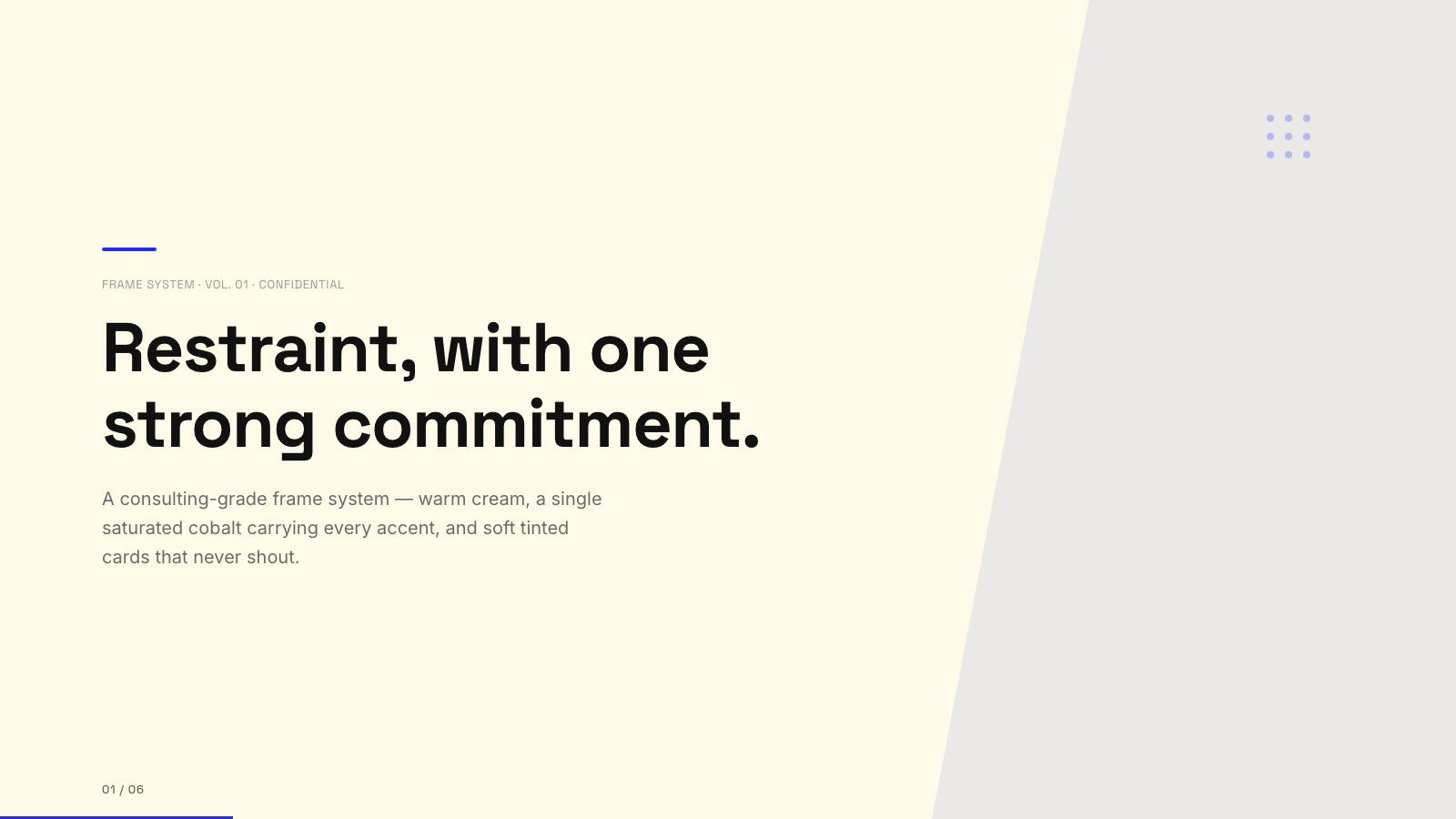
Blue Professional |

Bold Poster |
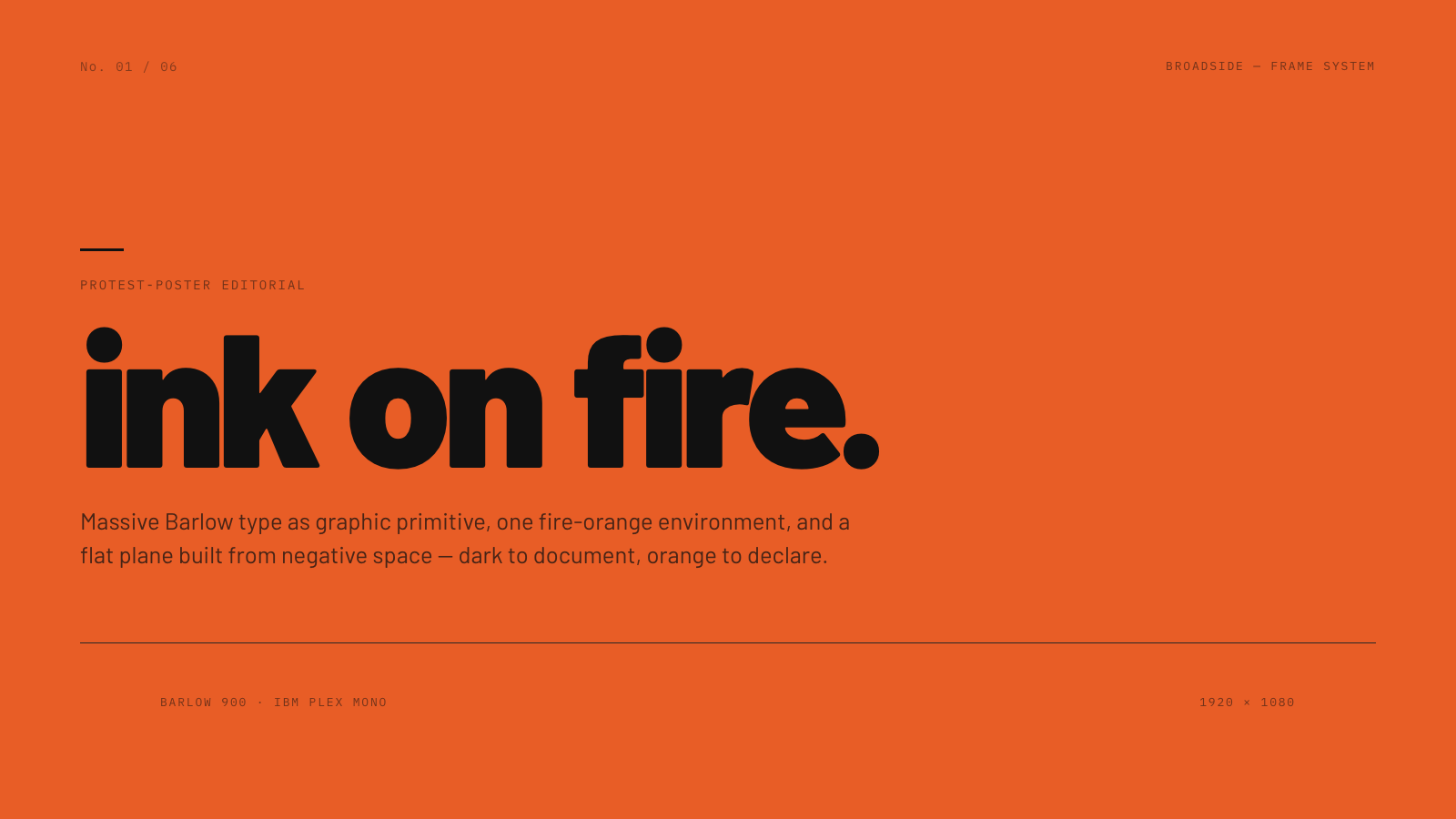
Broadside |
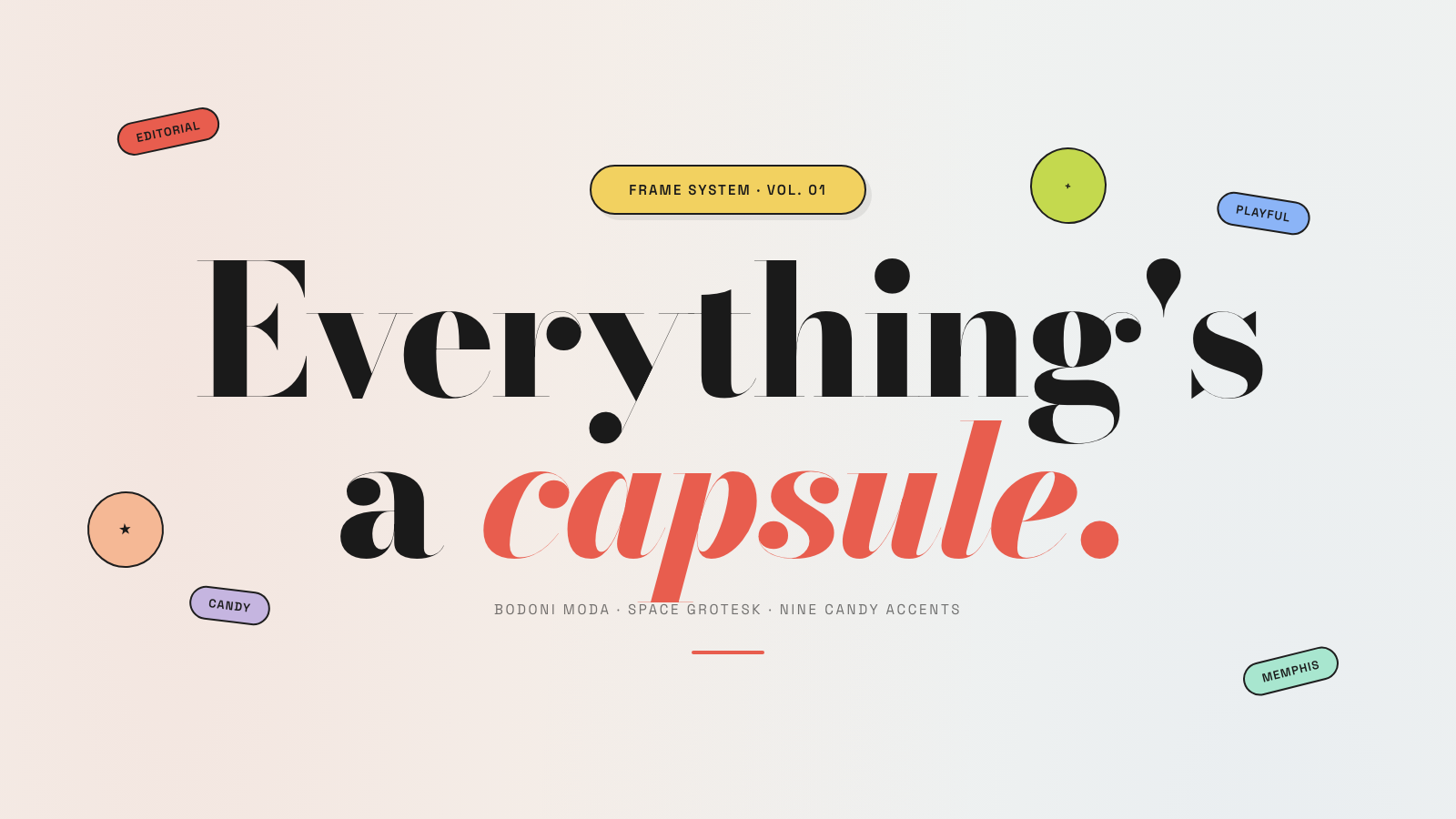
Capsule |
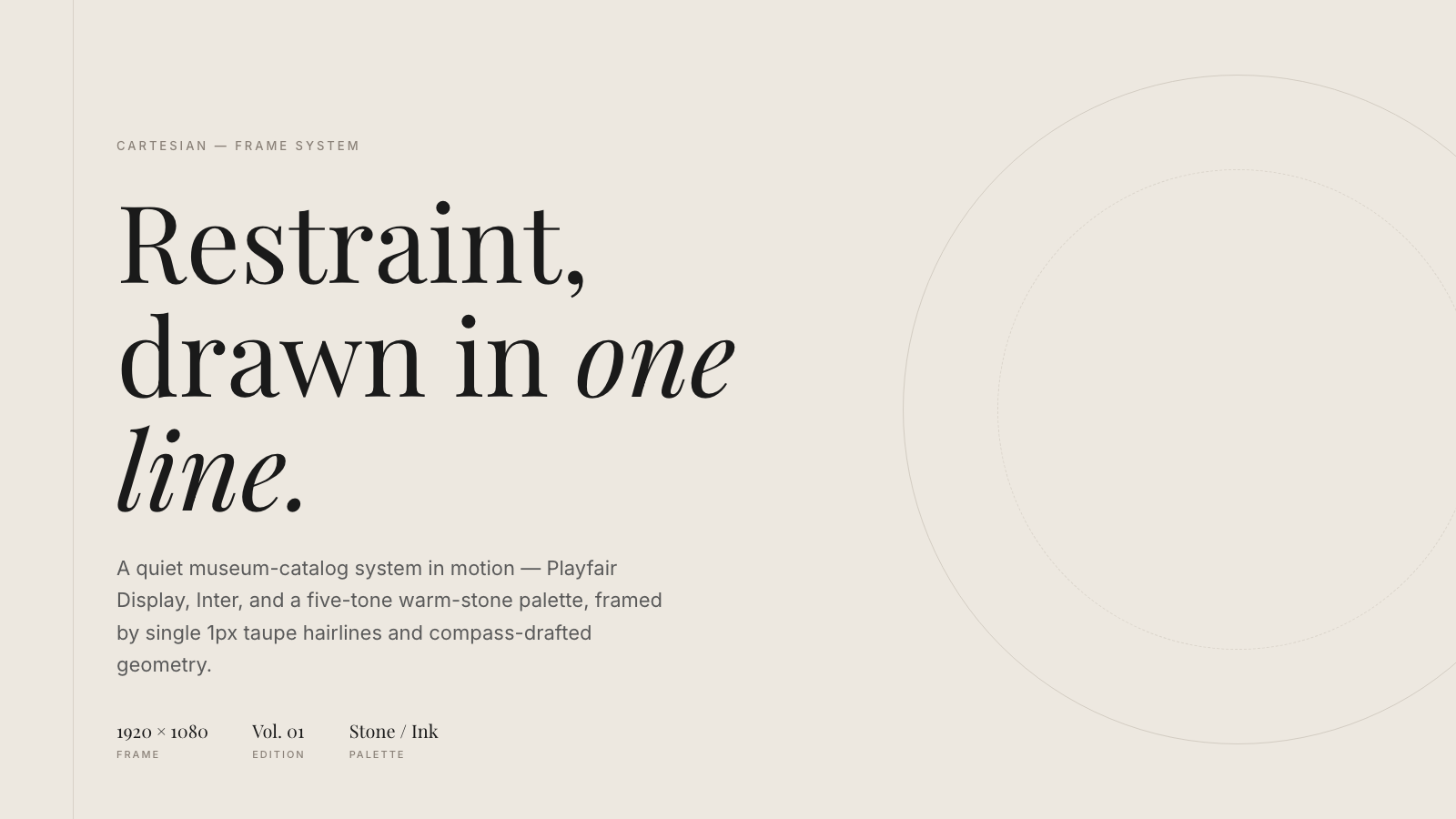
Cartesian |
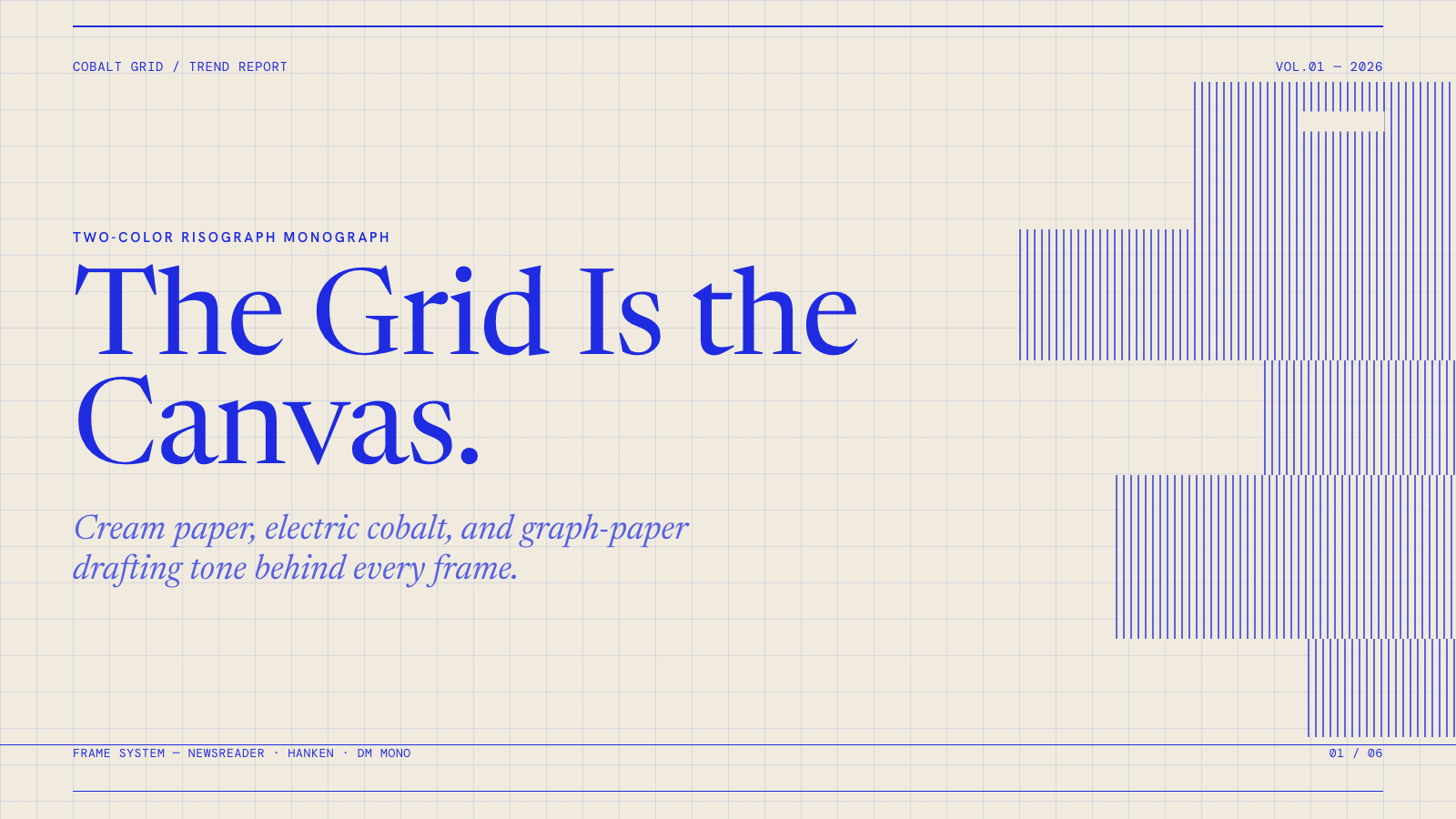
Cobalt Grid |

Coral |
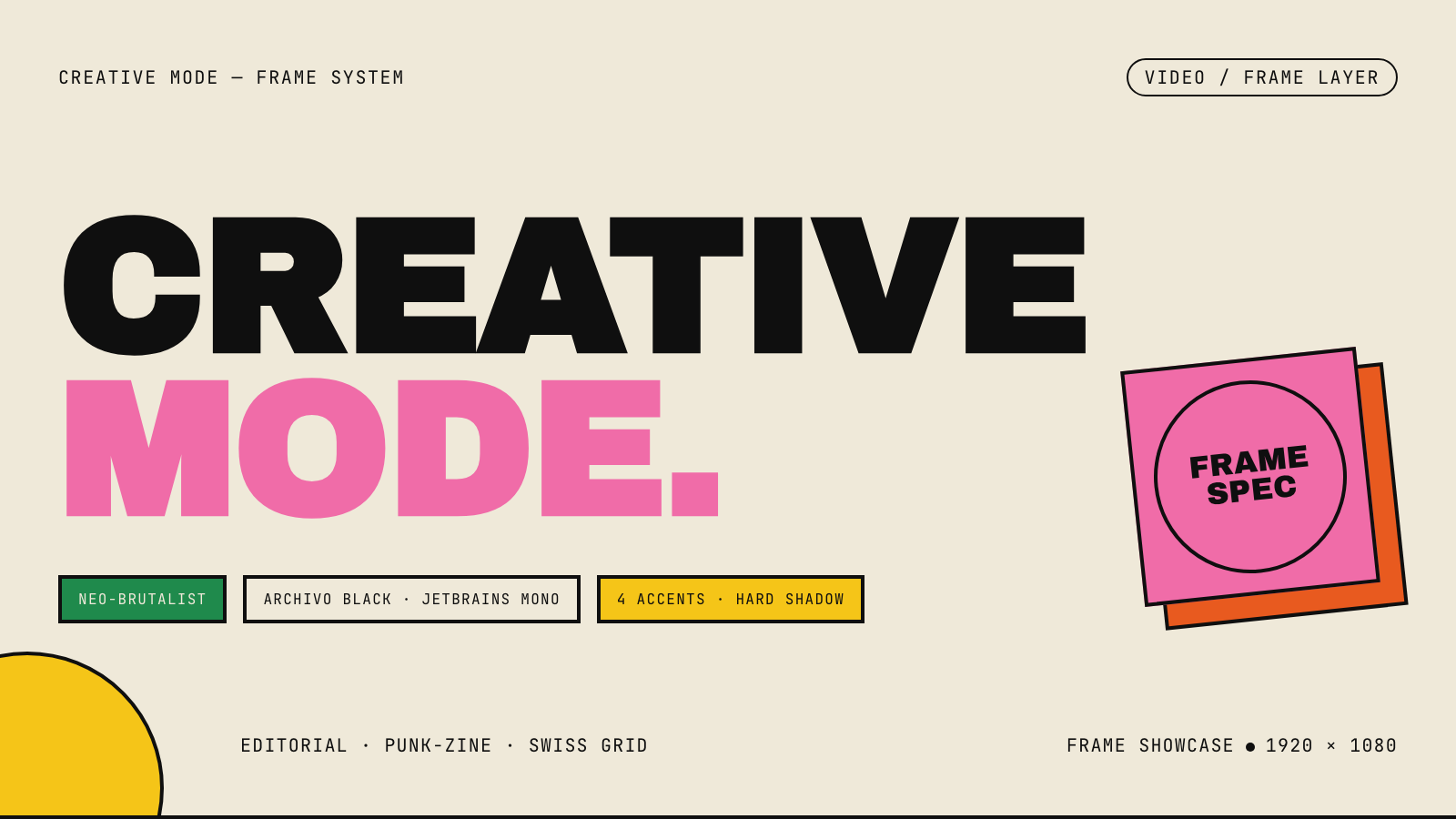
Creative Mode |
Browse and remix them all at hyperframes.dev/design.
How It Works
Define a video as HTML. Add data attributes for timing and tracks. Use GSAP, CSS, Lottie, Three.js, Anime.js, WAAPI, or your own frame adapter for seekable animation.
<div id="stage" data-composition-id="launch" data-start="0" data-width="1920" data-height="1080">
  <video
    class="clip"
    data-start="0"
    data-duration="6"
    data-track-index="0"
    src="intro.mp4"
    muted
    playsinline
  ></video>

  <h1 id="title" class="clip" data-start="1" data-duration="4" data-track-index="1">Launch day</h1>

  <audio
    data-start="0"
    data-duration="6"
    data-track-index="2"
    data-volume="0.5"
    src="music.wav"
  ></audio>

  <script src="https://cdn.jsdelivr.net/npm/gsap@3/dist/gsap.min.js"></script>
  <script>
    const tl = gsap.timeline({ paused: true });
    tl.from("#title", { opacity: 0, y: 40, duration: 0.8 }, 1);
    window.__timelines = window.__timelines || {};
    window.__timelines.launch = tl;
  </script>
</div>
Preview instantly in the browser. Render locally or in Docker. The renderer seeks each frame in headless Chrome and encodes the result with FFmpeg, so the same input produces the same video.
HyperFrames Stack
HyperFrames is the open-source rendering engine, plus a growing set of tools around HTML-native video creation.
| Piece | Status | What it does |
|---|---|---|
| CLI | Available | Scaffold, preview, lint, inspect, and render local video projects |
| Core / Engine / Producer | Available | Parse compositions, drive headless Chrome, encode video, and mix audio |
| Catalog | Available | Reusable blocks and components for transitions, overlays, captions, charts, maps, and effects |
| Agent skills | Available | Teach coding agents the video-production patterns that generic web docs miss |
| Studio | Available, evolving | Browser surface for previewing and editing compositions |
| AWS Lambda rendering | Available | Deploy a distributed render stack and drive renders from your laptop or CI |
| hyperframes.dev | Available | Community playground for previewing, iterating, sharing, and rendering HTML-native video projects |
| frame.md | Available | Invert your design system for the camera — a DESIGN.md superset an agent can compose video from |
Catalog
Install ready-to-use blocks and components:
npx hyperframes add flash-through-white   # shader transition
npx hyperframes add instagram-follow      # social overlay
npx hyperframes add data-chart            # animated chart
Browse the catalog at hyperframes.heygen.com/catalog.
Why HyperFrames?
- HTML-native: compositions are HTML files with data attributes. No React requirement, no proprietary timeline format.
- Agent-friendly: agents already write HTML, and the CLI is non-interactive by default.
- Deterministic: same input, same frames, same output. Built for CI, regression tests, and automated rendering.
- No build step: an
index.htmlcomposition plays as-is and can be previewed directly in the browser. - Adapter-based animation: bring GSAP, CSS animations, Lottie, Three.js, Anime.js, WAAPI, or a custom runtime.
- Open source: Apache 2.0 license, with no per-render fees or commercial-use thresholds.
HyperFrames vs Remotion
HyperFrames is inspired by Remotion. Both tools render video with headless Chrome and FFmpeg. The main difference is the authoring model: Remotion's bet is React components; HyperFrames' bet is plain HTML that humans and agents can both write easily.
| HyperFrames | Remotion | |
|---|---|---|
| Authoring | HTML + CSS + seekable animation | React components |
| Build step | None; index.html plays as-is |
Bundler required |
| Agent handoff | Plain HTML files | JSX / React project |
| Library-clock animations | Seekable, frame-accurate via adapters | Wall-clock animation patterns need care |
| Distributed rendering | Local and AWS Lambda render paths | Remotion Lambda, mature cloud renderer |
| License | Apache 2.0 | Source-available Remotion License |
Read the full comparison in the HyperFrames vs Remotion guide.
Documentation
Full documentation: hyperframes.heygen.com/introduction
Packages
| Package | Description |
|---|---|
hyperframes |
CLI for creating, previewing, linting, and rendering compositions |
@hyperframes/core |
Types, parsers, generators, linter, runtime, and frame adapters |
@hyperframes/engine |
Seekable page-to-video capture engine using Puppeteer and FFmpeg |
@hyperframes/producer |
Full rendering pipeline for capture, encode, and audio mix |
@hyperframes/studio |
Browser-based composition editor UI |
@hyperframes/player |
Embeddable <hyperframes-player> web component |
@hyperframes/shader-transitions |
WebGL shader transitions for compositions |
@hyperframes/aws-lambda |
AWS Lambda SDK and deployment surface for distributed renders |
Community
HyperFrames is used in production at HeyGen, with community examples from teams like tldraw, TanStack, and others in ADOPTERS.md. Open a PR if your team is using HyperFrames.
- Questions and ideas: Discord
- Bugs and feature requests: GitHub Issues
- Security reports: SECURITY.md
- Contributions: CONTRIBUTING.md
Development Note
The repo uses Git LFS for golden regression-test baselines under packages/producer/tests/**/output.mp4 (about 240 MB of .mp4 files). If you're cloning the full repo for development, install Git LFS first:
# macOS
brew install git-lfs

# Ubuntu / Debian
sudo apt install git-lfs

# Windows
winget install GitHub.GitLFS

# Then, once per machine
git lfs install
If you only need source files, you can skip LFS content:
GIT_LFS_SKIP_SMUDGE=1 git clone https://github.com/heygen-com/hyperframes.git