 Vance IngallsandClaude Opus 4.8
cc2220e59e
Vance IngallsandClaude Opus 4.8
cc2220e59e
* fix(slideshow): address code-review findings #1580-1584

- player: bundle @hyperframes/core into the IIFE/global build (noExternal)
- player: resolve audience mode from ?mode=audience URL query, not just attr
- player: event-driven waitForScenes + loud failure when no slides resolve
- player: scope window keydown so Space/Backspace don't hijack the host page
- player: audience mirrors full position (branch + fragment) via syncTo
- player: next() reveals remaining fragments even at slide end; enterBranch ignores empty sequences
- core: harden extractScenes against null/non-object scene entries
- core: strict manifest validation; error on inverted ranges & empty hotspot targets; dedup fragments
- core/lint: accept data-end/timeline-derived scene durations (match runtime)
- core+studio: share ISLAND_TYPE + island regex from @hyperframes/core/slideshow
- studio: SlideList reflects manifest slide order; branch-slide authoring (notes/fragments/hotspots)

Co-Authored-By: Claude Opus 4.8 (1M context) <noreply@anthropic.com>

* feat(player): slideshow fullscreen + presenter-view rework

- fullscreen toggle in the nav chrome (button + 'F' key); standard Fullscreen
  API on the <hyperframes-slideshow> element, icon reflects state
- presenter console: live slide on top, speaker-notes panel below, with the nav
  controls shown in-view; Present button hides once presenting (harness)
- audience (viewer) window: chrome reduced to a fullscreen-only control, no nav
- fix: audience / back() / backToMain() mirror stayed frozen on the first frame —
  a bare paused seek does not repaint some compositions. resumeSlide now plays a
  brief render-nudge (RENDER_NUDGE) past the target so the composition paints,
  then onTime pauses at the hold
- refactor: extract reusable buildNavCluster() + wireChromeButtons(); rework
  buildPresenterLayout into the bottom notes panel
- example: airbnb-deck presenter-test.html harness (Present button + 'F')

Co-Authored-By: Claude Opus 4.8 (1M context) <noreply@anthropic.com>

* fix(player): slideshow no auto-progress + presenter slide fits/pins

- navigation jumps to a static frame instead of auto-playing the timeline:
  playTo() seeks to the hold (+ a brief RENDER_NUDGE to repaint) rather than
  sustaining playback, so slides hold until the user advances
- presenter view: pin the live slide to the top and confine the player to the
  region above the notes panel, so the player CONTAINS the composition — the
  full slide stays visible (letterboxed) at any width and re-fits on resize;
  its bottom is no longer cut off by the notes panel
- tests: seek targets updated for the render-nudge offset

Co-Authored-By: Claude Opus 4.8 (1M context) <noreply@anthropic.com>

* fix(slideshow): presenter nav flash, slide-1 boundary, branch buttons

Three presenter-mode fixes from testing the airbnb deck: (1) navigation flash — seek to the exact target then play forward to repaint, instead of seeking backward (t-0.2) which painted the previous scene at boundaries; split hold into holdTarget (logical) and holdAt (target+nudge, clamped to slide.end). (2) slide-1 boundary — no-fragment slides rest at the slide midpoint, not slide.end. (3) presenter branch buttons — surface hotspots as buttons in the presenter console (the on-slide pill is lost in the letterboxed view). Also extract paintChrome() to dedupe the three chrome-render sites.

Co-Authored-By: Claude Opus 4.8 (1M context) <noreply@anthropic.com>

* fix(slideshow): stop presenter nav buttons flickering / dropping clicks

The presenter elapsed clock called render() every second, which rebuilt the
entire chrome (innerHTML) including the nav buttons — they flickered and any
click landing mid-rebuild was lost. The 1s tick now updates only the elapsed
text node; the nav buttons are rebuilt only on actual navigation.

Co-Authored-By: Claude Opus 4.8 (1M context) <noreply@anthropic.com>

* fix(slideshow): CSP-safe nav hover, UUID editor ids, manifest version

Addresses review feedback on the split stack:

- CSP: replace the 8 inline onmouseover/onmouseout handlers on the nav
  buttons with a [data-hf-nav-cluster] button:hover CSS rule (injected once
  per document). No inline event handlers → works under strict CSP.
- IDs: studio sequence/hotspot id generation used Date.now() (sub-ms
  collision on rapid clicks) — now crypto.randomUUID().
- Versioning: stamp version on the persisted manifest island (preserving an
  existing one); add the optional version field + SLIDESHOW_MANIFEST_VERSION
  to the core schema so future schema changes can migrate older islands.

These live on the review-fixes tip (consistent with the stack's fixup-on-tip
model); the touched code belongs to ss-player-b (#1590), ss-studio-a/b
(#1591/#1592), and ss-core (#1580).

Co-Authored-By: Claude Opus 4.8 (1M context) <noreply@anthropic.com>

* chore(ci): fix format + fallow gates for slideshow stack

- .prettierignore: exclude generated demo compositions (registry/examples/**/*.html)
  from oxfmt — large video-pipeline output (GSAP/Three/WebGL), not hand-authored
  source. Was failing 'Format' repo-wide (pre-existing on main via #1584).
- .fallowrc: exempt SlideshowPanel.tsx (health/complexity — section fan-out) and
  the slideshowPanelHelpers.ts / SlideshowPanel.test.ts parallel-structure clones
  (duplicates.ignore). File-level config, not inline comments — inline shifts line
  numbers and breaks fallow's inherited-finding fingerprint (per existing rc note).

Co-Authored-By: Claude Opus 4.8 (1M context) <noreply@anthropic.com>

* fix(slideshow): address PR review + CodeQL findings

- CodeQL #638 (parseSlideshow): complete the regex metachar escape in
  slideshowIslandRegex (was missing backslash); add JSDoc on the factory +
  lastIndex caveat (reviewer 5a/16).
- CodeQL #639/#640 + review items 13/17: remove registry/examples/airbnb-deck/
  presenter-test.html — a generated test harness (postMessage w/o origin check,
  proto-pollution) that was scope-creep into a fix PR and a 3rd duplicate island.
  Regenerate locally via the scratchpad script when testing.
- Review item 15 (docs drift in skills/slideshow/SKILL.md): lint resolves scenes
  by data-composition-id only (not .clip[id]); fragments are valid INCLUSIVE of
  [start,end], not 'strictly inside'.

IIFE bundles core confirmed (0 external @hyperframes/core refs in the slideshow
global build). format/lint/fallow green.

* feat(cli): add 'present' command — serve a deck in presenter mode

hyperframes present [dir] starts a lightweight HTTP server, wraps the
composition in <hyperframes-slideshow> with its island inlined, and opens
the browser. A real HTTP origin is required for presenter mode: present()
opens the audience window via window.open(?mode=audience) and the two sync
over BroadcastChannel — neither works from file://.

- New utils/compositionServer.ts factors the server scaffolding shared with
  'play' (resolve runtime/player/slideshow bundles, inject runtime, asset
  content-types, bind to a free port); play.ts now uses it too.
- Errors clearly if the deck has no slideshow island.
- .fallowrc: exempt the play/present command entrypoints (validation + server
  wiring) and the per-command startup/logging block from the complexity /
  duplication gates.

Verified end-to-end against registry/examples/airbnb-deck: server serves the
wrapper + assets, the component binds and renders (counter 1 / 11).

* fix(cli): present renders the deck (player sizing + self-driving serve)

Two bugs caused a black slide area:
- The <hyperframes-player> had no positioning, so its iframe collapsed to
  zero size — the (absolutely-positioned) chrome showed but the composition
  didn't. Add position:absolute; inset:0 (matches demo.html).
- The composition was served with the engine runtime injected, which leaves
  its timelines engine-paused (blank). Slideshow decks self-drive their own
  timelines (like demo.html / the standalone harness), so serve them raw.

Verified end-to-end on registry/examples/airbnb-deck: cover renders, Next
advances 1/11 -> 2/11 and slide 2 paints.

* fix(cli): present plays slideshow sound effects

The composition (in the player's sandboxed iframe) posts
{ type: 'hf-sfx', name } to the parent on nav, but the iframe is
autoplay-blocked — audio must play in the parent that owns the user gesture.
Add the parent-side hf-sfx handler (the 4 standard clips advance/fragment/
branch-enter/back, served from the deck's sfx/ under /composition/sfx/),
gesture-unlocked and mute-aware, in both presenter and audience windows.

Verified: sfx serve 200 (audio/mpeg) and Next delivers [advance, fragment]
to the parent handler.

* feat(examples): softer mellow slideshow sfx for airbnb-deck

Replace the aggressive percussive pops with gentle sine-tone cues (warm
pitches C5/G4/E5/F4, 12ms attack + exponential decay, lowpassed) — advance/
fragment/branch-enter/back. Much lighter; fragment is the most subtle.

* feat(examples): whoosh + sparkle slideshow sfx for airbnb-deck

Replace the sine-tone cues with airy, designed sounds:
- advance: a soft whoosh (band-limited pink noise, bell-shaped swell)
- back: that whoosh reversed and darkened
- fragment: a light sparkle (staggered high chime blips)
- branch-enter: whoosh + a trailing sparkle (magical entry)

* feat(examples): directional whoosh + richer branch-enter cue (airbnb-deck)

- Going backward a slide now plays the reverse whoosh (back), not advance —
  the sfx logic detects nav direction by scene order instead of firing advance
  for every scene change.
- branch-enter is now a more interesting magical cue: a faint whoosh + an
  ascending C5-E5-G5-C6 chime arpeggio + a trailing sparkle.

Verified: next then prev fires [advance, fragment, back]; no page errors.

* fix(cli): harden present sfx handler + mute-hover affordance (R2 review)

Addresses Rames R2 items 19-21:
- 20: the present audio handler reintroduced the CodeQL classes removed with
  presenter-test.html — add an origin check (same-origin composition iframe)
  and an own-property guard so a 'name' like __proto__ can't resolve to and
  mutate Object.prototype.
- 21: assetContentType used a bare index lookup (ext='__proto__' -> prototype);
  guard with Object.hasOwn.
- 19: the CSP hover rule erased the speaker button's muted color; add a
  higher-specificity [data-hf-muted] [data-hf-mute]:hover override.

Verified: hf-sfx origin matches location.origin (guard passes), advance/fragment
still fire, deck renders + advances. Items 14/18/22 deferred (minor, pre-existing).

* fix(slideshow): address remaining R2 items (14/18/22) + re-remove harness

- 14: resumeSlide now mirrors enterSlide — a no-fragment slide resumes at its
  midpoint (visible-at-rest), not frame-0; fragmented slides still resume to the
  saved fragment or slide.start. Added a dedicated test naming the heuristic.
- 18: fullscreenchange swaps only the fullscreen glyph + aria (hoisted SVGs to
  module consts) instead of re-rendering the whole chrome.
- 22: .prettierignore lists the specific generated demo compositions instead of
  blanket registry/examples/**/*.html, so hand-authored example HTML still formats.
- presenter-test.html: a stray 54a4460 git add -A had re-added the deleted
  harness (reviving CodeQL #639/#640); remove it again.

106 slideshow tests pass; tsc/lint/fallow/format clean; deck still renders.

---------

Co-authored-by: Claude Opus 4.8 (1M context) <noreply@anthropic.com>






Write HTML. Render video. Built for agents.
Quickstart | Showcase | Playground | Catalog | Docs | Discord

HyperFrames is an open-source framework for turning HTML, CSS, media, and seekable animations into deterministic MP4 videos. Use it locally with the CLI, from AI coding agents with skills, or as the rendering core behind hosted authoring workflows.
Quick Start
With an AI coding agent
Install the HyperFrames skills, then describe the video you want:
npx skills add heygen-com/hyperframes
Try a prompt like:
Using
/hyperframes, create a 10-second product intro with a fade-in title, a background video, and subtle background music.
The skills teach agents the HyperFrames production loop: plan the video, write valid HTML, wire seekable animations, add media, lint, preview, and render. They work with Claude Code, Cursor, Gemini CLI, Codex, and other coding agents that support skills.
For visual design handoff workflows, see the Claude Design guide and Open Design guide.
Manually with the CLI
npx hyperframes init my-video
cd my-video
npx hyperframes preview      # preview in browser with live reload
npx hyperframes render       # render to MP4
Requirements: Node.js 22+, FFmpeg
What You Can Build
Need ideas? Browse the Showcase for finished videos you can watch, read, run, and remix.
- Product launch videos and feature announcements
- PR walkthroughs with animated code diffs, narration, and captions
- Data visualizations, chart races, and map animations
- Social videos with kinetic captions, overlays, and music
- Docs-to-video, PDF-to-video, and website-to-video explainers
- Reusable motion graphics for automated content pipelines
Frame.md
frame.md — your design system, ready for video.
Every brand has a design.md. None of them were written for a camera. frame.md is the missing translation layer: it takes your web-context design spec and inverts it for the frame — the same tokens, the same rules, but rewritten so an AI agent can compose a promo video without guessing at scale or reaching for web chrome.
The output is a DESIGN.md superset your whole toolchain can read. Atoms stay sacred. Composition stays free. Numbers come from the script.

Biennale Yellow |

BlockFrame |
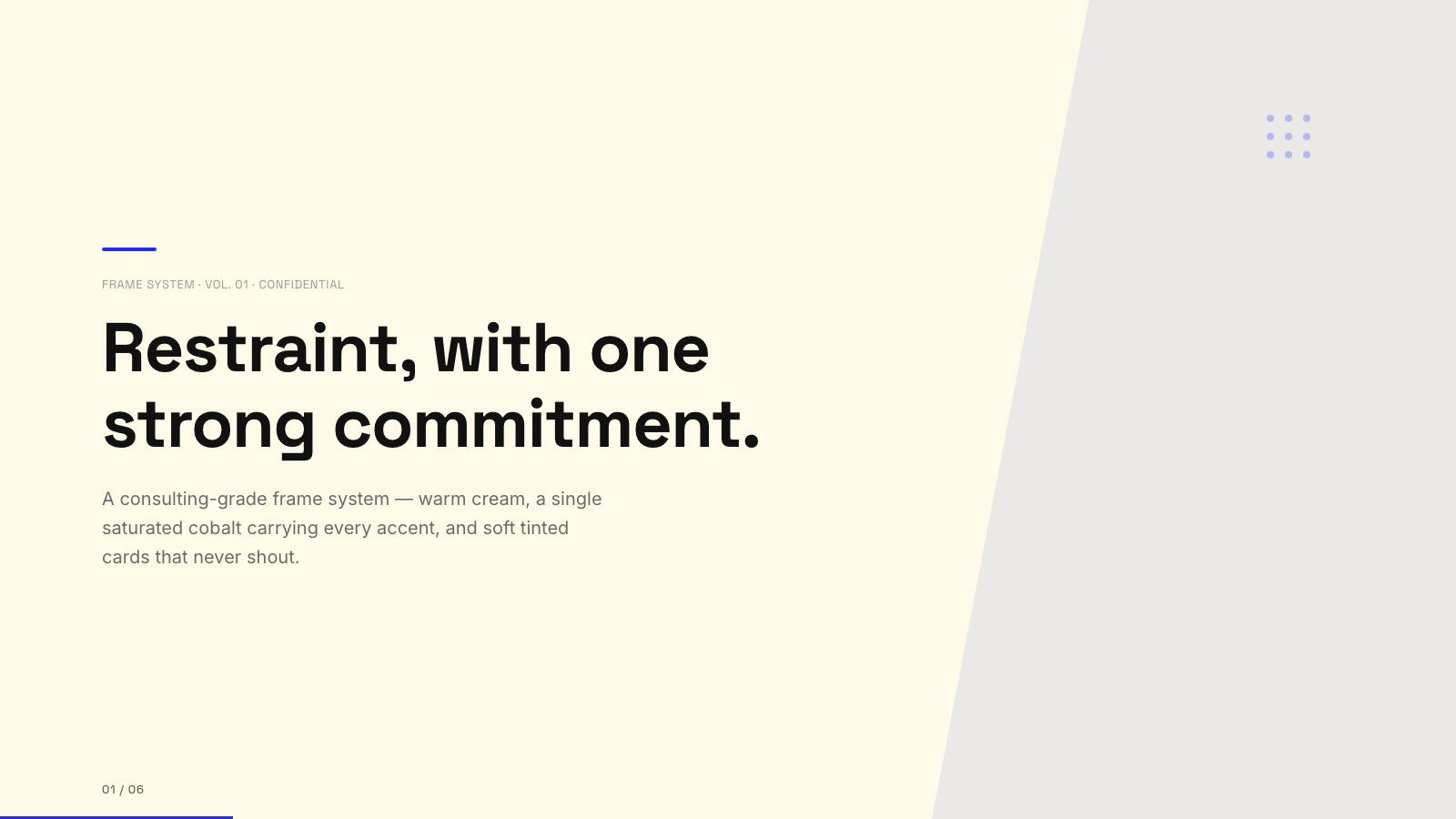
Blue Professional |

Bold Poster |
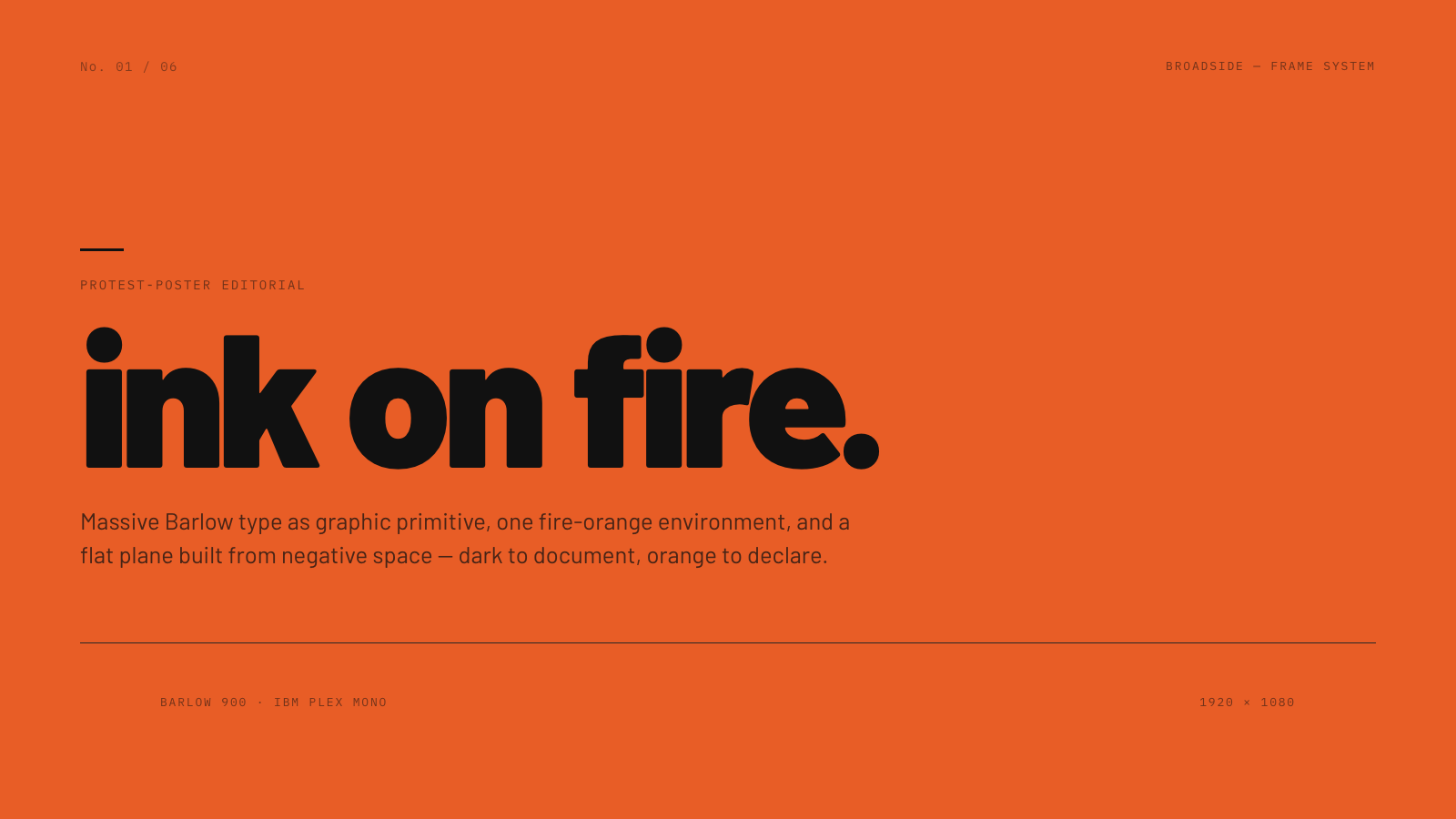
Broadside |
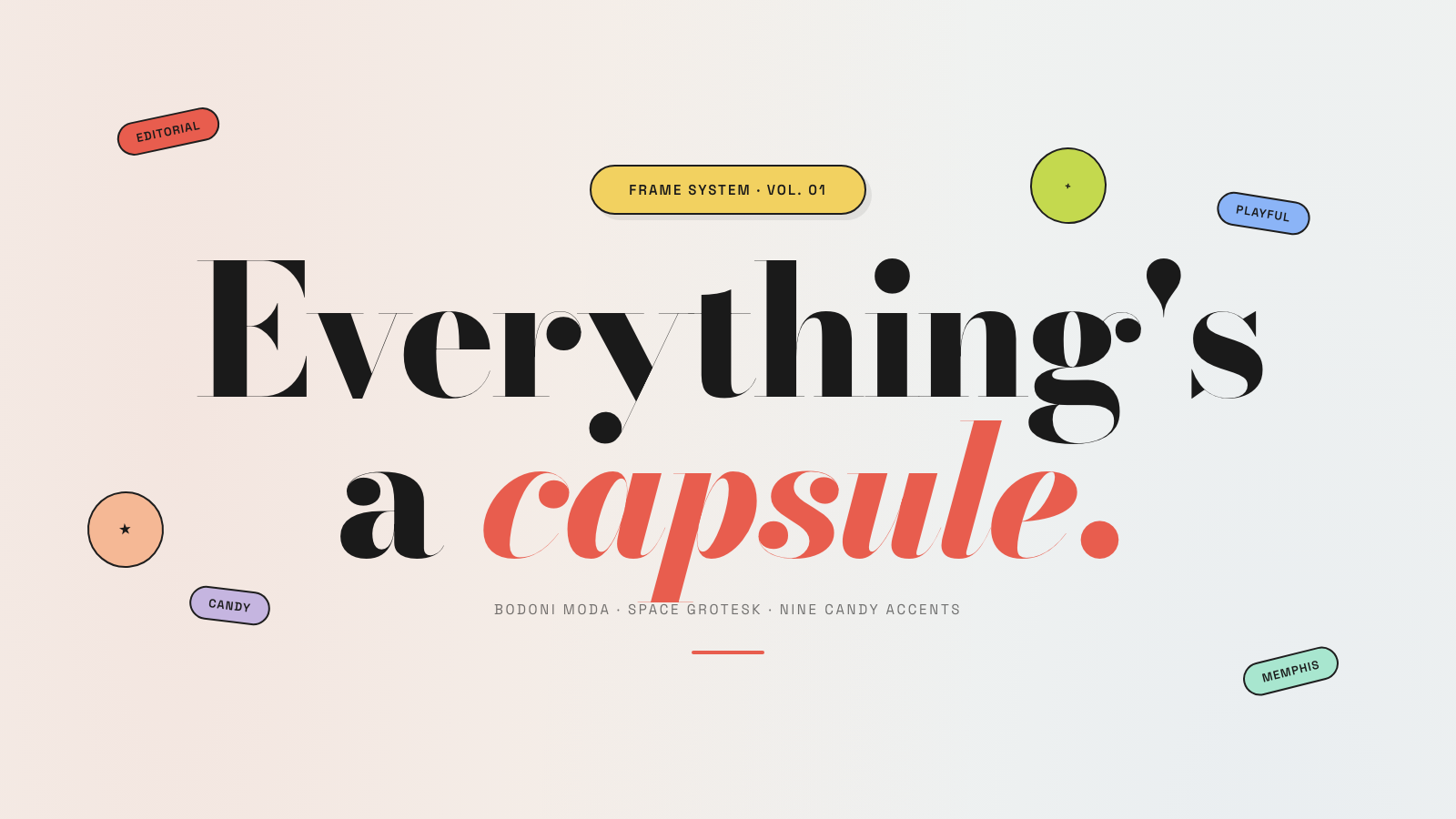
Capsule |
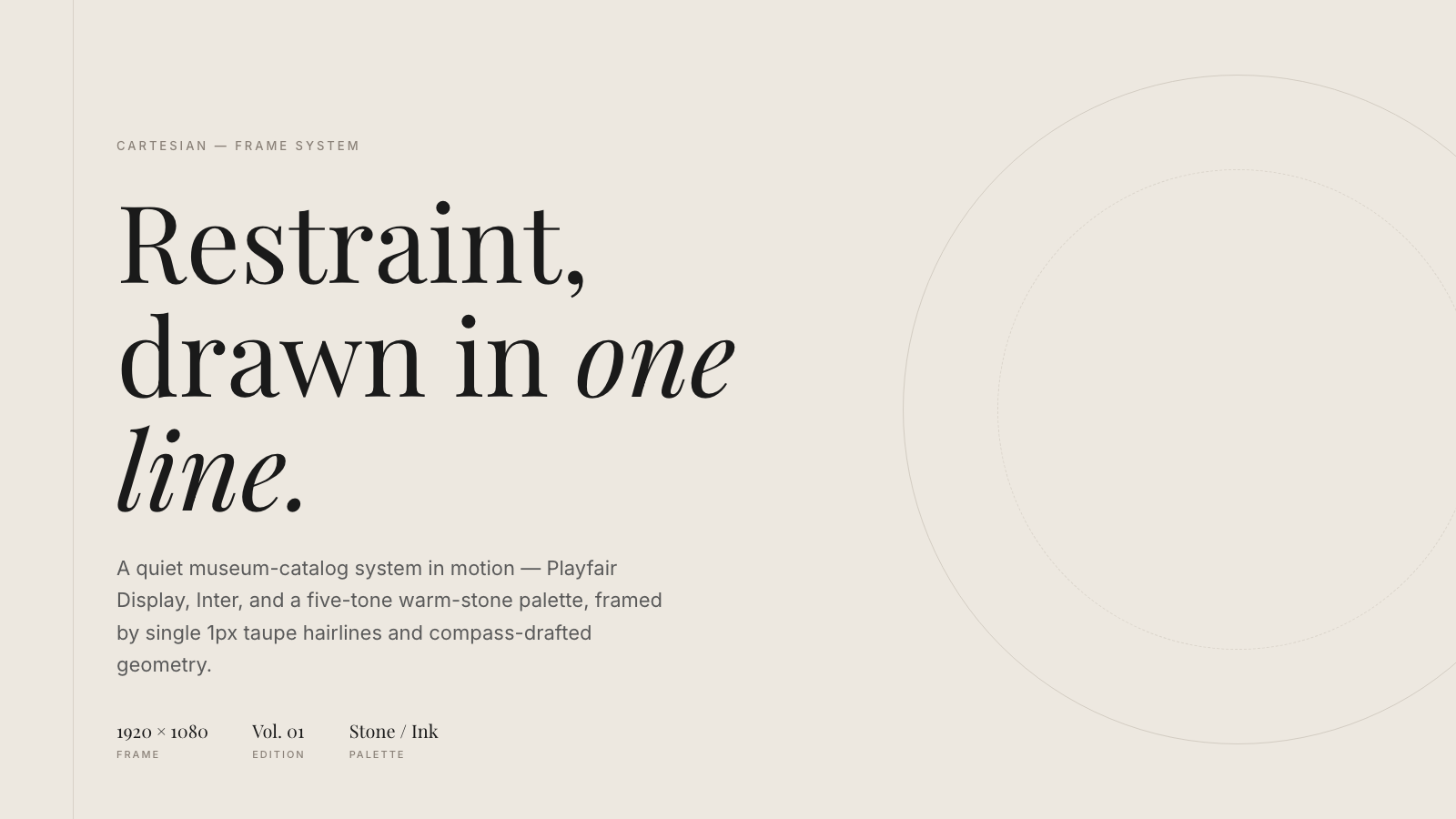
Cartesian |
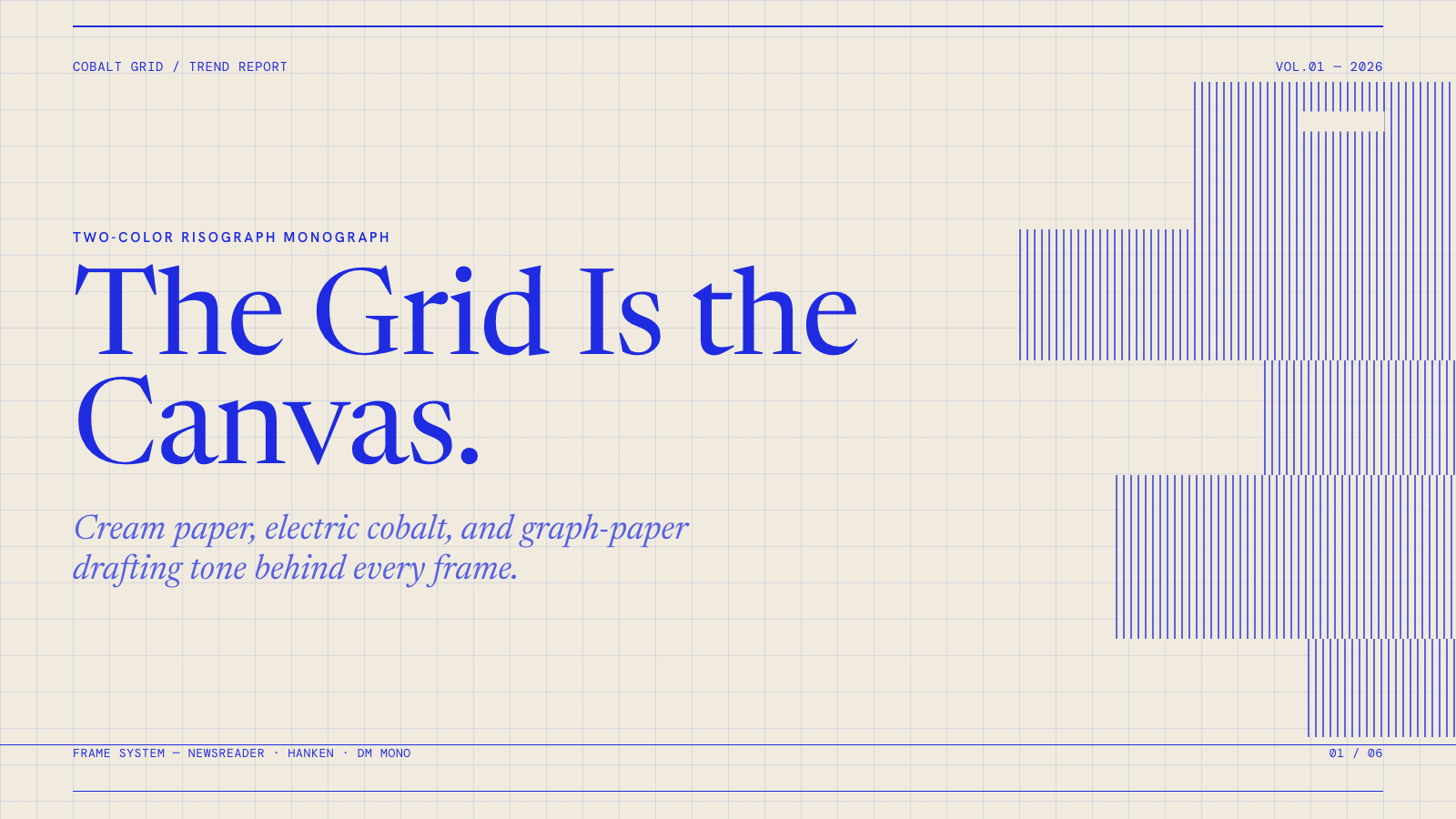
Cobalt Grid |
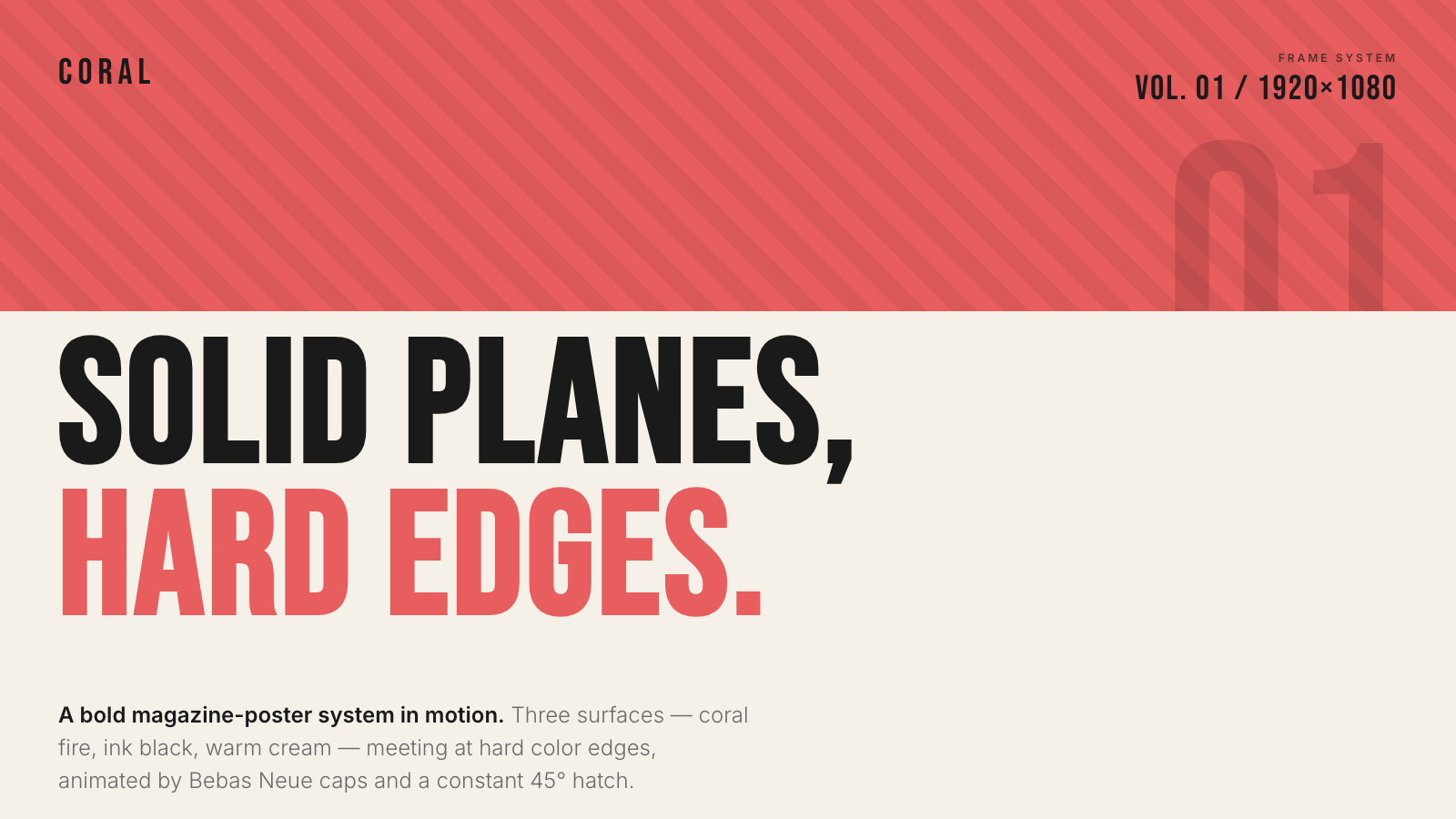
Coral |
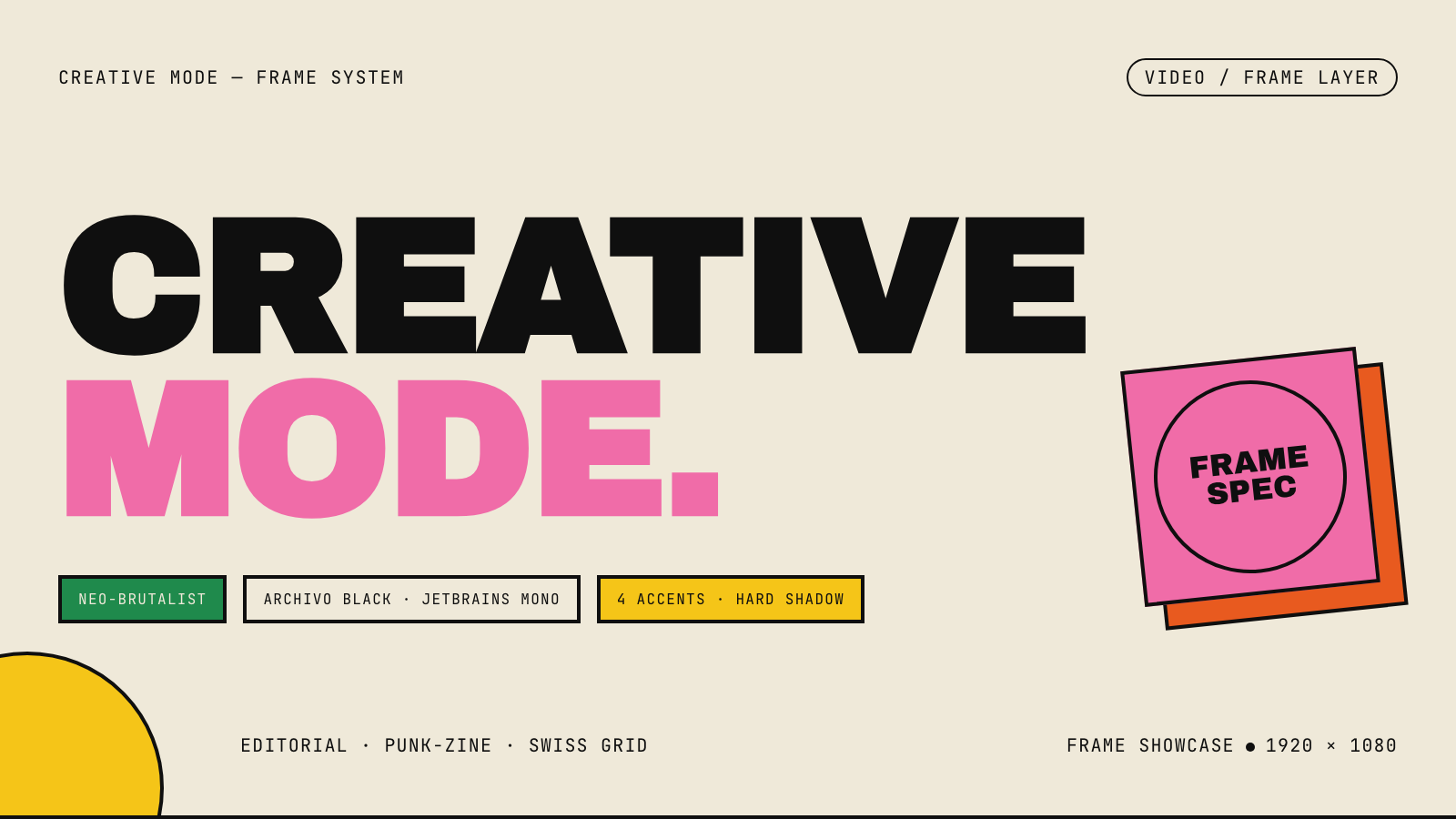
Creative Mode |
Browse and remix them all at hyperframes.dev/design.
How It Works
Define a video as HTML. Add data attributes for timing and tracks. Use GSAP, CSS, Lottie, Three.js, Anime.js, WAAPI, or your own frame adapter for seekable animation.
<div id="stage" data-composition-id="launch" data-start="0" data-width="1920" data-height="1080">
  <video
    class="clip"
    data-start="0"
    data-duration="6"
    data-track-index="0"
    src="intro.mp4"
    muted
    playsinline
  ></video>

  <h1 id="title" class="clip" data-start="1" data-duration="4" data-track-index="1">Launch day</h1>

  <audio
    data-start="0"
    data-duration="6"
    data-track-index="2"
    data-volume="0.5"
    src="music.wav"
  ></audio>

  <script src="https://cdn.jsdelivr.net/npm/gsap@3/dist/gsap.min.js"></script>
  <script>
    const tl = gsap.timeline({ paused: true });
    tl.from("#title", { opacity: 0, y: 40, duration: 0.8 }, 1);
    window.__timelines = window.__timelines || {};
    window.__timelines.launch = tl;
  </script>
</div>
Preview instantly in the browser. Render locally or in Docker. The renderer seeks each frame in headless Chrome and encodes the result with FFmpeg, so the same input produces the same video.
HyperFrames Stack
HyperFrames is the open-source rendering engine, plus a growing set of tools around HTML-native video creation.
| Piece | Status | What it does |
|---|---|---|
| CLI | Available | Scaffold, preview, lint, inspect, and render local video projects |
| Core / Engine / Producer | Available | Parse compositions, drive headless Chrome, encode video, and mix audio |
| Catalog | Available | Reusable blocks and components for transitions, overlays, captions, charts, maps, and effects |
| Agent skills | Available | Teach coding agents the video-production patterns that generic web docs miss |
| Studio | Available, evolving | Browser surface for previewing and editing compositions |
| AWS Lambda rendering | Available | Deploy a distributed render stack and drive renders from your laptop or CI |
| hyperframes.dev | Available | Community playground for previewing, iterating, sharing, and rendering HTML-native video projects |
| frame.md | Available | Invert your design system for the camera — a DESIGN.md superset an agent can compose video from |
Catalog
Install ready-to-use blocks and components:
npx hyperframes add flash-through-white   # shader transition
npx hyperframes add instagram-follow      # social overlay
npx hyperframes add data-chart            # animated chart
Browse the catalog at hyperframes.heygen.com/catalog.
Why HyperFrames?
- HTML-native: compositions are HTML files with data attributes. No React requirement, no proprietary timeline format.
- Agent-friendly: agents already write HTML, and the CLI is non-interactive by default.
- Deterministic: same input, same frames, same output. Built for CI, regression tests, and automated rendering.
- No build step: an
index.htmlcomposition plays as-is and can be previewed directly in the browser. - Adapter-based animation: bring GSAP, CSS animations, Lottie, Three.js, Anime.js, WAAPI, or a custom runtime.
- Open source: Apache 2.0 license, with no per-render fees or commercial-use thresholds.
HyperFrames vs Remotion
HyperFrames is inspired by Remotion. Both tools render video with headless Chrome and FFmpeg. The main difference is the authoring model: Remotion's bet is React components; HyperFrames' bet is plain HTML that humans and agents can both write easily.
| HyperFrames | Remotion | |
|---|---|---|
| Authoring | HTML + CSS + seekable animation | React components |
| Build step | None; index.html plays as-is |
Bundler required |
| Agent handoff | Plain HTML files | JSX / React project |
| Library-clock animations | Seekable, frame-accurate via adapters | Wall-clock animation patterns need care |
| Distributed rendering | Local and AWS Lambda render paths | Remotion Lambda, mature cloud renderer |
| License | Apache 2.0 | Source-available Remotion License |
Read the full comparison in the HyperFrames vs Remotion guide.
Documentation
Full documentation: hyperframes.heygen.com/introduction
Packages
| Package | Description |
|---|---|
hyperframes |
CLI for creating, previewing, linting, and rendering compositions |
@hyperframes/core |
Types, parsers, generators, linter, runtime, and frame adapters |
@hyperframes/engine |
Seekable page-to-video capture engine using Puppeteer and FFmpeg |
@hyperframes/producer |
Full rendering pipeline for capture, encode, and audio mix |
@hyperframes/studio |
Browser-based composition editor UI |
@hyperframes/player |
Embeddable <hyperframes-player> web component |
@hyperframes/shader-transitions |
WebGL shader transitions for compositions |
@hyperframes/aws-lambda |
AWS Lambda SDK and deployment surface for distributed renders |
Community
HyperFrames is used in production at HeyGen, with community examples from teams like tldraw, TanStack, and others in ADOPTERS.md. Open a PR if your team is using HyperFrames.
- Questions and ideas: Discord
- Bugs and feature requests: GitHub Issues
- Security reports: SECURITY.md
- Contributions: CONTRIBUTING.md
Development Note
The repo uses Git LFS for golden regression-test baselines under packages/producer/tests/**/output.mp4 (about 240 MB of .mp4 files). If you're cloning the full repo for development, install Git LFS first:
# macOS
brew install git-lfs

# Ubuntu / Debian
sudo apt install git-lfs

# Windows
winget install GitHub.GitLFS

# Then, once per machine
git lfs install
If you only need source files, you can skip LFS content:
GIT_LFS_SKIP_SMUDGE=1 git clone https://github.com/heygen-com/hyperframes.git