 d9f69f61e7
* feat(studio,cli): music beat detection with timeline guides + headless beats CLI

Beat detection for music tracks: the Studio draws beat guides on the active
track, beats are user-editable and persist to a project file, and a new
`hyperframes beats` CLI generates that file headlessly before the Studio opens.

Detection lives in @hyperframes/core/beats (shared by Studio + CLI): an energy
onset detector cross-validated with bpm-detective, regularized to an octave-
aligned grid, silence-gated, with per-beat loudness. Music-only — an
<audio data-timeline-role="music"> is analyzed; voiceover is excluded.

Studio: green beat lines + draggable dots on the selected track; add at playhead,
drag to move, double-click to delete (audio scrubs); edits persist to
beats/<audio>.json and are undoable (interleaved with file history).

CLI: `hyperframes beats [dir]` runs the same detection in headless Chrome
(prebuilt browser bundle in dist) and writes the beat file.

Co-Authored-By: Claude Opus 4.8 (1M context) <noreply@anthropic.com>

Co-authored-by: Miguel Ángel <miguel07alm@protonmail.com>

* feat(studio): timeline beat-grid + zoom UX refinements

- Center-anchored magnify: zooming via the toolbar/slider keeps the time
  at the viewport center fixed instead of anchoring at the left. Pinch
  still anchors at the cursor.
- Move-snap to beats: dragging a clip snaps whichever edge (start or end)
  is nearest a beat, matching the existing resize-edge snapping.
- Beat lines on track backgrounds: faint full-height beat lines now paint
  behind the clips on every track lane (brightness scales with loudness);
  the green dots stay on the active track's top bar.
- Waveform follows zoom: bars fill the full clip width and resample the
  windowed peaks, so the waveform stretches with zoom instead of stopping
  partway across a widened clip.
- Beat dots centered in the top bar: align the dot band to the clip top
  (CLIP_Y) so the dots sit centered in the dark bar instead of being
  bisected by the clip's top border.

Co-Authored-By: Claude Opus 4.8 (1M context) <noreply@anthropic.com>

Co-authored-by: Miguel Ángel <miguel07alm@protonmail.com>

* fix(studio): preserve media sourceDuration across element re-derivation

Moving a non-music clip re-derived the timeline elements into fresh
objects whose sourceDuration the DOM scan hadn't loaded yet. The async
probe skips srcs already in its cache, so the value was silently
dropped — trimFractions then returned no window and the trimmed music
waveform reset to the full source pinned at the track start.

Re-apply the cached probe duration synchronously on every derivation
(applyCachedSourceDurations) and extract the async probe loop into
probeMissingSourceDurations to keep useTimelinePlayer within the file
size limit.

Co-Authored-By: Claude Opus 4.8 (1M context) <noreply@anthropic.com>

Co-authored-by: Miguel Ángel <miguel07alm@protonmail.com>

* feat(studio): skip beat-snap on the music track, highlight move-snap target

The music track defines the beats, so moving or trimming it no longer
snaps to its own beats (isMusicTrack guard on both the move and resize
snap paths).

Moving another clip snapped only on drop with no cue. snapMoveStartToBeat
now also returns the beat it will snap to; BeatBackgroundLines draws that
beat's line as a bright neon-green glow while the clip's edge is within
the snap region, so the target is visible before drop.

Also drops .commitmsg.tmp, accidentally committed via git add -A.

Co-Authored-By: Claude Opus 4.8 (1M context) <noreply@anthropic.com>

Co-authored-by: Miguel Ángel <miguel07alm@protonmail.com>

* feat(studio): hide playhead while dragging a beat; default beat dots to music track

- Dragging a beat dot now hides the playhead guideline (new beatDragging
  store flag set on beat pointer down/up) so its line doesn't track the
  scrub and clutter the beat being moved.
- Beat dots render on the selected track, falling back to the music track
  when nothing is selected.

Co-Authored-By: Claude Opus 4.8 (1M context) <noreply@anthropic.com>

Co-authored-by: Miguel Ángel <miguel07alm@protonmail.com>

* fix(core): remove polynomial-ReDoS regex from audioRelPathForSrc

CodeQL js/polynomial-redos: the lazy `.+?` followed by an optional
trailing `[?#].*$` backtracks polynomially on crafted `/preview/...`
inputs. Parse the preview-relative path with indexOf/slice instead, and
strip the query/hash with a single linear char-class search. Behavior is
unchanged for all preview/absolute/blob/data/bare inputs.

Co-Authored-By: Claude Opus 4.8 (1M context) <noreply@anthropic.com>

Co-authored-by: Miguel Ángel <miguel07alm@protonmail.com>

* fix(studio,core,cli): review hardening for beat detection + timeline UX

- playerStore.reset() now clears beat state (analysis, edits, undo/redo,
  persist) so a project switch can't apply the previous project's beats,
  undo stack, or file-writer to the new one.
- removeUserBeat returns the same reference on a no-op, and delete/move beat
  actions skip committing when nothing changed — no more phantom undo
  entries / debounced writes for no-op edits.
- regularizeBeats bails to raw onsets when the (octave-misread) tempo would
  produce a sub-125ms grid, avoiding a tens-of-thousands-of-beats freeze.
- parseBeats clamps strength to [0,1] and rejects non-finite time/strength,
  so a hand-edited file can't feed NaN into the gamma curve (Math.pow on a
  negative base) and blank out beat markers.
- Start-edge beat-snap now also requires duration >= minDuration, matching
  the end-edge guard, so a rightward snap can't collapse the clip.
- Center-anchor zoom effect always consumes its skip flag, so a pinch that
  produced no pps change can't leave it stranded and skip the next zoom.
- Headless beats analyzer projects to {beatTimes,beatStrengths,bpm,confidence}
  before returning, so page.evaluate no longer serializes the full decoded
  PCM (channelData) across the CDP boundary.

Co-Authored-By: Claude Opus 4.8 (1M context) <noreply@anthropic.com>

Co-authored-by: Miguel Ángel <miguel07alm@protonmail.com>

* fix(core): gate parseBeats on schema version

parseBeats accepted any object with a beats array, so a future v2 beat file
(with changed semantics) would be parsed silently as v1. Reject anything whose
version is not 1, treating an unknown version like an absent/invalid file.

Co-Authored-By: Claude Opus 4.8 (1M context) <noreply@anthropic.com>

Co-authored-by: Miguel Ángel <miguel07alm@protonmail.com>

---------

Co-authored-by: Miguel Ángel <miguel07alm@protonmail.com>


Write HTML. Render video. Built for agents.
Quickstart | Showcase | Playground | Catalog | Docs | Discord

HyperFrames is an open-source framework for turning HTML, CSS, media, and seekable animations into deterministic MP4 videos. Use it locally with the CLI, from AI coding agents with skills, or as the rendering core behind hosted authoring workflows.
Quick Start
With an AI coding agent
Install the HyperFrames skills, then describe the video you want:
npx skills add heygen-com/hyperframes
Try a prompt like:
Using
/hyperframes, create a 10-second product intro with a fade-in title, a background video, and subtle background music.
The skills teach agents the HyperFrames production loop: plan the video, write valid HTML, wire seekable animations, add media, lint, preview, and render. They work with Claude Code, Cursor, Gemini CLI, Codex, and other coding agents that support skills.
For visual design handoff workflows, see the Claude Design guide and Open Design guide.
Manually with the CLI
npx hyperframes init my-video
cd my-video
npx hyperframes preview      # preview in browser with live reload
npx hyperframes render       # render to MP4
Requirements: Node.js 22+, FFmpeg
What You Can Build
Need ideas? Browse the Showcase for finished videos you can watch, read, run, and remix.
- Product launch videos and feature announcements
- PR walkthroughs with animated code diffs, narration, and captions
- Data visualizations, chart races, and map animations
- Social videos with kinetic captions, overlays, and music
- Docs-to-video, PDF-to-video, and website-to-video explainers
- Reusable motion graphics for automated content pipelines
Frame.md
frame.md — your design system, ready for video.
Every brand has a design.md. None of them were written for a camera. frame.md is the missing translation layer: it takes your web-context design spec and inverts it for the frame — the same tokens, the same rules, but rewritten so an AI agent can compose a promo video without guessing at scale or reaching for web chrome.
The output is a DESIGN.md superset your whole toolchain can read. Atoms stay sacred. Composition stays free. Numbers come from the script.

Biennale Yellow |

BlockFrame |
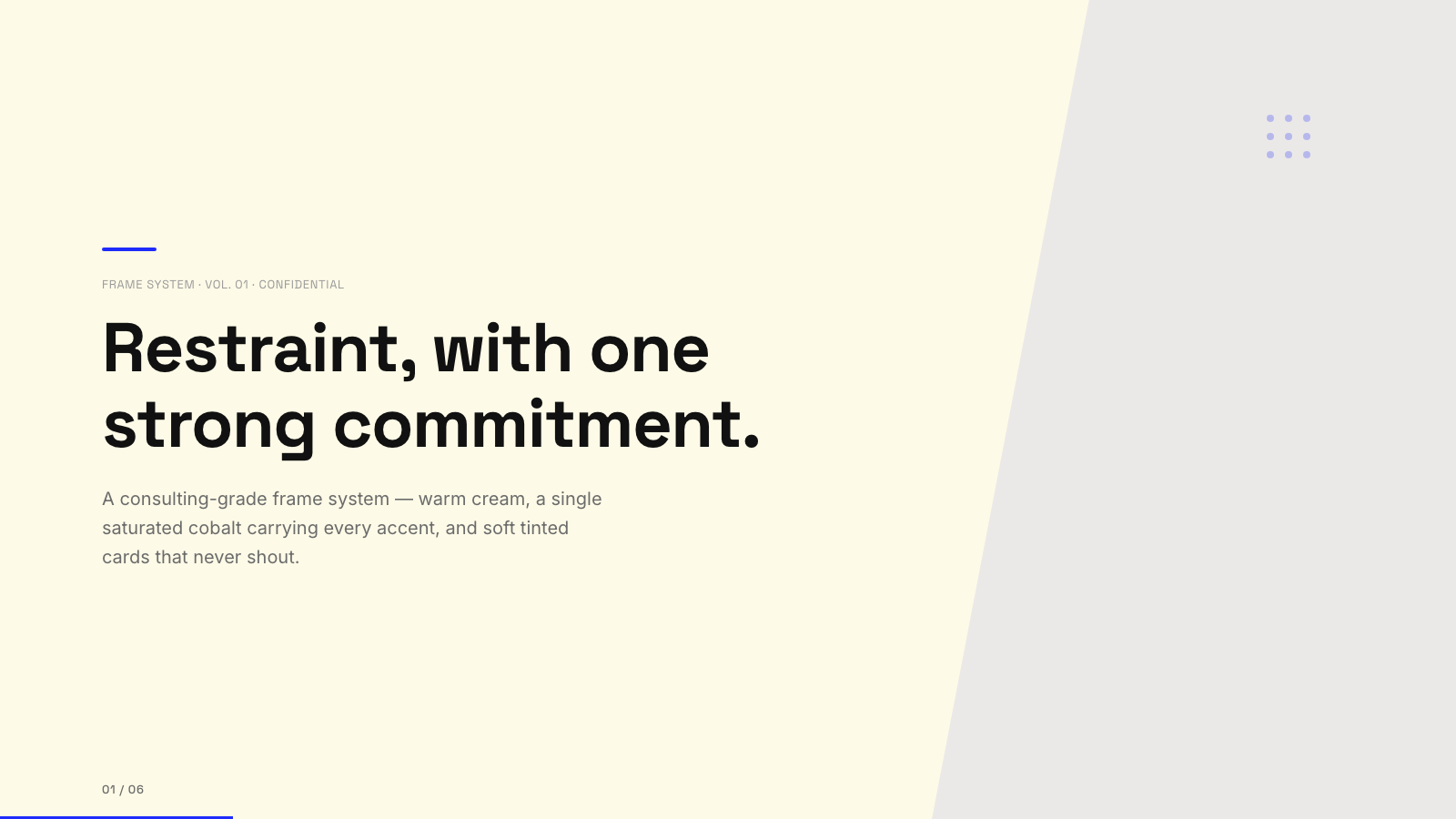
Blue Professional |

Bold Poster |
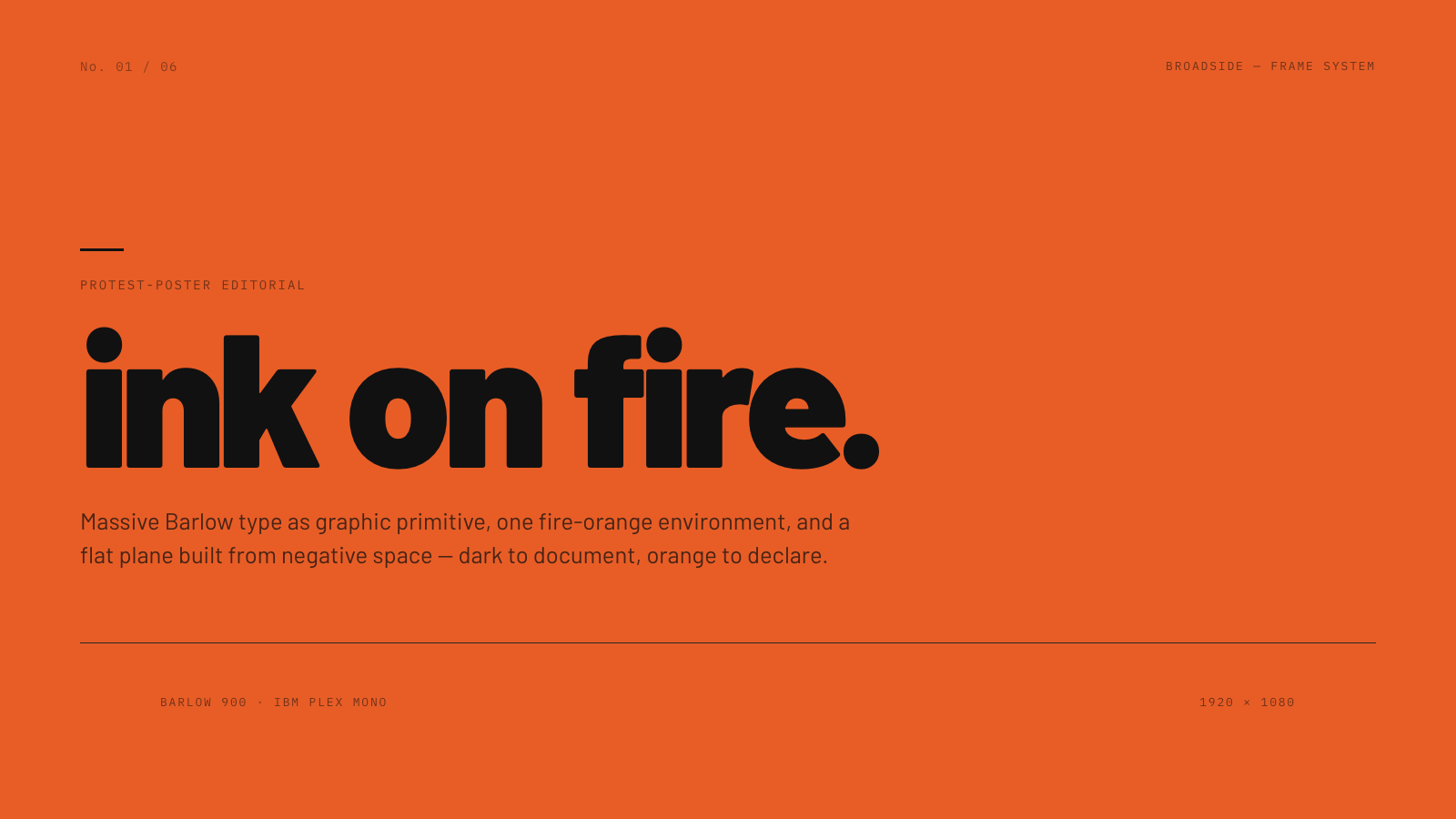
Broadside |
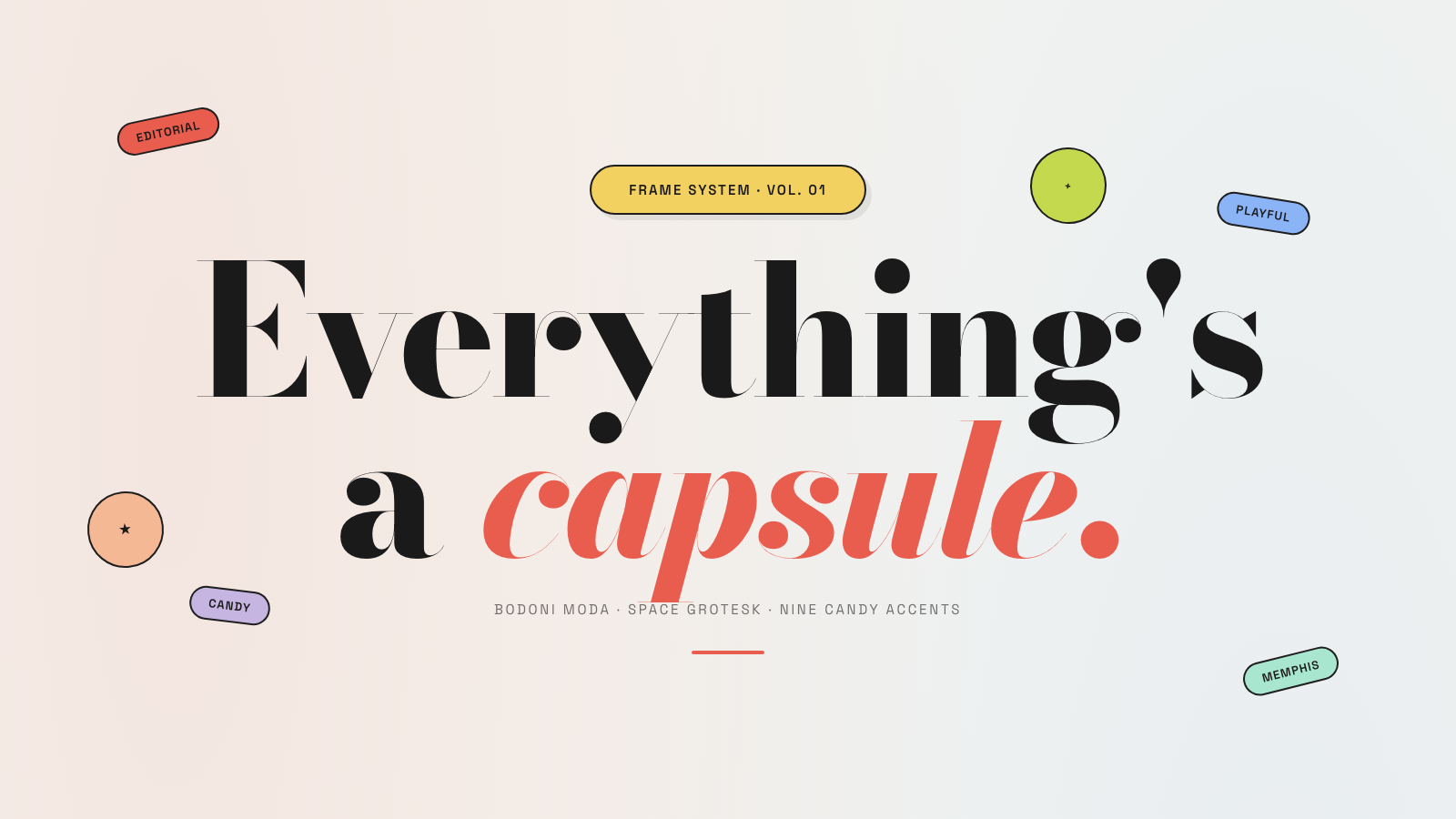
Capsule |
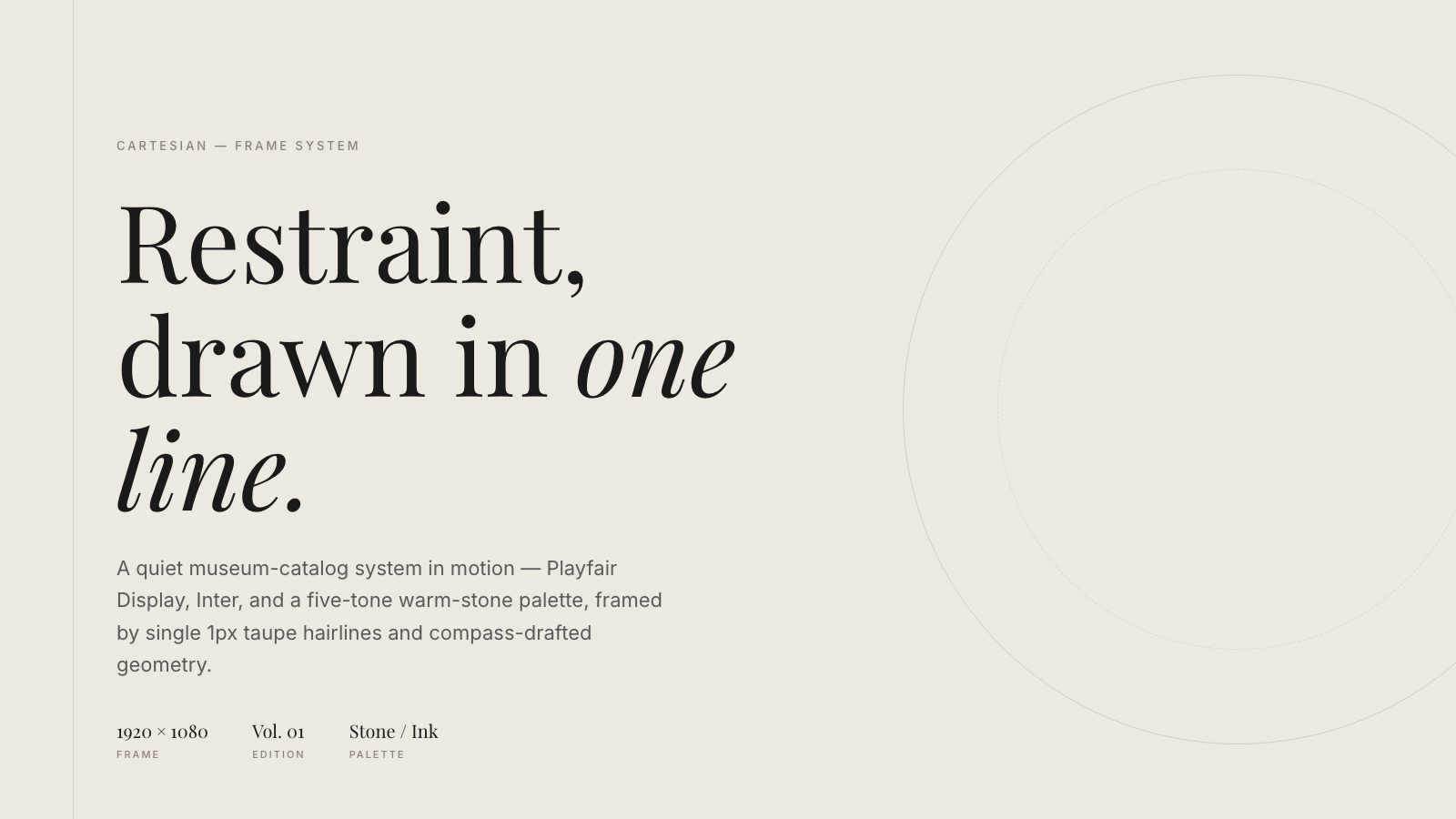
Cartesian |
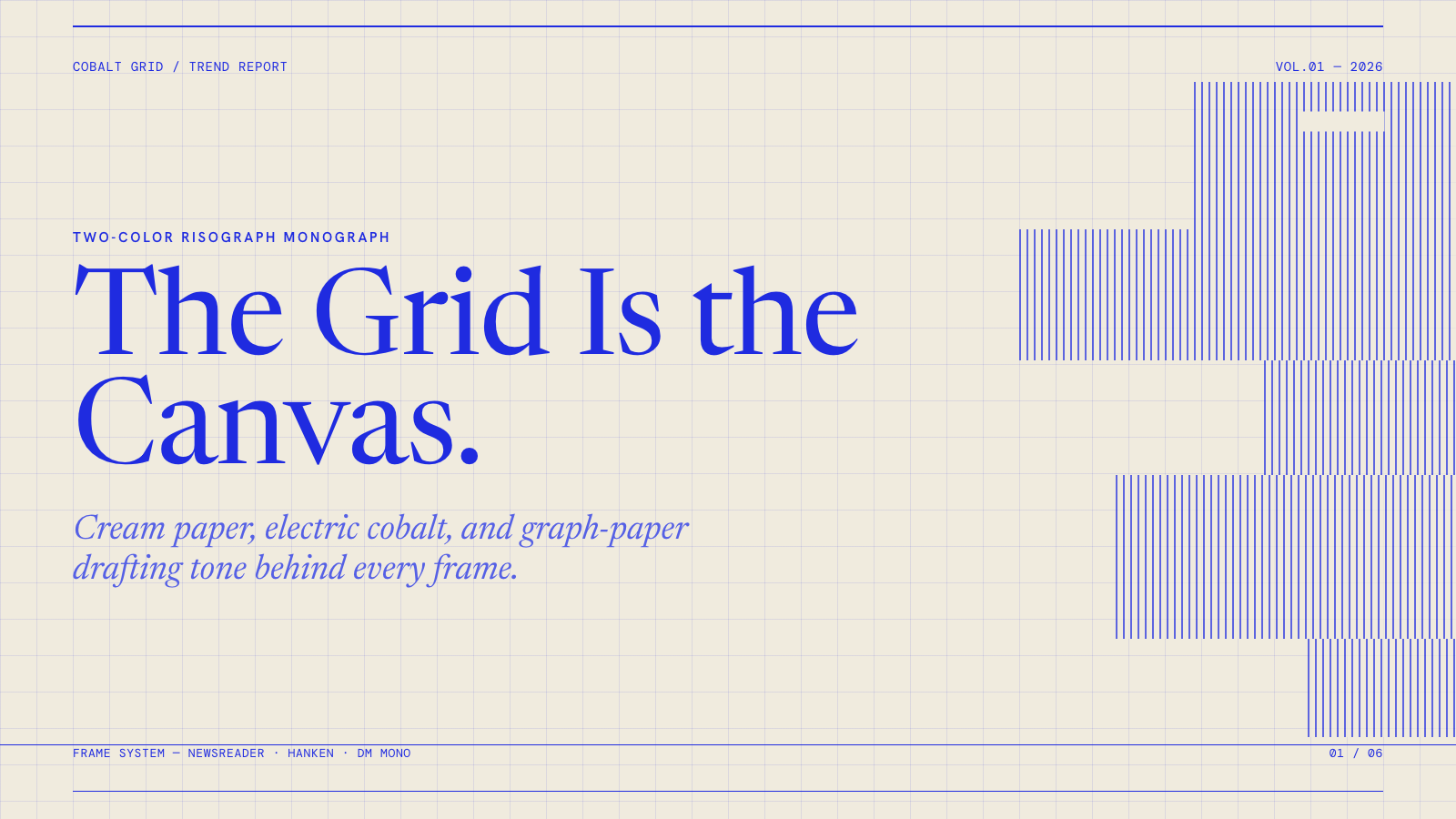
Cobalt Grid |

Coral |
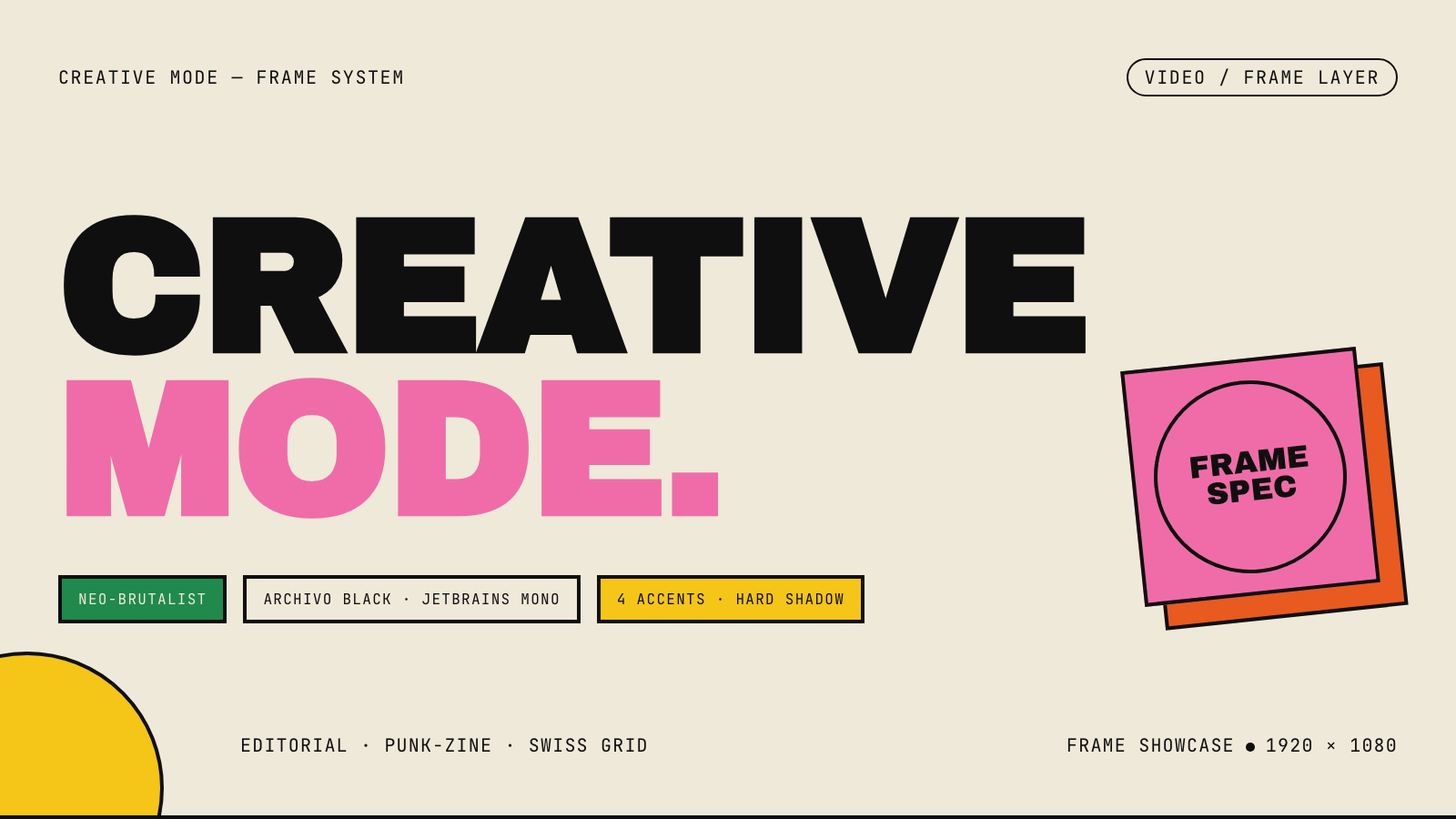
Creative Mode |
Browse and remix them all at hyperframes.dev/design.
How It Works
Define a video as HTML. Add data attributes for timing and tracks. Use GSAP, CSS, Lottie, Three.js, Anime.js, WAAPI, or your own frame adapter for seekable animation.
<div id="stage" data-composition-id="launch" data-start="0" data-width="1920" data-height="1080">
  <video
    class="clip"
    data-start="0"
    data-duration="6"
    data-track-index="0"
    src="intro.mp4"
    muted
    playsinline
  ></video>

  <h1 id="title" class="clip" data-start="1" data-duration="4" data-track-index="1">Launch day</h1>

  <audio
    data-start="0"
    data-duration="6"
    data-track-index="2"
    data-volume="0.5"
    src="music.wav"
  ></audio>

  <script src="https://cdn.jsdelivr.net/npm/gsap@3/dist/gsap.min.js"></script>
  <script>
    const tl = gsap.timeline({ paused: true });
    tl.from("#title", { opacity: 0, y: 40, duration: 0.8 }, 1);
    window.__timelines = window.__timelines || {};
    window.__timelines.launch = tl;
  </script>
</div>
Preview instantly in the browser. Render locally or in Docker. The renderer seeks each frame in headless Chrome and encodes the result with FFmpeg, so the same input produces the same video.
HyperFrames Stack
HyperFrames is the open-source rendering engine, plus a growing set of tools around HTML-native video creation.
| Piece | Status | What it does |
|---|---|---|
| CLI | Available | Scaffold, preview, lint, inspect, and render local video projects |
| Core / Engine / Producer | Available | Parse compositions, drive headless Chrome, encode video, and mix audio |
| Catalog | Available | Reusable blocks and components for transitions, overlays, captions, charts, maps, and effects |
| Agent skills | Available | Teach coding agents the video-production patterns that generic web docs miss |
| Studio | Available, evolving | Browser surface for previewing and editing compositions |
| AWS Lambda rendering | Available | Deploy a distributed render stack and drive renders from your laptop or CI |
| hyperframes.dev | Available | Community playground for previewing, iterating, sharing, and rendering HTML-native video projects |
| frame.md | Available | Invert your design system for the camera — a DESIGN.md superset an agent can compose video from |
Catalog
Install ready-to-use blocks and components:
npx hyperframes add flash-through-white   # shader transition
npx hyperframes add instagram-follow      # social overlay
npx hyperframes add data-chart            # animated chart
Browse the catalog at hyperframes.heygen.com/catalog.
Why HyperFrames?
- HTML-native: compositions are HTML files with data attributes. No React requirement, no proprietary timeline format.
- Agent-friendly: agents already write HTML, and the CLI is non-interactive by default.
- Deterministic: same input, same frames, same output. Built for CI, regression tests, and automated rendering.
- No build step: an
index.htmlcomposition plays as-is and can be previewed directly in the browser. - Adapter-based animation: bring GSAP, CSS animations, Lottie, Three.js, Anime.js, WAAPI, or a custom runtime.
- Open source: Apache 2.0 license, with no per-render fees or commercial-use thresholds.
HyperFrames vs Remotion
HyperFrames is inspired by Remotion. Both tools render video with headless Chrome and FFmpeg. The main difference is the authoring model: Remotion's bet is React components; HyperFrames' bet is plain HTML that humans and agents can both write easily.
| HyperFrames | Remotion | |
|---|---|---|
| Authoring | HTML + CSS + seekable animation | React components |
| Build step | None; index.html plays as-is |
Bundler required |
| Agent handoff | Plain HTML files | JSX / React project |
| Library-clock animations | Seekable, frame-accurate via adapters | Wall-clock animation patterns need care |
| Distributed rendering | Local and AWS Lambda render paths | Remotion Lambda, mature cloud renderer |
| License | Apache 2.0 | Source-available Remotion License |
Read the full comparison in the HyperFrames vs Remotion guide.
Documentation
Full documentation: hyperframes.heygen.com/introduction
Packages
| Package | Description |
|---|---|
hyperframes |
CLI for creating, previewing, linting, and rendering compositions |
@hyperframes/core |
Types, parsers, generators, linter, runtime, and frame adapters |
@hyperframes/engine |
Seekable page-to-video capture engine using Puppeteer and FFmpeg |
@hyperframes/producer |
Full rendering pipeline for capture, encode, and audio mix |
@hyperframes/studio |
Browser-based composition editor UI |
@hyperframes/player |
Embeddable <hyperframes-player> web component |
@hyperframes/shader-transitions |
WebGL shader transitions for compositions |
@hyperframes/aws-lambda |
AWS Lambda SDK and deployment surface for distributed renders |
Community
HyperFrames is used in production at HeyGen, with community examples from teams like tldraw, TanStack, and others in ADOPTERS.md. Open a PR if your team is using HyperFrames.
- Questions and ideas: Discord
- Bugs and feature requests: GitHub Issues
- Security reports: SECURITY.md
- Contributions: CONTRIBUTING.md
Development Note
The repo uses Git LFS for golden regression-test baselines under packages/producer/tests/**/output.mp4 (about 240 MB of .mp4 files). If you're cloning the full repo for development, install Git LFS first:
# macOS
brew install git-lfs

# Ubuntu / Debian
sudo apt install git-lfs

# Windows
winget install GitHub.GitLFS

# Then, once per machine
git lfs install
If you only need source files, you can skip LFS content:
GIT_LFS_SKIP_SMUDGE=1 git clone https://github.com/heygen-com/hyperframes.git