 Ular Kimsanov
edfe66a953
* docs: add the shared page components

Adds the six React snippets the rebuilt documentation pages compose against,
plus the styles they need. Nothing imports them yet, so this lands with no
user-visible change and no navigation churn.

- DocsVideo / ShowcaseWall — the film player and the Showcase grid
- LiveReferenceProject — embeds the Reference Project via <hyperframes-player>
- WorkflowChooser, AgentAction, and the two grid snippets

The scrub indicator is a timecode bubble rather than a thumbnail. Mounting a
second <video> with the same src to drive a preview frame made every page
carrying a film download the whole file twice, which is not worth a thumbnail.

* docs: add the Reference Project example

One real 10-second project the documentation can point at instead of describing
a hypothetical one: a live capture of example.com, synthesised narration, and
caption timings measured from that narration. It passes its own gates —
`hyperframes lint` clean, `hyperframes check` passed, 28/28 text checks WCAG AA.

No page imports it yet, so this lands without touching navigation.

Only the two WAV masters exceed the repository's 500 KB non-LFS limit, so only
those go through LFS. The MP3 stings and the capture PNG stay plain, which keeps
the example usable after a clone without `git lfs pull`.

`bun run docs:bundle-reference` regenerates the single-file embed the
Introduction page loads from the CDN.

* docs: keep the Reference Project verification report

The Examples page links this file twice — as "What changed after review" and
as "The real verification report" — in the section that makes the project's
brief, source, revision notes, and checks public end to end. It is a published
artifact, not leftover scaffolding.

* docs: state the Reference Project embed's isolation contract

The composition is fetched from the CDN and handed to the player as a blob:
URL, which inherits the docs origin, and <hyperframes-player> sandboxes its
iframe with allow-scripts + allow-same-origin. So the embedded composition runs
with script access to this origin.

That is a consequence of how the player works — it drives seeking through the
iframe's document, which a cross-origin frame does not expose — not something
this component can fix. Serving the CDN URL directly would isolate the frame
and break playback.

The guard is therefore the source, so the comment says so out loud: src must
stay a first-party path we publish, never user- or community-supplied HTML.

* fix(docs): resolve reduced-motion on the first render, and the embed's dep gap

Both defects from Rames Jusso's review on #2977. Neither is visible today
because nothing imports these files yet, which is what makes them cheap now.

**Reduced motion resolved one paint too late, in all three grids.**
`useState(false)` plus a `matchMedia` read in an effect meant the first
committed render always emitted `<video src autoPlay loop>`; a reduce-motion
visitor had 6 + 8 + 4 tiles already fetching before the attributes came off.
`autoPlay` also overrides `preload="metadata"`, so those were the files, not
metadata probes — and dropping `src` with no following `load()` is not a
reliable abort. A lazy initializer knows the answer on the first render.

**LiveReferenceProject never sent the initial variables.** The sending effect
read `playerRef.current`, assigned by the effect above it on the commit where
`compositionSrc` lands — a commit with nothing in the sending effect's dep
array. So it ran once against a null ref and never again. It looked correct
only because the three defaults match what the composition already renders.

Also from the same review:

- The object URL could outlive its revoke: once the body resolves, `abort()`
  no longer stops the chain, so the blob could be minted after cleanup ran with
  `objectUrl` still undefined. Same `cancelled` guard the effect above uses.
- `postMessage` targeted `"*"` while the isolation comment argues the frame is
  same-origin. Naming `window.location.origin` turns that prose guard into an
  enforced one.
- Nothing reached a terminal state when the player script never arrived:
  `whenDefined()` does not reject, and a later mount reuses the tag without its
  error listener. A CSP rule or content blocker never fires `error` at all.
  A deadline covers every path instead of sitting on "Loading…" forever.
- `loadFailed` was never cleared, so one transient failure stuck.
- The README claimed a clone works without `git lfs pull`. It does for the
  visuals; both WAVs are pointers and they are the bed and the voiceover, so
  the captions would play over silence. Says so now.
- The bundler stripped trailing whitespace document-wide while inlining the
  runtime, which reaches inside script template literals where those spaces are
  data. It also assumed a literal `<head>` and would silently ship an embed with
  no `<base>`. Strip removed, anchor asserted.

Copilot's five "missing hook imports" comments are wrong — Mintlify pre-injects
the hooks, and `TemplateCard.jsx`, cited as the counter-example, uses the
`export function` form the same page says is unsupported.

* fix(docs): stop preview loops when Reduce Motion is turned on mid-session

Miguel's changes-requested on #2977. He is right about the mechanism: dropping
`src` and `autoPlay` through React props neither pauses a playing element nor
aborts its selected resource, so a visitor who turned Reduce Motion on with the
page already open kept every tile running.

Measured in a browser rather than argued from the spec, same clip, same
sequence:

  playing                 paused=false  t=2.90  readyState=4  networkState=1
  React props only        paused=false  t=3.90  readyState=4  networkState=1
  + pause/removeAttr/load paused=true   t=0     readyState=0  networkState=0

The middle row is the bug: time still advancing, resource still held.

Rames' follow-up asked for a remount-to-poster instead, because a video that
ends with `src` removed holds its last frame and `poster` only paints before
playback begins. `load()` covers that too — it drops readyState to
HAVE_NOTHING, which is precisely the state that paints the poster. Confirmed
side by side on screen: the React-props-only tile sits on an arbitrary mid-clip
frame, the pause/load tile shows the poster again. So no remount is needed.

The guard cannot be shared as code — Mintlify compiles each snippet in
isolation and forbids one importing another — so it is copy-pasted into all
three grids. A duplicated invariant is the kind that rots, and a rendering test
would mean adding React to a repo that only carries it inside packages/studio,
plus mocking Mintlify's hook-injection contract with a mock that can stay green
while the page breaks. `scripts/check-docs-snippet-motion.mjs` asserts the
source instead, wired into `bun run lint`, with unit tests covering both edges.

That gate immediately found `docs/snippets/TemplateCard.jsx`: autoplays with no
reduced-motion handling at all. It is imported by zero pages, and it uses the
`export function` form Mintlify's constraints page says is unsupported, so it
would not work if it were. Deleted rather than fixed.

* refactor(scripts): split the motion guard into named predicates

fallow flagged findMotionGuardViolations at CRAP 42 — a finding this branch
introduced, so it gets fixed rather than suppressed, same as the catalog
generator earlier in the stack.

The two conditions are now their own predicates behind a small requirements
table, which drops the branch count under the threshold and makes each rule
readable on its own line. Same output, same tests.

* fix(docs): move the stop effect above ShowcaseWall's early return

Rames' changes-requested on `e1a03c63`. The effect I added in the previous
commit landed below `if (open) return`, so `ShowcaseWall` called five hooks on
the grid render and four once a tile was open. That is a conditional hook:
clicking a tile — the component's primary interaction — threw "Rendered fewer
hooks than expected".

Worth naming why it landed in one of three. `workflow-chooser` and
`advanced-path-grid` have no early return, so the same paste position was fine
there. `ShowcaseWall` is the only one with a conditional return and it got the
same copy. That is the duplication cost this script's own header warns about,
showing up in the commit that added the script.

**The bespoke gate could not have caught it, and now the generic one does.**
`.oxlintrc.json` already loaded the `react` plugin and never excluded `docs/`
— only `.prettierignore` does, which is why formatting is not a finding here
but linting reaches these files. Naming the two hook rules in an override
scoped to `docs/snippets/**` reports this bug directly, and also reports the
`compositionSrc` dependency gap from round one that was found by reading.
Verified both ways: reintroducing the conditional hook produces
`react-hooks(rules-of-hooks)`, and `bunx oxlint .` is clean repo-wide, so
nothing lit up in `packages/studio`.

**Two holes in the script itself, both from the same review.**

It matched whole files while the invariant is per component, so a second
unguarded grid in `docs-video.jsx` would have ridden in on `ShowcaseWall`'s
guard. It now splits by component. That immediately surfaced the distinction
between a component that decides to autoplay and one that forwards its caller's
`autoPlay` prop — `DocsVideo` only ever plays because a reader clicked, so it
does not owe a preference check.

And `readsPreferenceLazily` never tied its halves: any lazy initializer plus
the media-query string anywhere in the file passed, which is the original bug
satisfying the check written to prevent it. The query now has to sit inside the
initializer's own expression.

Both holes have tests. fallow is clean at 0 introduced.

* fix(scripts): close the two silent gaps in the motion gate

Both from Rames' approval pass on #2977, and both found by running these
functions rather than reading them. Both fail the same quiet way: a component
`autoplays` misses is filtered out before any requirement runs, so the gate
reports zero problems instead of a violation.

`autoplays` had become narrower than the version it replaced. Excluding the
`autoPlay={autoPlay}` passthrough was right, but the replacement only matched
`autoPlay={` or `autoPlay` alone on a line, so `<video autoPlay muted />` on one
line slipped through. Restored the old breadth. Two things are stripped first
rather than one — the passthrough, and the prop's own default in the signature,
which is a declaration and not a use. Without the second strip, `DocsVideo` is
asked to own a decision it only forwards.

`splitComponents` anchored on `^export`, so anything not exported folded into
the previous exported component and inherited its guard. Same hole as the
whole-file match, narrowed from file scope to non-export scope. The anchor no
longer requires `export`.

Ten tests now, including his exact examples for both.

* docs: remove the live-composition embed and its build apparatus

The Introduction no longer carries the embed (removed in #2979), and nothing
else used any of this: the 200-line snippet, 26 CSS rules, the bundler that
built the single-file HTML for the CDN, its npm script, and the README section
explaining how to regenerate it.

The Reference Project itself stays — Examples, Developers, and Go further all
link to it as the worked example; only the interactive embed of it is gone.

This also retires the isolation contract I documented two rounds ago. That
comment existed because the embed handed CDN HTML to a same-origin blob; with
the embed gone there is no such surface to reason about, which is a better
outcome than a comment explaining why it was acceptable.

* docs: remove the AgentAction snippet

Its only consumer is gone. The Quickstart now shows the agent instruction in a
plain fence instead, because this component rendered a Copy button and never
displayed the request — a reader copied text they could not read, which is the
wrong shape for the one affordance a non-technical visitor depends on.

Mintlify fences already carry a copy button and show their contents.


Write HTML. Render video. Built for agents.
Quickstart | Showcase | Playground | Catalog | Docs | Discord

HyperFrames is an open-source framework for turning HTML, CSS, media, and seekable animations into deterministic MP4 videos. Use it locally with the CLI, from AI coding agents with skills, or as the rendering core behind hosted authoring workflows.
Quick Start
With an AI coding agent
Install the HyperFrames skills, then describe the video you want:
npx skills add heygen-com/hyperframes --full-depth
The picker opens with nothing pre-selected — the Core Skills group is all you need: the
/hyperframesrouter installs each creation workflow on demand. Agents and non-interactive runs should usenpx hyperframes skills updateinstead — it installs exactly the core set, whereas a non-interactiveskills addwithout--skillinstalls all 19.
--full-depthdoes a full clone of the repo's currentmain. Without it,skills addfetches the skills.sh registry blob, which lagsmainby hours — you'd get an older copy of a skill. (hyperframes skills updatealready installs full-depth.)
Try a prompt like:
Using
/hyperframes, create a 10-second product intro with a fade-in title, a background video, and subtle background music.
The skills teach agents the HyperFrames production loop: plan the video, write valid HTML, wire seekable animations, add media, lint, preview, and render. They work with Claude Code, Cursor, Gemini CLI, Codex, and other coding agents that support skills.
Skills
HyperFrames ships 19 skills agents load on demand. Read /hyperframes first — it's the router and capability map; it picks a workflow for any "make me a…" request — video, deck, or composition port — and points to the domain skills below.
Default to the core set — the router installs each creation workflow on demand. npx hyperframes skills update installs exactly that from anywhere; the interactive picker (npx skills add heygen-com/hyperframes --full-depth) lists it as the "Core Skills" group, nothing pre-selected. The picker is interactive-only — a non-interactive or agent run without --skill installs all 19. Use npx skills add heygen-com/hyperframes --all --full-depth to install all 19 deliberately (skips the picker), or npx skills add heygen-com/hyperframes --skill <name> --full-depth for just one (bare name, no leading /). Keep --full-depth — it installs the current main; without it skills add fetches the skills.sh blob, which lags by hours.
Installs stay lean after that: npx hyperframes init keeps the core set fresh (the router, the hyperframes-* domain skills, and media-use — plus whatever is already installed; /figma stays on demand) and never expands a partial install; the creation workflows install on demand — the router runs npx hyperframes skills update <workflow> before entering one. Nothing re-pulls the full set behind your back.
Upload to Codex
Build the upload-ready Codex plugin archive from the committed HEAD version of the manifest, brand assets, and skills:
bun run package:codex-plugin
This writes dist/hyperframes-plugin.zip with a hyperframes/ root folder and fails if the archive exceeds Codex's 100 MB upload limit.
Router
| Skill | Use when |
|---|---|
/hyperframes |
Read first for any request to make / create / edit / animate / render a video, animation, or motion graphic. Capability map for the domain skills, the intent layer that confirms every creation brief up front, and intent router for the creation workflows below. |
Creation workflows
| Skill | Use when |
|---|---|
/product-launch-video |
Any website — marketing / launching / promoting a product (from its URL, a brief, or a script), or a site tour / showcase / social clip featuring the site's own visuals. Up to ~3 min (sweet spot 30-90s). |
/faceless-explainer |
Explaining a topic / concept from arbitrary text — no product, no URL, no website capture; every visual is LLM-invented (typography / abstract / diagram / data-viz). |
/pr-to-video |
A GitHub pull request (PR URL, owner/repo#N ref, or "this PR") → changelog / feature-reveal / fix / refactor explainer, read via the gh CLI. |
/embedded-captions |
Adding captions / subtitles to an existing talking-head video (footage untouched) — verbatim rail, embedded climax behind the subject, or pure-cinematic embed. |
/talking-head-recut |
Packaging an existing talking-head / interview / podcast video with designed graphic overlays — lower-thirds, data callouts, kinetic titles, pull-quotes, side panels, PiP. |
/motion-graphics |
A short, unnarrated, design-led motion graphic (~under 10s) — kinetic type, stat / chart hit, logo sting, lower-third, animated tweet / headline. MP4 or transparent overlay. |
/music-to-video |
A music track (audio file, video to pull audio from, or one generated from a mood brief) → a beat-synced video — lyric, slideshow, or kinetic promo; music drives pacing. |
/slideshow |
A presentation / pitch deck / interactive deck — discrete slides, fragment reveals, branching, hotspot navigation, presenter mode. Output is a navigable deck, not a rendered video. |
/general-video |
Anything else — longer or multi-scene pieces, brand / sizzle reel, title card, static loop, freeform composition. Input- and length-agnostic fallback, and the home of companion mode (co-create with the full toolbox). |
/remotion-to-hyperframes |
Porting an existing Remotion (React) composition's source to HyperFrames HTML. One-way migration, not creation. |
Domain skills (loaded on demand)
Atomic capabilities the creation workflows compose against — pull one when you need that specific layer.
| Skill | Covers |
|---|---|
/hyperframes-core |
The composition contract — data-* timing attributes, class="clip", tracks, sub-compositions, variables, framework-owned media playback, determinism rules. |
/hyperframes-animation |
All animation knowledge — atomic motion rules, scene blueprints, transitions, runtime adapters (GSAP / Lottie / Three.js / Anime.js / CSS / WAAPI / TypeGPU). |
/hyperframes-keyframes |
Seek-safe keyframe authoring across runtimes — GSAP timelines, CSS keyframes, Anime.js, WAAPI, FLIP, paths, masks, SVG morph/draw, 3D depth — plus hyperframes keyframes diagnostics for rendered motion. |
/hyperframes-creative |
Non-animation creative direction — frame.md / design.md, palettes, typography, narration, beat planning, audio-reactive visuals, composition patterns. |
/media-use |
The media OS — resolve any media need (BGM, SFX, image, icon, logo, voice, color grade, LUT) into a frozen local file or paste-ready block + ledger record, generate via TTS/music/image models when the catalog misses, transcribe, caption, remove backgrounds, and reuse assets across projects. One shared audio engine + manifest tracking. |
/hyperframes-cli |
CLI dev loop — init, lint, check, snapshot, preview, render, publish, doctor, plus HeyGen-hosted cloud rendering (cloud render) and AWS Lambda rendering (lambda deploy / render / progress). |
/hyperframes-registry |
Install and wire registry blocks and components into compositions via hyperframes add. Authoring a new block or component to contribute upstream. |
/figma |
Import Figma assets, tokens, components, and storyboard sections → reconstructed motion (frames read as states, not slides) (REST/CLI) plus Motion animations (MCP) and shaders (MCP source / native export) into a composition. |
For visual design handoff workflows, see the Claude Design guide and Open Design guide.
Manually with the CLI
npx hyperframes init my-video
cd my-video
npx hyperframes preview      # preview in browser with live reload
npx hyperframes render       # render to MP4
Requirements: Node.js 22+, FFmpeg
What You Can Build
Need ideas? Browse the Showcase for finished videos you can watch, read, run, and remix.
- Product launch videos and feature announcements
- PR walkthroughs with animated code diffs, narration, and captions
- Data visualizations, chart races, and map animations
- Social videos with kinetic captions, overlays, and music
- Docs-to-video, PDF-to-video, and site-tour explainers
- Reusable motion graphics for automated content pipelines
Frame.md
frame.md — your design system, ready for video.
Every brand has a design.md. None of them were written for a camera. frame.md is the missing translation layer: it takes your web-context design spec and inverts it for the frame — the same tokens, the same rules, but rewritten so an AI agent can compose a promo video without guessing at scale or reaching for web chrome.
The output is a DESIGN.md superset your whole toolchain can read. Atoms stay sacred. Composition stays free. Numbers come from the script.

Biennale Yellow |
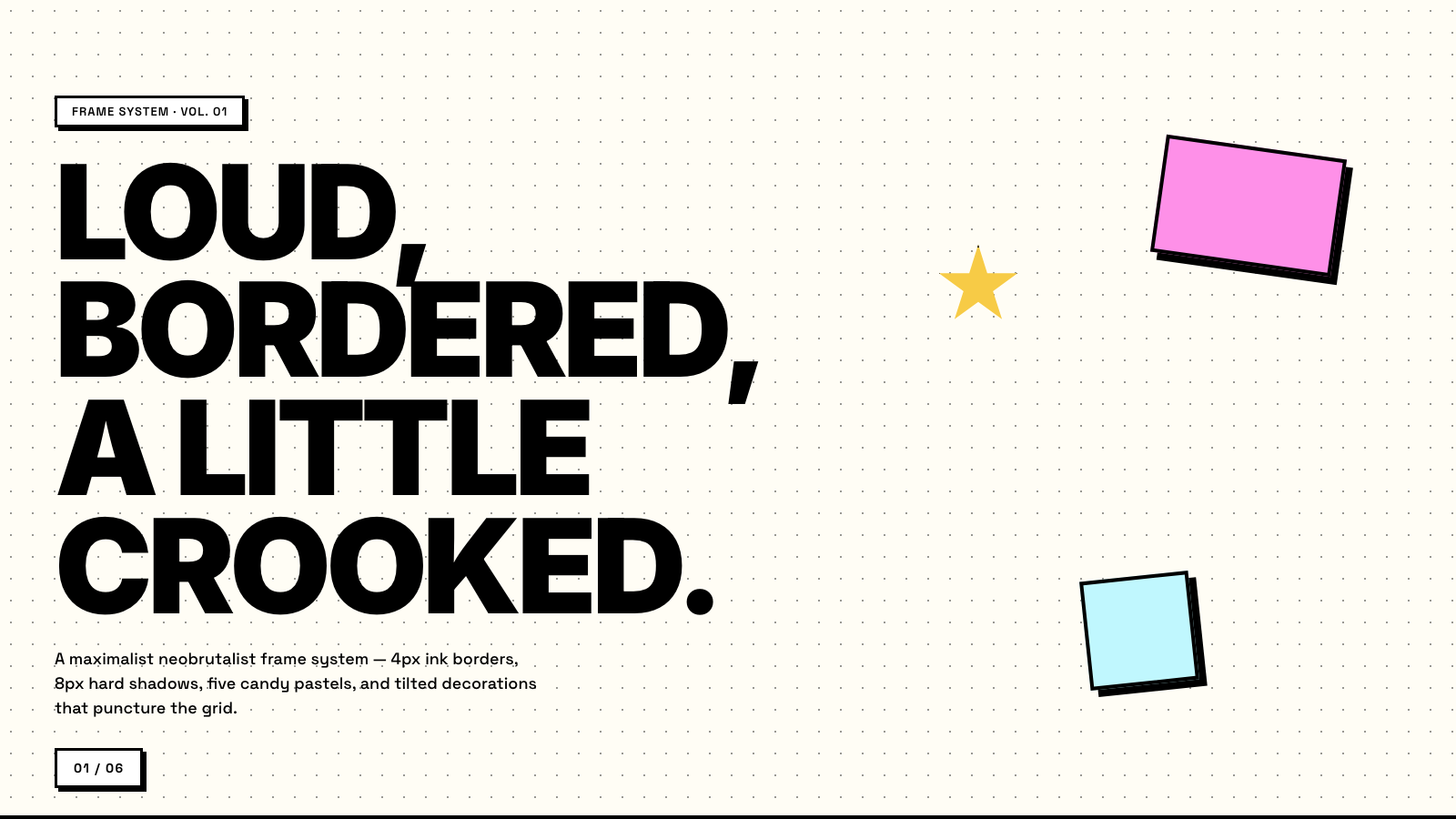
BlockFrame |
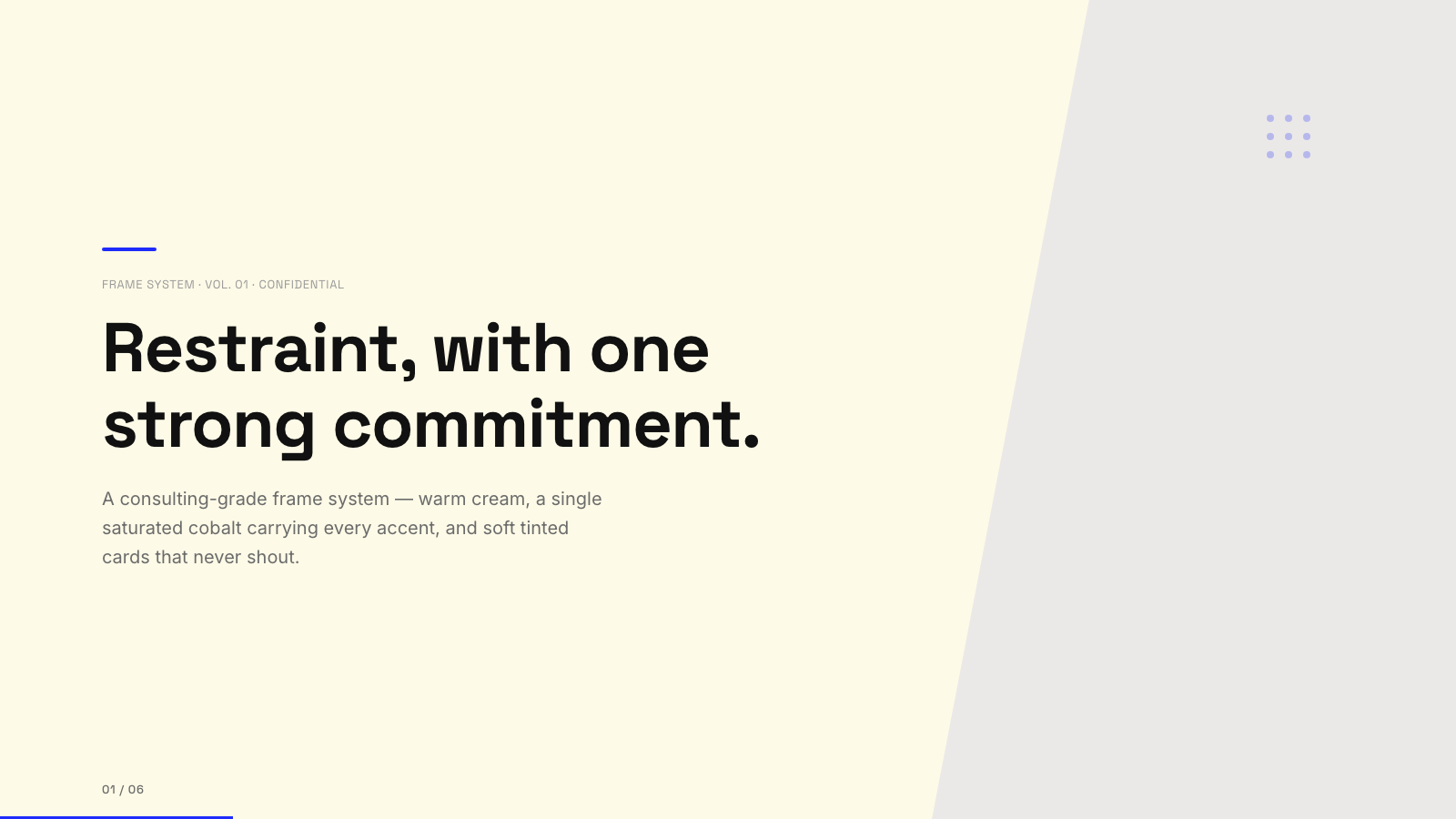
Blue Professional |
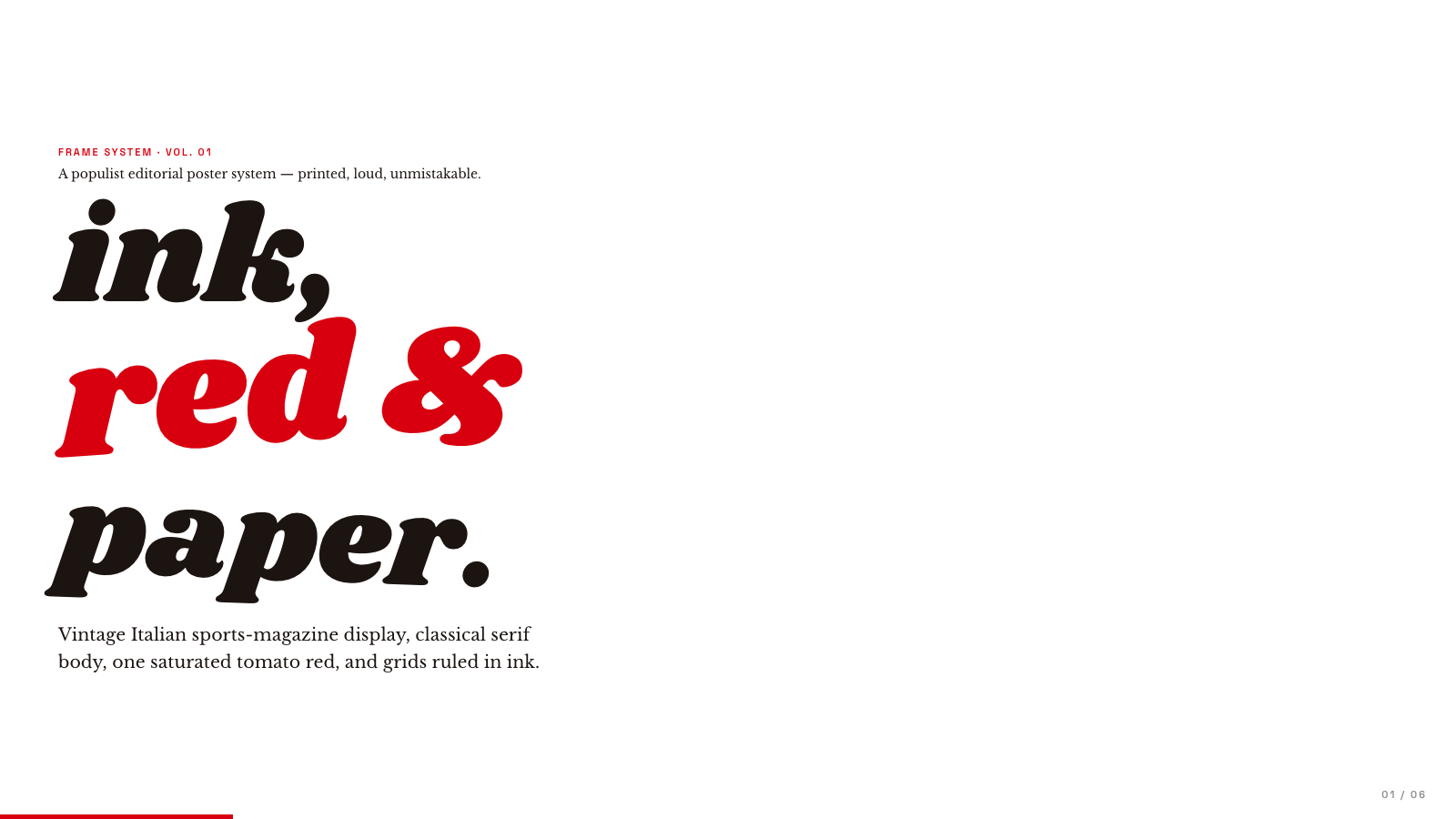
Bold Poster |
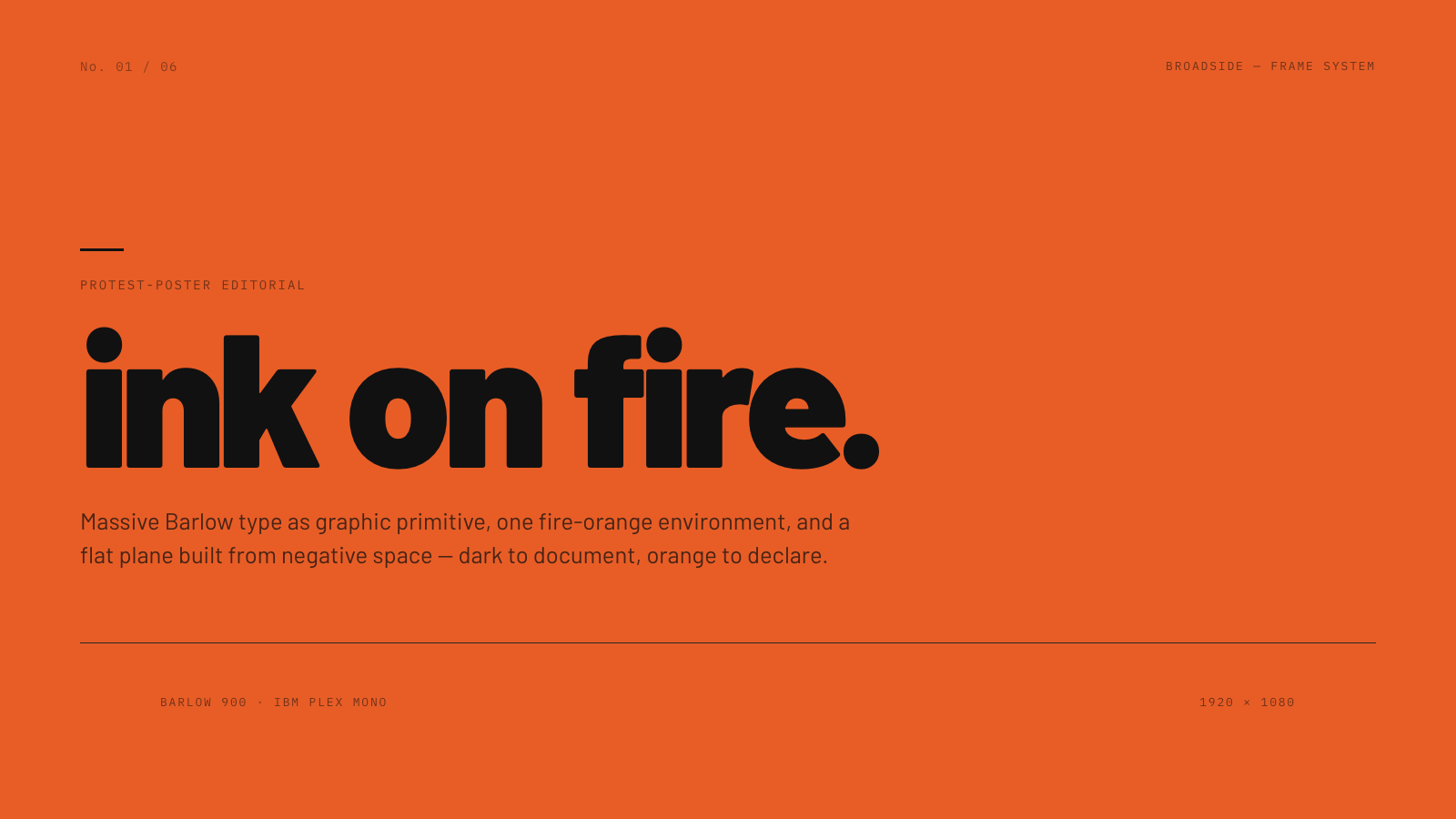
Broadside |
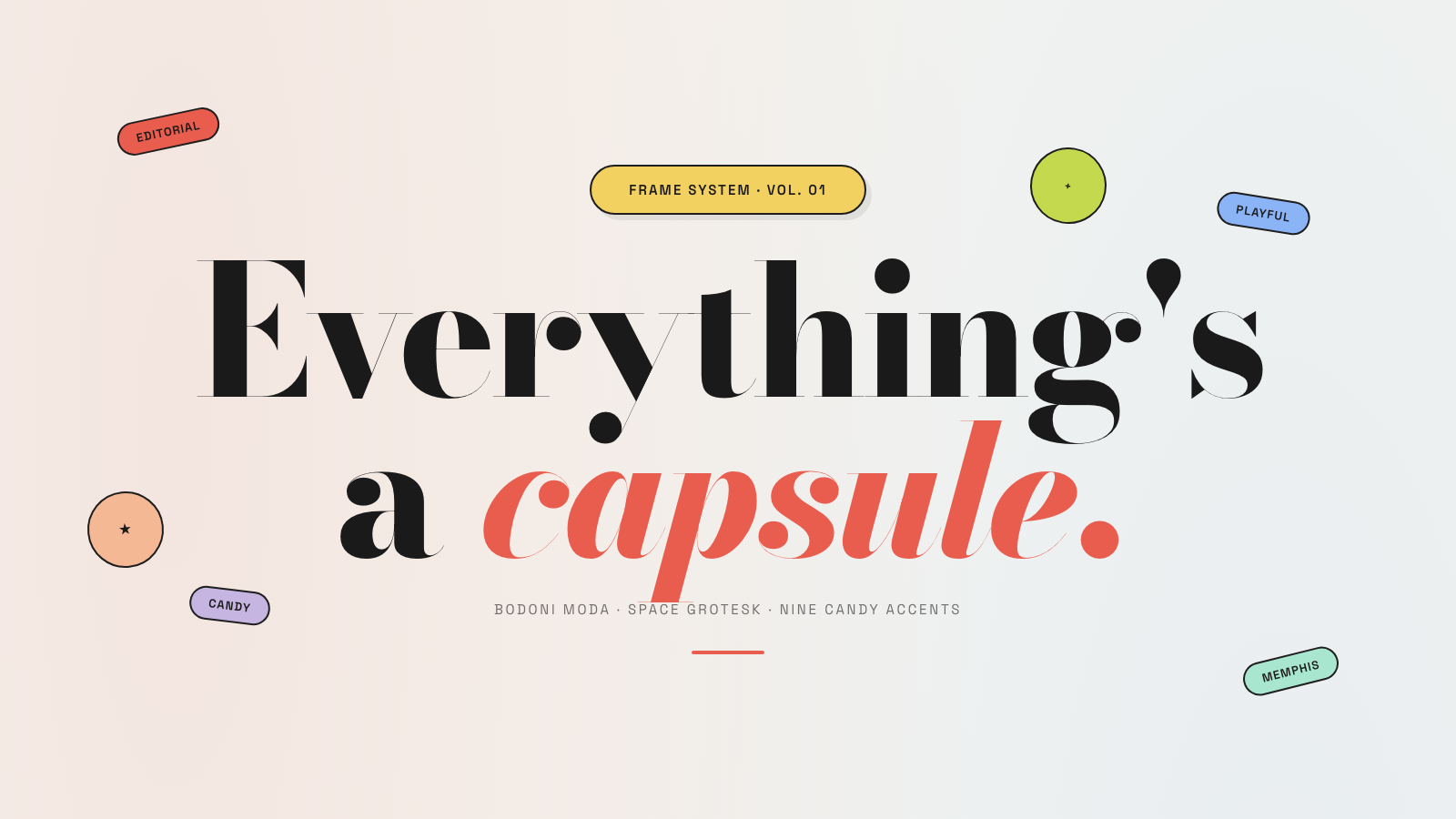
Capsule |
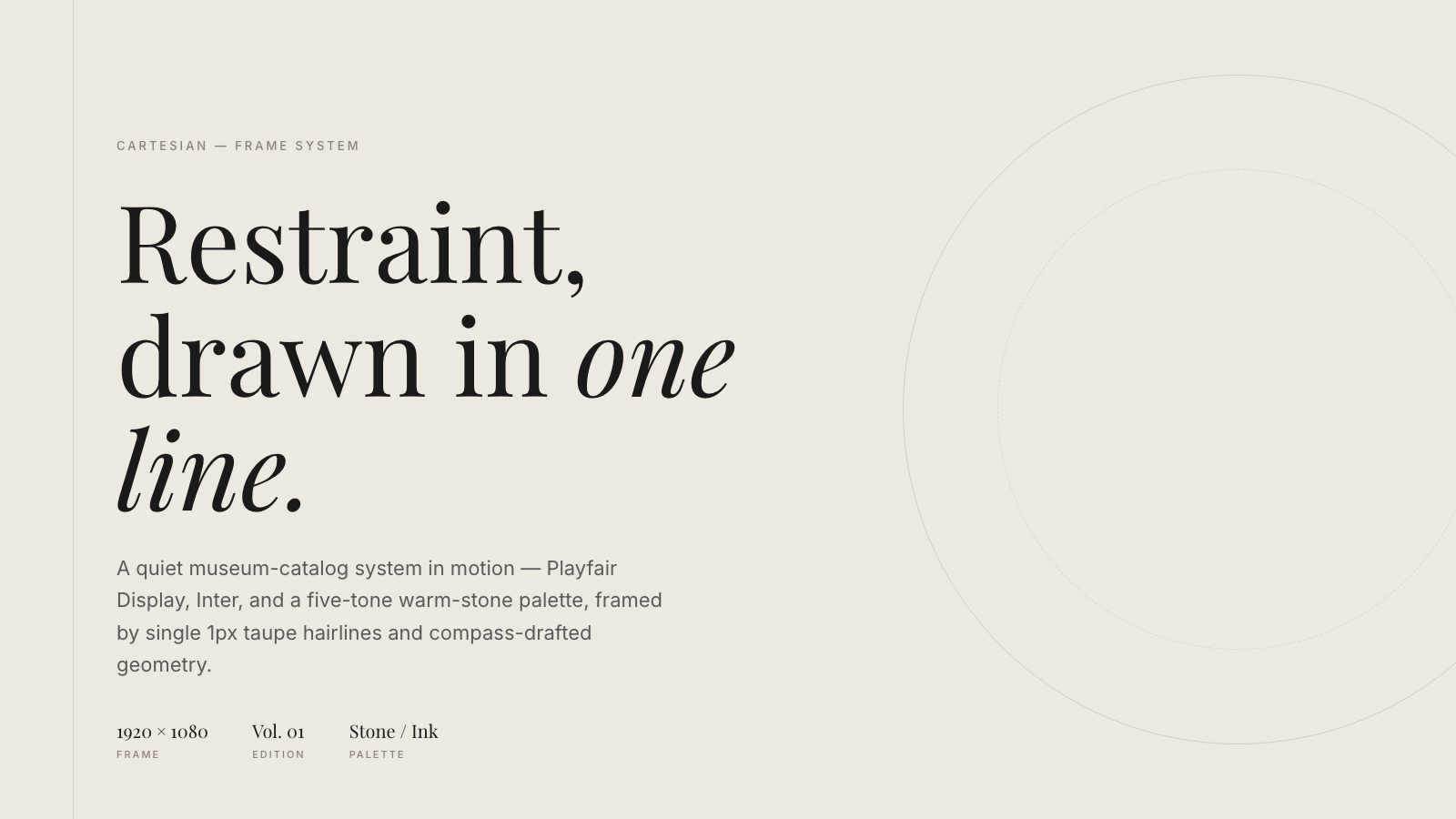
Cartesian |
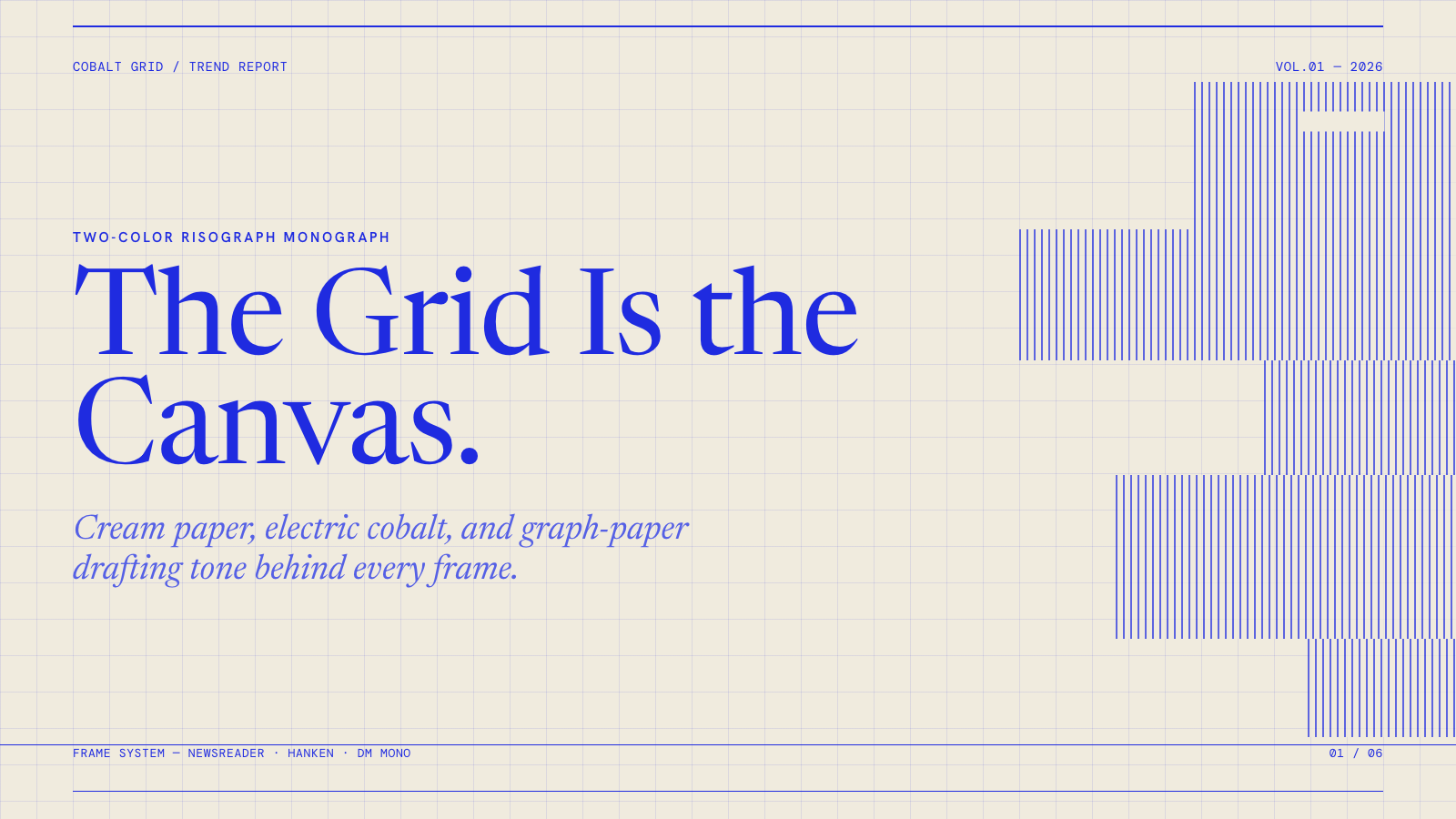
Cobalt Grid |

Coral |
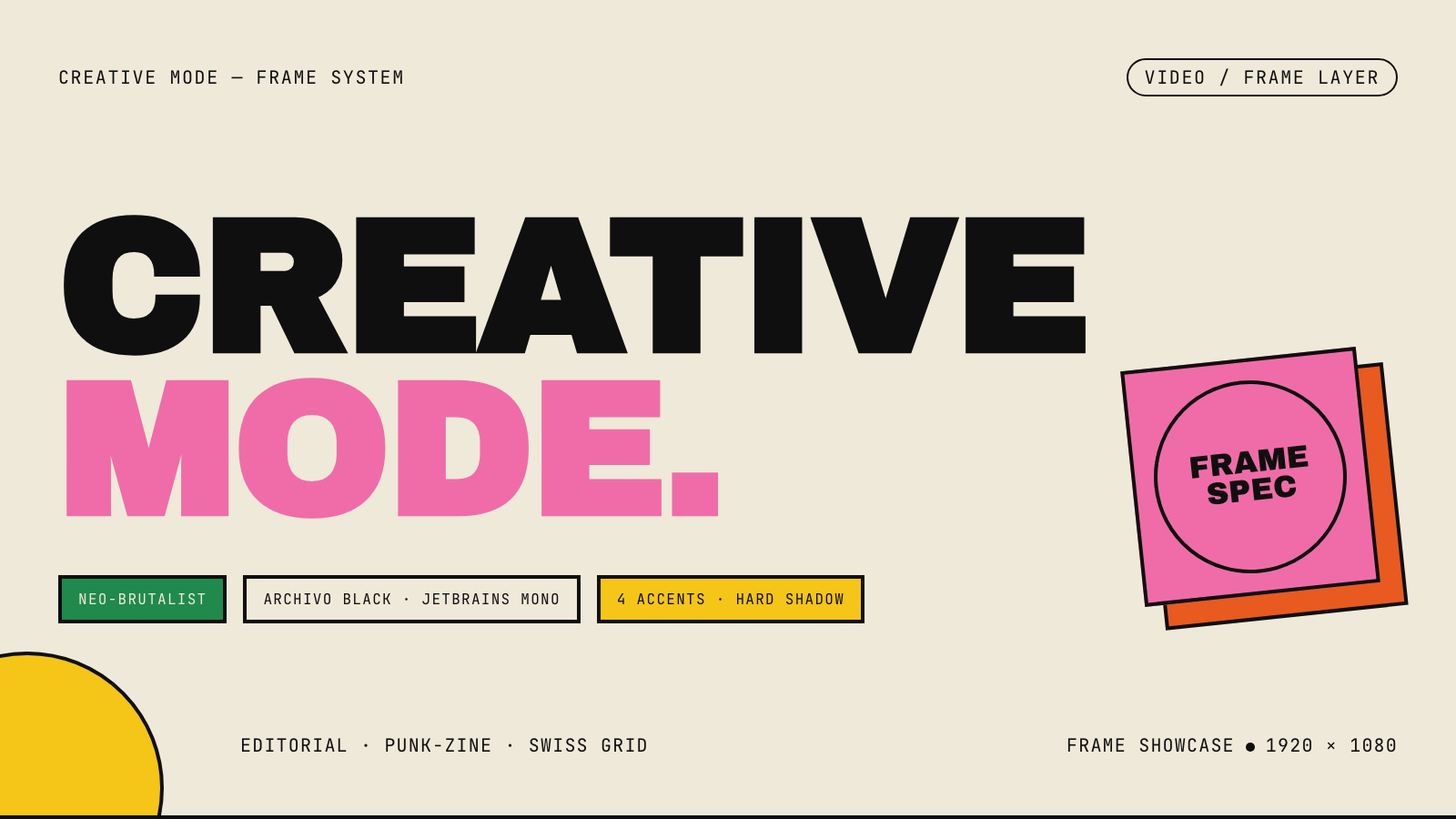
Creative Mode |
Browse and remix them all at hyperframes.dev/design.
How It Works
Define a video as HTML. Add data attributes for timing and tracks. Use GSAP, CSS, Lottie, Three.js, Anime.js, WAAPI, or your own frame adapter for seekable animation.
<div id="stage" data-composition-id="launch" data-start="0" data-width="1920" data-height="1080">
  <video
    class="clip"
    data-start="0"
    data-duration="6"
    data-track-index="0"
    src="intro.mp4"
    muted
    playsinline
  ></video>

  <h1 id="title" class="clip" data-start="1" data-duration="4" data-track-index="1">Launch day</h1>

  <audio
    data-start="0"
    data-duration="6"
    data-track-index="2"
    data-volume="0.5"
    src="music.wav"
  ></audio>

  <script src="https://cdn.jsdelivr.net/npm/gsap@3/dist/gsap.min.js"></script>
  <script>
    const tl = gsap.timeline({ paused: true });
    tl.from("#title", { opacity: 0, y: 40, duration: 0.8 }, 1);
    window.__timelines = window.__timelines || {};
    window.__timelines.launch = tl;
  </script>
</div>
Preview instantly in the browser. Render locally or in Docker. The renderer seeks each frame in headless Chrome and encodes the result with FFmpeg, so the same input produces the same video.
HyperFrames Stack
HyperFrames is the open-source rendering engine, plus a growing set of tools around HTML-native video creation.
| Piece | Status | What it does |
|---|---|---|
| CLI | Available | Scaffold, preview, lint, inspect, and render local video projects |
| Core / Engine / Producer | Available | Parse compositions, drive headless Chrome, encode video, and mix audio |
| Catalog | Available | Reusable blocks and components for transitions, overlays, captions, charts, maps, and effects |
| Agent skills | Available | Teach coding agents the video-production patterns that generic web docs miss |
| Studio | Available, evolving | Browser surface for previewing and editing compositions |
| AWS Lambda rendering | Available | Deploy a distributed render stack and drive renders from your laptop or CI |
| hyperframes.dev | Available | Community playground for previewing, iterating, sharing, and rendering HTML-native video projects |
| frame.md | Available | Invert your design system for the camera — a DESIGN.md superset an agent can compose video from |
Catalog
Install ready-to-use blocks and components:
npx hyperframes add flash-through-white   # shader transition
npx hyperframes add instagram-follow      # social overlay
npx hyperframes add data-chart            # animated chart
Browse the catalog at hyperframes.heygen.com/catalog.
Why HyperFrames?
- HTML-native: compositions are HTML files with data attributes. No React requirement, no proprietary timeline format.
- Agent-friendly: agents already write HTML, and the CLI is non-interactive by default.
- Deterministic: same input, same frames, same output. Built for CI, regression tests, and automated rendering.
- No build step: an
index.htmlcomposition plays as-is and can be previewed directly in the browser. - Adapter-based animation: bring GSAP, CSS animations, Lottie, Three.js, Anime.js, WAAPI, or a custom runtime.
- Open source: Apache 2.0 license, with no per-render fees or commercial-use thresholds.
HyperFrames vs Remotion
HyperFrames is inspired by Remotion. Both tools render video with headless Chrome and FFmpeg. The main difference is the authoring model: Remotion's bet is React components; HyperFrames' bet is plain HTML that humans and agents can both write easily.
| HyperFrames | Remotion | |
|---|---|---|
| Authoring | HTML + CSS + seekable animation | React components |
| Build step | None; index.html plays as-is |
Bundler required |
| Agent handoff | Plain HTML files | JSX / React project |
| Library-clock animations | Seekable, frame-accurate via adapters | Wall-clock animation patterns need care |
| Distributed rendering | Local and AWS Lambda render paths | Remotion Lambda, mature cloud renderer |
| License | Apache 2.0 | Source-available Remotion License |
Read the full comparison in the HyperFrames vs Remotion guide.
Documentation
Full documentation: hyperframes.heygen.com/introduction
Packages
| Package | Description |
|---|---|
hyperframes |
CLI for creating, previewing, linting, and rendering compositions |
@hyperframes/core |
Types, parsers, generators, linter, runtime, and frame adapters |
@hyperframes/engine |
Seekable page-to-video capture engine using Puppeteer and FFmpeg |
@hyperframes/producer |
Full rendering pipeline for capture, encode, and audio mix |
@hyperframes/studio |
Browser-based composition editor UI |
@hyperframes/player |
Embeddable <hyperframes-player> web component |
@hyperframes/shader-transitions |
WebGL shader transitions for compositions |
@hyperframes/aws-lambda |
AWS Lambda SDK and deployment surface for distributed renders |
Community
HyperFrames is used in production at HeyGen, with community examples from teams like tldraw, TanStack, and others in ADOPTERS.md. Open a PR if your team is using HyperFrames.
- Questions and ideas: Discord
- Bugs and feature requests: GitHub Issues
- Security reports: SECURITY.md
- Contributions: CONTRIBUTING.md
Development Note
The repo uses Git LFS for golden regression-test baselines under packages/producer/tests/**/output.mp4 (about 240 MB of .mp4 files). If you're cloning the full repo for development, install Git LFS first:
# macOS
brew install git-lfs

# Ubuntu / Debian
sudo apt install git-lfs

# Windows
winget install GitHub.GitLFS

# Then, once per machine
git lfs install
If you only need source files, you can skip LFS content:
GIT_LFS_SKIP_SMUDGE=1 git clone https://github.com/heygen-com/hyperframes.git