 WaterrrForeverandClaude Opus 5.5
fb738015a0
* fix(cli): an interrupted templates pull leaves no partial folder

Unpacking now runs tar asynchronously and removes its .part folder on
SIGINT/SIGTERM/SIGHUP before re-raising the signal. Part folders carry the
owning pid, and the next pull clears any whose process is gone.

Co-Authored-By: Claude Opus 5.5 <noreply@anthropic.com>

* fix(cli): auth status and templates pull say when HeyGen cannot be reached

Offline, both commands waited on unbounded requests and then printed only
undici's 'fetch failed'. A new networkFailure helper names the host, the
reason (DNS lookup, no route, refused, no answer in time, dropped) and the
next step. The account and token-refresh requests now time out after 15 s,
the template link after 15 s, and auth status reports an offline refresh at
once instead of retrying with the stale token. describeCauseChain moves into
the helper so the registry and auth share it.

Co-Authored-By: Claude Opus 5.5 <noreply@anthropic.com>

* fix(cli): preview leaves the project's HTML files as they are

Opening a project in preview stamped data-hf-id into every composition on
disk. The preview route and every source mutation already mint the same
content-keyed ids in memory, so the startup pass is dropped: files gain ids
only when an edit to them is saved. The .hyperframes folder is still made
before the watcher starts, so the preview cache creating it is not reported
to Studio as a manifest change.

Co-Authored-By: Claude Opus 5.5 <noreply@anthropic.com>

* fix(cli): check runs the browser audits past a lint error

A lint error made check skip runtime, layout, motion and contrast, so one
known lint error hid every browser finding. The browser pass now runs
whenever there is a composition to load, and the lint error still fails the
check. Only a root with no data-composition-id skips it.

Co-Authored-By: Claude Opus 5.5 <noreply@anthropic.com>

* fix(cli): no desktop-app line for CI or a script reading render output

The 'Keep editing by chatting with Framey' line printed on every render and
preview, including CI and piped runs where nobody can open the app. It now
prints for a person at a terminal, and for a coding agent, which the
hyperframes skill tells to pass the line on; CI and other non-TTY runs get
nothing.

Co-Authored-By: Claude Opus 5.5 <noreply@anthropic.com>

* fix(cli): cloud render takes a composition at any aspect ratio

A 1920x960 composition got 'server will default aspect_ratio to 16:9'
although the render kept 1920x960: at 1080p the cloud renders at the
composition's own size and aspect_ratio only picks a 4K preset. The CLI now
names the detected ratio (2:1) and says the size is kept, takes
--aspect-ratio as any W:H checked against the composition, sends only the
16:9, 9:16 and 1:1 the API accepts, and refuses a 4K render of any other
ratio before upload, where no preset fits.

Co-Authored-By: Claude Opus 5.5 <noreply@anthropic.com>

* fix(media-use): a weak sound-effect match says so instead of passing silently

resolve --type sfx returned a HeyGen sound at any score down to 0.4, and a
project file that shared one word of its name with the intent, with nothing
to tell them from a real match. Such a result now carries a match object in
the JSON ({score, min_score, low_confidence} or the matched words and the
intent the file was resolved for) and a low-confidence line on stderr. A
HeyGen search with no hit says so with the min score it used, and a sound
effect nothing matches fails with 'no sound effect matched'.

Co-Authored-By: Claude Opus 5.5 <noreply@anthropic.com>

* feat(cli): media-use avatars lists the film account's avatar looks

Templates had to reach for 'heygen avatar list', a separate sign-in that can
be another account. 'media-use avatars' lists the private looks on the
HyperFrames account making the film (GET /v3/avatars/looks?ownership=private,
following next_token up to --limit) as {avatars: [{avatar_id, name, ...}]},
the id that 'generate --type avatar --avatar' takes.

Co-Authored-By: Claude Opus 5.5 <noreply@anthropic.com>

* chore(skills): leave style-sampling's avatar line to #7164, which owns that skill

Co-Authored-By: Claude Opus 5.5 <noreply@anthropic.com>

* fix(cli): templates pull removes only the part folders it marked as its own

The abandoned-part cleanup deleted any sibling named '<slug>.part-*' whose
next token was not a live pid, so a person's own 'sample.part-notes/',
'sample.part-reference.txt' or a symlink went with it. A pull now writes an
ownership marker (owner tag + pid) into its part folder, and the cleanup
removes only a real directory with the generated '<slug>.part-<pid>-XXXXXX'
name whose marker names a dead pid. Files, symlinks, unmarked folders and
older unmarked parts are left alone.

Co-Authored-By: Claude Opus 5.5 <noreply@anthropic.com>

* fix(cli): media-use avatars says it is offline when the login refresh cannot reach HeyGen

A network failure while refreshing the stored login was reported as 'no
HeyGen sign-in' with 'auth login' as the fix, though the login was still
there. It now keeps the network failure's message and next step.

Co-Authored-By: Claude Opus 5.5 <noreply@anthropic.com>

* fix(media-use): a reused weak sound keeps its low-confidence advisory

The first resolve of a weak HeyGen sound or a name-matched project file
flagged it, but an identical second resolve hit the project manifest and
returned it with no match object. The advisory is now rebuilt from the
record's provenance (the stored score, or the adopted file's name) on reuse.

Co-Authored-By: Claude Opus 5.5 <noreply@anthropic.com>

* refactor(cli): keep the comment share of files this branch touched from rising

Co-Authored-By: Claude Opus 5.5 <noreply@anthropic.com>

* fix(cli): no check-then-use on pull markers, and the download is never written to disk

CodeQL flagged the downloaded bundle written to a file before tar read it,
and a stat-then-read in the preview test. The verified archive now streams
into tar's stdin, so no network bytes reach a file the CLI writes. The
abandoned-part scan takes the entry type from readdir instead of an lstat,
reads the ownership marker through one O_NOFOLLOW descriptor it fstats, and
the preview test reads each file once instead of stat-checking it first.

Co-Authored-By: Claude Opus 5.5 <noreply@anthropic.com>

* chore(ci): raise the CLI's unpacked size budget to 5% over its measured size

main's @hyperframes/cli was already about 0.99% over its 23722874-byte
unpacked budget, so this branch's additions (networkFailure, the avatars
command, the larger skill references) tip it past the 1% tolerance. This is
the same value #7169 sets, 25159107 bytes (5% headroom over the measured
size), so the two PRs merge cleanly.

Co-Authored-By: Claude Opus 5.5 <noreply@anthropic.com>

* refactor(cli): split the pull-marker check and share the token-endpoint POST

Fallow flagged pullOwner (CRAP 49.5, cyclomatic 13) and a 28-line clone
between refreshOnce and exchangeCodeForTokens. pullOwner is now the name
match, the O_NOFOLLOW marker read and the marker check as three small
functions, with the same behaviour. Both token requests go through one
postToTokenEndpoint, which keeps the 15 s timeout and the named network
failure.

Co-Authored-By: Claude Opus 5.5 <noreply@anthropic.com>

* fix(cli): a 4k cloud render checks the exact size against its preset before upload

The aspect detector matches a ratio within ±0.05, so at 4k a 1920x1055
composition was sent as 16:9 and 1000x980 as 1:1, and the producer then
refused both as an aspect mismatch. At 4k the matched ratio's preset
(landscape-4k, portrait-4k, square-4k, the ones the API maps it to) now goes
through the producer's own checkOutputResolutionCompatibility, and a
composition it does not fit is refused locally with the producer's reason
and the 1080p alternative. 1080p, where the render keeps the composition's
own size, is unchanged.

Co-Authored-By: Claude Opus 5.5 <noreply@anthropic.com>

---------

Co-authored-by: Claude Opus 5.5 <noreply@anthropic.com>


Write HTML. Render video. Built for agents.
Studio | Quickstart | Showcase | Playground | Catalog | Docs | Discord
Download the desktop app: macOS · Windows · Linux (.deb)
HyperFrames is an open-source framework for turning HTML, CSS, media, and seekable animations into deterministic MP4 videos. Use it locally with the CLI, from AI coding agents with skills, or as the rendering core behind hosted authoring workflows.
Using Claude Code, Codex, Cursor, or another coding agent? Run npx hyperframes skills update once, then ask your agent to make a video.
Quick Start
With an AI coding agent
For Claude Code, install the versioned plugin:
claude plugin marketplace add heygen-com/hyperframes
claude plugin install hyperframes@hyperframes
To enable auto-update for the hyperframes marketplace, run claude in a
terminal in your project. In Claude Code's terminal UI, run /plugin, then select
Marketplaces → hyperframes → Enable auto-update. Afterward, use
/hyperframes:hyperframes. See the plugin guide
for Copilot, VS Code, Cursor, Gemini CLI, updates, and migration.
For standalone skills (including OpenCode), use:
npx skills add heygen-com/hyperframes
The picker opens with nothing pre-selected — the Core Skills group is all you need;
/slideshow,/remotion-to-hyperframes,/reverse-any-video,/style-samplingand/figmainstall on demand. Without the picker (a script or a CI job),npx hyperframes skills updateinstalls exactly the core set, whereasskills add --allinstalls all 9 published skills. The six repo-internal skills under.claude/skills/.agents/skillsare excluded by default. For the full published set usenpx hyperframes skills.
skills addresolves the skills.sh registry blob, which can lagmainby hours.npx hyperframes skills updateinstalls the skills from the release tag that matches your CLI version, so they match the CLI that runs them.
Run project-local installs from your video project's directory. From a HyperFrames
checkout, use npx hyperframes skills update for a global install instead: a
project-local installer target can overlap the tracked skills/ source and
overwrite uncommitted edits. See contributor setup.
Try a prompt like:
Using
/hyperframes, create a 10-second product intro with a fade-in title, a background video, and subtle background music.
The skills teach agents the HyperFrames production loop: plan the video, write valid HTML, wire seekable animations, add media, lint, preview, and render. They work with Claude Code, Codex, Cursor, Gemini CLI, IBM Bob, and other coding agents that support skills.
Skills
HyperFrames ships 9 skills. Make any video by asking for it; the /hyperframes skill carries the contract and the references (film, captions, overlays, motion, look). Read it first.
For standalone installation, default to the core set (/hyperframes, /hyperframes-cli, /hyperframes-registry, /media-use). npx hyperframes skills update installs exactly that from anywhere; the interactive picker (npx skills add heygen-com/hyperframes) lists it as the "Core Skills" group, nothing pre-selected. The picker is interactive-only — a non-interactive or agent run without --skill installs all 9. Use npx skills add heygen-com/hyperframes --all to install the complete published set deliberately (skips the picker), or npx skills add heygen-com/hyperframes --skill <name> for just one (bare name, no leading /).
Standalone installs stay lean after that: npx hyperframes init installs the core set only when it is missing and never touches a skill you already have (npx hyperframes skills update refreshes them, and never removes one); /figma, /slideshow, /remotion-to-hyperframes and /reverse-any-video install on demand with npx hyperframes skills update <name>. Nothing re-pulls the full set behind your back.
Plugin packages
Plugins bundle the full skill catalog and use their agent's update manager.
bun run package:agent-plugin builds the committed portable ZIP, source metadata,
and SHA-256 checksum. See the maintainer checklist.
Upload to Codex
Build the upload-ready Codex plugin archive from the committed HEAD version of the manifest, brand assets, and skills:
bun run package:codex-plugin
This writes dist/hyperframes-plugin.zip with a hyperframes/ root folder and fails if the archive exceeds Codex's 100 MB upload limit.
Core set
| Skill | Use when |
|---|---|
/hyperframes |
Read first for any request to make, edit, animate or render a video, motion graphic, captions or overlays with HyperFrames (HTML rendered to video). Holds the render contract and the work loop, and points to the references for format, motion, look, captions, whole films and storyboards. |
/hyperframes-cli |
The HyperFrames CLI by job — scaffold, check, look at frames, edit the timeline, preview, render locally or in the cloud, publish, project history — plus reading its JSON and recovering from build or render failures. |
/hyperframes-registry |
About 450 ready-made blocks and components installed as editable source — transitions, overlays, titles, kinetic type, captions, charts, maps, 3D, camera moves. Use before hand-building any named visual; also for hyperframes add and catalog. |
/media-use |
Get or make any media for a video — music, sound effects, images, icons, logos, voiceover, avatar and generated video, transcripts, cutouts, colour grades and looks — with HeyGen or free local tools, and mix placed audio. Also for footage that looks dark, flat or dull. |
On demand
| Skill | Use when |
|---|---|
/figma |
Bring Figma into a video — rendered assets, brand tokens, components, storyboard frames as reconstructed motion, shaders and connector-assisted motion. Use when you paste a figma.com link. |
/slideshow |
A presentation, pitch deck or interactive deck — discrete slides, fragment reveals, branching, hotspot navigation, presenter mode with speaker notes. Output is a navigable deck, not a rendered MP4. |
/remotion-to-hyperframes |
Bringing existing video code or footage into HyperFrames (Remotion first; also Motion Canvas, Lottie, Three.js, canvas, other tools' renders), verified frame by frame. |
/reverse-any-video |
Rebuilding any video file as an editable HyperFrames project (motion graphics, talking heads, live action, AI-generated footage), checked frame by frame against the original. HyperFrames Pro. |
/style-sampling |
Making a new episode on your topic in one of five proven styles: Collage Explainer, Finance Explainer, Animated Science Explainer, 3D Brand Explainer, 3D True Crime. HyperFrames Pro. |
For visual design handoff workflows, see the Claude Design guide and Open Design guide.
Manually with the CLI
npx hyperframes init my-video
cd my-video
npx hyperframes preview      # preview in browser with live reload
npx hyperframes render       # render to MP4
Requirements: Node.js 22+, FFmpeg
What You Can Build
Need ideas? Browse the Showcase for finished videos you can watch, read, run, and remix.
- Product launch videos and feature announcements
- PR walkthroughs with animated code diffs, narration, and captions
- Data visualizations, chart races, and map animations
- Social videos with kinetic captions, overlays, and music
- Docs-to-video, PDF-to-video, and site-tour explainers
- Reusable motion graphics for automated content pipelines
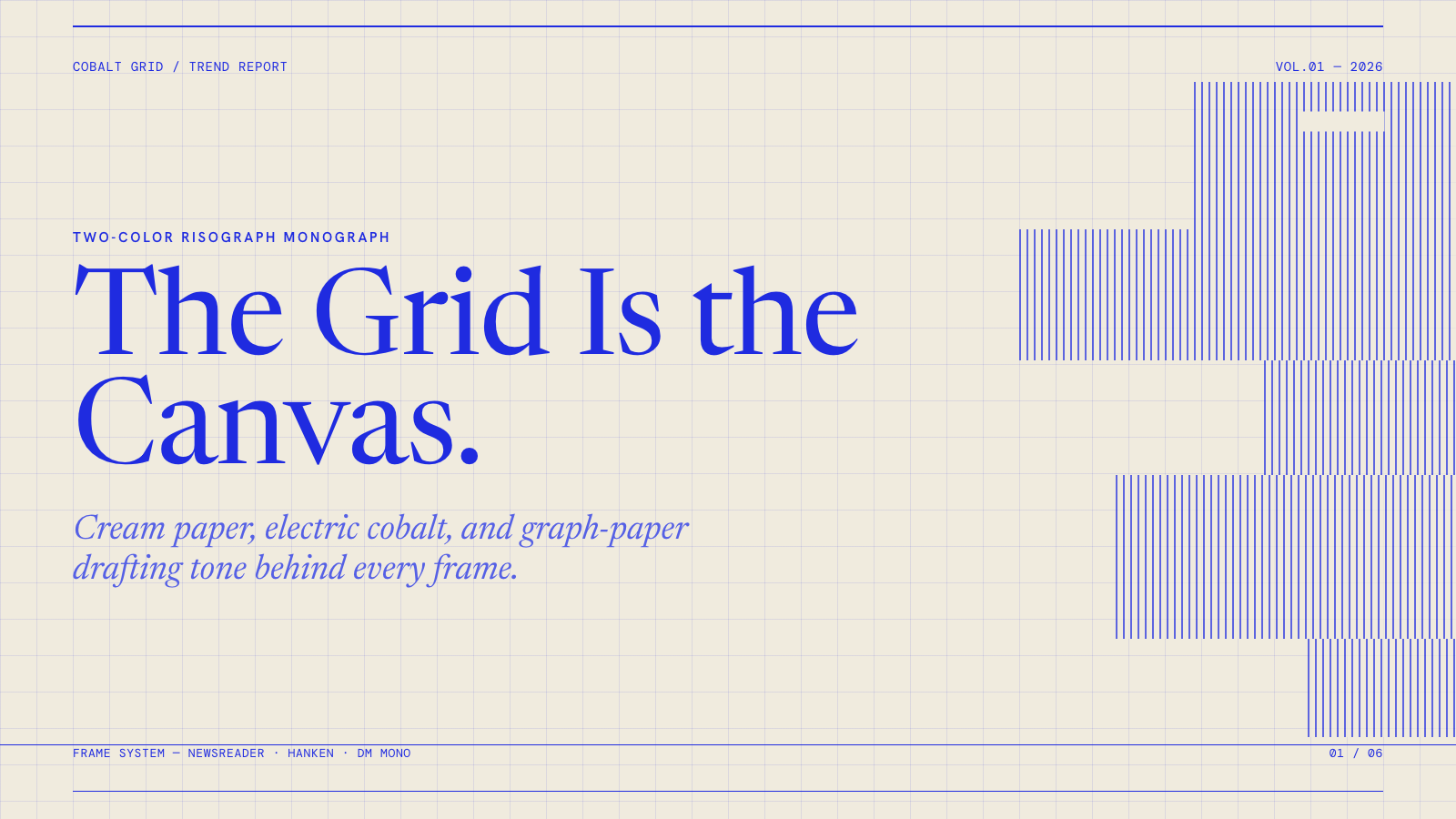
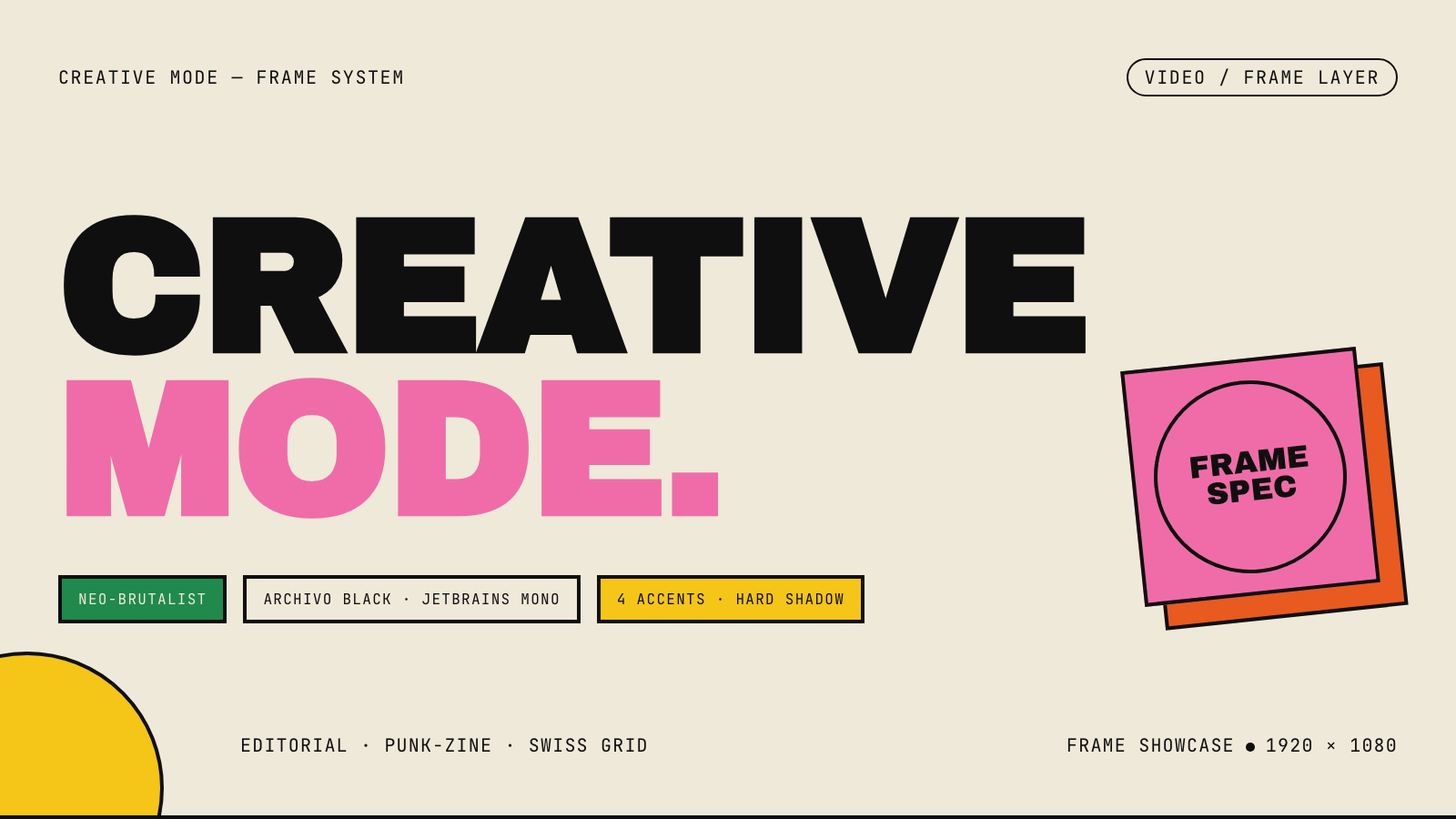
Frame.md
frame.md — your design system, ready for video.
Every brand has a design.md. None of them were written for a camera. frame.md is the missing translation layer: it takes your web-context design spec and inverts it for the frame — the same tokens, the same rules, but rewritten so an AI agent can compose a promo video without guessing at scale or reaching for web chrome.
The output is a DESIGN.md superset your whole toolchain can read. Atoms stay sacred. Composition stays free. Numbers come from the script.

Biennale Yellow |

BlockFrame |
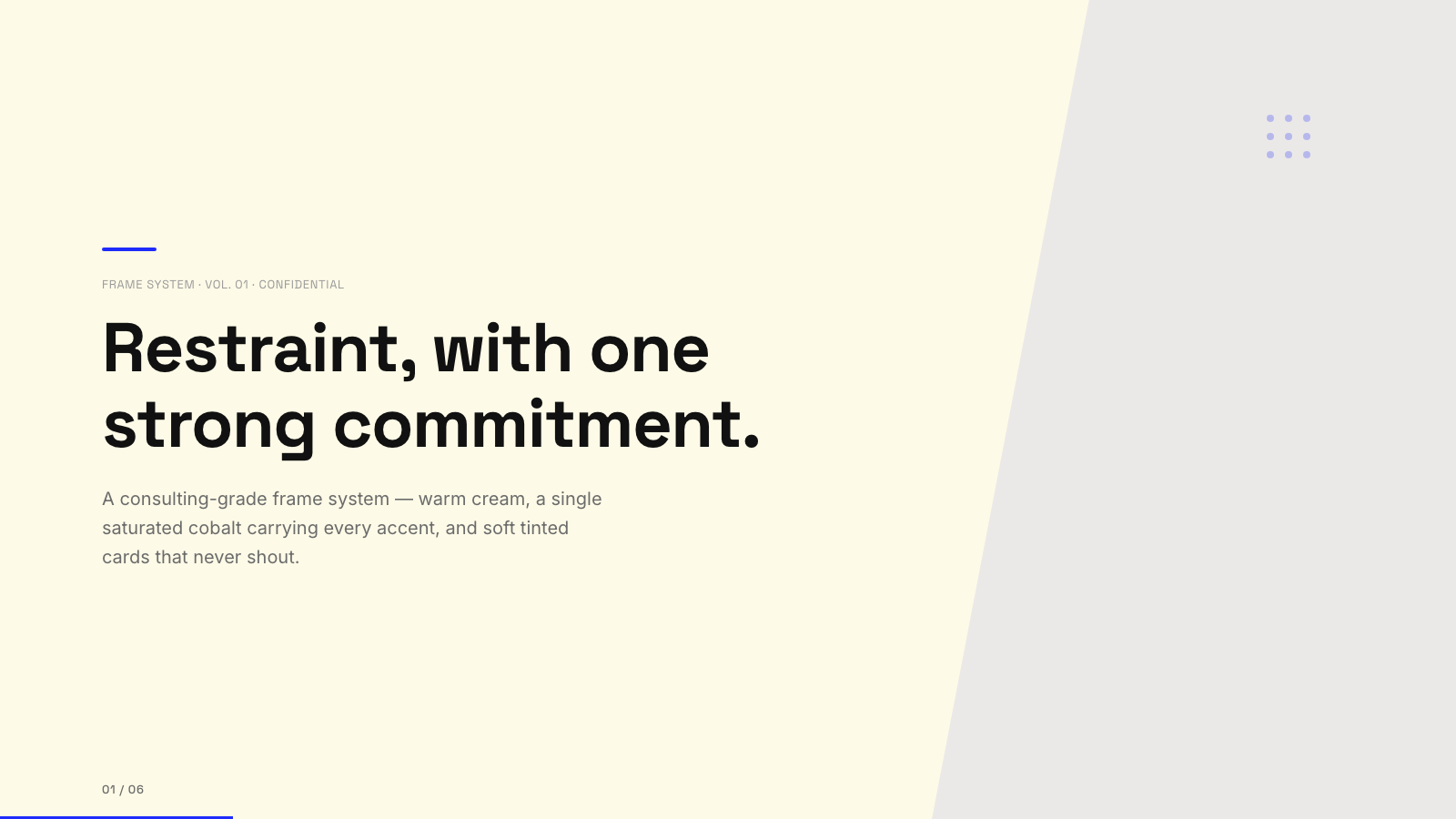
Blue Professional |

Bold Poster |
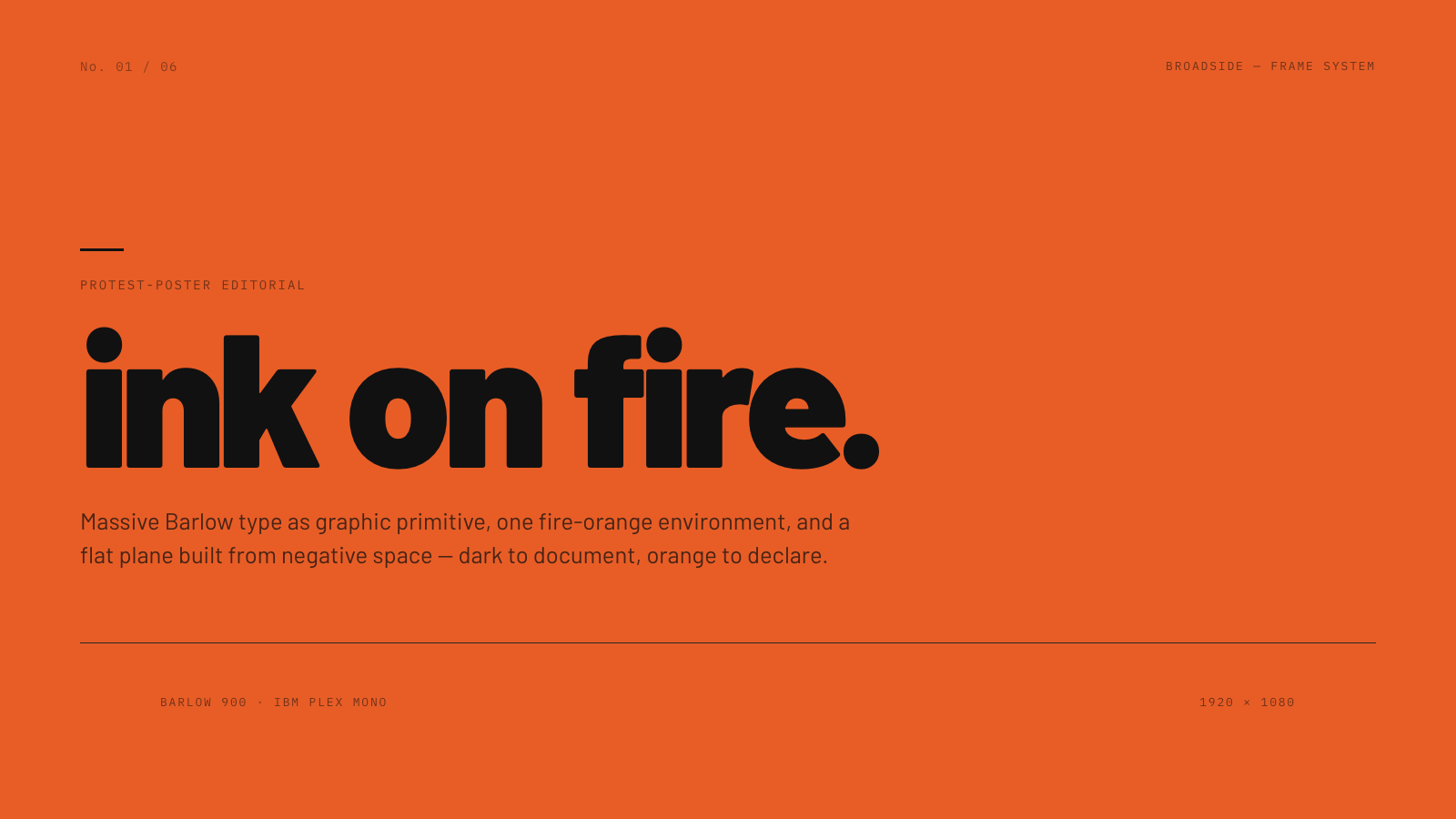
Broadside |
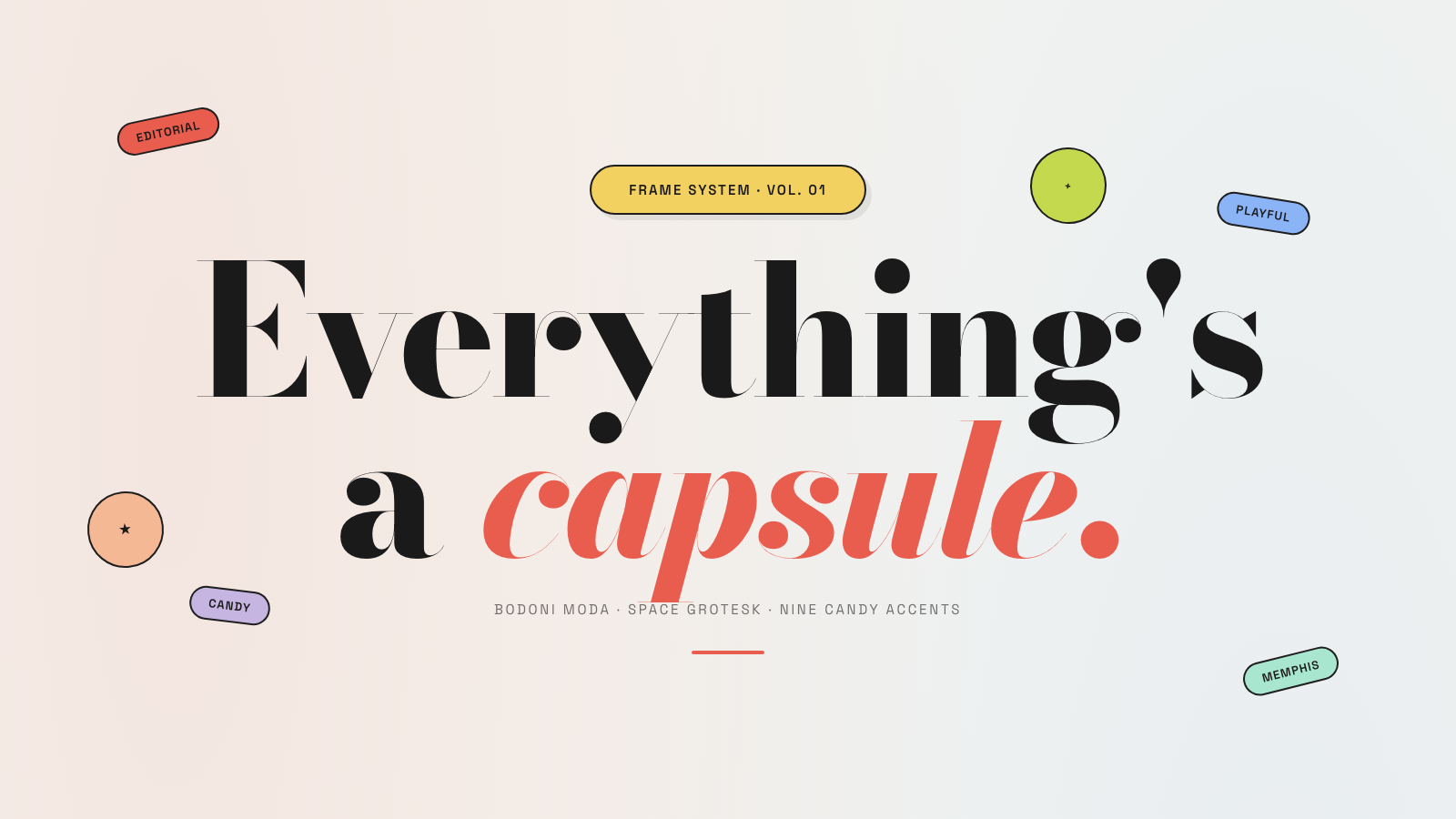
Capsule |
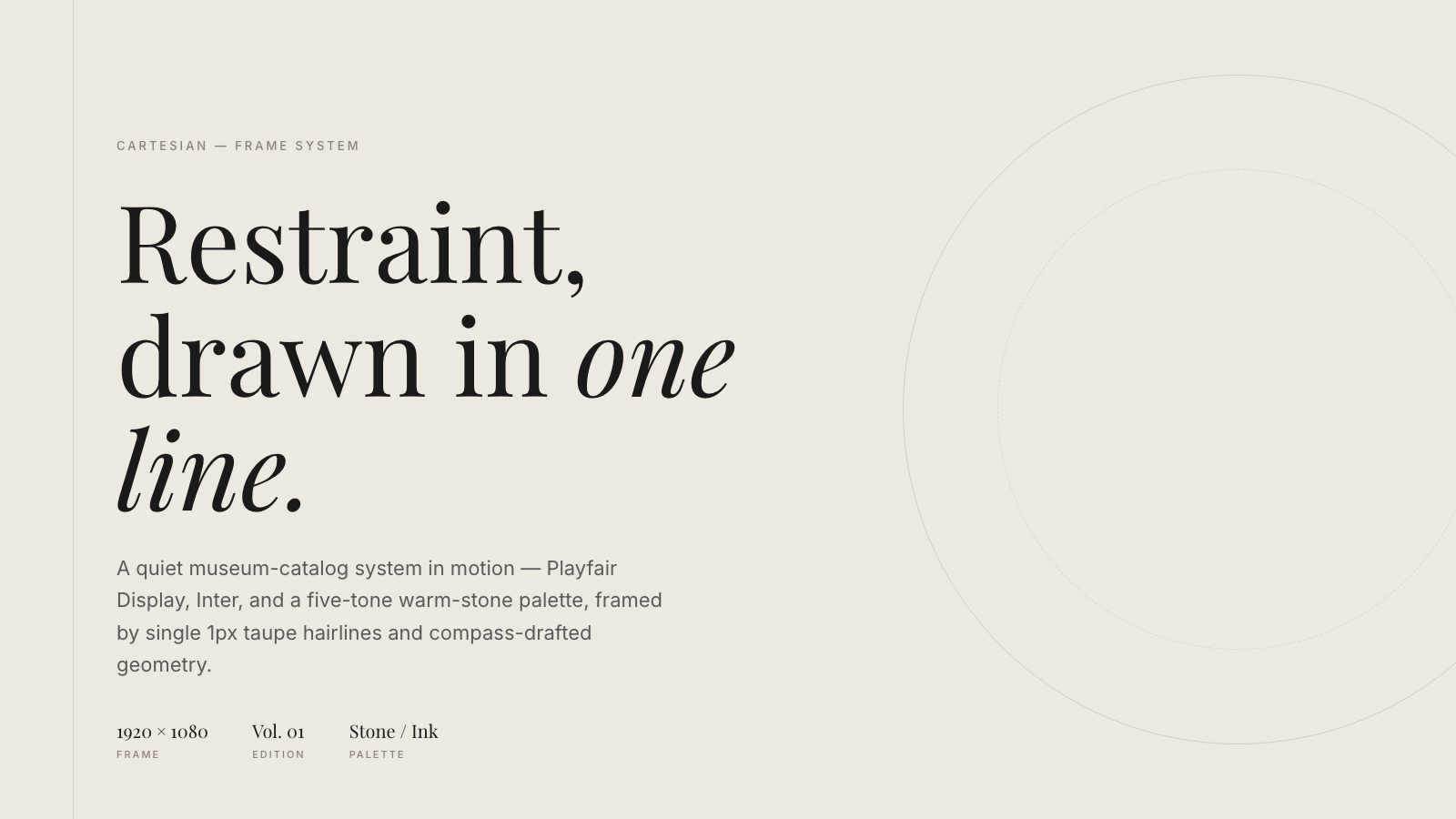
Cartesian |
Cobalt Grid |

Coral |
Creative Mode |
Browse and remix them all at hyperframes.studio/design.
How It Works
Define a video as HTML. Add data attributes for timing and tracks. Use GSAP, CSS, Lottie, Three.js, Anime.js, WAAPI, or your own frame adapter for seekable animation.
<div id="stage" data-composition-id="launch" data-start="0" data-width="1920" data-height="1080">
  <video
    class="clip"
    data-start="0"
    data-duration="6"
    data-track-index="0"
    src="intro.mp4"
    muted
    playsinline
  ></video>

  <h1 id="title" class="clip" data-start="1" data-duration="4" data-track-index="1">Launch day</h1>

  <audio
    data-start="0"
    data-duration="6"
    data-track-index="2"
    data-volume="0.5"
    src="music.wav"
  ></audio>

  <script src="https://cdn.jsdelivr.net/npm/gsap@3/dist/gsap.min.js"></script>
  <script>
    const tl = gsap.timeline({ paused: true });
    tl.from("#title", { opacity: 0, y: 40, duration: 0.8 }, 1);
    window.__timelines = window.__timelines || {};
    window.__timelines.launch = tl;
  </script>
</div>
Preview instantly in the browser. Render locally or in Docker. The renderer seeks each frame in headless Chrome and encodes the result with FFmpeg, so the same input produces the same video.
HyperFrames Stack
HyperFrames is the open-source rendering engine, plus a growing set of tools around HTML-native video creation.
| Piece | Status | What it does |
|---|---|---|
| CLI | Available | Scaffold, preview, lint, inspect, and render local video projects |
| Core / Engine / Producer | Available | Parse compositions, drive headless Chrome, encode video, and mix audio |
| Catalog | Available | Reusable blocks and components for transitions, overlays, captions, charts, maps, and effects |
| Agent skills | Available | Teach coding agents the video-production patterns that generic web docs miss |
| Studio | Available, evolving | Browser surface for previewing and editing compositions |
| AWS Lambda rendering | Available | Deploy a distributed render stack and drive renders from your laptop or CI |
| hyperframes.studio | Available | Community playground for previewing, iterating, sharing, and rendering HTML-native video projects |
| frame.md | Available | Invert your design system for the camera — a DESIGN.md superset an agent can compose video from |
Catalog
Install ready-to-use blocks and components:
npx hyperframes add flash-through-white   # shader transition
npx hyperframes add instagram-follow      # social overlay
npx hyperframes add data-chart            # animated chart
Browse the catalog at hyperframes.heygen.com/catalog.
Why HyperFrames?
- HTML-native: compositions are HTML files with data attributes. No React requirement, no proprietary timeline format.
- Agent-friendly: agents already write HTML, and the CLI is non-interactive by default.
- Deterministic: same input, same frames, same output. Built for CI, regression tests, and automated rendering.
- No build step: an
index.htmlcomposition plays as-is and can be previewed directly in the browser. - Adapter-based animation: bring GSAP, CSS animations, Lottie, Three.js, Anime.js, WAAPI, or a custom runtime.
- Open source: Apache 2.0 license, with no per-render fees or commercial-use thresholds.
HyperFrames vs Remotion
HyperFrames is inspired by Remotion. Both tools render video with headless Chrome and FFmpeg. The main difference is the authoring model: Remotion's bet is React components; HyperFrames' bet is plain HTML that humans and agents can both write easily.
| HyperFrames | Remotion | |
|---|---|---|
| Authoring | HTML + CSS + seekable animation | React components |
| Build step | None; index.html plays as-is |
Bundler required |
| Agent handoff | Plain HTML files | JSX / React project |
| Library-clock animations | Seekable, frame-accurate via adapters | Wall-clock animation patterns need care |
| Distributed rendering | Local and AWS Lambda render paths | Remotion Lambda, mature cloud renderer |
| License | Apache 2.0 | Source-available Remotion License |
Read the full comparison in the HyperFrames vs Remotion guide.
Documentation
Full documentation: hyperframes.heygen.com/introduction
Packages
| Package | Description |
|---|---|
hyperframes |
CLI for creating, previewing, linting, and rendering compositions |
@hyperframes/core |
Types, parsers, generators, linter, runtime, and frame adapters |
@hyperframes/engine |
Seekable page-to-video capture engine using Puppeteer and FFmpeg |
@hyperframes/producer |
Full rendering pipeline for capture, encode, and audio mix |
@hyperframes/studio |
Browser-based composition editor UI |
@hyperframes/player |
Embeddable <hyperframes-player> web component |
@hyperframes/shader-transitions |
WebGL shader transitions for compositions |
@hyperframes/aws-lambda |
AWS Lambda SDK and deployment surface for distributed renders |
Community
HyperFrames is used in production at HeyGen, with community examples from teams like tldraw, TanStack, and others in ADOPTERS.md. Open a PR if your team is using HyperFrames.
- Questions and ideas: Discord
- Bugs and feature requests: GitHub Issues
- User research: Book a casual 30-minute conversation with the HyperFrames team — no preparation or sales pitch
- Security reports: SECURITY.md
- Contributions: CONTRIBUTING.md
Development Note
The repo uses Git LFS for golden regression-test baselines under packages/producer/tests/**/output.mp4 (about 240 MB of .mp4 files). If you're cloning the full repo for development, install Git LFS first:
# macOS
brew install git-lfs

# Ubuntu / Debian
sudo apt install git-lfs

# Windows
winget install GitHub.GitLFS

# Then, once per machine
git lfs install
If you only need source files, you can skip LFS content:
GIT_LFS_SKIP_SMUDGE=1 git clone https://github.com/heygen-com/hyperframes.git