 James Russo
bacfb17538
James Russo
bacfb17538
## What

Adds an auto-detected **low-memory safe render profile**. On hosts at or below 8 GB total RAM, the render pipeline collapses to its cheapest shape instead of running multiple concurrent Chrome instances.

When `lowMemoryMode` is active and the user hasn't passed `--workers`, the orchestrator:
- **skips auto-worker calibration** — no throwaway second Chrome just to time 5 frames;
- **pins to a single worker** — so the probe Chrome is reused for capture, never N concurrent;
- **prefers screenshot capture over BeginFrame** — avoids the BeginFrame protocol-timeout → relaunch churn on slow hardware;
- logs a one-line explanation of what it did and how to override.

Builds on #1221 (merged), which fixed the calibration timeout cap, the `<= 8192` boundary, and added the CLI timeout flags.

## Why

Reported in #1218 / #1219: renders on 8 GB laptops sit at low progress for minutes or stall. Root cause (per the triage thread) is architectural — the default pipeline launches up to 4 Chrome instances sequentially/overlapping (probe, calibration, capture, screenshot-fallback), each ~256 MB+, on machines with ~3 GB free. The concurrent browsers drive memory pressure that makes every CDP call slow and spikes V8 GC pauses.

#1221 made the timeouts and memory flags *apply correctly*; this PR removes the expensive shape entirely on the machines that can't afford it, rather than tuning it. "Smarter by default."

## How

- **`packages/engine/src/services/systemMemory.ts`** (new): one shared `isLowMemorySystem()` / `getSystemTotalMb()`, de-duplicating the `totalmem()` reads previously copied in `config.ts` and `browserManager.ts`. Threshold is inclusive (`<= 8192 MB`) — real "8 GB" hardware reports ~7600–8192 MB after firmware/iGPU reservations, so a strict `<` would skip the optimisation on the very hardware that needs it.
- **`config.ts`**: new `lowMemoryMode` field on `EngineConfig`, resolved tri-state — explicit override → `PRODUCER_LOW_MEMORY_MODE` (on/off) → auto-detect from total RAM.
- **`renderOrchestrator.ts`**: gate calibration off, pin workers to 1, force screenshot capture, and emit a safe-mode log line when `lowMemoryMode` is set and `--workers` is absent.
- **`render.ts`**: `--low-memory-mode` / `--no-low-memory-mode` override (sets the env var the producer's `resolveConfig` reads) + docs table entry.

Fully overridable: an explicit `--workers N` restores calibration-free parallelism; `--no-low-memory-mode` / `PRODUCER_LOW_MEMORY_MODE=false` restores the full default shape.

### Deliberately deferred (separate PRs)
- **Reuse the probe session for calibration**: only executes on the tier *above* 8 GB (safe-mode skips calibration on the target boxes). A correct BeginFrame-mode reuse would lose calibration's fast-fail-to-screenshot timeout — real risk on a path the reported scenario never hits. Better scoped on its own.
- **Retuning `calculateOptimalWorkers`'s `totalmem*0.5/256` memory model**: hot path for *all* renders incl. servers/Lambda, outside this PR's local-laptop scope.

## Test plan

- [x] Unit tests added/updated — `systemMemory.test.ts` (8192 boundary cases), `config.test.ts` (tri-state env resolution + explicit-override precedence). Engine suite passes (25 relevant tests).
- [x] `tsc` clean across engine/producer/cli; `oxlint` + `oxfmt` clean; removed an unused export so the `fallow --fail-on-issues` dead-code gate stays green.
- [x] Documentation updated — `docs/packages/cli.mdx` render-flags table.
- [ ] Manual testing on a real ≤ 8 GB host — not yet run; behaviour is unit-covered and the safe path (1 worker + screenshot) is already a supported render shape.

Note: one pre-existing producer test (`rejects a maliciously crafted key…`) fails identically on `main` — environment-specific path test, unrelated to this change.






Write HTML. Render video. Built for agents.
Quickstart | Showcase | Playground | Catalog | Docs | Discord

HyperFrames is an open-source framework for turning HTML, CSS, media, and seekable animations into deterministic MP4 videos. Use it locally with the CLI, from AI coding agents with skills, or as the rendering core behind hosted authoring workflows.
Quick Start
With an AI coding agent
Install the HyperFrames skills, then describe the video you want:
npx skills add heygen-com/hyperframes
Try a prompt like:
Using
/hyperframes, create a 10-second product intro with a fade-in title, a background video, and subtle background music.
The skills teach agents the HyperFrames production loop: plan the video, write valid HTML, wire seekable animations, add media, lint, preview, and render. They work with Claude Code, Cursor, Gemini CLI, Codex, and other coding agents that support skills.
For visual design handoff workflows, see the Claude Design guide and Open Design guide.
Manually with the CLI
npx hyperframes init my-video
cd my-video
npx hyperframes preview      # preview in browser with live reload
npx hyperframes render       # render to MP4
Requirements: Node.js 22+, FFmpeg
What You Can Build
Need ideas? Browse the Showcase for finished videos you can watch, read, run, and remix.
- Product launch videos and feature announcements
- PR walkthroughs with animated code diffs, narration, and captions
- Data visualizations, chart races, and map animations
- Social videos with kinetic captions, overlays, and music
- Docs-to-video, PDF-to-video, and website-to-video explainers
- Reusable motion graphics for automated content pipelines
Frame.md
frame.md — your design system, ready for video.
Every brand has a design.md. None of them were written for a camera. frame.md is the missing translation layer: it takes your web-context design spec and inverts it for the frame — the same tokens, the same rules, but rewritten so an AI agent can compose a promo video without guessing at scale or reaching for web chrome.
The output is a DESIGN.md superset your whole toolchain can read. Atoms stay sacred. Composition stays free. Numbers come from the script.

Biennale Yellow |

BlockFrame |
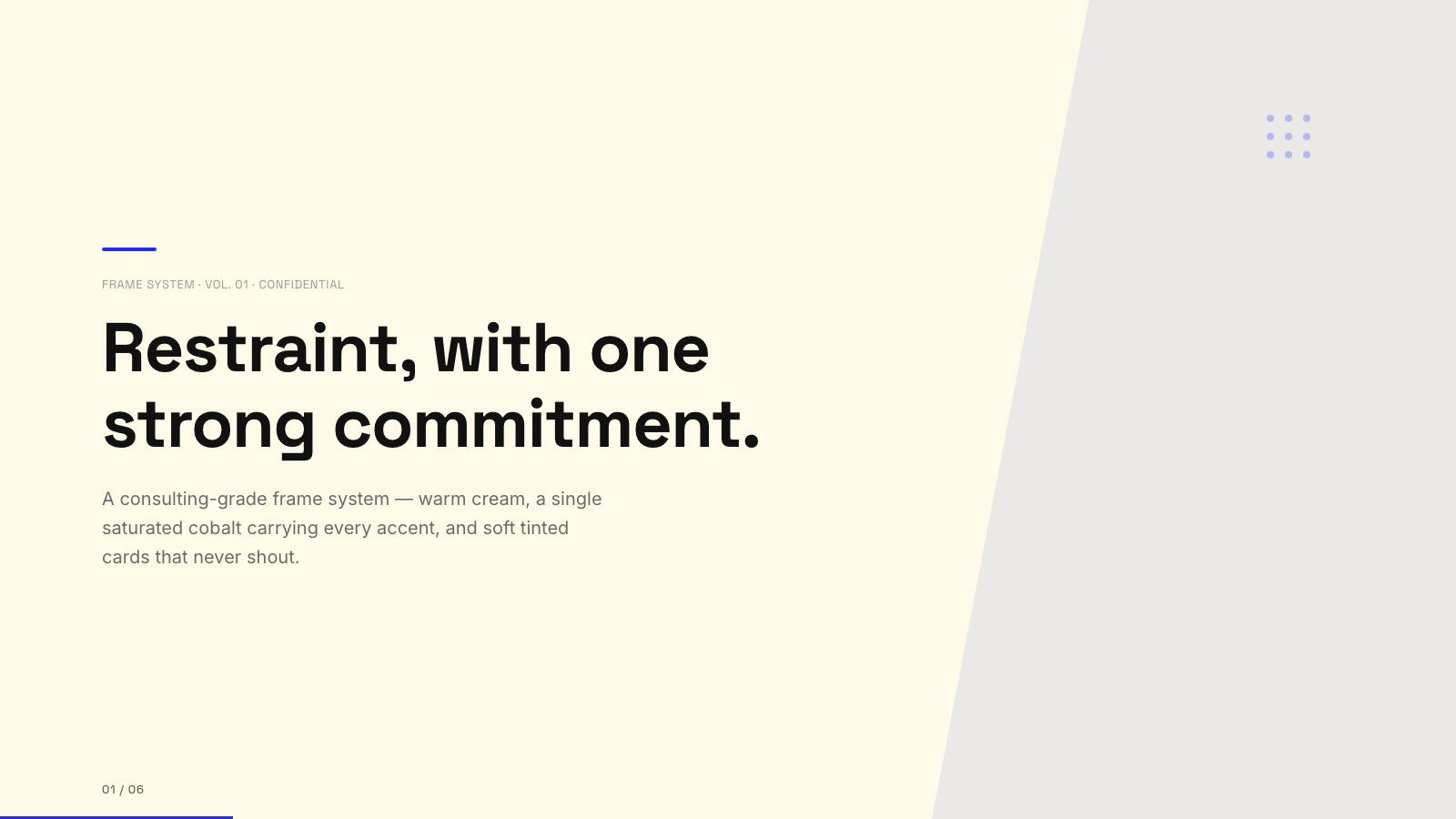
Blue Professional |

Bold Poster |
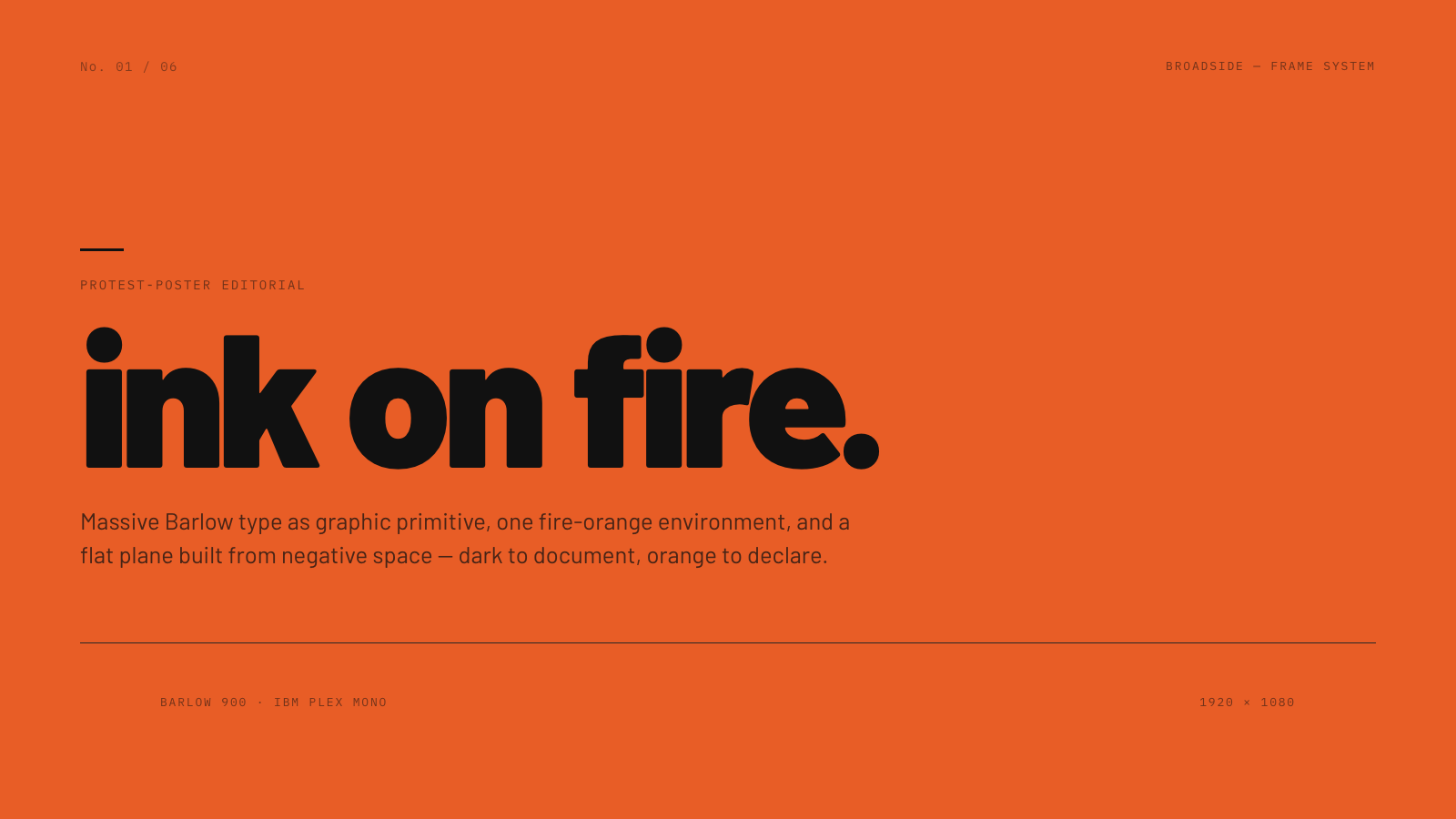
Broadside |
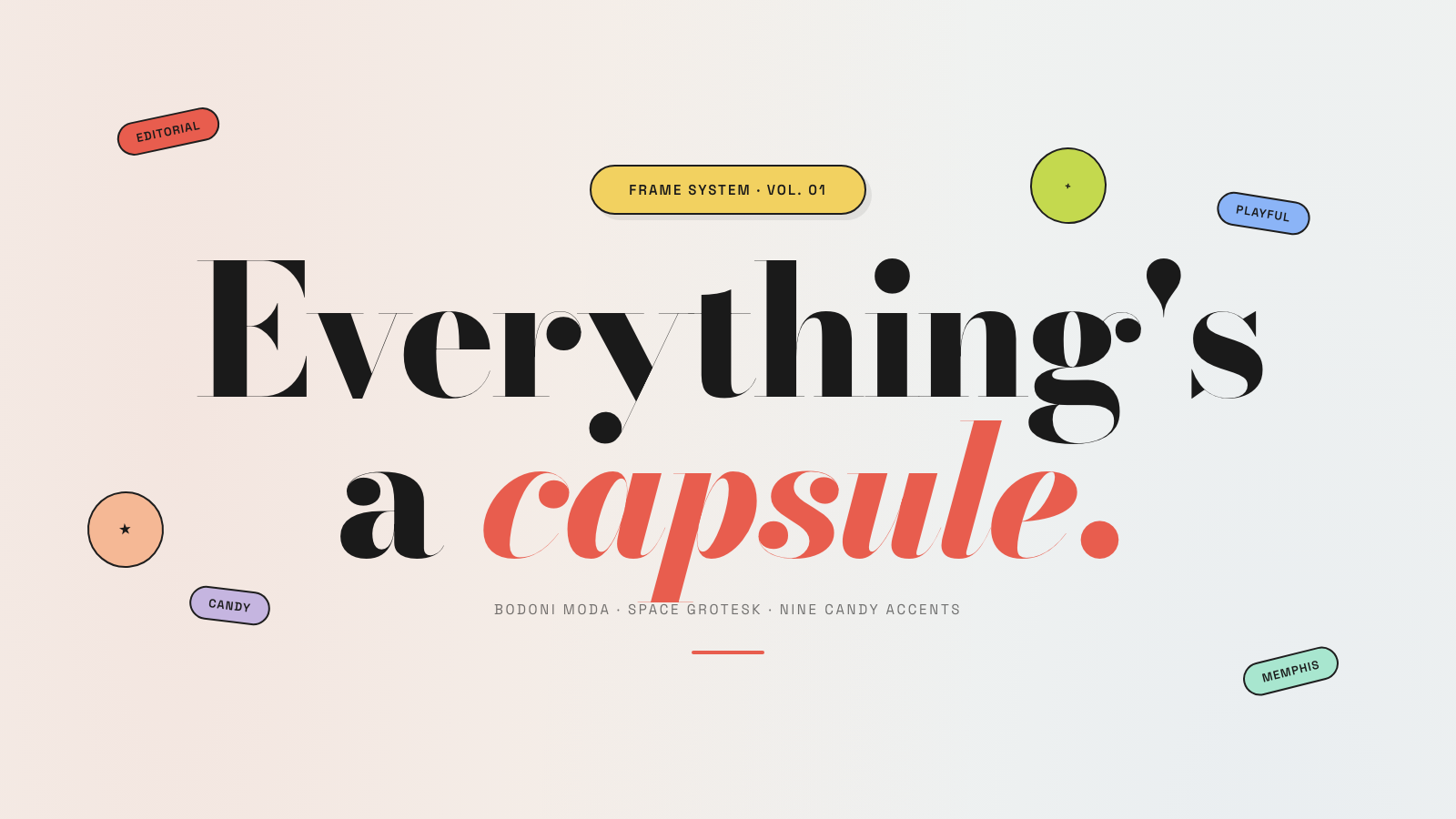
Capsule |
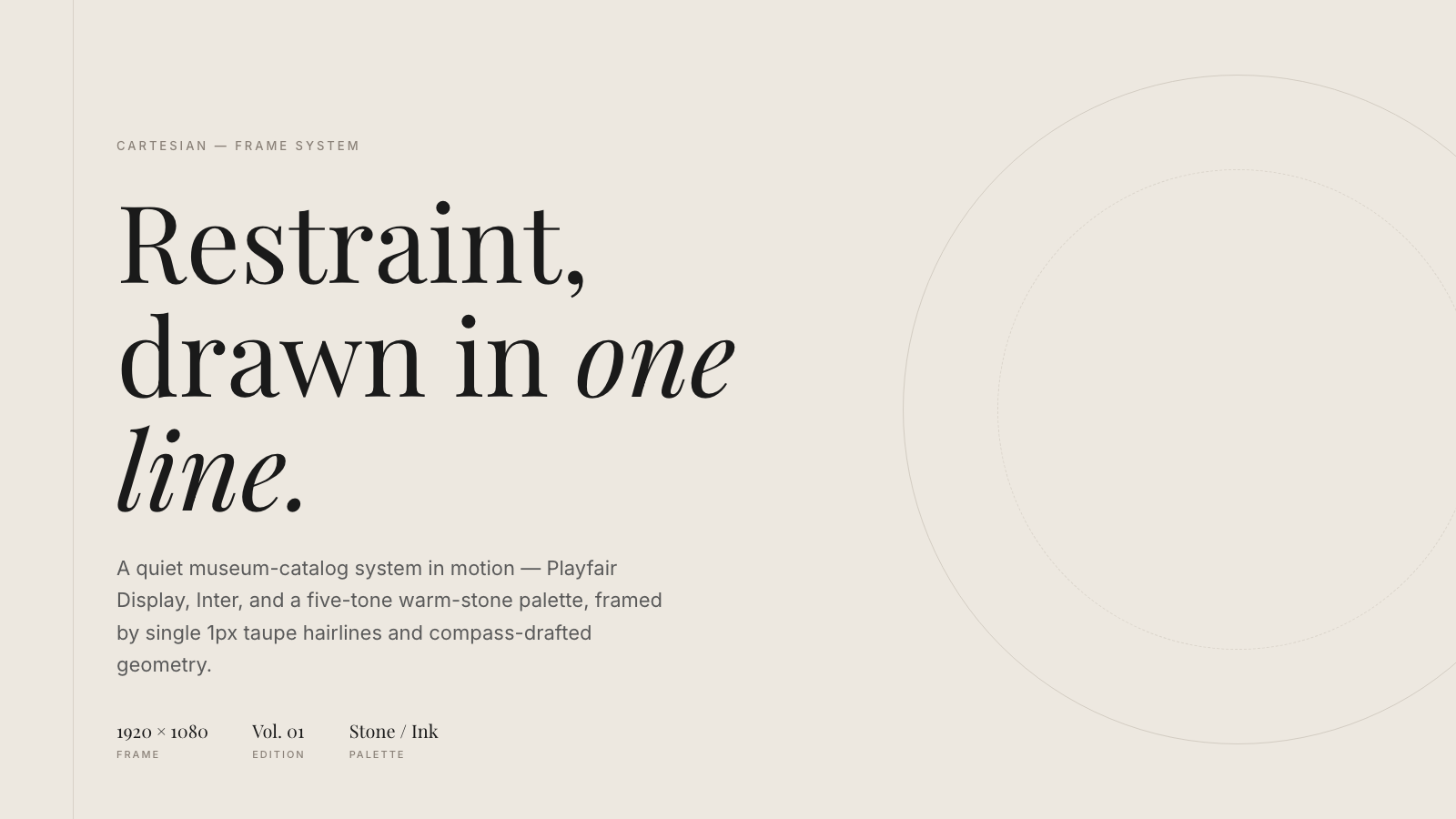
Cartesian |
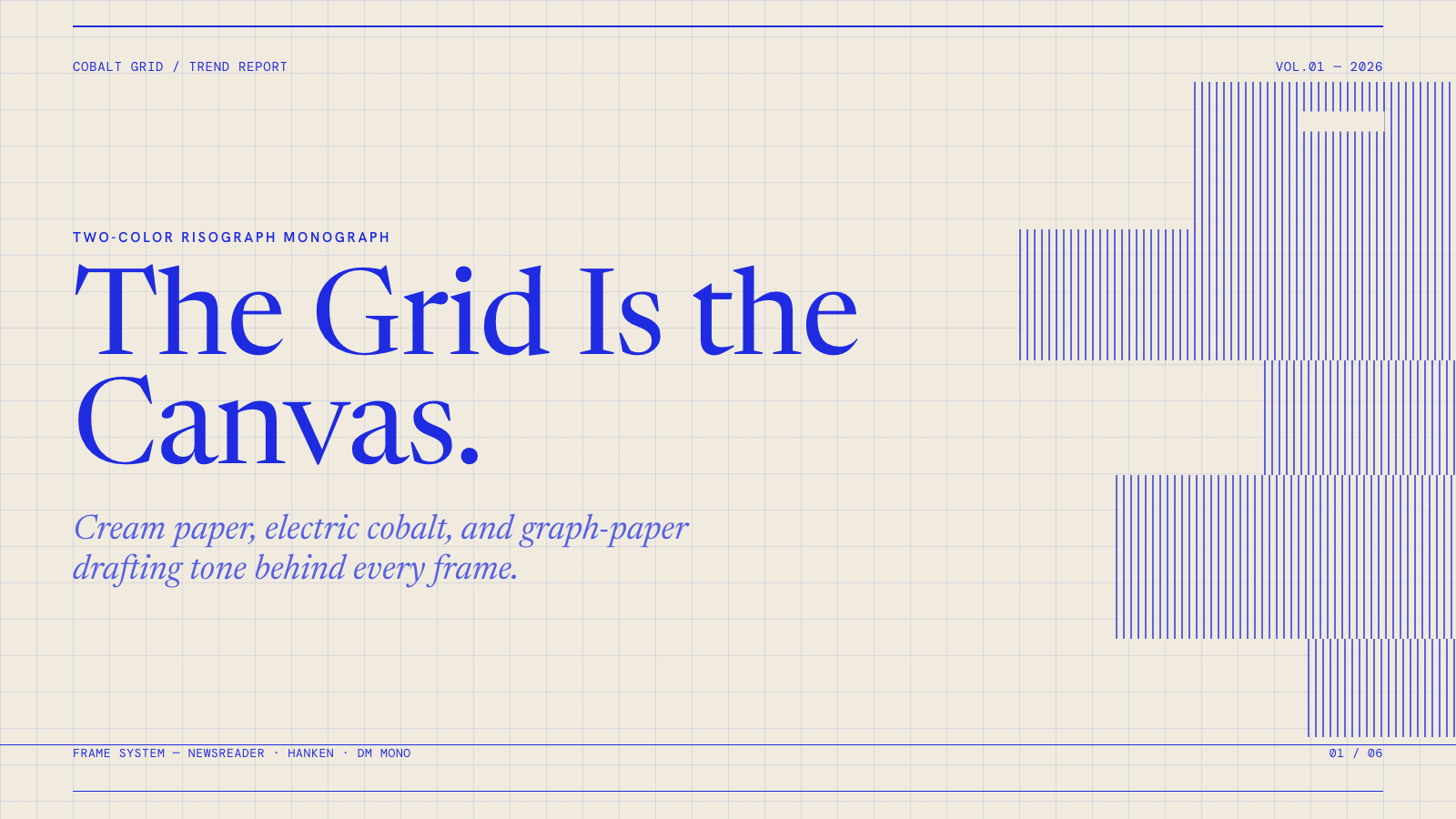
Cobalt Grid |

Coral |
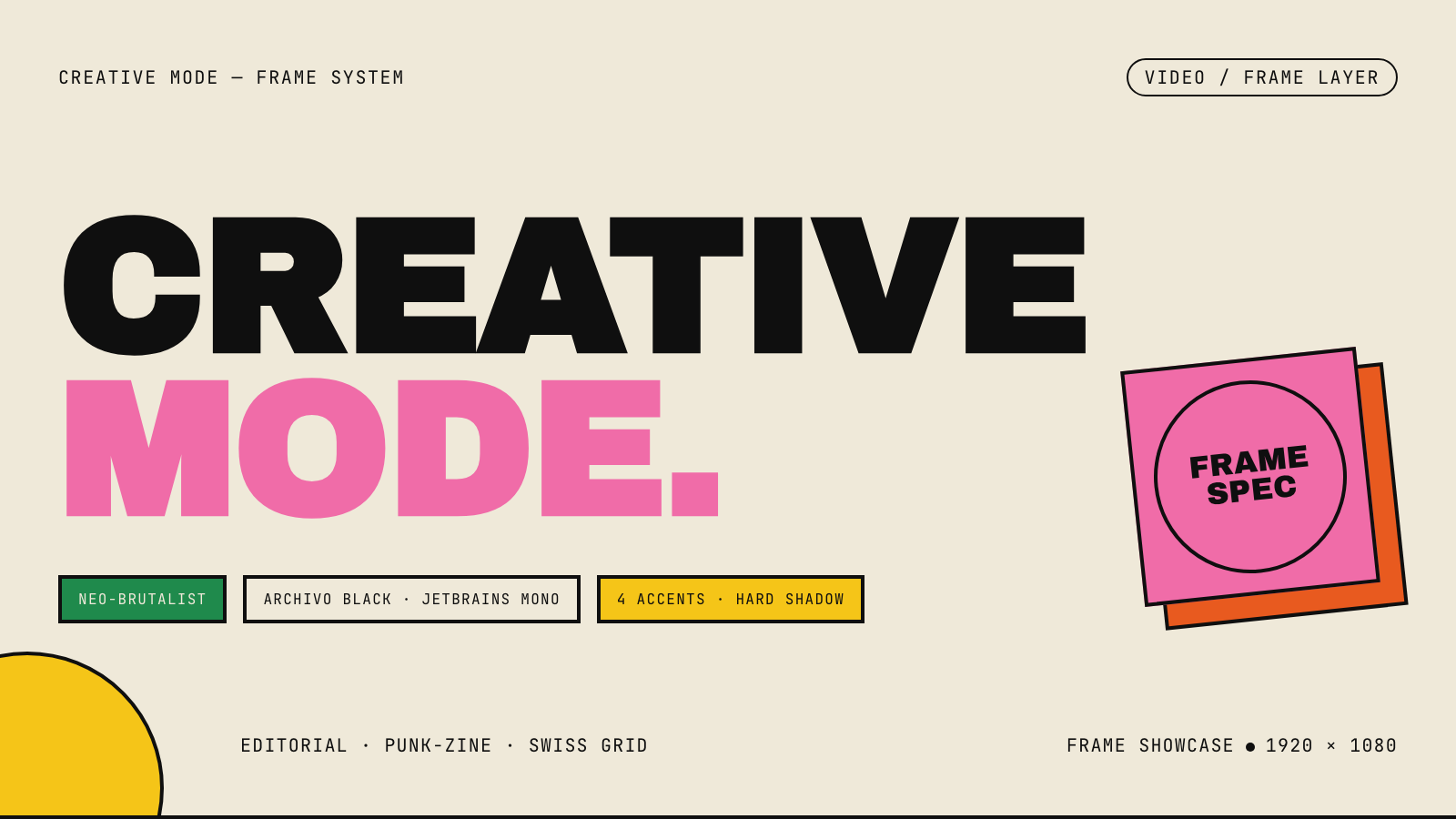
Creative Mode |
Browse and remix them all at hyperframes.dev/design.
How It Works
Define a video as HTML. Add data attributes for timing and tracks. Use GSAP, CSS, Lottie, Three.js, Anime.js, WAAPI, or your own frame adapter for seekable animation.
<div id="stage" data-composition-id="launch" data-start="0" data-width="1920" data-height="1080">
  <video
    class="clip"
    data-start="0"
    data-duration="6"
    data-track-index="0"
    src="intro.mp4"
    muted
    playsinline
  ></video>

  <h1 id="title" class="clip" data-start="1" data-duration="4" data-track-index="1">Launch day</h1>

  <audio
    data-start="0"
    data-duration="6"
    data-track-index="2"
    data-volume="0.5"
    src="music.wav"
  ></audio>

  <script src="https://cdn.jsdelivr.net/npm/gsap@3/dist/gsap.min.js"></script>
  <script>
    const tl = gsap.timeline({ paused: true });
    tl.from("#title", { opacity: 0, y: 40, duration: 0.8 }, 1);
    window.__timelines = window.__timelines || {};
    window.__timelines.launch = tl;
  </script>
</div>
Preview instantly in the browser. Render locally or in Docker. The renderer seeks each frame in headless Chrome and encodes the result with FFmpeg, so the same input produces the same video.
HyperFrames Stack
HyperFrames is the open-source rendering engine, plus a growing set of tools around HTML-native video creation.
| Piece | Status | What it does |
|---|---|---|
| CLI | Available | Scaffold, preview, lint, inspect, and render local video projects |
| Core / Engine / Producer | Available | Parse compositions, drive headless Chrome, encode video, and mix audio |
| Catalog | Available | Reusable blocks and components for transitions, overlays, captions, charts, maps, and effects |
| Agent skills | Available | Teach coding agents the video-production patterns that generic web docs miss |
| Studio | Available, evolving | Browser surface for previewing and editing compositions |
| AWS Lambda rendering | Available | Deploy a distributed render stack and drive renders from your laptop or CI |
| hyperframes.dev | Available | Community playground for previewing, iterating, sharing, and rendering HTML-native video projects |
| frame.md | Available | Invert your design system for the camera — a DESIGN.md superset an agent can compose video from |
Catalog
Install ready-to-use blocks and components:
npx hyperframes add flash-through-white   # shader transition
npx hyperframes add instagram-follow      # social overlay
npx hyperframes add data-chart            # animated chart
Browse the catalog at hyperframes.heygen.com/catalog.
Why HyperFrames?
- HTML-native: compositions are HTML files with data attributes. No React requirement, no proprietary timeline format.
- Agent-friendly: agents already write HTML, and the CLI is non-interactive by default.
- Deterministic: same input, same frames, same output. Built for CI, regression tests, and automated rendering.
- No build step: an
index.htmlcomposition plays as-is and can be previewed directly in the browser. - Adapter-based animation: bring GSAP, CSS animations, Lottie, Three.js, Anime.js, WAAPI, or a custom runtime.
- Open source: Apache 2.0 license, with no per-render fees or commercial-use thresholds.
HyperFrames vs Remotion
HyperFrames is inspired by Remotion. Both tools render video with headless Chrome and FFmpeg. The main difference is the authoring model: Remotion's bet is React components; HyperFrames' bet is plain HTML that humans and agents can both write easily.
| HyperFrames | Remotion | |
|---|---|---|
| Authoring | HTML + CSS + seekable animation | React components |
| Build step | None; index.html plays as-is |
Bundler required |
| Agent handoff | Plain HTML files | JSX / React project |
| Library-clock animations | Seekable, frame-accurate via adapters | Wall-clock animation patterns need care |
| Distributed rendering | Local and AWS Lambda render paths | Remotion Lambda, mature cloud renderer |
| License | Apache 2.0 | Source-available Remotion License |
Read the full comparison in the HyperFrames vs Remotion guide.
Documentation
Full documentation: hyperframes.heygen.com/introduction
Packages
| Package | Description |
|---|---|
hyperframes |
CLI for creating, previewing, linting, and rendering compositions |
@hyperframes/core |
Types, parsers, generators, linter, runtime, and frame adapters |
@hyperframes/engine |
Seekable page-to-video capture engine using Puppeteer and FFmpeg |
@hyperframes/producer |
Full rendering pipeline for capture, encode, and audio mix |
@hyperframes/studio |
Browser-based composition editor UI |
@hyperframes/player |
Embeddable <hyperframes-player> web component |
@hyperframes/shader-transitions |
WebGL shader transitions for compositions |
@hyperframes/aws-lambda |
AWS Lambda SDK and deployment surface for distributed renders |
Community
HyperFrames is used in production at HeyGen, with community examples from teams like tldraw, TanStack, and others in ADOPTERS.md. Open a PR if your team is using HyperFrames.
- Questions and ideas: Discord
- Bugs and feature requests: GitHub Issues
- Security reports: SECURITY.md
- Contributions: CONTRIBUTING.md
Development Note
The repo uses Git LFS for golden regression-test baselines under packages/producer/tests/**/output.mp4 (about 240 MB of .mp4 files). If you're cloning the full repo for development, install Git LFS first:
# macOS
brew install git-lfs

# Ubuntu / Debian
sudo apt install git-lfs

# Windows
winget install GitHub.GitLFS

# Then, once per machine
git lfs install
If you only need source files, you can skip LFS content:
GIT_LFS_SKIP_SMUDGE=1 git clone https://github.com/heygen-com/hyperframes.git